كيف يناسب إضافة علامة مائية للفيديو سير عملك
ماذا يفعل إضافة علامة مائية للفيديو
يوفر إضافة علامة مائية للفيديو سير عمل مباشر في المتصفح لتحضير صور وفيديوهات وأصول حملات أنظف.
رفع الوسائطيساعدك إضافة علامة مائية للفيديو على الانتقال من الرفع إلى تصدير مصقول بخطوات تحرير يدوية أقل.

كيف يناسب إضافة علامة مائية للفيديو سير عملك
كيف يناسب إضافة علامة مائية للفيديو سير عملك
يوفر إضافة علامة مائية للفيديو سير عمل مباشر في المتصفح لتحضير صور وفيديوهات وأصول حملات أنظف.
رفع الوسائط
ميزات إضافة علامة مائية للفيديو
حضّر وسائط أنظف بخطوات يدوية أقل.
كل الأدواتسير عمل سريع في المتصفح
راجع النتيجة قبل تنزيل الملف.
رفع الوسائط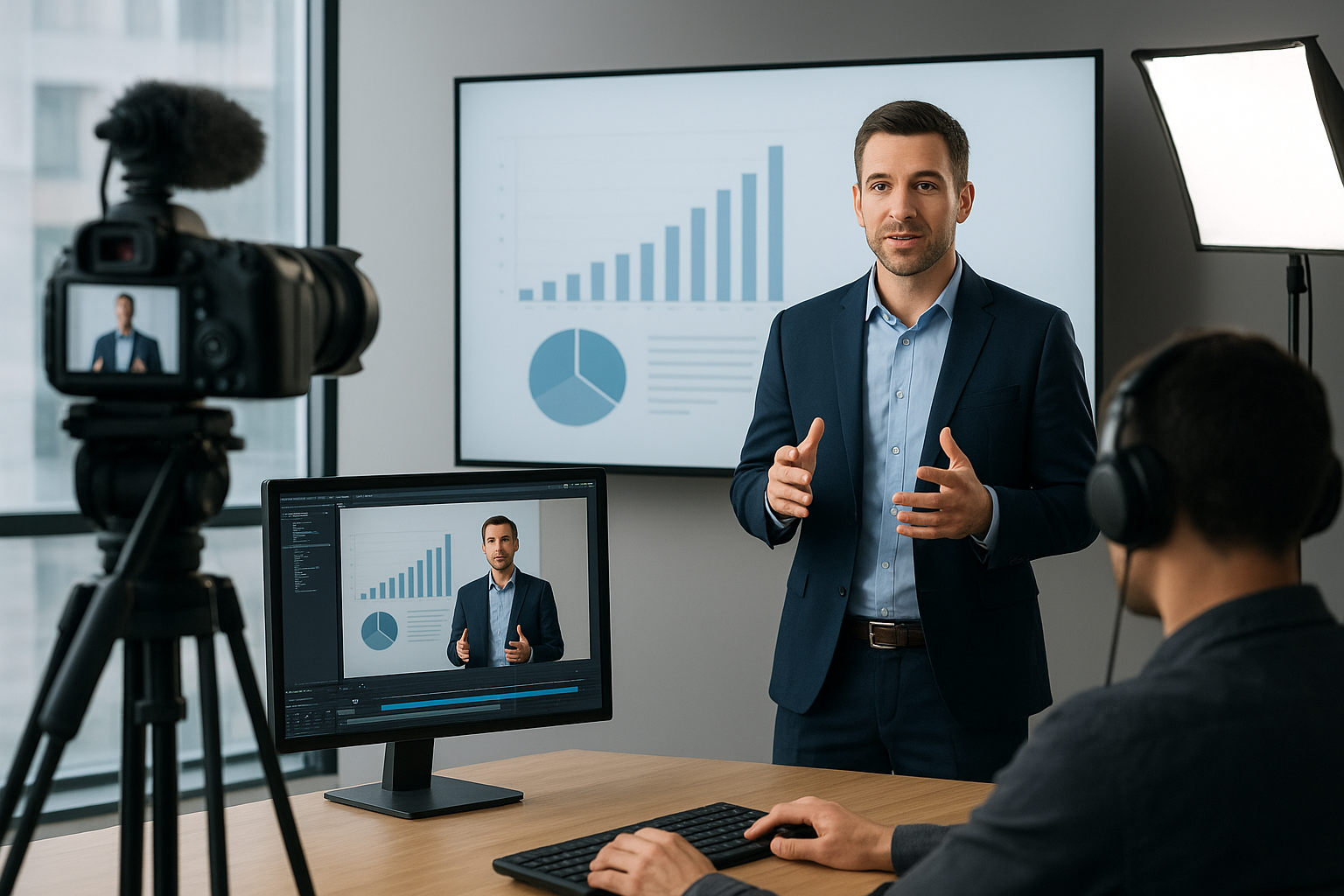
Start with the clip that needs a logo, campaign mark, creator tag, or brand-safe overlay.
Choose the image or mark, then place it where it supports the content without blocking important details.
Tune size, opacity, and position so the watermark feels intentional across the full video.
Export the finished version for ads, social channels, client previews, or publishing queues.
حالات الاستخدام
استخدم مغيّر الخلفية للمهام الاحترافية التي تحتاج نتيجة نظيفة.
حضّر أصول منتجات أنظف للمتاجر والأسواق.
أنشئ مرئيات مصقولة للمنشورات والإعلانات.
أنشئ أصول حملات بمعالجة خلفية متناسقة.
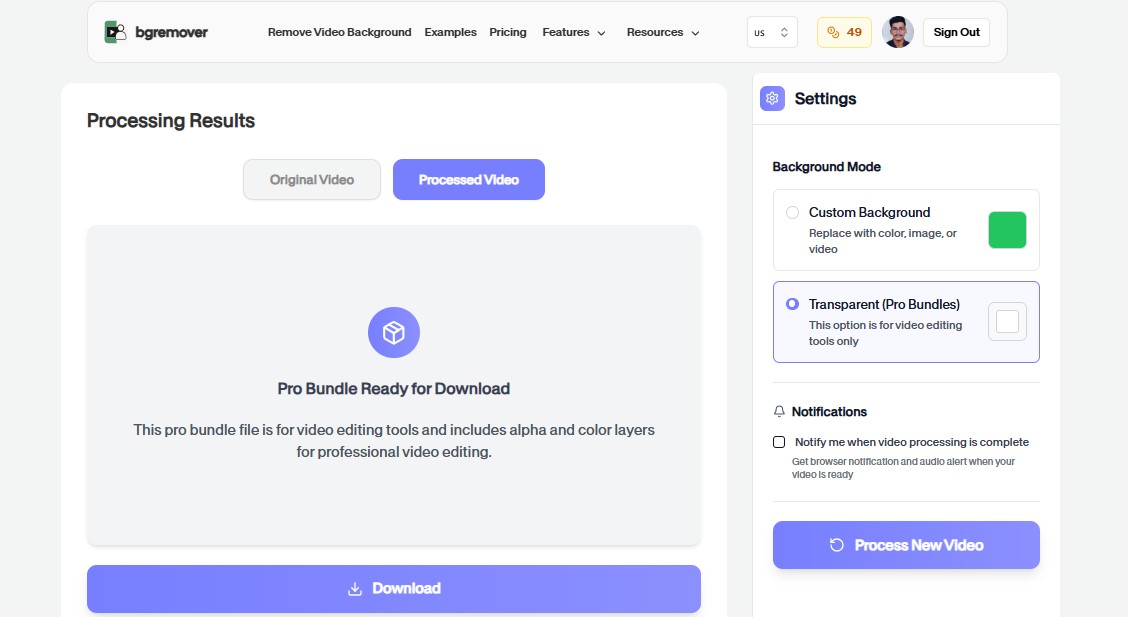
وحّد تعديلات الوسائط السريعة قبل المراجعة أو النشر.
FAQ
إجابات واضحة حول الرفع وخيارات الخلفية والجودة وتوافق المتصفح.
لا. تعمل الأداة في المتصفح وتركز على الرفع والمعاينة والتعديل والتصدير.
نعم. يمكن استخدام الملفات المصدرة للمتاجر والمنشورات والإعلانات وسير عمل الفريق.
تدعم معظم الأدوات سير عمل عملي للصور أو الفيديو حسب الأداة والملف.
Yes. It is designed for adding a logo, creator tag, campaign mark, or lightweight brand overlay before publishing or review.
Yes. The workflow is built around practical placement, size, and opacity choices so the watermark supports the content without covering key details.
Yes. You can start directly from the browser, upload your media, review the output, and export the finished file without installing a desktop editor.
For most background workflows, use common image files such as JPG, PNG, and WebP or common video files such as MP4 and MOV.
Yes. The workflow is built so you can check the result before using the exported file in publishing, review, or handoff.
ميزات إضافة علامة مائية للفيديو
كل ما تحتاجه لتغيير الخلفيات دون فتح محرر ثقيل.
إضافة علامة مائية للفيديو keeps the job focused: upload, choose the output, review the result, and move on without building a full editing timeline.
Work directly in the browser for quick product, creator, and marketing edits without installing a heavy desktop editor.
Use the same simple flow again and again for campaign variants, client review files, marketplace assets, and social exports.
ارفع ملفا وأنشئ نتيجة أنظف باستخدام إضافة علامة مائية للفيديو.