Chat sticker packs
Build a personal pack for WhatsApp, Telegram, or iMessage that your friends will actually use — reactions, in-jokes, your own face or your pet's.
ارفع صورة وحوّلها إلى ملصق مخصص جاهز للمحادثات والمنشورات والطباعة. بدون مهارات تصميم، وبدون برامج، ومجانًا.
File must be JPEG, JPG, PNG or WebP
By uploading your file, you agree to the BGRemover.video Terms of Use and Privacy Policy
A sticker says more than a sentence can. Turning a photo, a moment, or an inside joke into a sticker gives your conversations a visual layer that plain text can't match. Upload the photo, let AI cut out the subject, and you have a reaction you can send instead of typing one.
Custom stickers make chats feel more alive. Instead of a generic emoji, you get a reaction, a face, or a moment that's actually yours — built for how you and your friends already talk. Stock stickers are the same for everyone; a sticker made from your own photo is one nobody else has.
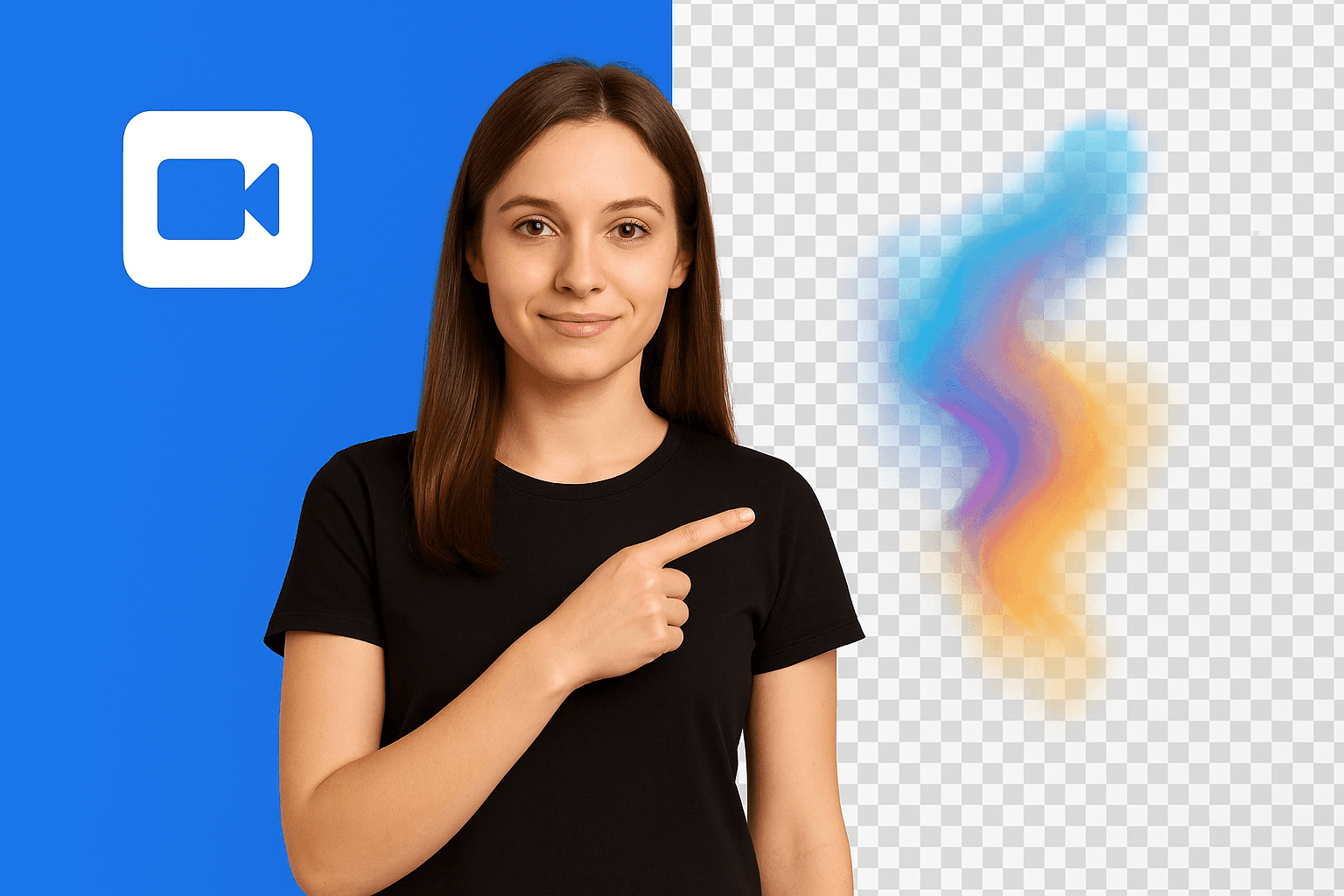
Your pet, your face, your favorite object — a sticker built from your own photo fits your style, not a template's. Adjust the outline width and color until it looks right, preview it, and download. No layers, no masks, no export settings to fight with.
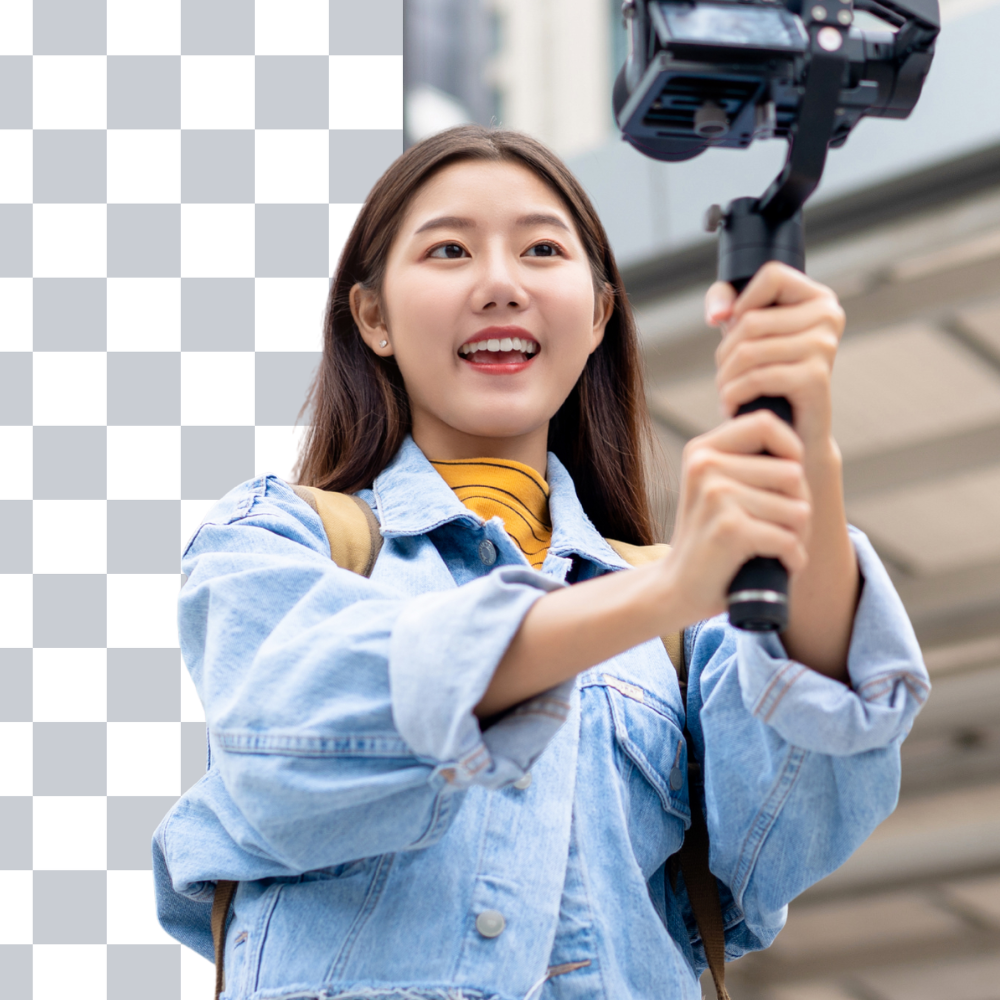
If the photo has a clear subject, it works. The AI keeps fine detail so cutouts look clean instead of clipped.
Turn expressions and reactions into stickers you can actually send in chats.
Fur, whiskers, and expressive faces come through clean, not clipped.
Isolate a product cleanly for labels, packaging, or catalog use.
Mugs, plants, gear — anything with a clear subject works.
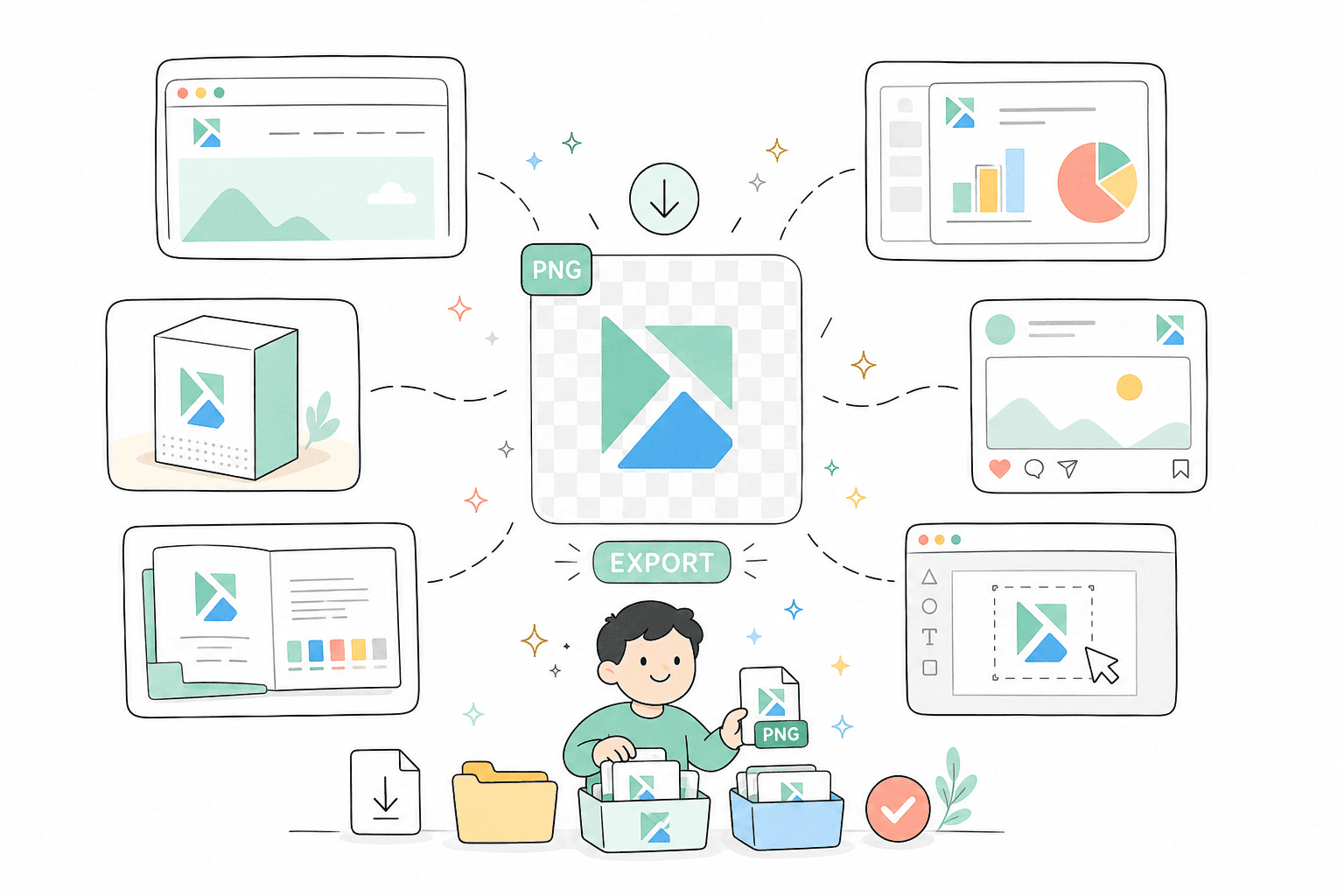
One cutout, many destinations — from chat packs to printed vinyl.
Build a personal pack for WhatsApp, Telegram, or iMessage that your friends will actually use — reactions, in-jokes, your own face or your pet's.
Add a custom sticker to Instagram Stories, TikTok, or any post that wants a personal touch instead of a stock graphic.
Print it on sticker paper for cards, scrapbooks, and gift tags, or on vinyl for laptops, water bottles, and car windows.
Make a sticker for a card, a photo album, or a framed keepsake — a personal touch for birthdays, events, or just because.
Create simple cutout stickers for product labels, thank-you notes, or logo tags without opening a design tool.
How It Works
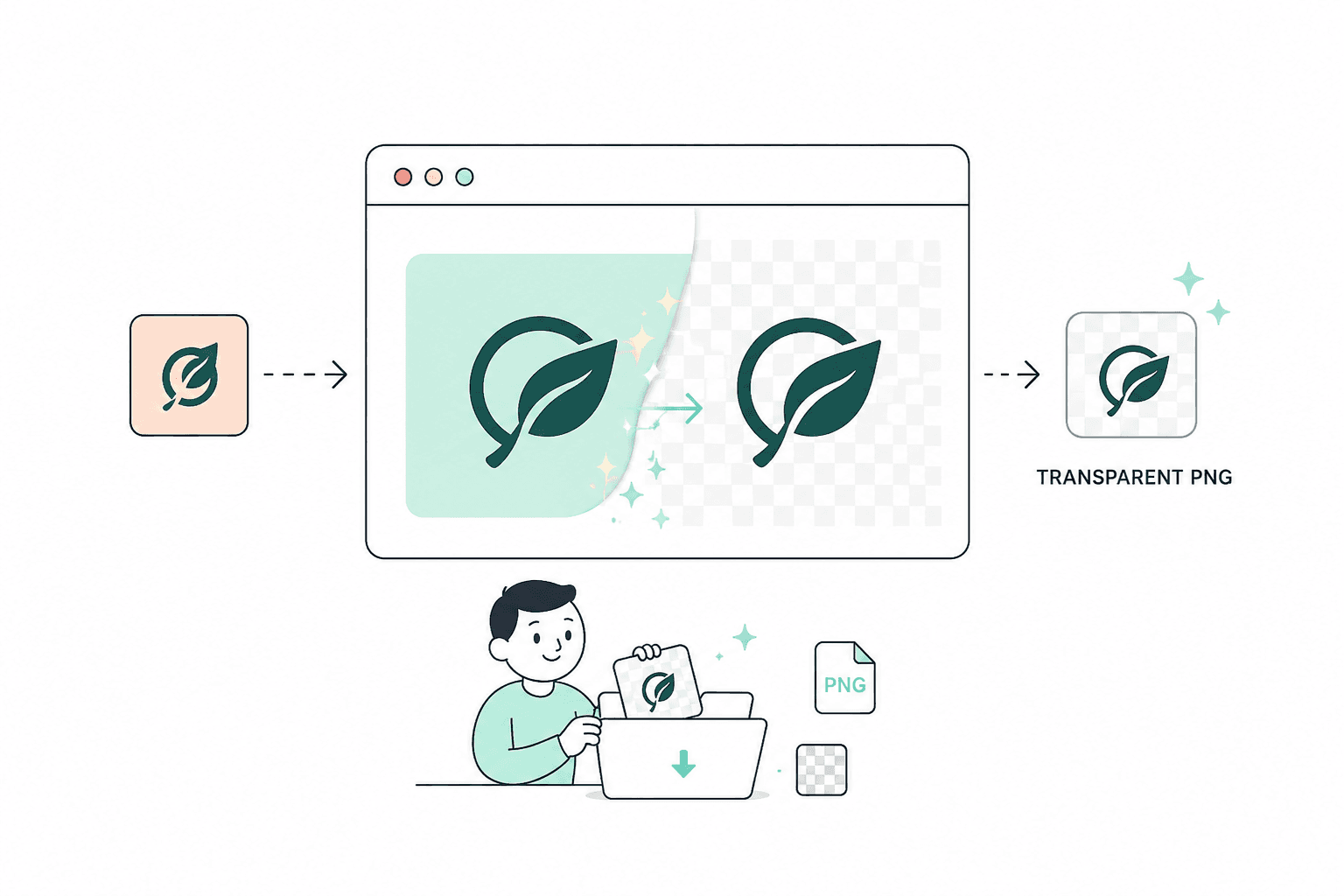
Making a sticker should not mean opening a photo editor. Upload an image, let AI cut out the subject, add an outline, and download.
Press the upload button and select the photo you want to turn into a sticker. PNG, JPG, JPEG, and WebP up to 10MB all work.
The AI automatically detects your subject and removes the background — no manual selection, no brush tool, no waiting. Fine edges, hair, and fur are preserved in the cutout.
Choose your outline color and width, preview how it looks, then press download to save your custom sticker as a transparent PNG.
General photo editors and sticker-only apps each miss half of what making a sticker actually needs.
Try this workflowFAQ
Common questions about making custom stickers from photos.
Yes — uploading a photo, removing the background, and downloading your sticker is free, with no account required.
A sharp, well-lit photo with a clear subject and some contrast against the background gives the cleanest cutout.
Yes — fur, whiskers, and fine detail are preserved during background removal.
Yes, both width and color are adjustable before you download.
Chat apps like WhatsApp, Telegram, and iMessage, social posts and Stories, printed stickers and vinyl, and gifts or keepsakes.
Yes — process each photo separately and download each as its own sticker to build a full pack.
Yes — use your highest-resolution photo and a thicker outline for cleaner cutting when printing on sticker paper or vinyl.
PNG, JPG, JPEG, and WebP, up to 10MB each.
Page 1 of 1
Be the first to share your experience.
Upload a photo and turn it into a custom sticker in seconds. Free, no account required.
Create a Sticker