Amazon Video Ad Background Removal: A 2026 Workflow Guide
Yash Thakker
Author
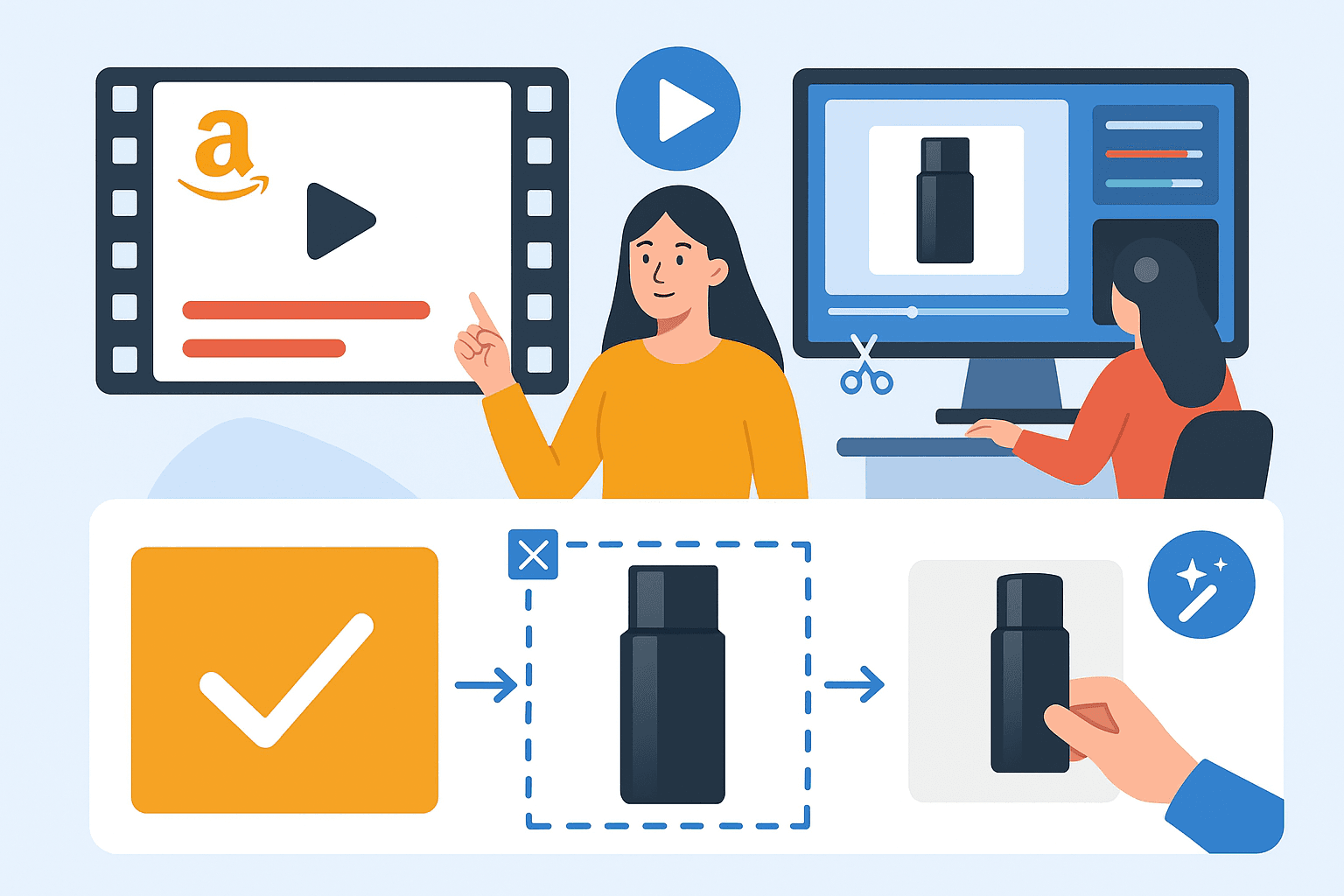
Amazon video ad background removal is useful when the room behind a product competes with the demonstration. A distracting workbench, uneven wall, or changing set can make otherwise good footage feel inconsistent. Isolating the product gives you more control over that scene, but it also creates a responsibility: the edited result must still show what the product actually looks like and how it works.
For Sponsored Brands video, start with the placement and the story rather than a removal effect. Decide what a shopper should understand from the opening shot, which movements prove the benefit, and where text can sit without covering the product. Then choose whether a clean background improves that explanation or removes useful context.
This guide covers that production decision, a practical BGRemover.video workflow, and the checks to perform on the finished ad. It is not a promise of approval or higher sales. The objective is a clear, truthful product demonstration that fits the current requirements of the advertising format you actually intend to use.
Does an Amazon video ad need a white background?
A Sponsored Brands video should follow the requirements for that video placement; do not assume the rules for a main listing photograph apply unchanged. White can be a useful creative choice, but its value depends on the product and the demonstration.
A dark accessory may stand out clearly on a light field. A transparent container, white cable, or reflective metal tool may need a different treatment to retain its outline. If the viewer cannot distinguish the object from the background, a technically neat cutout has not solved the communication problem.
Keep the product's use in mind too. A cutting tool may need its work surface to explain the action. A bag demonstration may need a hand, shoulder, or familiar object to establish scale. Removing every surrounding element can make the clip less informative than the original. Background removal should simplify the scene while preserving evidence of the product's function.
Treat the ad and the listing image as separate deliverables with separate review steps. A seller who needs both can create a shared source library, then export each asset for its own requirements. Our guide to marketplace background rules explores that distinction across storefront contexts.
Before editing, open the campaign type you will use and confirm the relevant specification page. Amazon has several video advertising products, and a setting that belongs to one should not be copied into another without checking. Name your project after the actual placement so the production brief stays unambiguous.
What are the current Sponsored Brands video specifications?
Amazon's current Sponsored Brands specification page lists landscape video with a 16:9 aspect ratio, a duration from 6 to 45 seconds, and MP4 or MOV files using supported codecs. Treat the official page and the campaign interface as the final reference when you upload.
The following is a compact production checkpoint, verified on October 1, 2026. It deliberately separates the final advertising asset from whatever intermediate files you use while editing.
| Item | Current specification to check | Production implication |
|---|---|---|
| Duration | 6–45 seconds | Build one focused demonstration |
| Shape | 16:9, square pixels | Compose for a landscape canvas |
| Dimensions | 1280×720, 1920×1080, or 3840×2160 | Use a listed output size |
| File | MP4 or MOV; no more than 500 MB | Inspect the actual final export |
| Video codec | H.264 or H.265 | Check encoding, not just the extension |
Amazon also starts these videos without audio and identifies the lower-right area as a place to keep important information clear. Those details make a readable silent demonstration and careful text placement worthwhile. Review the complete Sponsored Brands video specifications for audio, frame rate, safe area, and acceptance requirements.
Do not infer compatibility from a successful upload to a different website. The export you use to exchange assets with an editor may not be the correct advertising file. Keep the background-removal output as an intermediate, then make a deliberate final encode for the campaign.
If the specifications change, update the export preset and production brief together. Reusing an old preset without checking it is an easy way to create avoidable revision work across several ads.
How do you plan a product video before removing its background?
Plan the demonstration around one observable product benefit and identify the surrounding objects needed to explain it. This gives you a reason for each shot and prevents background replacement from becoming decoration without a purpose.
For a folding stand, the useful sequence might show the closed product, the opening mechanism, and the stable final position. For a storage pouch, it could show an empty pouch, items being placed inside, and the closure. These are illustrative planning examples, not a claim that a particular sequence will improve campaign performance.
Write a simple shot list before recording. For each shot, note the product action, required props, intended crop, and any text. Decide which elements are foreground. A hand opening a latch is part of the demonstration; a box behind the table may be expendable. That distinction matters because automatic segmentation may not make the same editorial choice you would.
Keep the first test deliberately difficult
Record the section with the most movement or the hardest material first. A glossy bottle turning in someone's hand is a more useful test than a stationary package. If the removal tool struggles with the representative action, you can adjust the set or retain the original background before shooting the entire sequence.
Use a stable camera and consistent light across takes. Match the product's position and scale if several clips will share one replacement scene. Capture a little extra space around moving parts so you can crop later without losing an opening lid, strap, or handle. Good planning saves more rework than trying to repair every shot after export.
How do you use BGRemover.video in the advertising workflow?
Use BGRemover.video for the subject-isolation or background-replacement step, then assemble and check the complete advertisement in your editing workflow. Keep a short proof clip between the original footage and the full production run.
Start with the highest-quality original you have. Avoid taking the source from a social post or a messaging-app preview when the camera file is available. Compression can hide small edges and product markings, and those details may become more obvious once the background is simplified.
Open the video background removal feature and choose the representative clip. Review the current upload requirements, available replacement treatments, export choices, and credit requirement shown by the product. Do not base the production budget on a price or free-export promise from an old article.
- Process the short product action you chose as the difficult test.
- Inspect the product outline, moving parts, hands, and contact surface.
- Decide whether a finished replacement or a transparent editing asset fits the project.
- Download the result and import it into the actual editing application.
- Assemble the demonstration, text, sound, and ending at the final canvas size.
- Export the finished ad using the current placement requirements.
If a processed shot loses a functional detail, do not hide that problem behind a transition. Keep the original shot, reshoot against a simpler background, or use an editor with the necessary masking controls. A modest-looking demonstration that accurately shows the product is more useful than an impressive effect that changes what the shopper sees.
What should you inspect around hands, labels, and reflective products?
Inspect anything that helps the shopper recognize the product or understand its operation. Hands, labels, transparent sections, cords, handles, and contact shadows can all carry information that a background-removal effect should preserve.
Look first at the outline during motion. Does a handle briefly vanish as the product turns? Does the gap inside a strap remain open? Does the tool keep part of the old room inside a clear container? These defects can be nearly invisible in a static preview and conspicuous in playback.
Next, inspect the printed label or screen. Background removal should not be used to invent a sharper logo, change a feature name, or imply that unreadable text was visible in the source. If the label needs a close-up, record one. A replacement background is not a substitute for source footage that explains the product clearly.
Reflective surfaces require particular care because they may contain reflections of the old set. A metal appliance can be isolated successfully while still reflecting the original room. The resulting composite may look inconsistent even when the outline is clean. Consider whether a simpler physical set or retaining the original scene would better represent the object.
For hands, check each overlap rather than only the outer silhouette. Fingers passing behind a handle or across a lid can be misclassified. If the demonstration becomes confusing, simplify the action or use another take. Our product photo and sales guide also discusses keeping product evidence separate from visual styling.
How can the ad make sense with the sound off?
Make the product action understandable from the image sequence, then use concise text to clarify details that the pictures cannot communicate alone. Audio can add context, but it should not be the only way to understand the demonstration.
Watch a rough cut with the audio muted before polishing the background. If you cannot tell what changed between the first and last shot, the sequence may need a different angle or a clearer action. Adding more decorative motion behind the product will not repair a missing explanation.
Place text where it remains readable without covering moving components. A neutral area in the replacement background can help, but plan it around the full sequence. A caption that fits neatly beside a closed product may cover the lid when it opens. Review the widest product position and the longest translated line.
Keep statements specific and supportable. A line describing an observable feature is easier to verify than a broad superiority claim. Do not add a performance number merely because a clean background gives you room for one. The product, its documentation, and the applicable advertising policies still determine what you can accurately say.
Use a complete ending. Give the final product state enough time to register and make sure narration or on-screen text does not stop midway through a thought. If you produce several language versions, review each at natural reading speed. A translation may take more space or time even when it expresses the same idea.
How should you compare two background treatments?
Compare treatments while keeping the rest of the creative as consistent as practical, and define what you want to learn before looking at performance. A background test is useful only when you can distinguish the visual change from other changes in the ad or campaign.
Start with an editorial comparison. Show the same product action against the original set and the replacement scene. Ask whether the product is easier to identify, whether its scale remains clear, and whether the edited version introduces distractions. This can eliminate obvious problems before any campaign spend.
If you later run a campaign experiment, document the versions. Record which background changed, which text and timing stayed the same, and whether placement, audience, or budget also changed. Avoid calling a result a background-removal effect when several variables moved together.
Use metrics that fit the question. A visually striking opening may attract attention without helping people understand the product. A clearer demonstration may affect a later part of the buying journey. Examine the available campaign data in context rather than treating a single percentage as a universal rule for future videos.
Keep the source and finished variants in an organized folder with descriptive names. For example, distinguish the original-set version from the neutral-background version and include the marketplace language. Do not overwrite the approved asset while experimenting. That makes it easier to compare, reproduce, or withdraw a treatment if the visual review finds a problem.
What is the final checklist before submitting the ad?
Check the exported file, the creative message, and the campaign preview as separate steps. Passing a local playback check does not prove that the advertising placement will accept or display the video as intended.
Play the finished file from start to finish outside the editing application. Check the product boundary, frame size, sound, text, and ending. Confirm that it is the intended version rather than an intermediate transparent asset or an earlier draft with temporary wording.
Then review the campaign preview on the devices and placement views available to you. Look for cropped content, unreadable small text, or a product feature hidden under interface controls. Check the marketplace language and ensure that the destination matches the product or collection shown in the ad. Retain any moderation feedback so a revision addresses the actual issue.
Background removal is most useful when it supports a clear demonstration and a repeatable production process. It should help you show the product, not obscure its properties or replace a careful final review. Start with one representative clip in BGRemover.video, validate the result in your editor, and expand to the full creative only after the workflow works.
Frequently asked questions
Does an Amazon Sponsored Brands video need a white background?
Do not apply main listing-image rules automatically to a video ad. Follow the policies for the exact advertising placement and choose a background that shows the product accurately.
Can I upload a transparent cutout as the finished ad?
Prepare a finished composition for the advertising upload. A transparent cutout is an intermediate editing asset and needs a background, framing, and a supported final encode.
Will background removal guarantee that Amazon approves my ad?
No. Technical specifications, creative policies, language, product claims, and the destination still need review. Background removal addresses only part of the visual production process.
Should I keep hands in the product demonstration?
Keep hands when they explain how the product works or establish scale. Inspect the removal result where fingers cross the product, because losing those details can make the demonstration misleading or difficult to follow.
Can I use the same video in every Amazon marketplace?
Create and review versions for the relevant marketplace language and placement. Keep the underlying product demonstration consistent while checking translated text, narration, and the final preview.