“This background removal tool is incredible! I can create professional-looking videos in minutes. The AI technology is so accurate, and it saves me hours of editing time.”
SJ
Sarah Johnson
Content Creator · YouTube
Make any video background transparent in one click
or drop a file anywhere on this page
MP4, MOV, JPG, PNG, WEBP · Up to 200MB · 5 min max
No file? Try one of these
By uploading, you agree to our Terms of Service and Privacy Policy
See how BGRemover adapts the background for each category.


Preview 1 of 5
Upload your video to our free online video editor
Supports MP4 & MOV up to 200MB. Drag & drop or click to browse from your device.
Let our AI erase the background automatically
Our AI model precisely detects every edge — no green screen or manual masking needed.
Download your new video with a transparent background
Export as transparent WebM or MP4 with a custom background. No watermark, ever.
Looking to remove video background fast? Our free video background remover makes it easy to cut out your original scene and replace it with any image, video, or solid color no green screen needed. Want a transparent background instead? Just one click. This smart AI tool is simple, powerful, and perfect for creating stunning, pro-level content in minutes.
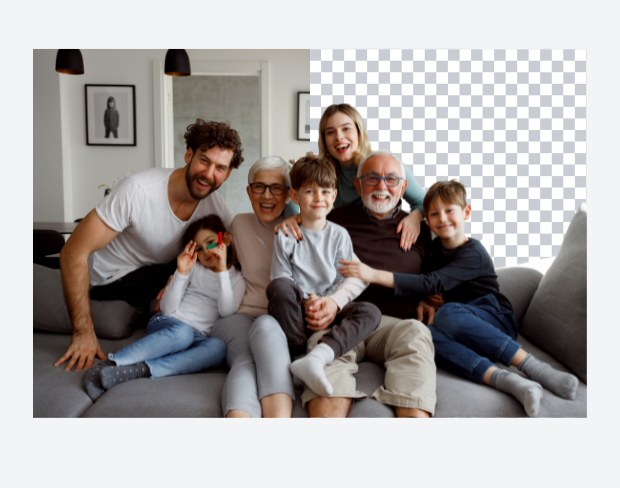
Our AI background remover instantly detects and erases the background from your video with pixel-perfect precision. No need for complex software or green screens just upload and let our video background remover do the work. It's ideal for content creators, brands, and marketers who want high-quality, transparent backgrounds without the hassle.
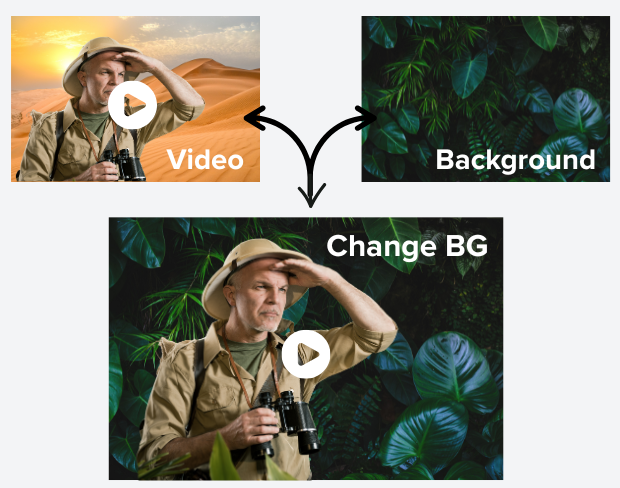
Instantly replace your video background with anything you can imagine — from stunning sunsets to sleek offices. Upload your video, pick from our curated background templates, or add your own image or clip. Our AI-powered editor blends it in seamlessly, no green screen, no complex tools needed.
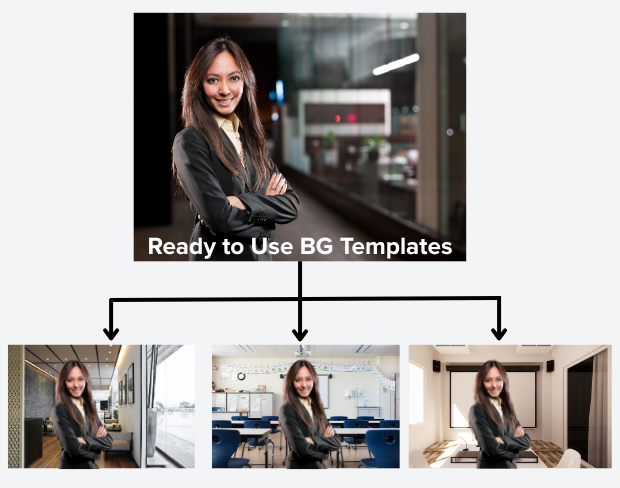
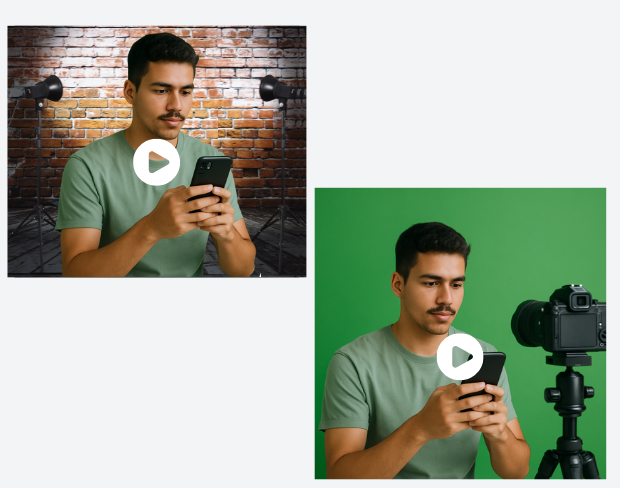
No green screen? No worries! Our advanced AI background remover effortlessly erases any background, letting you create professional-quality videos without costly gear. Whether for remote work, online presentations, social media, or video calls, you can produce studio-level content using just your smartphone or camera anytime, anywhere.
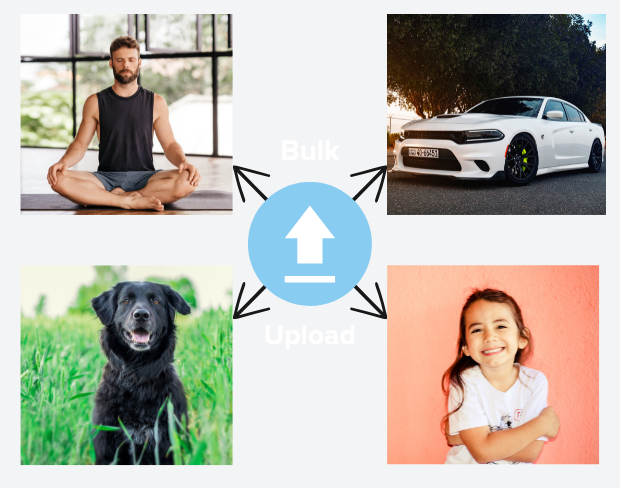
Need to remove backgrounds from several videos fast? Our batch video background remover lets you upload multiple clips at once and automatically removes their backgrounds. Perfect for busy creators and businesses with lots of footage that save time and get professional results with zero hassle!
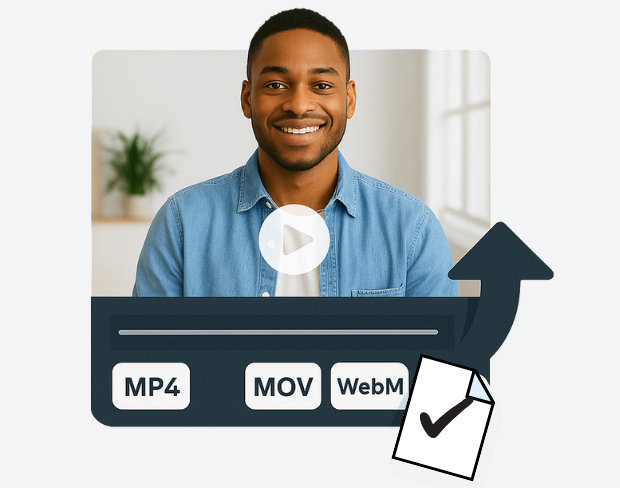
Export your videos in MP4, MOV, WebM, and more, with flexible quality options. Our high-quality bg remover preserves every detail while delivering smooth, professional videos with clean, perfectly removed backgrounds.
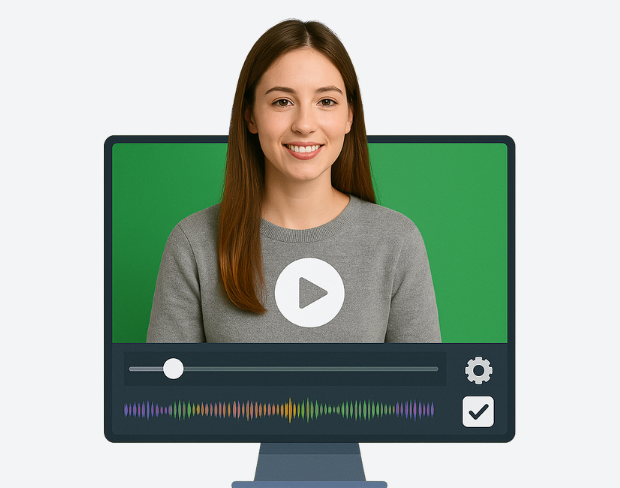
Watch your background removal happen instantly with our real-time preview. Adjust settings on the fly and fine-tune your video before export. Our intuitive editor makes perfecting your video simple and fast even if you're new to editing. Experience smooth, hassle-free editing designed to save you time and effort.
See how BGRemover reimagines any scene with a brand-new background.

Original

Transparent background

New background


Endless possibilities
* All plans include a free trial.
Perfect for quick background removals





Best for content creators & small teams
For high-volume projects & agencies
Exactly the credits you need, nothing more
50 credits
~0 min of video or 50 images
“This background removal tool is incredible! I can create professional-looking videos in minutes. The AI technology is so accurate, and it saves me hours of editing time.”
Sarah Johnson
Content Creator · YouTube
“As an online instructor, this tool has revolutionized how I create educational content. Clean, professional backgrounds help my students focus on the lesson content.”
David Park
Educator · Online Learning Platform
“We use it across every client shoot now. Consistent quality, fast exports, and it handles fine details like hair and motion blur really well.”
Priya Nair
Video Producer · Studio Nine
“This background removal tool is incredible! I can create professional-looking videos in minutes. The AI technology is so accurate, and it saves me hours of editing time.”
Sarah Johnson
Content Creator · YouTube
“As an online instructor, this tool has revolutionized how I create educational content. Clean, professional backgrounds help my students focus on the lesson content.”
David Park
Educator · Online Learning Platform
“We use it across every client shoot now. Consistent quality, fast exports, and it handles fine details like hair and motion blur really well.”
Priya Nair
Video Producer · Studio Nine
“Our team uses this for all our product videos. The quality is amazing and the ease of use is unmatched. We've increased our video production by 300% since using this tool.”
Michael Chen
Marketing Director · TechStart Inc.
“I've tried many background removal tools, but this one is by far the best. The precision is incredible, and it works perfectly even with complex hair and clothing details.”
Lisa Thompson
Freelance Video Editor · Independent
“Green screen without a green screen. I film anywhere and drop in a studio background afterward it looks completely natural.”
Alex Turner
YouTuber · Independent
“Our team uses this for all our product videos. The quality is amazing and the ease of use is unmatched. We've increased our video production by 300% since using this tool.”
Michael Chen
Marketing Director · TechStart Inc.
“I've tried many background removal tools, but this one is by far the best. The precision is incredible, and it works perfectly even with complex hair and clothing details.”
Lisa Thompson
Freelance Video Editor · Independent
“Green screen without a green screen. I film anywhere and drop in a studio background afterward it looks completely natural.”
Alex Turner
YouTuber · Independent
“Perfect for creating engaging social media content. The background removal is seamless, and I love how I can add custom backgrounds to match our brand aesthetic.”
Emma Rodriguez
Social Media Manager · Digital Agency
“Swapping backgrounds used to take me an hour in a desktop editor. Now I upload, pick a scene, and it's done in minutes with better edges.”
James Wilson
UGC Creator · Freelance
“Our product videos finally look consistent across every platform. Clean backgrounds, zero manual masking, huge time saver for the team.”
Olivia Brooks
Brand Manager · RetailCo
“Perfect for creating engaging social media content. The background removal is seamless, and I love how I can add custom backgrounds to match our brand aesthetic.”
Emma Rodriguez
Social Media Manager · Digital Agency
“Swapping backgrounds used to take me an hour in a desktop editor. Now I upload, pick a scene, and it's done in minutes with better edges.”
James Wilson
UGC Creator · Freelance
“Our product videos finally look consistent across every platform. Clean backgrounds, zero manual masking, huge time saver for the team.”
Olivia Brooks
Brand Manager · RetailCo
Our AI analyzes your video and automatically removes the background.
We support MP4, MOV, and M4V formats.
Yes, videos must be under 200MB and 5 minutes long.
Page 1 of 1
Be the first to share your experience.
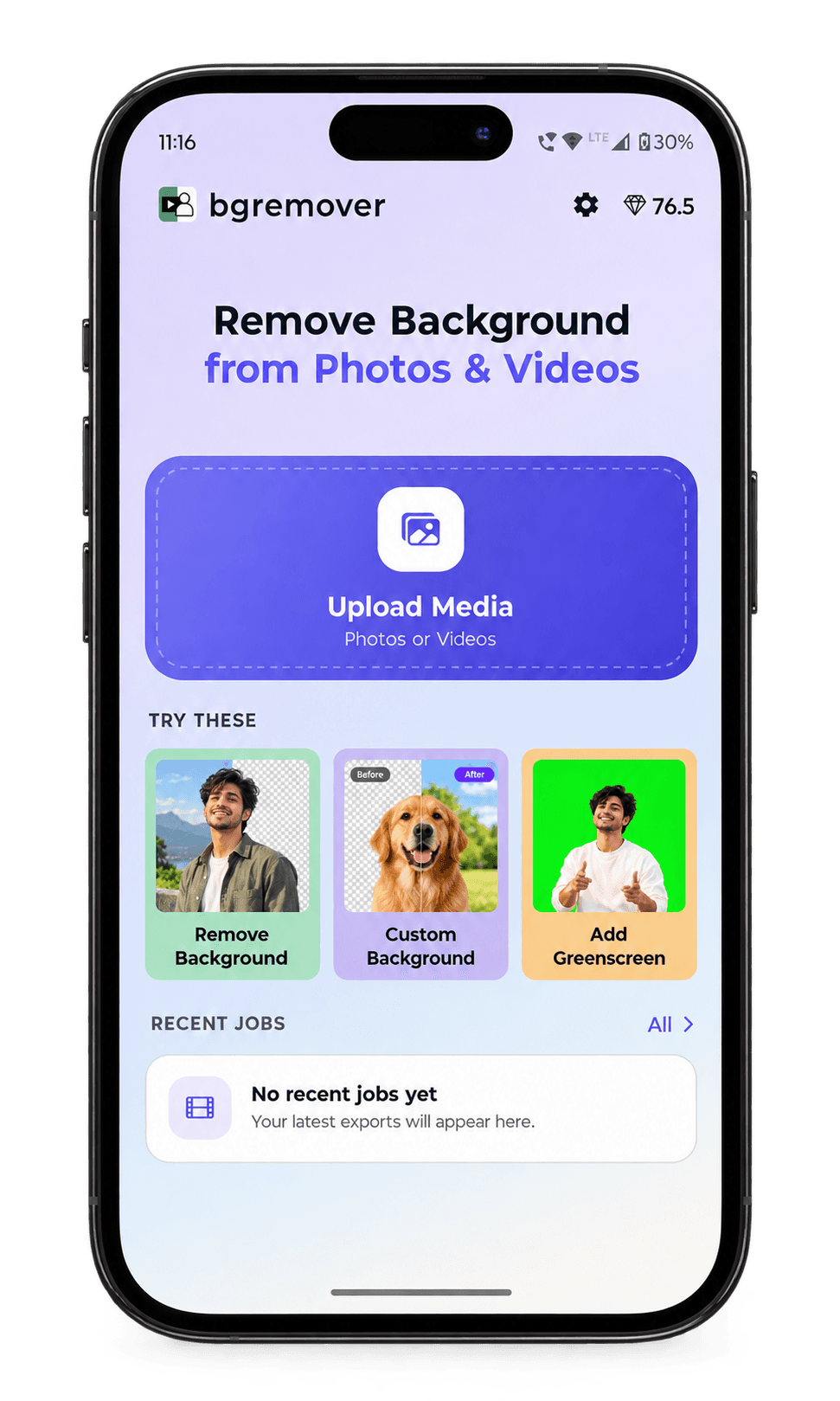
Remove and replace video backgrounds straight from your phone. Our Android app is live now, with iOS coming soon.