AI Video Editing for News Channels

Speed up newsroom workflows with smart AI editing—remove backgrounds, polish footage, and export in broadcast-ready formats.
Start Editing
Feature

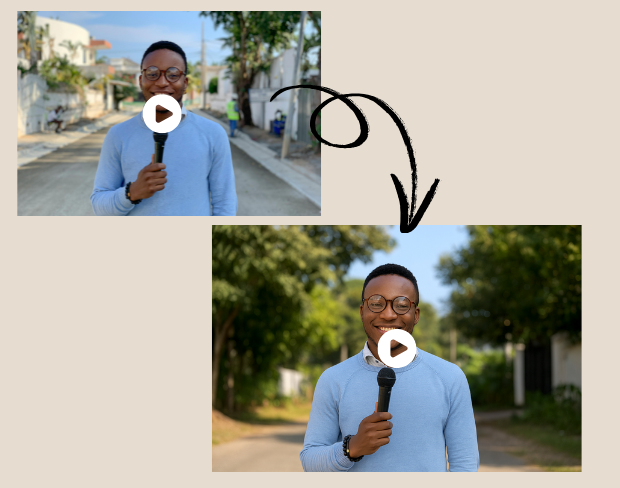
Broadcast-Ready AI Background Removal for Anchors

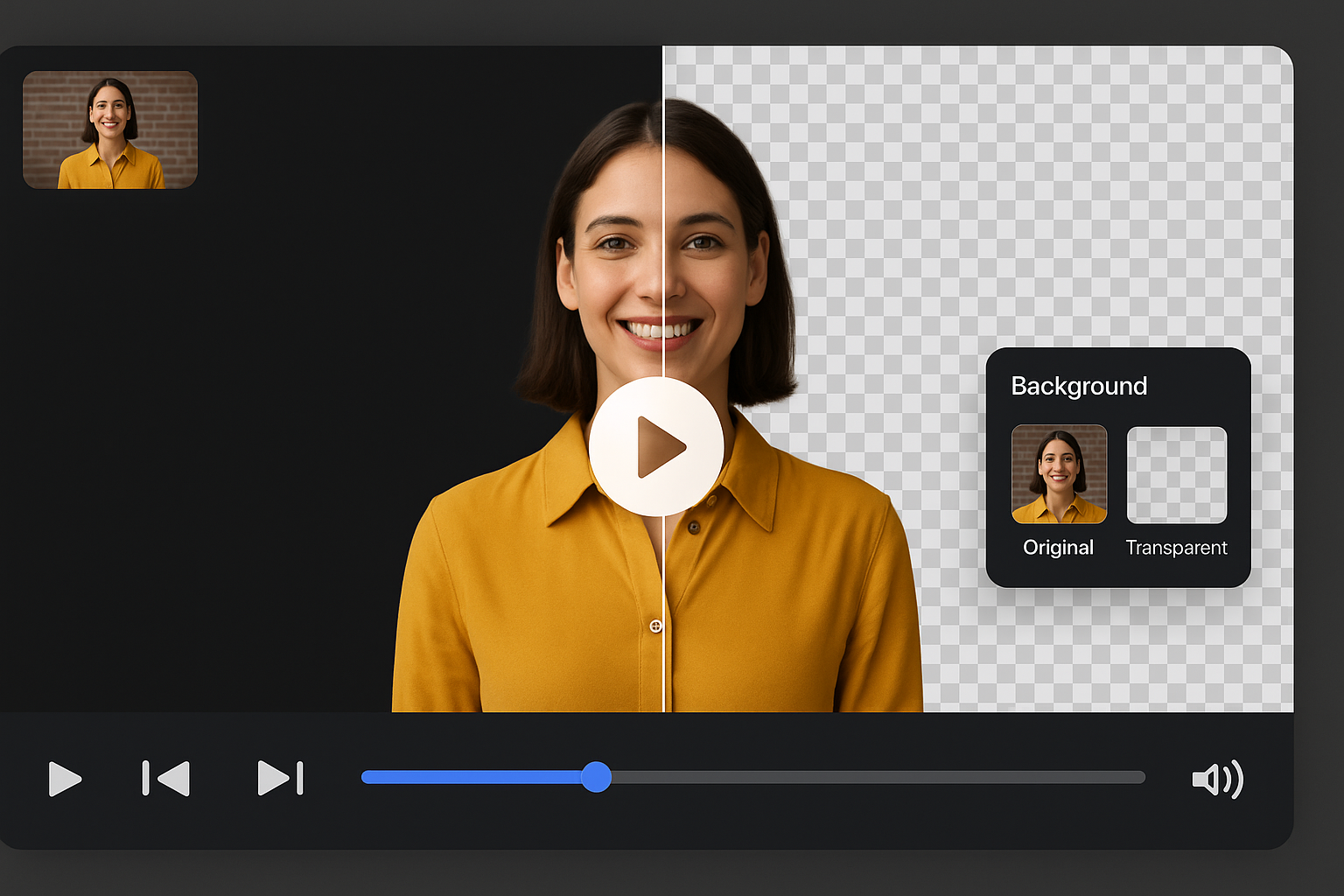
Skip the green screen—our AI background remover lets you film news anchors from anywhere and replace the background in real time. Whether it’s a field report or in-studio update, deliver a clean, polished on-air look instantly.

Broadcast-Ready AI Background Removal for Anchors
Feature

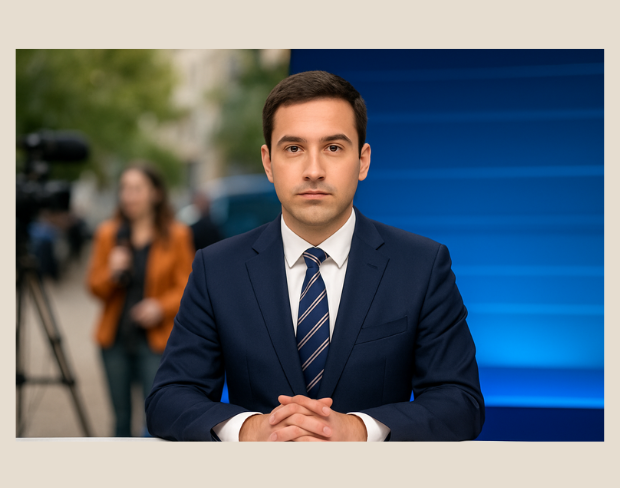
Smart News Editing Software with Pro-Level AI Tools

From urgent news updates to daily bulletins, our best news editing software is packed with AI tools to cut, clean, and polish your footage. Perfect for fast-paced newsrooms and digital-first broadcasters.

Smart News Editing Software with Pro-Level AI Tools
Feature

Fast, Free AI Video Background Eraser for Clean News Clips

Use our auto background remover to clean up cluttered newsroom shots or noisy outdoor footage instantly. One click and your scene transforms with a studio-grade background.

Fast, Free AI Video Background Eraser for Clean News Clips
Feature

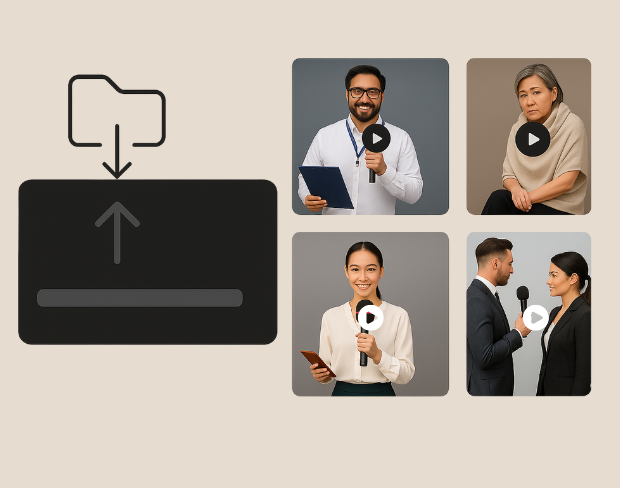
Batch Processing for Time-Saving Newsroom Workflows

Upload and edit multiple clips in one go—ideal for interviews, press statements, and field reports. Save hours without compromising quality.

Batch Processing for Time-Saving Newsroom Workflows
Feature

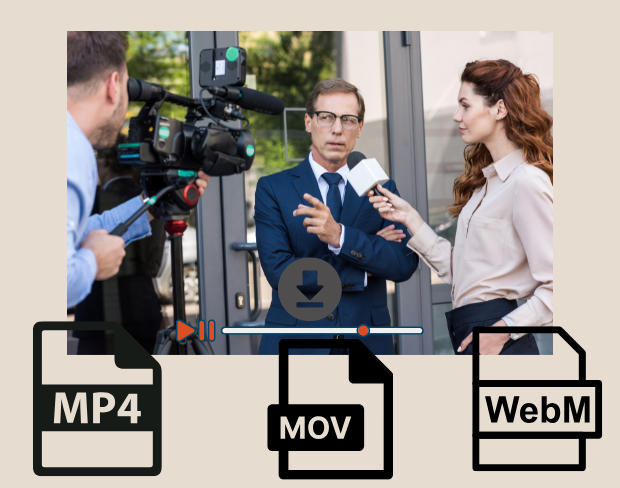
Broadcast-Ready Export Formats for News Platforms

Export your edited news clips in MP4, MOV, or WebM—fully optimized for TV stations, digital newsrooms, and social media. Get high-quality footage with smaller file sizes.

Broadcast-Ready Export Formats for News Platforms
FAQ

Frequently Asked Questions

Our AI analyzes your video and automatically removes the background.

We support MP4, MOV, and M4V formats.

Yes, videos must be under 200MB and 5 minutes long.

Yes! BGRemover.video is the best Unscreen alternative, especially since Unscreen is shutting down on December 1, 2025. We offer unlimited video length, HD quality, no watermarks, and completely free usage - all features that required paid plans on Unscreen.

Unscreen announced they're shutting down on December 1, 2025 at 9:00 AM CET. Canva decided to discontinue the service to focus on other products. This makes BGRemover.video the perfect replacement with superior features and no shutdown concerns. Try our video background remover for better results.

Absolutely! Unlike Unscreen's free version which limited videos to 5-10 seconds, BGRemover.video has no time restrictions. Process videos of any length completely free - a feature that would have cost money with Unscreen Pro.

Community reviews

Real feedback from creators

Share your experience with BGRemover and read how other users are removing backgrounds from videos faster.

5.0
Average rating
0
Total reviews

Write a review

Tell other creators what worked for you.

5 stars

All reviews

0 reviews shared by the community

No reviews yet

Be the first to share your experience.

Enhance News Videos

Create studio-quality news content fast using our free AI video editor built for broadcasters.