01
Upload your file
A PNG/JPEG image or MP4/WebM/MOV video generated by Gemini or Veo.
Removes the visible Gemini/Veo logo watermark from images and videos entirely in your browser. Google's separate, invisible SynthID signal can't be removed by this or any tool.
Drop a Gemini image or video, or click to browse
PNG, JPEG images or MP4, WebM, MOV videos — max 500MB
Processed locally in your browser. Files are never uploaded or stored.
Gemini and Veo stamp a small, semi-transparent logo onto generated images and videos, in the bottom-right corner. That's a flat overlay, so it can be mathematically reversed — this tool does that, locally, for both images and video. Google's SynthID is a completely different thing: an invisible signal woven into the pixel data itself (and, for text, into token choices), designed specifically to survive edits. No tool, including this one, can strip that signal without destructively altering the content, and this tool doesn't attempt to.
The logo you can see is a known, flat semi-transparent overlay at a fixed size and position — which is exactly why the math to reverse it exists. SynthID is different: a signal a neural network distributes across the whole image or video specifically so it survives cropping, compression, and re-encoding. There's no equation to invert because there's no known overlay to subtract — which is why removing the logo and removing SynthID are not the same problem.
Try Now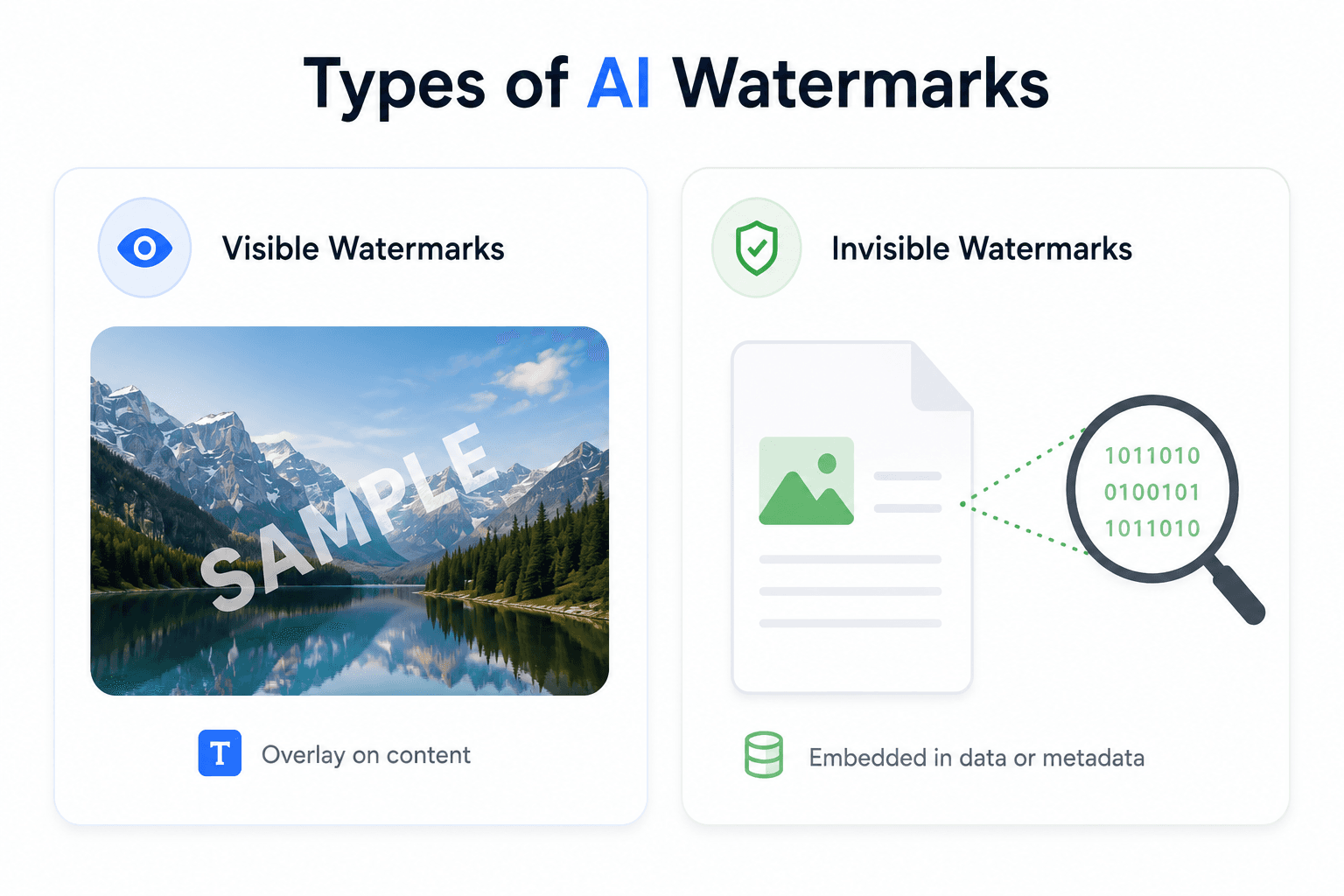
Drop a Gemini-generated PNG or JPEG, or a Veo-generated MP4/WebM/MOV. The tool matches the file's dimensions against Gemini's known output sizes to find the exact watermark position, then reverses the blend — frame by frame for video — before handing back a cleaned file.
Try Now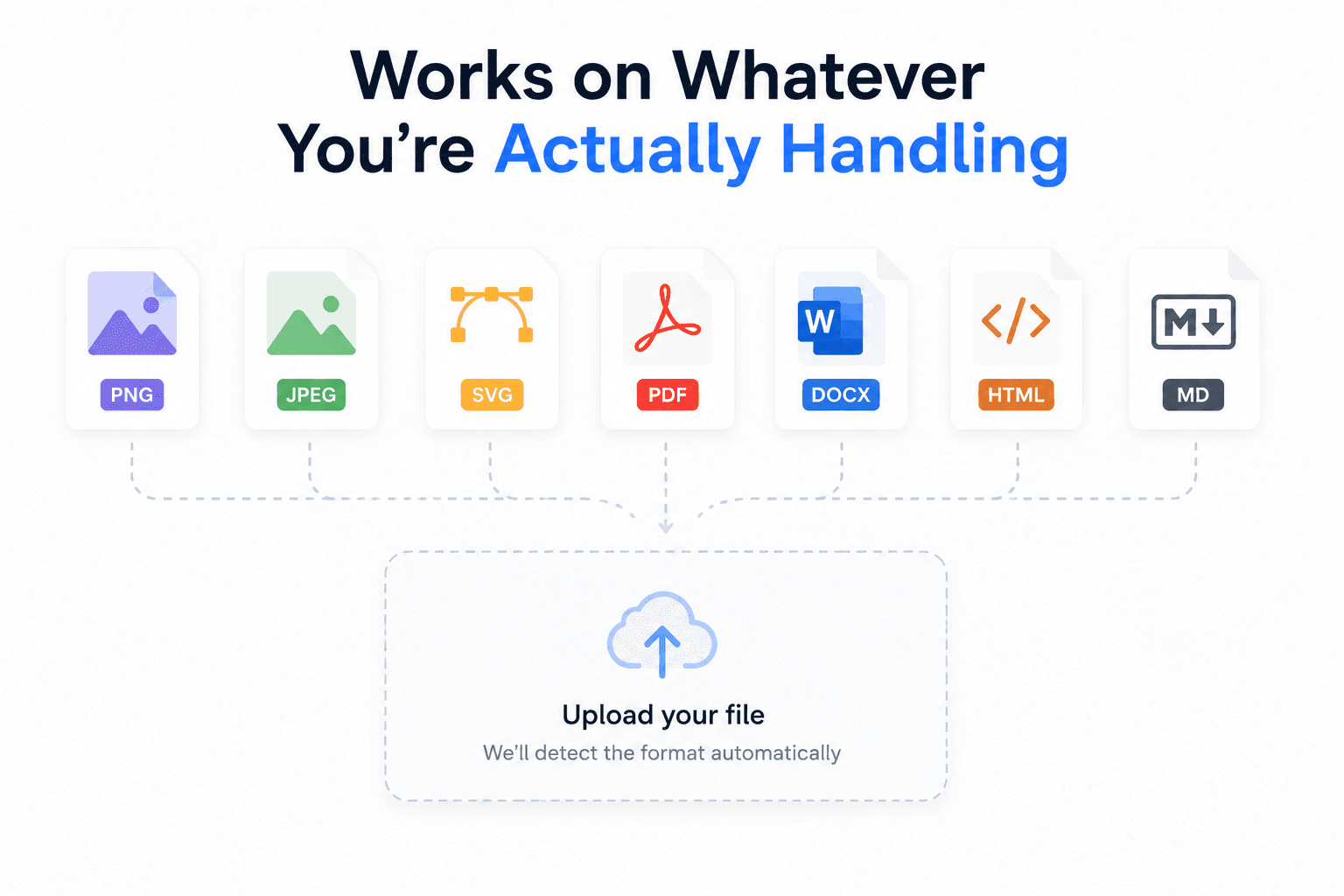
The removal only touches the small corner region the logo occupies; the rest of the image or video frame is untouched. Nothing is uploaded — decoding, processing, and re-encoding all happen on your device using the Canvas and WebCodecs APIs.
Try Now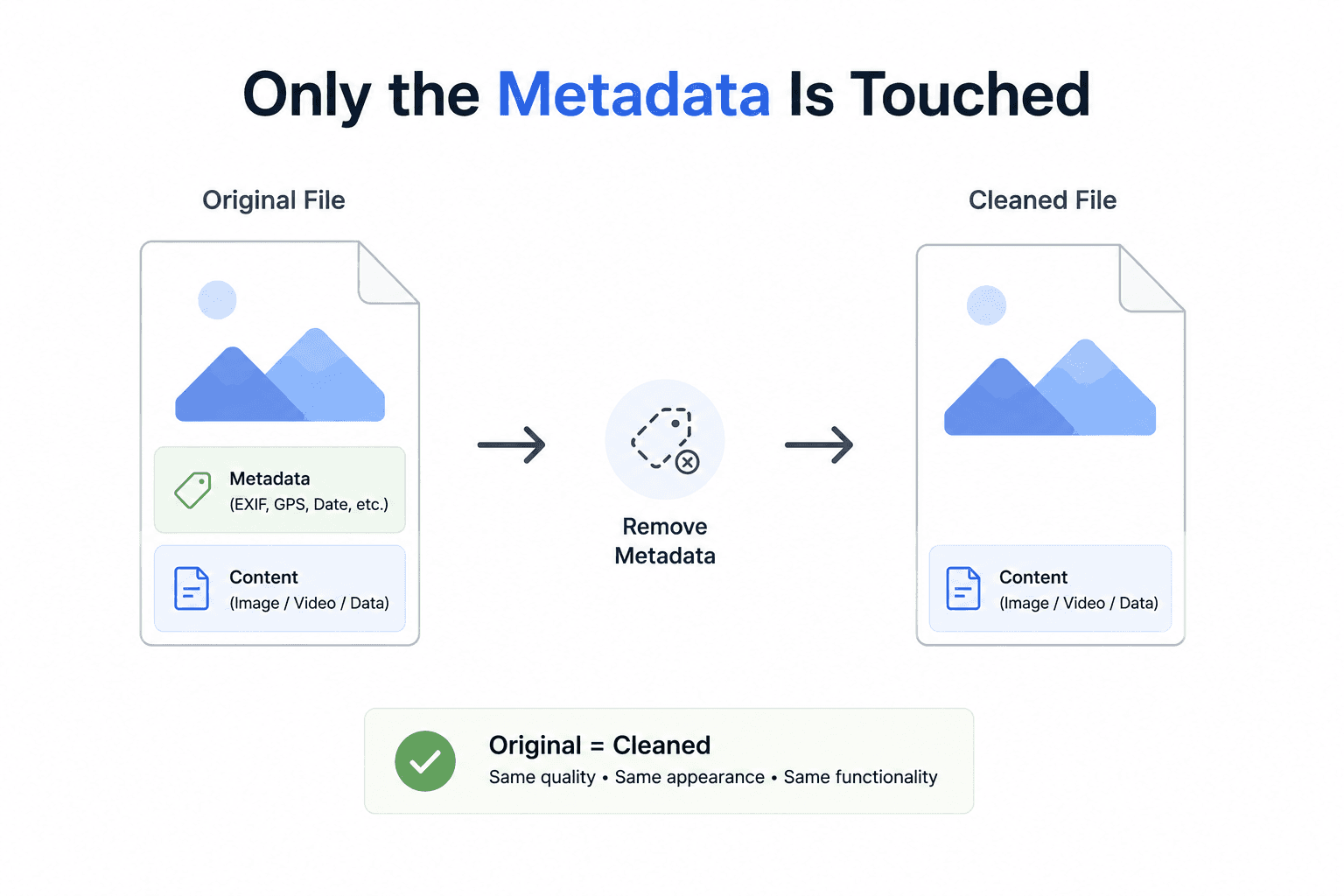
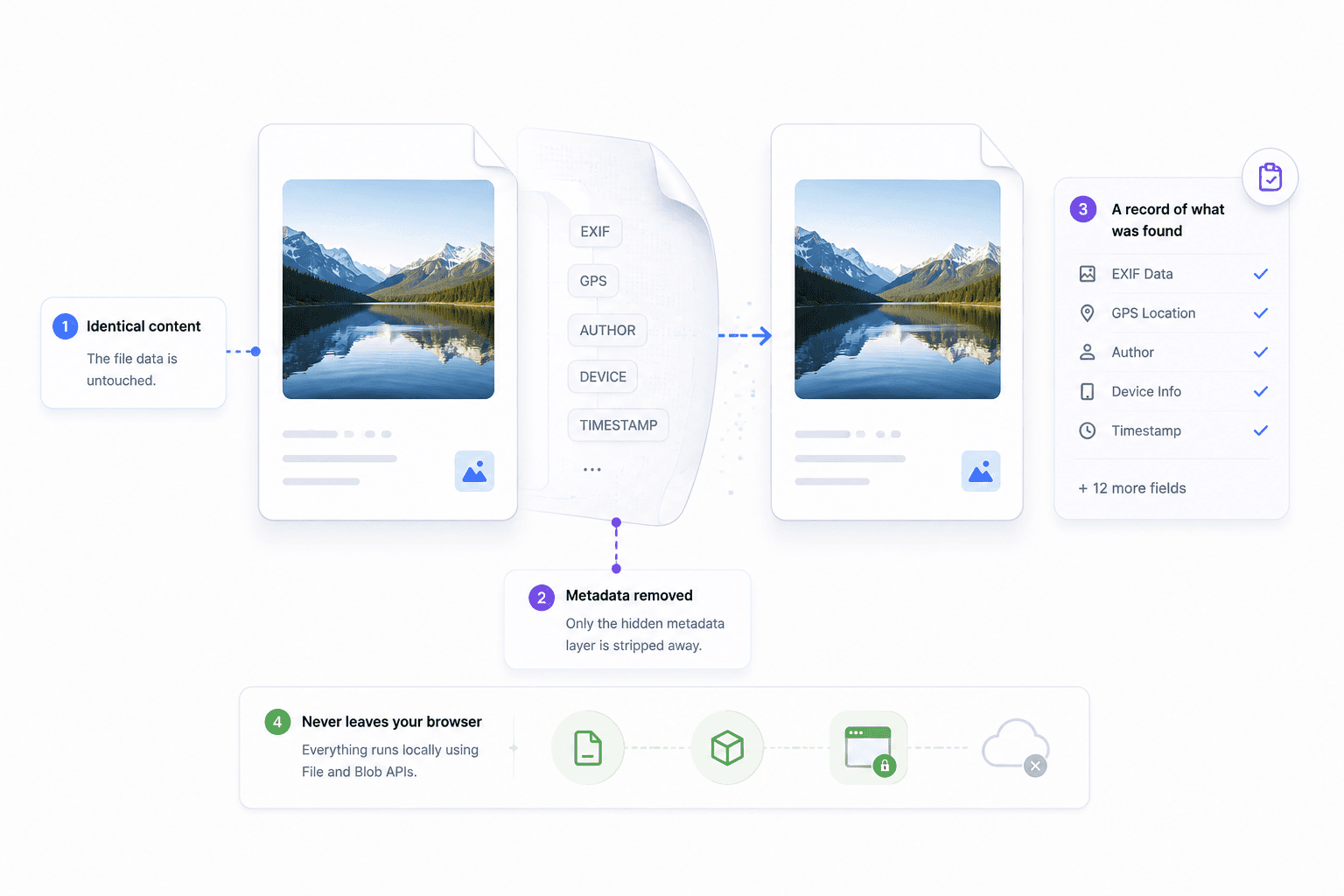
You get back the same image or video with the visible Gemini/Veo watermark removed from its corner — nothing else about the file is altered.
The watermark region is recovered by solving the known overlay equation, not by inpainting or guessing — accurate whenever the file matches a known Gemini/Veo output size.
PNG and JPEG images, and MP4/WebM/MOV video — the same underlying engine handles both, frame by frame for video.
Canvas, WebCodecs, and Blob APIs handle everything locally — nothing about your file touches a server.
How It Works
No account, no server upload — everything happens on your device.
Remove watermark nowA PNG/JPEG image or MP4/WebM/MOV video generated by Gemini or Veo.
Your file's dimensions are matched against Gemini's known output sizes to find the logo's exact position and size.
Using the known logo opacity, each affected pixel is solved back to its original value — per frame, for video.
Compare the original and cleaned version side by side before downloading.
Download the cleaned image or video.
FAQ
The honest answers, including what this tool can't do (SynthID).
No. SynthID is embedded directly in the content itself — pixel patterns in images/video, token-selection patterns in text — not as a removable overlay. Nothing about this tool detects, touches, or affects SynthID.
SynthID is Google's technology for identifying AI-generated content by embedding information directly into supported output. Its exact implementation differs depending on the content type (image, video, text, audio) and the Google product involved.
The visible Gemini/Veo logo watermark in the corner of images and videos. It locates the logo using Gemini's known output-size catalog, then reverses the known alpha-blend that placed it there.
It's precise for Gemini/Veo's known official output sizes. For a cropped, resized, or otherwise non-standard file, it falls back to a best-guess position, which may be less accurate.
No. Everything runs client-side in your browser using the Canvas, WebCodecs, and Blob APIs. Your file is never sent to a server.
No — only the pixels within the small watermark region are modified. For video, frames are re-encoded, which involves the same kind of re-compression any video export does.
Yes, completely free with no signup, no file limits, and no watermark added to your download.
Free, private, and instant — your file never leaves your browser.
Remove watermark now