The Editing Shortcut Photographers Actually Trust
Professional background removal for portrait & studio photos — clean, accurate cutouts in seconds.
Drag and drop your photo
or browse to upload.
File must be JPEG, JPG, PNG or WebP
No image? Try one of these:
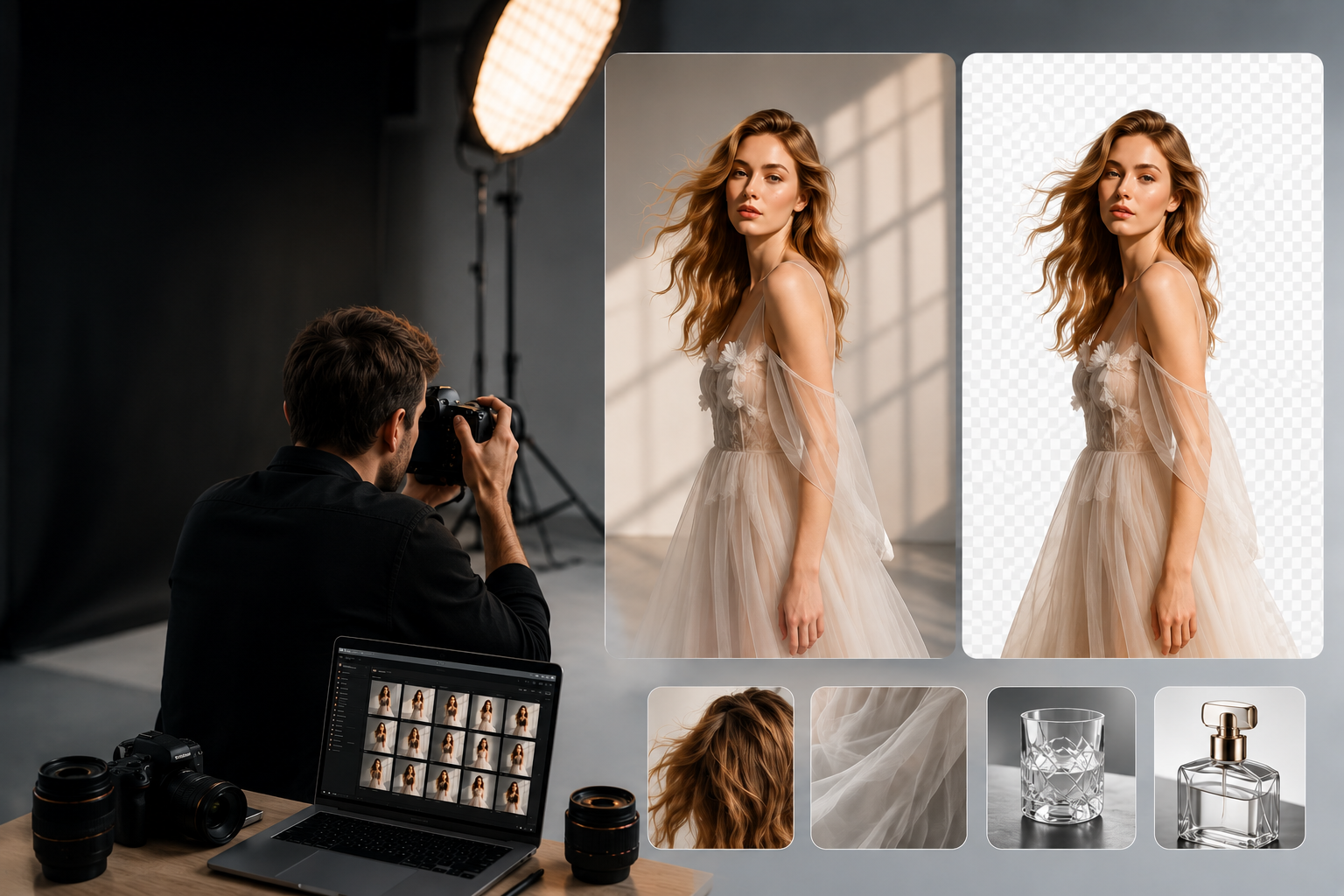
Save time by removing backgrounds from portraits, product photos, and studio images with AI. BGRemover.video creates clean, accurate cutouts while preserving fine details like hair, clothing, and transparent objects — perfect for client work, portfolios, and creative projects. Edit directly in your browser with no advanced editing skills required.
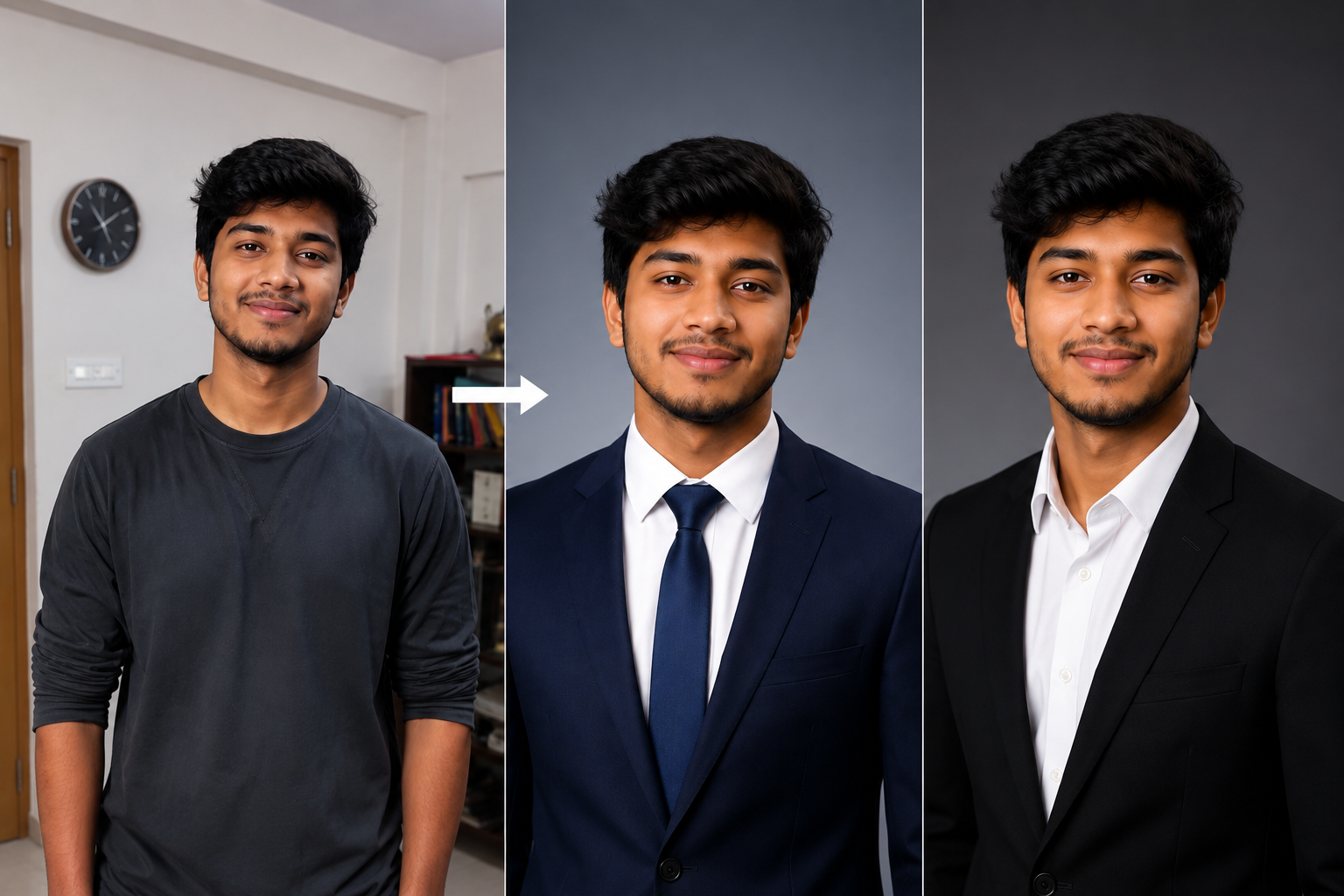
Get Your Editing Time Back
Photographers switching from manual masking to automated background removal typically go from spending 20-30 seconds per photo to a few seconds per photo — without a drop in the finished quality clients expect.
What that time savings actually looks like in practice:
- Wedding and event photographers turn galleries around faster, sometimes days ahead of schedule
- Headshot and portrait photographers can book more sessions in the same week
- Product and catalog photographers take on additional client work without adding staff
Why Photographers Choose BGRemover.video
Remove distracting backgrounds without spending time on manual selections.
Preserve fine details like hair, clothing, and accessories for natural-looking cutouts.
Create transparent backgrounds for client deliveries, composites, and creative edits.
Process portrait, product, and event photos directly in your browser.
Spend more time shooting and less time on repetitive editing.
Frequently Asked Questions
Clear answers about editing time, difficult subjects, data privacy, and studio pricing.
Start removing backgroundMost photographers move from roughly 20-30 seconds of manual masking per photo down to just a few seconds, without a noticeable drop in output quality.
Likely yes — it's built to plug into Photoshop and connects with thousands of other apps through automation platforms, alongside its own desktop, mobile, and API options.
Yes. The model is specifically trained to hold up on flyaway hair, transparent materials, and reflective surfaces that trip up simpler background removal tools.
No, uploaded photos aren't retained after processing. Studios that need extra assurance can use an on-premise deployment that keeps everything on their own infrastructure.
No — the tool is built to handle any background, from natural locations to busy interiors, though it also works fine if you do shoot on a green screen.
Yes, studios processing large monthly or yearly volumes get lower per-image pricing, dedicated support, and flexible API limits.
The Editing Shortcut Photographers Actually Trust
Upload a photo and get a clean, professional cutout in seconds — free to start, no credit card required.
Try It Free