01
Upload your image
Drop the PNG or JPEG that ChatGPT, DALL·E, or GPT Image generated.
Remove unwanted ChatGPT watermark elements from supported content with our online ChatGPT watermark remover. Upload your content, process detectable watermark elements, preview the result, and export your cleaned file in a few simple steps.
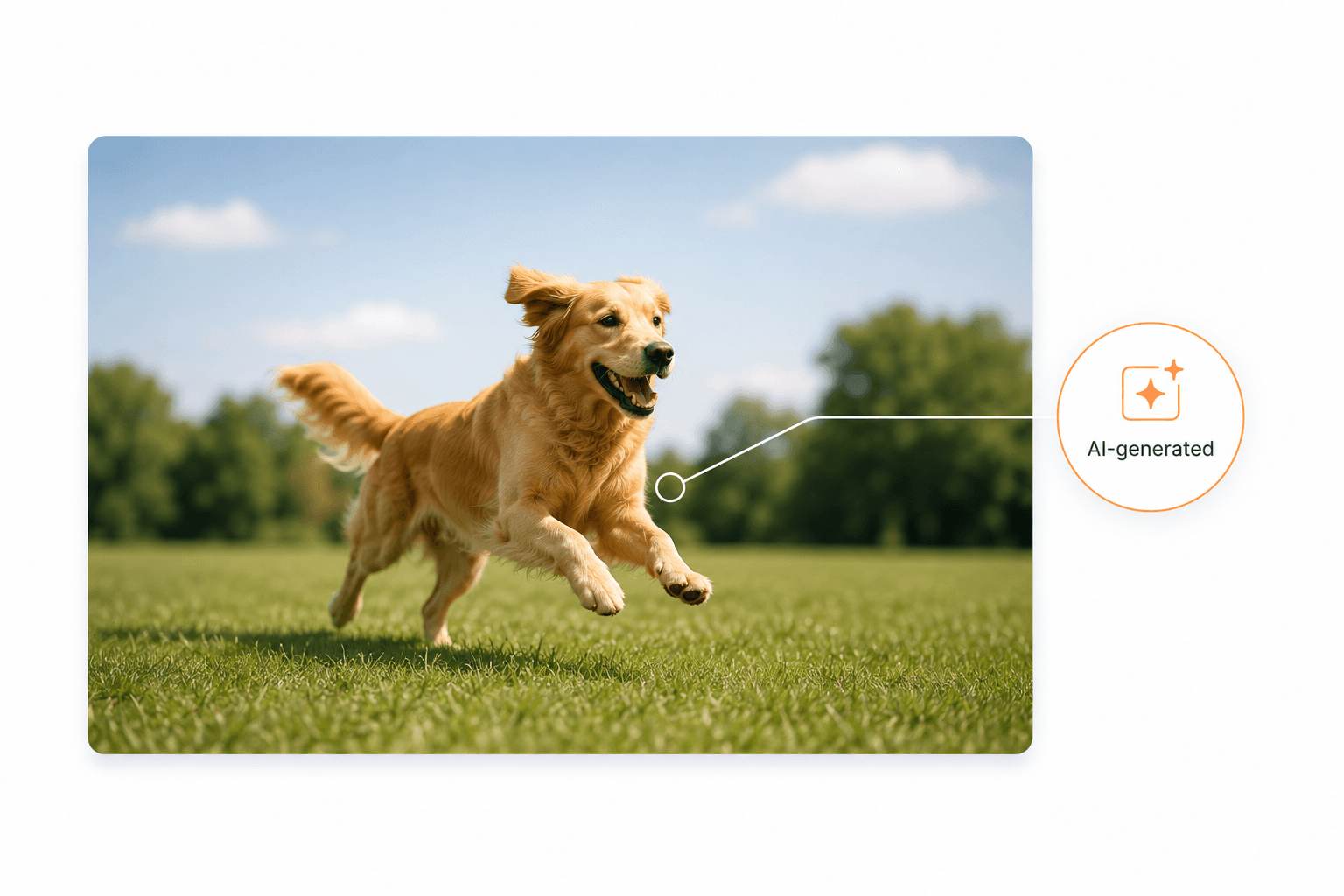
Drop a file, or click to browse
PNG, JPEG, SVG — max 25MB
Processed locally in your browser. Files are never uploaded or stored.
As AI-generated content becomes more common, there is growing interest in whether ChatGPT adds hidden signals or markers to its outputs. Searches such as does ChatGPT watermark text, GPT-5 watermark, and remove ChatGPT invisible characters reflect growing interest in invisible AI watermarks and how they may affect generated content. Unlike a traditional visible watermark, an invisible marker may not be noticeable when reading or viewing the original content.
Try Now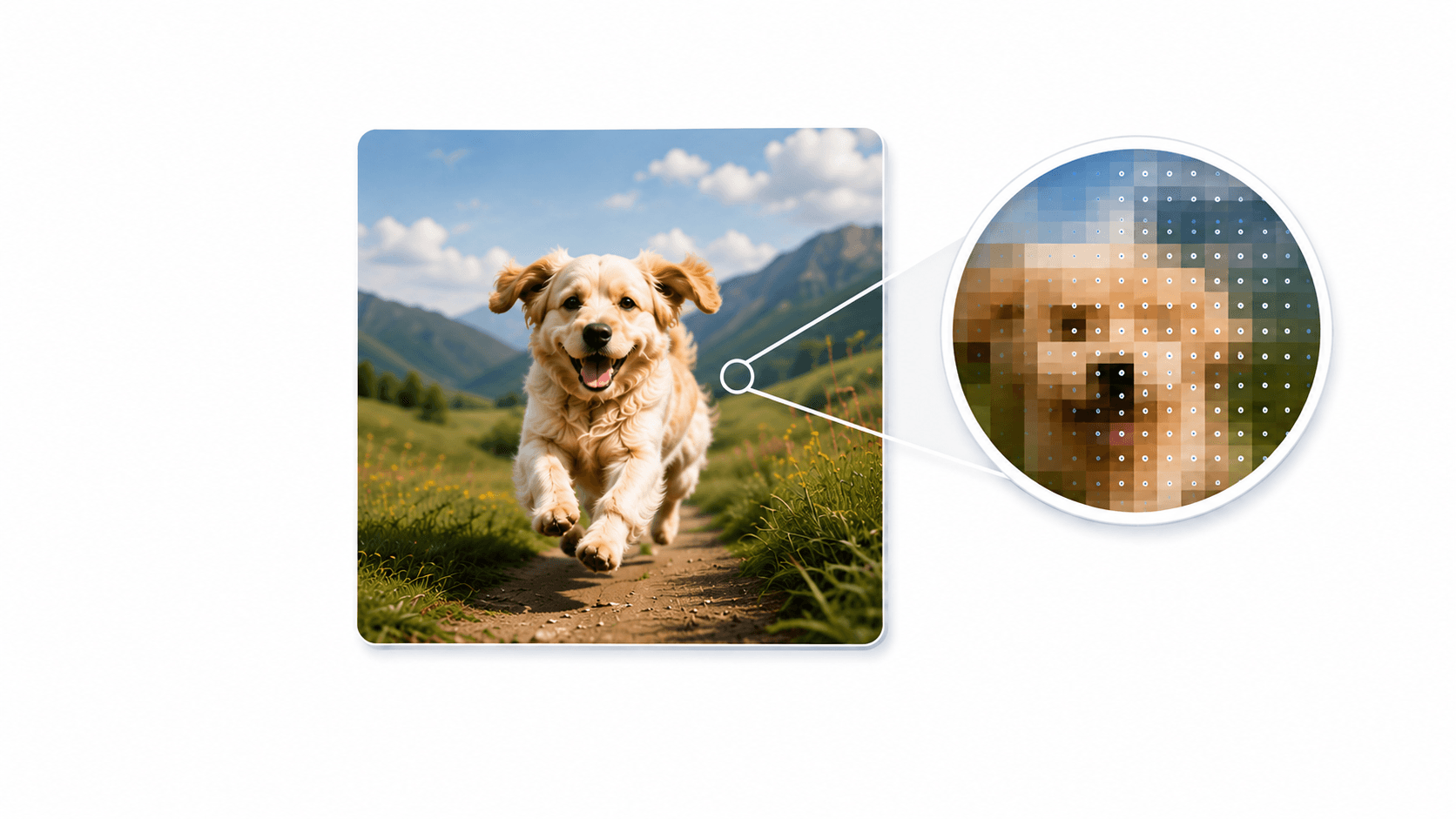
AI watermarks can take different forms depending on how they are embedded. Some may be visible elements, while others can involve hidden characters, patterns, metadata, or other machine-detectable signals. This is why searches for invisible watermark remover ChatGPT, invisible watermark remover text, and invisible watermark remover online are becoming more common. The method required to detect or process a watermark depends on the content type and how the signal is embedded.
Try Now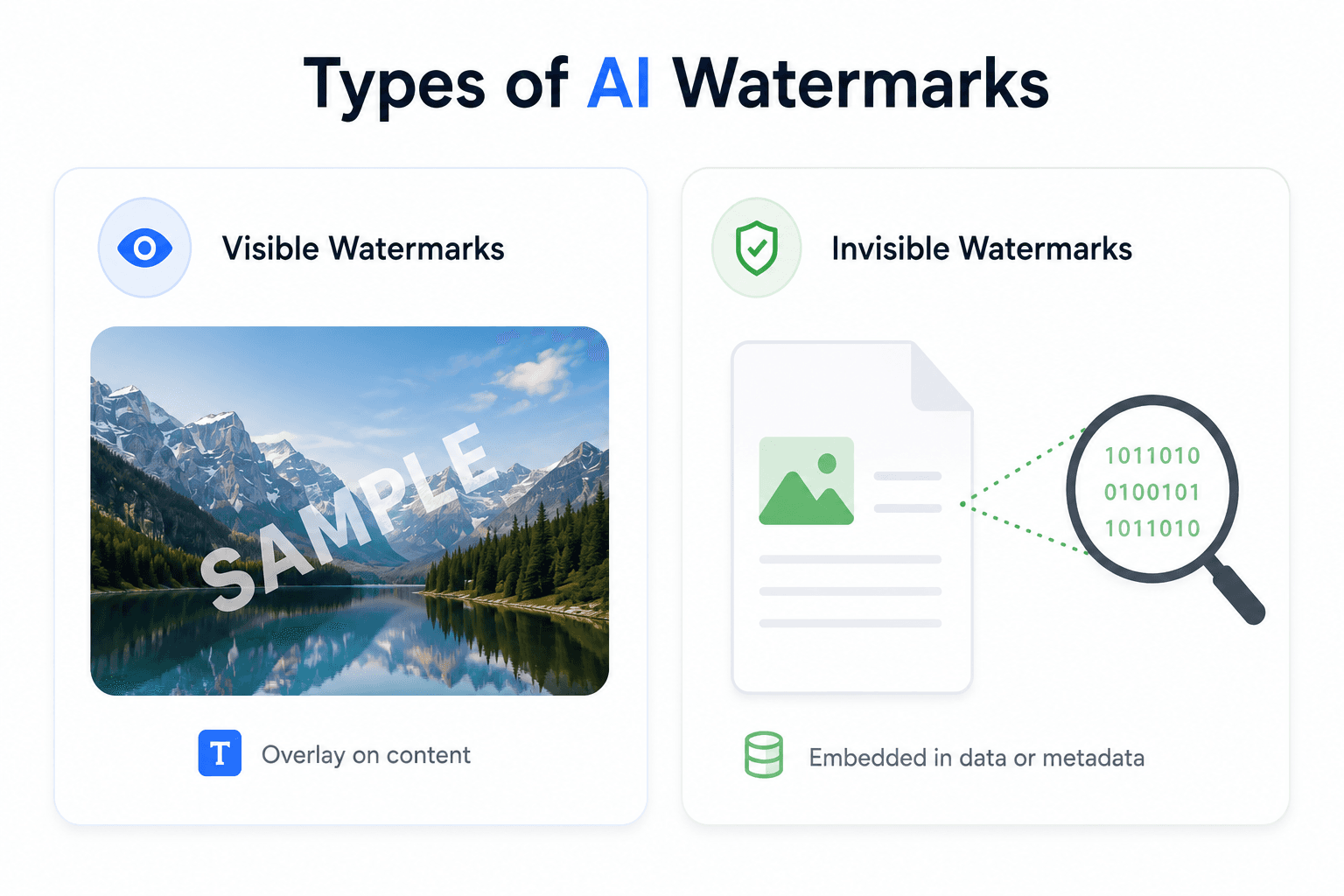
Our ChatGPT watermark remover supports multiple image and document formats, allowing you to process different types of AI-generated content in one place. Upload PNG, JPEG, SVG, PDF, DOCX, ODT, HTML, or Markdown files and process supported watermark elements without switching between different tools. Supported formats: PNG · JPEG · SVG · PDF · DOCX · ODT · HTML · Markdown
Try Now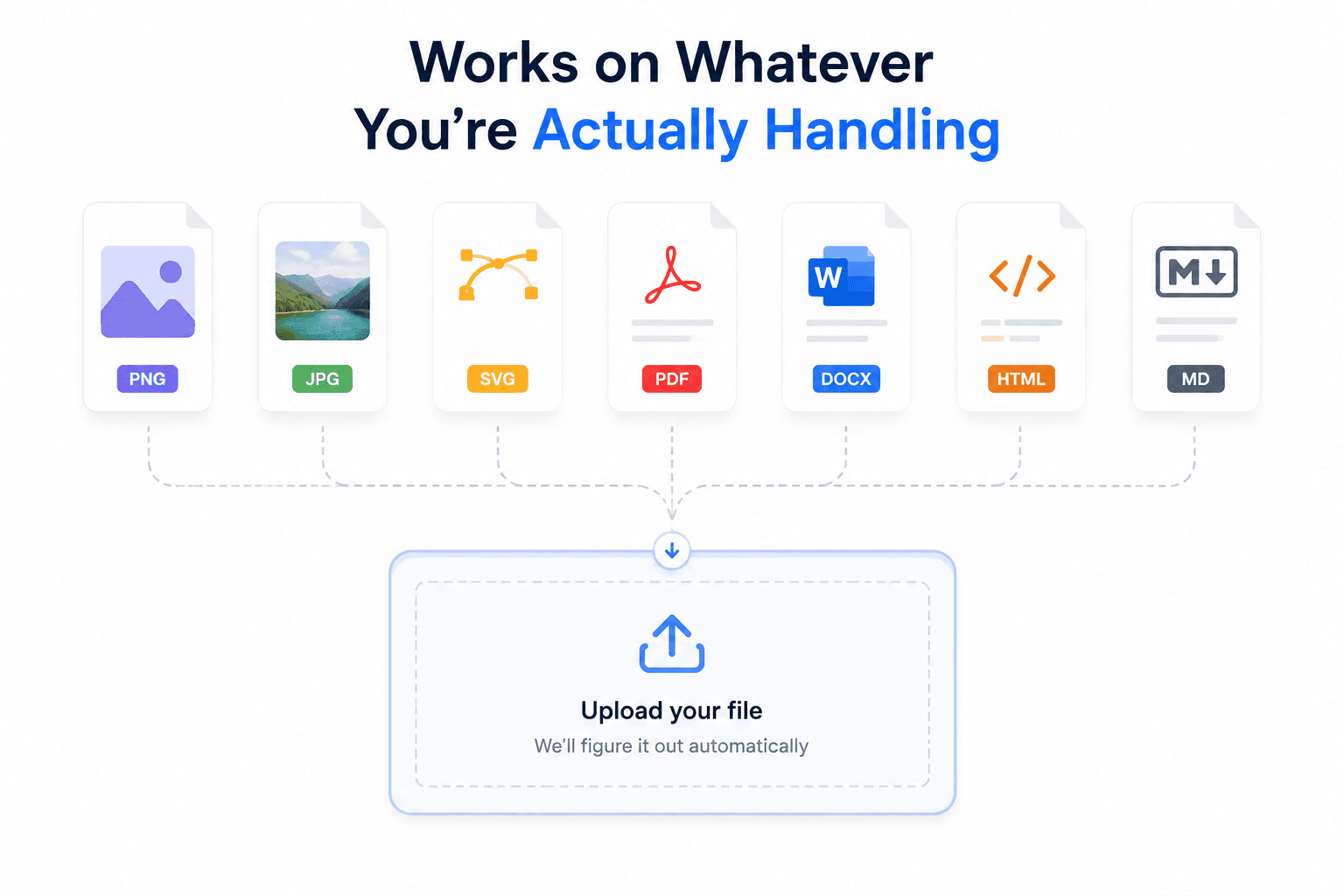
Our invisible watermark remover analyzes supported content to identify watermark elements or hidden characters that can be detected and processed. Upload your file, let the tool analyze and process the content, preview the result, and export the cleaned version. If you're looking to remove ChatGPT invisible characters, process an invisible watermark in text, or explore an invisible watermark remover online, the result depends on the type of signal, file format, and how it is embedded.
Try Now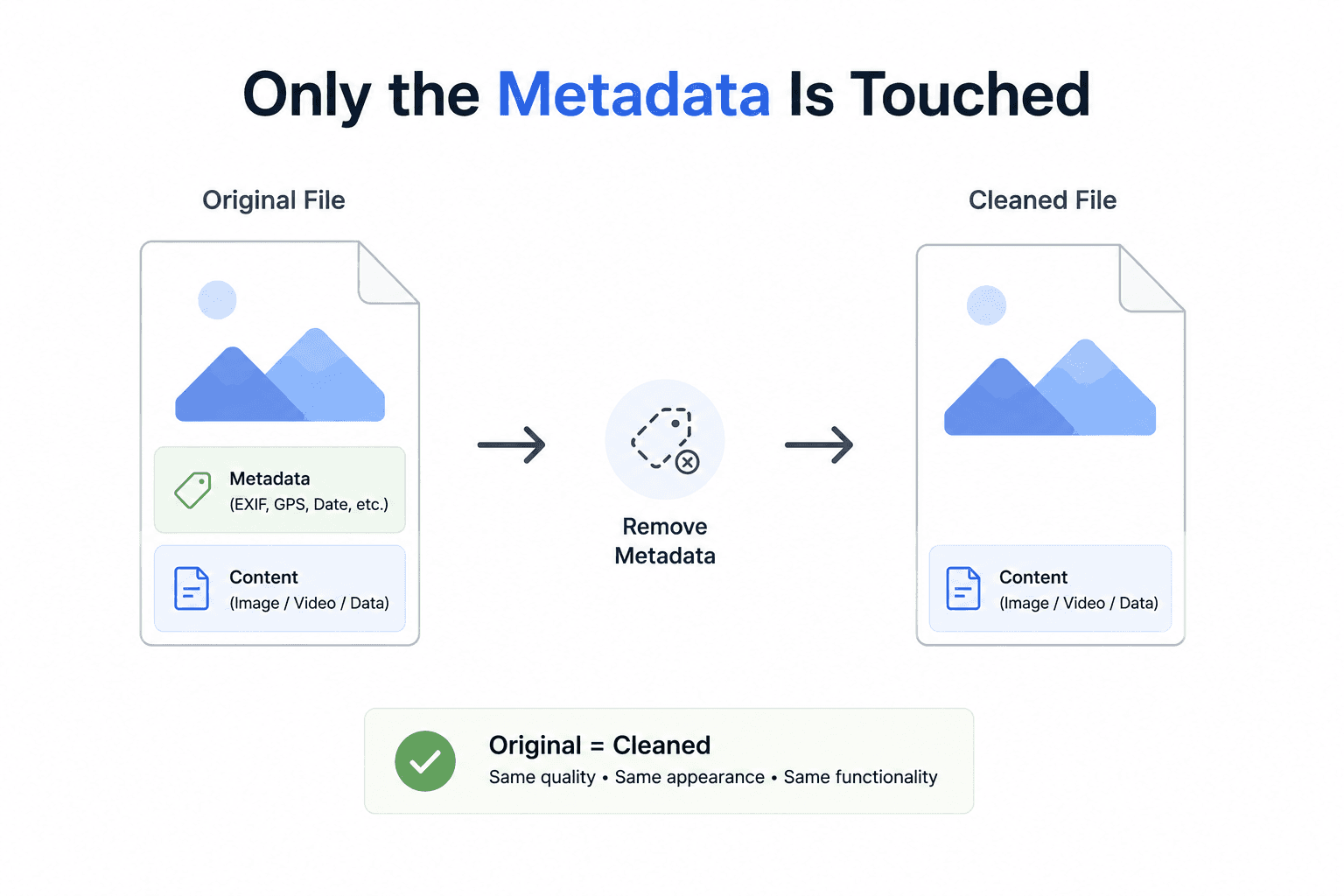
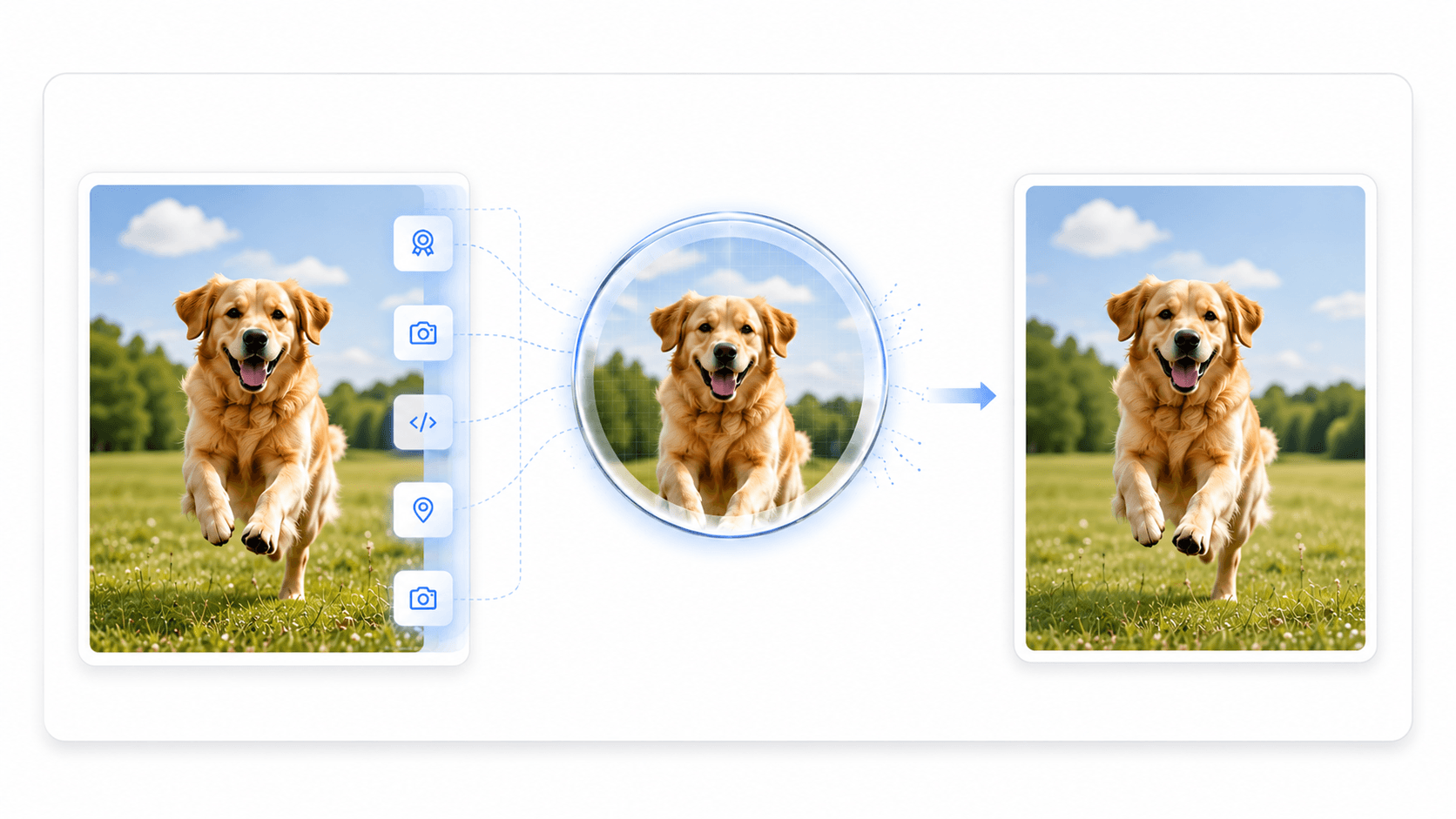
What you download is the same image, with the hidden C2PA manifest and any other metadata removed.
Same image data, byte-for-byte — only the hidden metadata chunks are gone.
See every field that was found and stripped before you download anything.
Processing happens with in-browser File/Blob APIs — the image never leaves your device.
How It Works
Upload your file, let the tool analyze and process detectable watermark elements or hidden characters, preview the result, and export the cleaned version.
Try ChatGPT Watermark RemoverDrop the PNG or JPEG that ChatGPT, DALL·E, or GPT Image generated.
The C2PA manifest and any EXIF/XMP metadata are found and stripped automatically.
See the signer, algorithm, and software that were embedded before you download.
Get back a pixel-identical image, minus the hidden watermark.
FAQ
The main questions about removing ChatGPT's invisible watermark.
Images from ChatGPT, DALL·E, and GPT Image are signed with a C2PA (Coalition for Content Provenance and Authenticity) content-credentials manifest — a cryptographically signed, invisible block of metadata naming OpenAI as the generator. It's stored as a hidden chunk in the file (a caBX chunk in PNG, an APP11/JUMBF segment in JPEG), not anything visible in the picture itself.
No. Everything runs client-side in your browser using the File and Blob APIs. Your image is never sent to a server.
No. The tool parses the file at the chunk/segment level and only removes metadata blocks — the pixel data is copied byte-for-byte, so there's no re-encoding or quality loss.
No. SynthID is a different kind of watermark — it's encoded directly into the pixel data itself, not stored as removable metadata, so no metadata-stripping tool (including this one) can remove it. This tool only targets metadata-based watermarks like ChatGPT/DALL·E's C2PA manifest.
Yes — the same tool also handles JPEG, SVG, PDF, DOCX, HTML, and Markdown files. Use the full AI Watermark Remover tool for anything beyond PNG/JPEG images.
Yes, completely free with no signup, no file limits, and no watermark added to your download.
Free, private, and instant — your image never leaves your browser.
Remove ChatGPT Watermark