Remove Backgrounds from Photos & Videos in Seconds
Make your profile pictures, social posts, and personal projects pop with a clean transparent background.
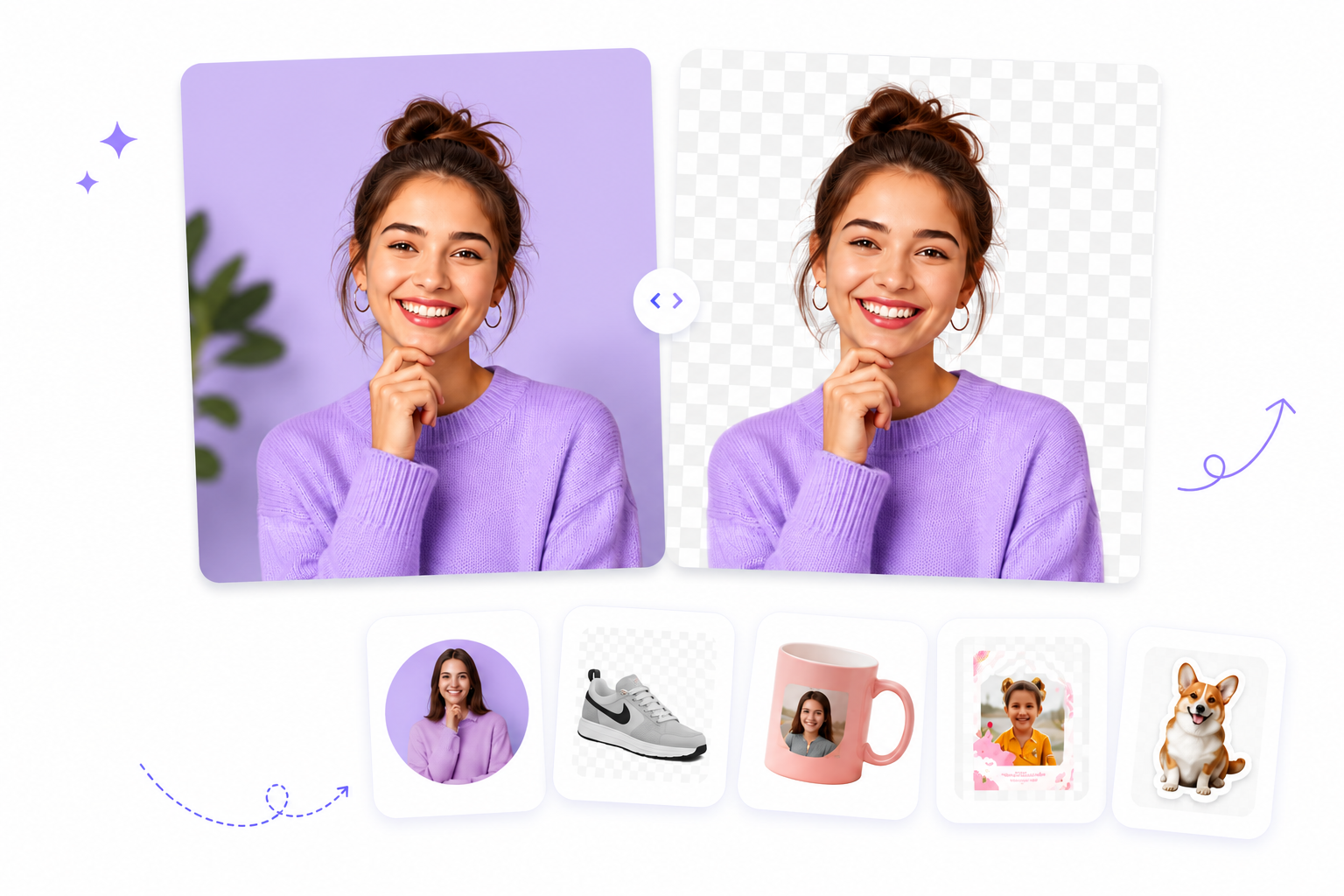
Drag and drop your image
or browse to upload.
File must be JPEG, JPG, PNG or WebP
No image? Try one of these:
Trusted by creators everywhere — used to make transparent PNGs for social media, print, and personal projects.
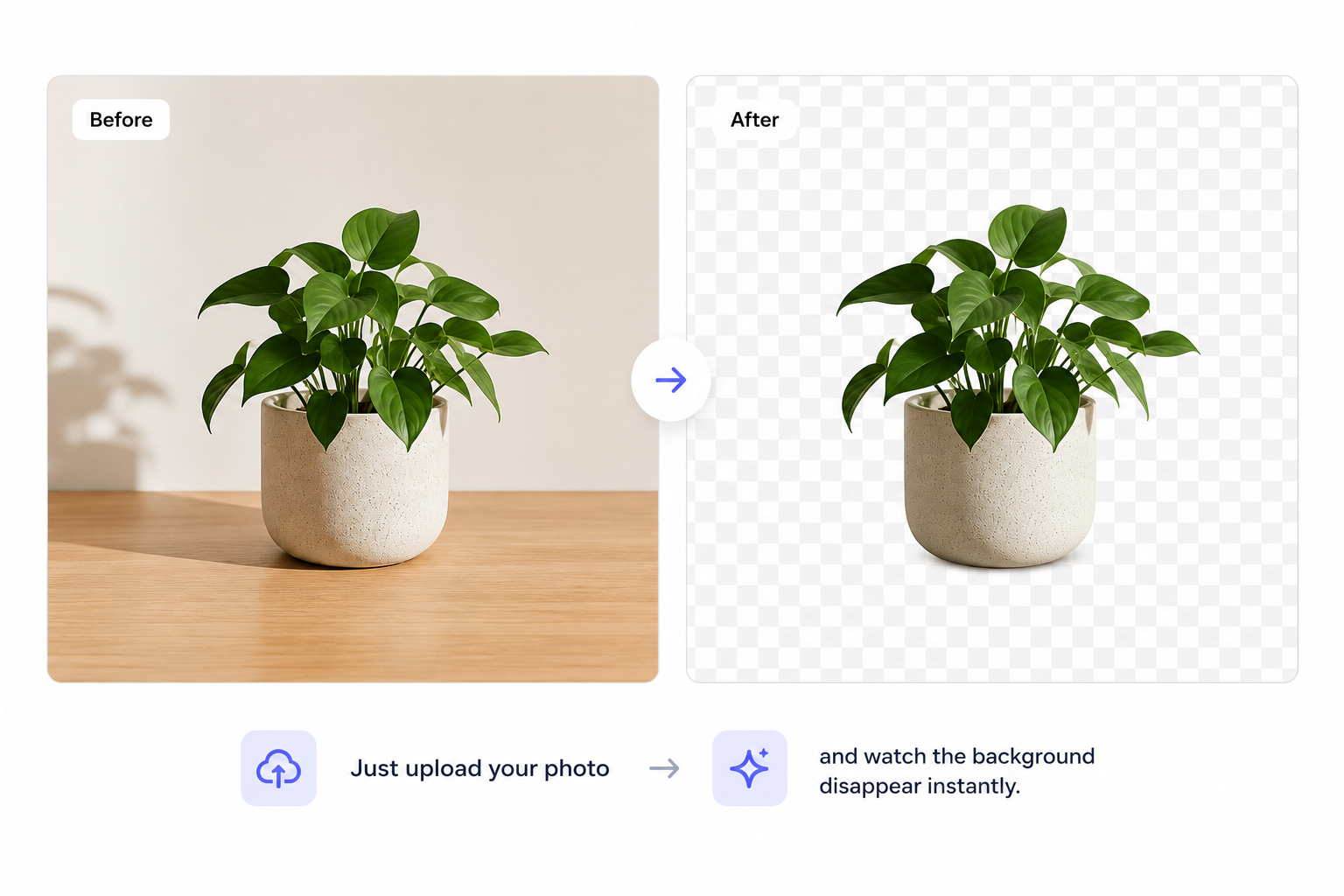
The Easiest Way to Make an Image Transparent
Forget selection tools, masks, and hours of manual editing. Our AI-powered png maker removes the background from your photo automatically so you get a transparent PNG in seconds, not hours.
Just upload your photo and watch the background disappear instantly. No design skills, no software downloads, no learning curve.
Try NowFrom One Photo to Endless Creative Possibilities
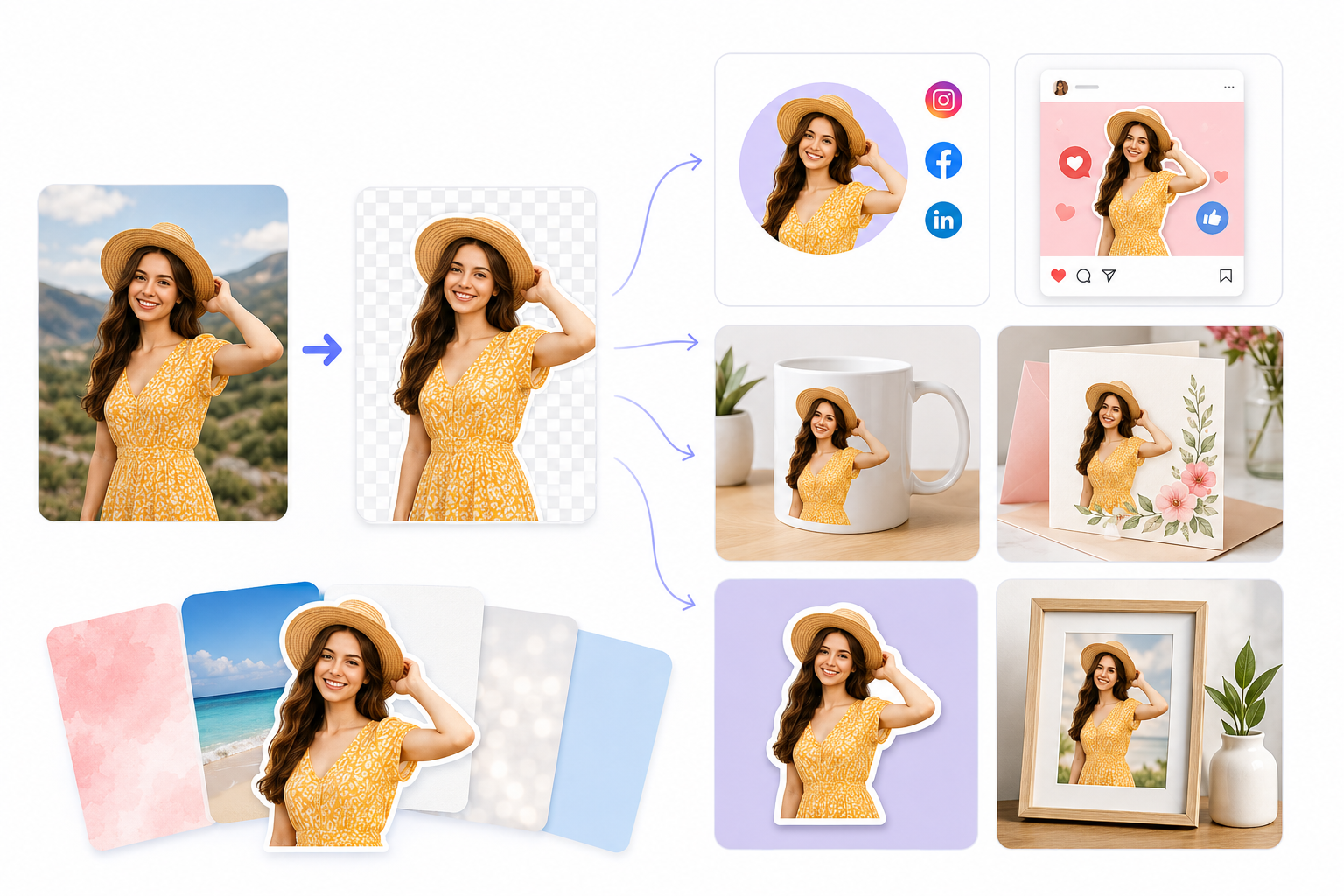
Once you make an image transparent, the real fun starts:
- Profile pictures with clean, distraction-free backgrounds for every platform
- Social media graphics that stop the scroll
- Personalized gifts like mugs, cards, and photo collages
- Digital invitations for birthdays, weddings, and events
- Custom stickers and cutouts for personal projects
- Print-ready photos for framing or photo books
Once your image is a transparent PNG, you can drop it onto any background, layer it into a design, or use it exactly as-is.
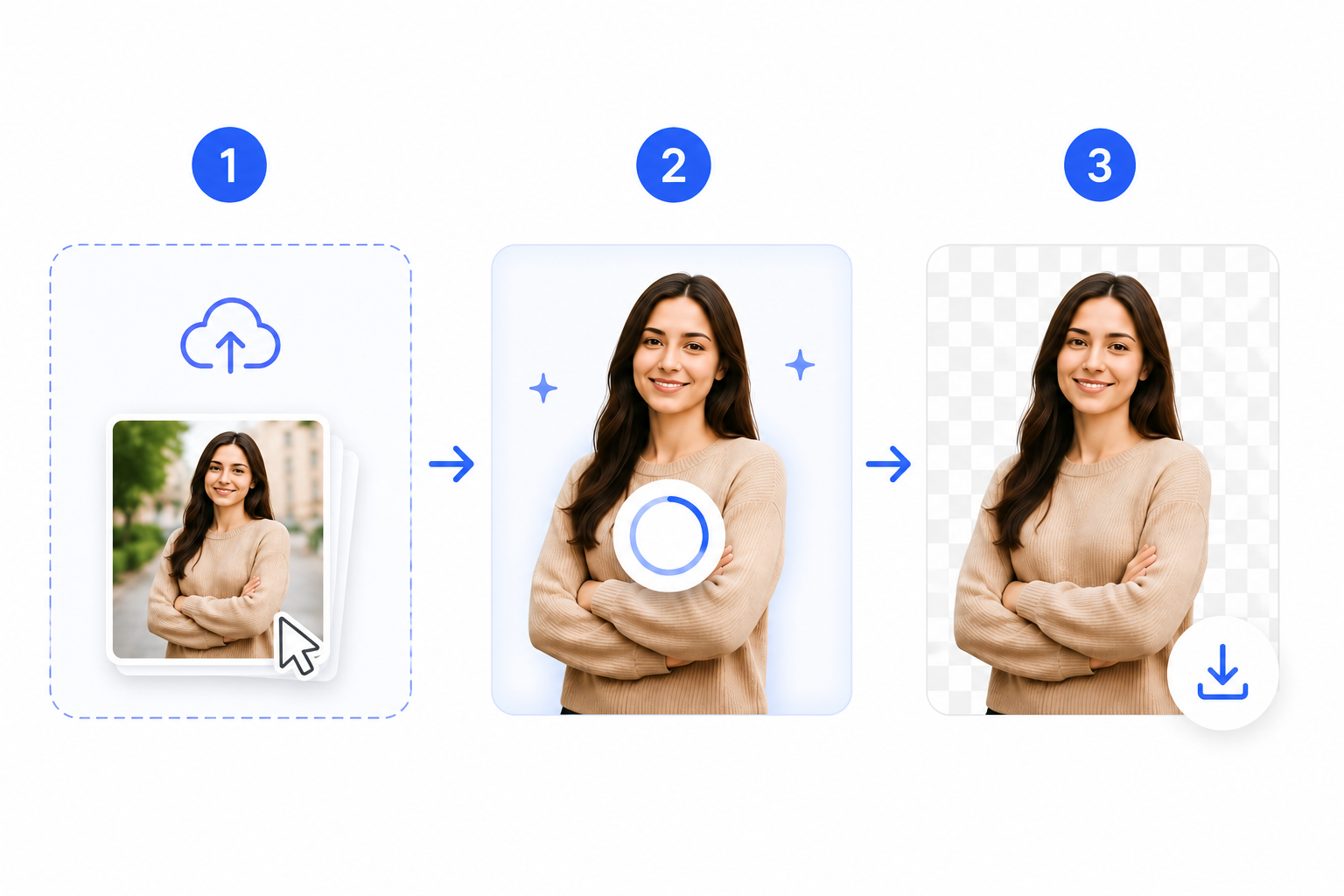
How to Make an Image Transparent in 3 Steps
- 1
Upload your photo
Drag and drop, paste, or select a file.
- 2
Let the AI do the work
The background is automatically removed.
- 3
Download your transparent PNG
Ready to use anywhere, instantly.
Why Choose Our Transparent PNG Maker
Instant results — get a transparent PNG in seconds
Pixel-perfect precision — clean edges around hair and fine detail
Works on any device — desktop, mobile, or tablet
Free to start — no credit card required
High-resolution downloads — crisp, print-ready transparent PNGs
Frequently Asked Questions
Clear answers about making transparent PNGs for personal photos, profile pictures, and social projects.
Start removing backgroundUpload your photo to our png maker, and the background is removed automatically. Download your transparent PNG for free — no editing experience required.
Yes. Our tool removes backgrounds automatically using AI, so you don't need Photoshop, GIMP, or any design software to get a transparent PNG.
Your image downloads as a PNG file with a transparent background, ready to use in presentations, social posts, or design projects.
Yes, it's free to use for personal projects like profile pictures, social media graphics, and personal photo edits.
Yes, the tool works directly in your mobile browser — no app download required (though a mobile app is also available).
Turn Any Photo Into a Perfect Transparent PNG
Upload your photo and get a clean, transparent PNG in seconds — free to start, no credit card required.
Upload Image