AI Watermark Remover

Remove invisible AI watermarks and hidden metadata from any file — free, right in your browser.

Processed locally in your browser. Files are never uploaded or stored.

How AI Watermark Remover fits your workflow

Clean Any File in Three Steps

How AI Watermark Remover fits your workflow

Remove Invisible AI Watermarks and Hidden Metadata From Any File

AI tools increasingly embed invisible watermarks and provenance signals in what they generate — C2PA content-credential manifests in images and PDFs, EXIF/XMP data in photos, hidden zero-width characters in AI-written text, and editor or generator fingerprints in documents and markup. Drop in a PNG, JPEG, SVG, PDF, DOCX, HTML, or Markdown file and this tool automatically detects the format, strips everything that isn't part of the actual content, and hands back a clean file — all directly in your browser, with nothing ever uploaded.

Upload File
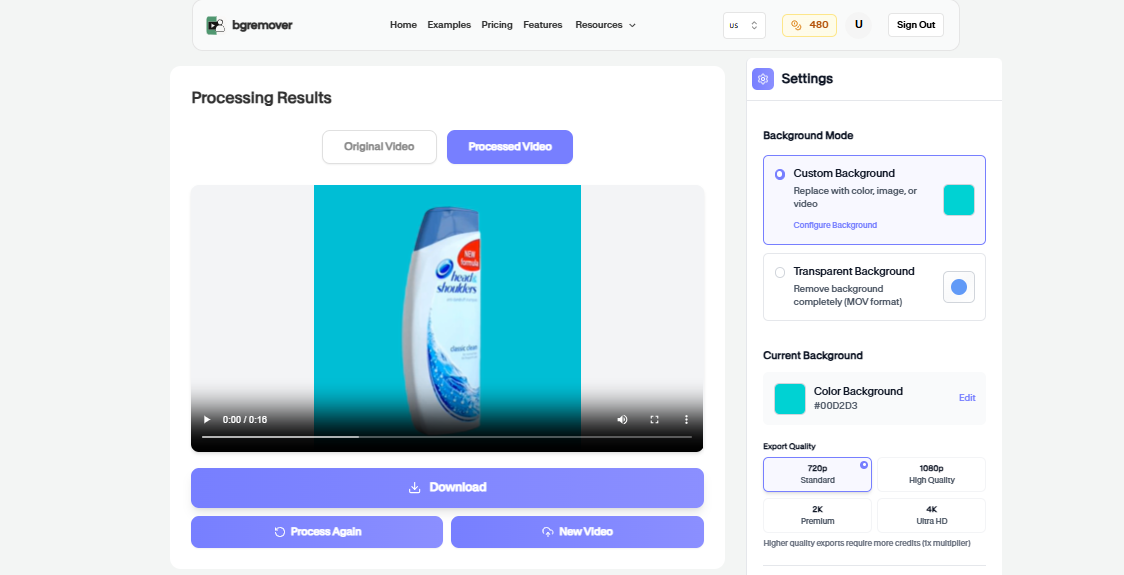
AI Watermark Remover Primary tool preview
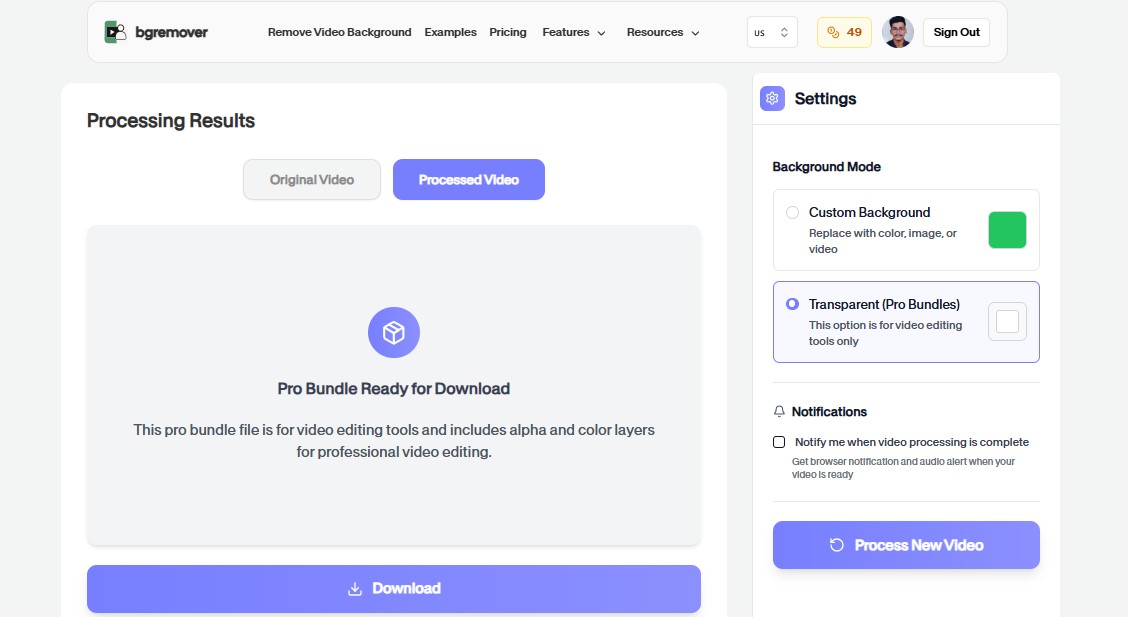
AI Watermark Remover Edited output preview

AI Watermark Remover features

One Tool, Every Format

No need to hunt for a different tool per file type. Upload a PNG, JPEG, SVG, PDF, DOCX, HTML, or Markdown file and the right cleanup logic runs automatically based on what you dropped in.

All tools

Clean Any File in Three Steps

Nothing Ever Leaves Your Browser

Every format is parsed, cleaned, and rebuilt entirely client-side. There's no upload step, no server processing, and no file storage — your file stays on your device the whole time.

Upload File
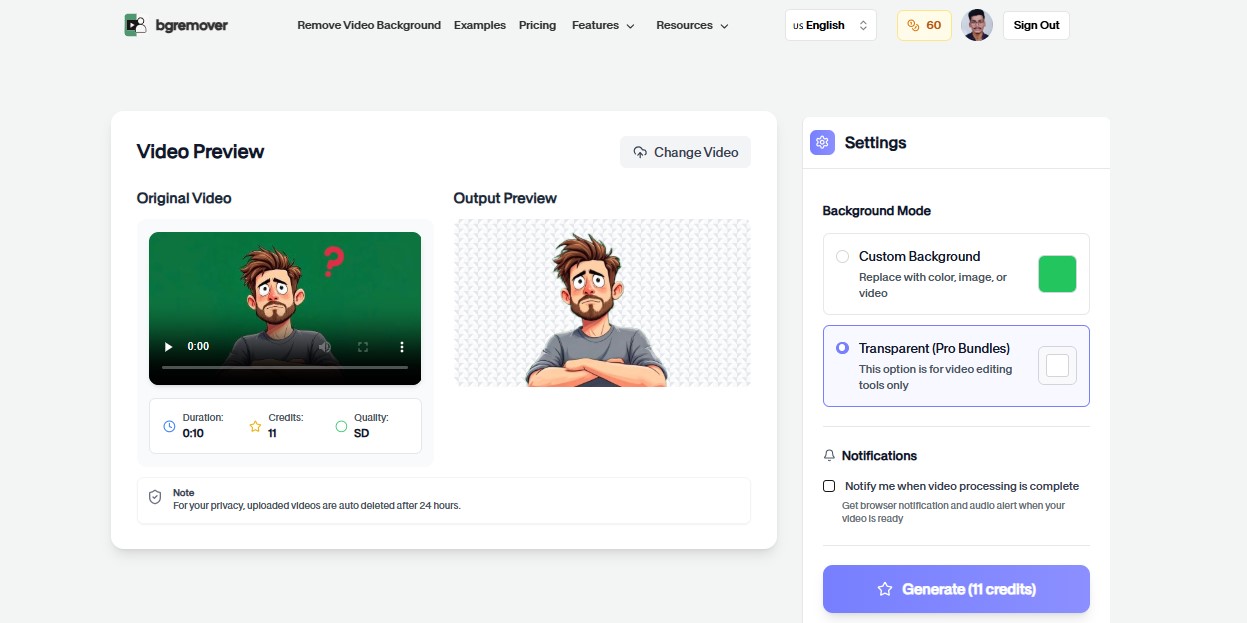
AI Watermark Remover Export preview

How It Works

A clean workflow, no software needed

Follow the steps, review the output, and export a file that is ready for use.

Upload File
01

Step 1

Upload your PNG, JPEG, SVG, PDF, DOCX, HTML, or Markdown file — the format is detected automatically.

02

Step 2

Hidden watermarks, C2PA manifests, and other metadata are scanned and removed in your browser.

03

Step 3

Download the cleaned file — visually and functionally identical, minus the hidden data.

Common Use Cases

Change Your Background in Three Simple Steps

Use Background Changer for practical production jobs where the result needs to look professional.

AI Watermark Remover Before publishing online preview

Before publishing online

Strip invisible AI watermarks and C2PA content-credential manifests before sharing a file publicly, regardless of format.

AI Watermark Remover Client deliverables preview

Client deliverables

Clean design, document, and code exports so software versions, author names, and file history aren't included by accident.

AI Watermark Remover Journalism and research preview

Journalism and research

Remove identifying metadata and provenance manifests from photos and documents before distribution.

AI Watermark Remover Publishing AI-assisted writing preview

Publishing AI-assisted writing

Remove invisible watermark characters and frontmatter from Markdown before publishing AI-assisted drafts.

FAQ

Frequently asked questions

Clear answers about uploading, background options, quality, and browser compatibility.

What file types does this support?

PNG, JPEG/JPG, SVG, PDF, DOCX, HTML, and Markdown. The tool detects the format automatically from the file you drop in — you don't need to choose it manually.

What counts as an "AI watermark" here?

C2PA content-credential manifests embedded by AI image/PDF tools, and invisible zero-width Unicode characters some AI writing tools insert into generated text. This tool also removes ordinary hidden metadata like EXIF, XMP, and document properties.

What metadata does it remove?

It depends on the format: PNG/JPEG get EXIF, XMP, and C2PA content-credential manifests stripped; PDF gets its Info dictionary and XMP/C2PA metadata cleared; DOCX gets author/company properties cleared; SVG gets RDF/editor data removed; HTML gets comments and non-essential meta tags removed; Markdown gets frontmatter, comments, and invisible watermark characters removed.

Is my file uploaded to a server?

No. Every format is parsed and cleaned entirely in your browser using JavaScript. Nothing is ever uploaded.

Will this affect quality or content?

No. Images are cleaned without any re-encoding or recompression, and documents/text/markup keep their visible content and formatting exactly as they were — only metadata is removed.

Is this free?

Yes, completely free with no signup, no file limits, and no watermark.

Is my file uploaded when I use AI Watermark Remover?

No. Processing happens entirely in your browser using JavaScript — your file is never uploaded to a server.

Is this free to use?

Yes, completely free with no signup, no file limits, and no watermark.

AI Watermark Remover features

One Tool, Every Format

Everything you need to replace backgrounds without opening a heavy editor.

Fast

AI Watermark Remover keeps the job focused: upload, choose the output, review the result, and move on without building a full editing timeline.

Browser based

Work directly in the browser for quick product, creator, and marketing edits without installing a heavy desktop editor.

Repeatable

Use the same simple flow again and again for campaign variants, client review files, marketplace assets, and social exports.

Ready to use AI Watermark Remover?

Upload a file and create a cleaner result with AI Watermark Remover in a focused BGRemover.video workflow.