Corporate Video Production: A Practical Workflow for 2026
Yash Thakker
Author
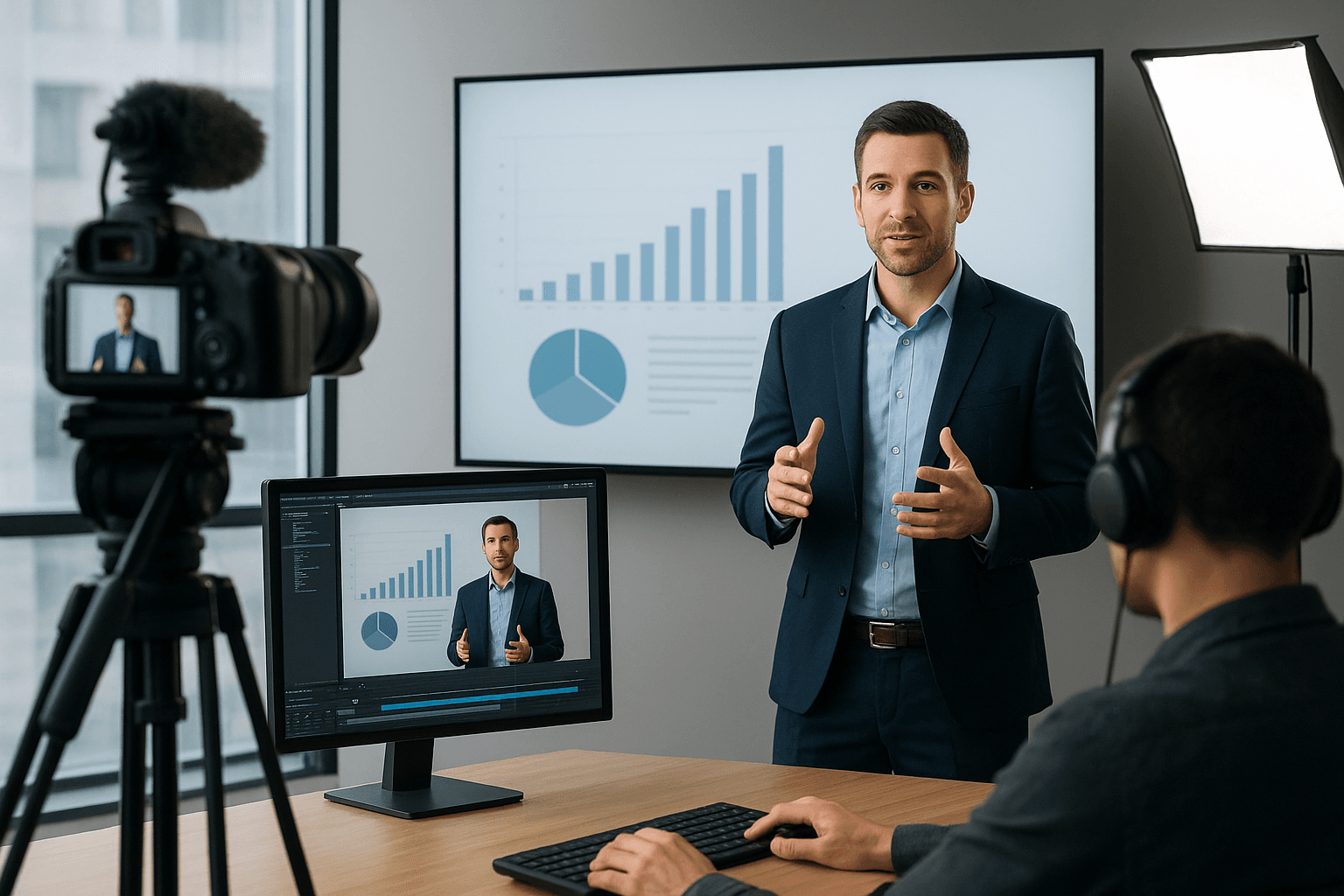
Corporate video production works best when the team agrees on the viewer's need before discussing cameras, transitions, or a studio background. A training video should help someone perform a task. A customer story should explain a specific experience. An internal update should make a decision or next step clear. Those goals require different footage and different ways of judging the result.
Many production problems begin before recording. Too many messages compete for space, several stakeholders give conflicting direction, or the editor discovers late that the video needs a vertical version and reviewed captions. A more expensive camera does not resolve those gaps. A clear brief and a manageable approval process often make the practical difference.
This guide follows a corporate video from planning to the final uploaded file. It covers interview preparation, useful supporting footage, background choices, accessible communication, review rounds, and measurement. The aim is a repeatable process that produces a video people can use, with claims and results grounded in the project rather than borrowed from unsourced marketing statistics.
What should you decide before booking a shoot?
Decide who will watch, what they need to understand, and what they should do afterward. Then define the deliverables and approval responsibility so the shoot can gather the material required for that outcome.
Write a brief in plain language. For example, a support team might need a video that shows new customers how to find and export a report. That is more actionable than a request for an engaging product video. It tells the writer which screen actions matter, tells the presenter what to explain, and gives the reviewer a way to judge completeness.
The smallest useful production brief
Include the audience, the central question, the main evidence or demonstration, the next action, the publishing destination, and the person who can approve the result. Add required versions, such as a full tutorial, a short introduction, or a vertical excerpt. Record any claims that require verification and any material that must not appear in the frame.
Confirm how current the content needs to remain. A product interface can change, a policy can be revised, and a named employee can move roles. Decide whether changing details belong in the video itself or in an accompanying page that is easier to update. Build that decision into the script.
Finally, distinguish what must be filmed from what can be supplied later. A customer demonstration may require a real working example, while a brand title can be added in editing. Our raw-footage editing guide expands on turning those planned ingredients into a coherent sequence.
Which corporate video format fits the message?
Choose a format that lets the viewer see the evidence or action behind the message. A presenter is useful for explanation, an interview for a personal account, and a screen or physical demonstration for a process.
A training video should show the task at the pace needed to follow it. If a speaker describes a sequence of controls without showing them, the viewer may understand the intention but still be unable to complete the work. Combine explanation with the relevant screen or object, and show the expected result at the end.
A customer story needs specific examples. Ask what the situation was, what changed, and what the customer can substantiate. Do not turn a hypothetical benefit into an attributed result during editing. If a numerical outcome matters, verify its definition, time period, and permission to publish before placing it in a title card.
An internal update may need only a speaker and a few supporting visuals. Focus on what changed, who is affected, and where the current information lives. A short update that answers those questions can be more useful than a broad brand film that avoids the practical details.
| Format | Best suited to | Material to plan |
|---|---|---|
| Interview | Experience or perspective | Specific questions and supporting examples |
| Screen demonstration | Software task | Clean demonstration data and complete steps |
| Physical demonstration | Product or procedure | Wide context and close views of actions |
| Presenter update | Decision or announcement | Clear explanation and next action |
| Mixed explanation | A concept with visual evidence | Scripted handoffs between speaker and visuals |
Choose the format before deciding the background. A location may be valuable evidence in a customer story but unnecessary clutter in a software tutorial.
How do you get natural answers from employees and executives?
Give the speaker a clear purpose, ask about concrete experiences, and let one interviewer lead the conversation. Natural delivery is easier when the speaker understands the job of the video and is not receiving simultaneous direction from several people.
Send a short preparation note with the audience, the main topic, and a few example questions. Ask for relevant stories or demonstrations rather than a memorized marketing paragraph. During the interview, begin with a straightforward question so the speaker can settle into the setup before tackling the key material.
Use questions that invite evidence: what happened before the change, what did you try, what was difficult, and what should a viewer understand now? If an answer is broad, ask for a particular instance. If it is too long, first let the thought finish and then request a shorter version. Repeatedly interrupting for wording can make an already nervous speaker more guarded.
Make the room easier to work in
Keep only the people who need to be present and route stakeholder notes through the interviewer or producer. Agree beforehand which statements require exact wording and which can be expressed conversationally. That prevents the speaker from having to guess whether an ordinary phrase is acceptable while also trying to look comfortable on camera.
Record a clean beginning and ending for important answers. Leave a pause before the next question so the editor has room to cut. Capture supporting footage related to what was actually said rather than collecting unrelated office shots that will later fill time without explaining anything.
A polished result should still sound like the person. Remove distractions and repetition, but preserve the meaning and the limits of the original answer.
What matters most in the recording setup?
Prioritize understandable sound, stable framing, consistent light, and a setting that supports the message. Those fundamentals affect whether the viewer can follow the content before any background effect is added.
Record a short test with the actual speaker and listen through headphones. Check for air conditioning, traffic, room echo, clothing noise, and interruptions from nearby work. A microphone that sounds acceptable during a quiet setup may behave differently when the speaker gestures or turns toward a product.
Place the camera where the speaker's eye line and posture suit the intended style. A direct address can look toward the lens, while an interview may look toward the interviewer nearby. Keep that decision consistent across related recordings. Leave enough room for natural movement and for any captions or graphics planned in the brief.
Watch the light over time. A window can provide a pleasant source but also change during a long session. Avoid a setup where the speaker's face becomes dramatically brighter or darker halfway through the answer. Check pale clothing and reflective products so useful detail remains visible.
Inspect the background for screens, documents, logos, reflections, and other details that should not appear. A real office can communicate context, but it can also include information unrelated to the video. Our video backdrop planning guide helps distinguish a useful setting from a distracting one.
Before dismissing the speaker, confirm that key answers, demonstrations, and clean supporting shots were captured. Discovering a missing action during editing can be more disruptive than spending a few extra minutes on a focused pickup.
When should you remove or replace a corporate video background?
Replace the background when it improves focus or consistency without damaging useful context or subject detail. Keep the original when the location helps explain the work, establishes credibility, or shows an interaction that would look artificial when isolated.
Remote interviews are a common reason to consider replacement. Several speakers may record in very different rooms, and a consistent canvas can make a series feel more coherent. That does not mean every clip will respond equally well. Hair, patterned clothing, quick gestures, and objects held near the body can expose weak masks.
Test a representative section before processing all the footage. Include the widest gesture and any moment when the speaker turns or lifts an object. Review the cutout over the actual replacement scene, because a pale edge may disappear on white and become obvious on a dark brand color.
The BGRemover.video background-removal feature offers an upload-and-process workflow for preparing those clips. Its current video export interface distinguishes a transparent Pro Bundle for further editing from MP4 with a custom background, with credit requirements shown for the selected job. Confirm the available output before planning the handoff to another editor.
Use replacement to support the composition, not to invent context that could mislead the viewer about where an interview or demonstration occurred. A simple graphic background is often clearer than a simulated office. For a neutral white treatment, see the white-background video guide and check the subject's outline, lighting, and placement throughout the clip.
How do you edit the video so the message stays clear?
Build the sequence around the viewer's question, then remove material that does not help answer it. Start with the story or task before spending time on transitions, decorative graphics, or a detailed color treatment.
For an interview, select answers that establish the situation, the relevant experience, and the useful takeaway. Keep the meaning intact when shortening sentences. A cut that joins two separate remarks can create a stronger claim than the speaker made, so review the edited statement against the source whenever the context changes.
For a demonstration, preserve the steps that the viewer needs to reproduce the action. Show the starting state, the key decisions, and the completed result. If a wait or repetitive action is shortened, make the transition understandable rather than implying that a process happened instantly when it did not.
Use supporting footage to explain, not merely to cover every cut. A close view of a control, a product detail, or a relevant document can add information. Generic shots of typing or smiling colleagues may add atmosphere but should not replace the evidence needed to understand the message.
Keep graphics legible at the intended viewing size. Avoid presenting a dense slide full of details that cannot be read on a phone. Put reference material in an accompanying resource when it is too detailed for the video frame.
Finally, listen without watching and watch briefly without sound. These are useful diagnostic passes for unclear audio structure and missing visual explanations, although neither replaces the full accessibility and playback review of the final version.
How should captions, transcripts, and accessibility fit the schedule?
Plan them from the beginning and review them before the final approval, because accessible communication depends on the script, composition, and delivery as well as the export. Leaving captions until after the edit is locked can reveal problems that are harder to fix late.
The W3C accessible media guide describes planning for captions, transcripts, and descriptions of relevant visual information. Apply that guidance to the actual content. A product tutorial may need spoken explanation of a visual action, while an interview needs accurate representation of speech and meaningful non-speech audio.
Provide the caption reviewer with names, terminology, and approved wording for technical claims. Automatic transcription can be a useful starting point, but names and product terms often require checking. Confirm that captions remain synchronized after edits and do not cover the feature being demonstrated.
A transcript can also make the information easier to revisit. Keep it consistent with the approved video, and include essential visual details when they are necessary to understand the material. Do not leave a transcript attached to an older version after the video has been revised.
When translating, distinguish translation from rewriting the message. Give the translator the final source and a clear record of terms that should stay consistent. Review layouts again because translated captions and titles may occupy different amounts of space.
Test accessibility in the publishing environment. A caption file that works in the editor may not be attached correctly in the learning system or video player. The acceptance check belongs to the delivered experience, not merely to the presence of a subtitle file in the project folder.
How do you prevent endless review rounds?
Give reviewers a concrete brief, assign one person to consolidate feedback, and separate factual corrections from optional preferences. A review process becomes manageable when everyone knows which decisions are still open and who can resolve disagreements.
Use an early content review before polishing the final visuals. Ask whether the story answers the intended question, whether the claims are correct, and whether required material is missing. Once that structure is agreed, a later review can focus on captions, graphics, sound, and delivery details without reopening every earlier choice casually.
Request time-coded comments that describe the issue and desired outcome. A note saying the explanation at a particular moment uses an outdated product name is actionable. A note saying make it more dynamic needs clarification about the viewer problem it is meant to solve.
Maintain a version record. Name the review export clearly, gather comments against that version, and mark which changes were made. If a new stakeholder joins late, provide the brief and prior decisions so their review starts with the same context.
Before approval, run a complete playback check: names, claims, captions, music or image permissions, framing, audio, links, and the next action. Confirm all promised variants exist. A landscape master does not automatically satisfy a vertical deliverable if its captions or demonstration are cropped away.
Keep the source project and approved assets organized for future updates. Corporate videos often need revision when a product or process changes, and a maintainable handoff is part of production quality.
How do you know whether the video worked?
Judge the video against its intended viewer action, using platform data as context rather than treating views as the whole outcome. A training resource, a customer story, and a company announcement need different measures.
For training, ask whether viewers can complete the task and where they still need help. For a customer story, consider whether the sales or support team can use it to explain the relevant situation accurately. For an internal update, check whether people understand the decision and know where to find current details.
When publishing on YouTube, the official audience-retention guidance explains how the report shows viewer behavior within a video. Use that information to investigate confusing or unhelpful sections, but do not assume every drop identifies a single cause. Viewers may arrive with different needs, skip to an answer, or leave after getting what they came for.
Combine observations with direct feedback. If several viewers misunderstand the same step, review the wording and demonstration. If the video is useful but difficult to find, improve its placement and description before commissioning a complete reshoot.
Keep a short post-publication note: what the video was meant to do, what evidence you reviewed, and what should change next time. Avoid inventing universal conversion lifts or time savings to justify the production. A specific, honest improvement to a real communication task is enough to guide the next project.
Deliver a video the team can use and maintain
Corporate video production becomes more predictable when the brief, recording, edit, review, and delivery all serve the same audience need. Clear sound, useful examples, readable captions, and an approved next action carry more weight than a long list of effects. A consistent visual treatment can help, provided it preserves the meaning and detail of the footage.
Start with one well-defined video and gather the material it actually needs. Give the speaker focused direction, choose the setting deliberately, and review the finished upload as a viewer would. Keep the source project, captions, and factual references together so future updates are practical rather than a complete reconstruction.
When an otherwise useful clip has a distracting setting, test BGRemover.video on the difficult moments before processing the full recording. Check the export requirements and the final composition in the destination. The finished result should be easy to understand, supported by the available evidence, and ready for the work your team needs it to do.
Frequently asked questions
What should a corporate video brief include?
Include the audience, the question the video answers, the desired viewer action, the required deliverables, and the person responsible for approval. Agree on those before recording.
How long should a corporate video be?
Use the length needed to deliver the intended message clearly. A product demonstration, an employee update, and a training lesson have different jobs, so one universal duration is not useful.
How do you get natural answers in a corporate interview?
Explain the purpose, ask about specific experiences, and let one interviewer guide the conversation. Give the speaker time to answer before requesting a shorter or clearer version.
Should all corporate videos use a virtual background?
No. Keep a real setting when it adds useful context. Replace or simplify it when it distracts from the message and the resulting cutout holds up in motion.
What should be checked before publishing a business video?
Check factual claims, names, permissions, captions, sound, framing, links, and the actual uploaded playback. Confirm that the final version matches the approved brief and deliverables.