How AI Changed Video Editing Workflows: A 2026 Guide
Yash Thakker
Author
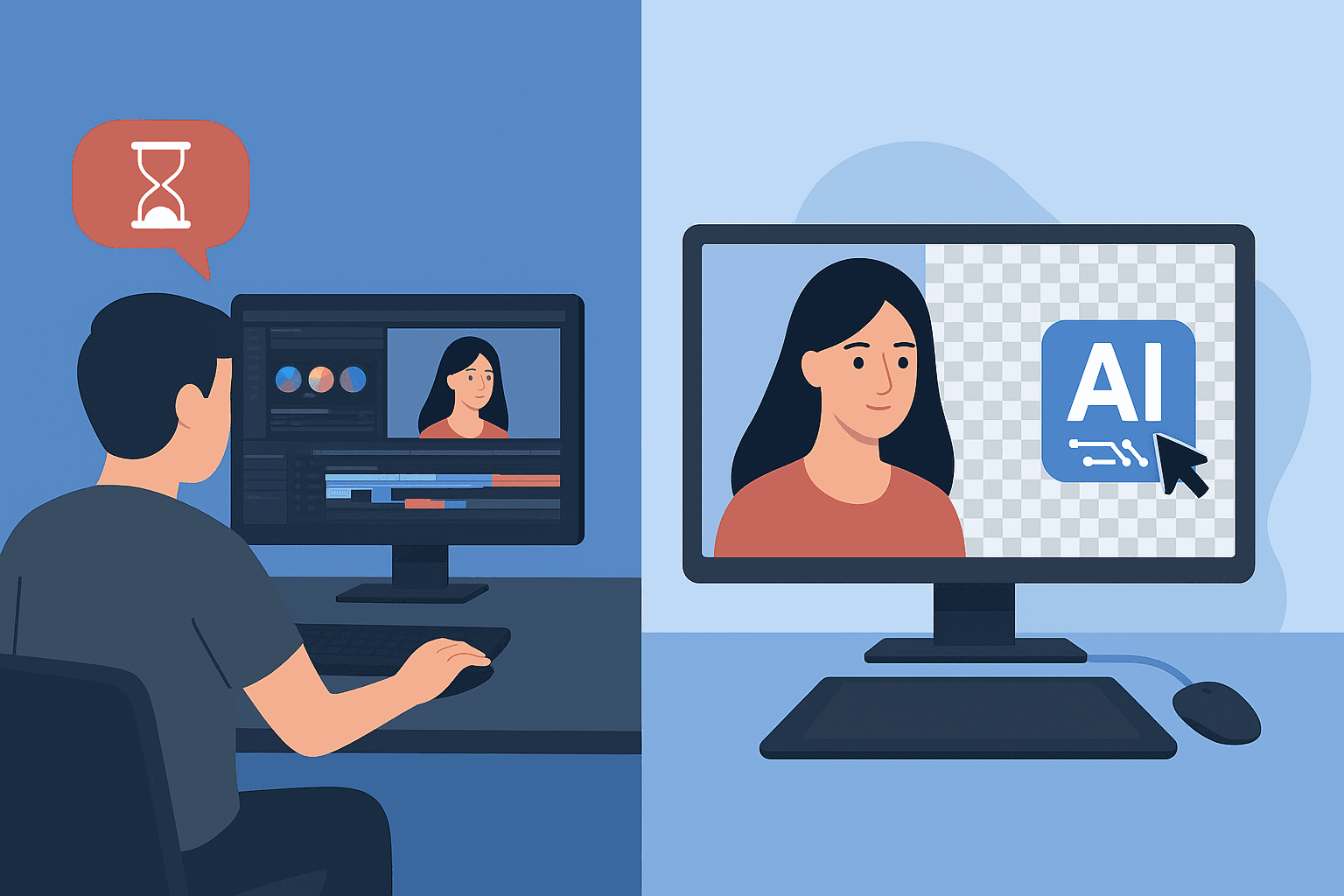
AI has changed video editing most clearly at the task level. Transcripts can help locate spoken material, caption tools can create a first text pass, speech processing can assist audio cleanup, and segmentation can reduce the effort required to isolate a subject. Each of those changes affects a different part of production.
That is more useful than treating AI editing as one capability that makes every project automatic. A tool may produce a quick draft while leaving substantial review work. Another may solve a narrow repetitive task reliably enough to become part of a daily workflow.
The practical question is where assistance improves the path to an accepted video. This guide compares specific tasks, explains the remaining decisions, and provides a way to assess the result without inventing a before-and-after benchmark.
What has changed, and what still belongs to the editor?
Software can now propose or perform more low-level operations, but the editor still determines what the video should communicate and whether the result supports that purpose. Automation changes the work distribution rather than removing all responsibility for the outcome.
A transcript can make a spoken answer easier to find. It cannot decide by itself whether that answer is fair in context. A subject mask can separate a presenter from a room. It cannot decide whether the new setting helps the audience understand the explanation.
The distinction matters when evaluating a tool. Ask which operation it assists and what evidence would show that operation is complete. Avoid comparing a polished human-delivered film with an unreviewed automatic draft as though they were equivalent outputs.
For a new editor, the first-project guide remains a useful foundation. Understanding source organisation, sequence, sound, and export makes it easier to recognise when an AI feature helps and when it creates another problem.
A sensible workflow assigns assistance to a defined task, inspects the result, and then continues. It does not assume that a feature labelled AI is appropriate for every source or that several such features automatically form a dependable production system.
How does text-based editing change the rough cut?
It lets an editor work with spoken content through a linked transcript as well as through the timeline. That can make interview and explanation material easier to search, organise, and assemble.
Adobe's Text-Based Editing documentation describes moving and removing transcript text in ways that affect the sequence. It also places later trimming and refinement in the video-editing workflow. The transcript is a useful interface, not a substitute for watching the edit.
Without that assistance, an editor might listen through recordings and mark useful passages manually. With a transcript, they can search for a topic and identify candidate sections more directly. The advantage depends on the material and on how well the transcript represents it.
Check the surrounding context before extracting a statement. A short answer can sound different when the preceding question is removed. A speaker's hesitation may carry meaning rather than being disposable dead space.
After assembling the rough cut, watch it normally. Text that reads smoothly can produce an awkward visual jump or clipped breath. Adjust timing using the actual picture and sound, and add supporting material only where it improves understanding.
Keep a path back to the source
Preserve the original recording and enough source references to verify the edit. If a reviewer questions the meaning of a passage, you should be able to locate the full answer without reconstructing the project from exported fragments.
This is especially useful for interviews, demonstrations, and educational material. A fast assembly workflow should make editorial review easier, not make it difficult to identify what was changed.
What do automatic captions solve?
They can provide a first transcription and timing pass, reducing the need to type every spoken word from scratch. They still require review for wording, timing, and presentation.
Microsoft's Clipchamp autocaption guidance documents the feature and discusses processing problems, including incorrect captions. That is a practical reason to treat generated text as material to review rather than a certified transcript.
Names, numbers, product codes, and specialised terms deserve particular attention. A small text error can change an instruction or misidentify a person. Compare those details with the audio and any reliable supporting reference.
Read captions at playback speed. A line can be accurate but difficult to follow because it appears too briefly or breaks in an awkward place. Check how captions interact with titles, demonstrations, and the publishing interface.
Decide whether the destination needs embedded captions, a separate caption file, or visible text burned into the video. Those are different delivery choices. Confirm the supported options in the editing and publishing tools before the final export.
When revising the picture edit, review the captions again. Removing or moving a passage can leave stale wording or timing. A correct early transcript does not guarantee that the final version still matches the sequence.
How has AI speech processing changed audio cleanup?
It offers another way to improve dialogue clarity, but the output still needs listening checks. A cleaner-sounding preview should be compared with the source for naturalness and intelligibility.
Adobe's Enhance Speech guidance describes an AI-assisted dialogue treatment with controls for balancing the enhanced and original audio. This is a specific capability in a particular product, not evidence that every noisy recording can be repaired.
Try a representative passage containing quiet speech, loud speech, and the noise that concerns you. Listen for missing syllables, unnatural texture, or changes that make the speaker harder to understand. Compare at a similar playback level so louder does not automatically seem better.
Keep effects proportional to the problem. A modest improvement that preserves the speaker's sound may be more useful than an aggressive treatment that removes ambience but introduces distracting artifacts.
If the recording contains unrecoverable distortion or overlapping speech, consider a different take or a new recording. AI processing does not remove the value of choosing a quiet location and placing a microphone appropriately at capture.
After cleanup, balance dialogue with music and other sounds in the full edit. A good isolated voice can still be difficult to understand once the rest of the soundtrack is added.
What changed in background removal and masking?
Automatic segmentation can provide a subject selection that previously required more manual preparation in many workflows. The important remaining question is whether the selection stays useful throughout the actual clip.
Traditional approaches include keying a controlled colour background, drawing masks, tracking shapes, and refining edges. AI-assisted removal adds another option, particularly when the footage was not recorded against a prepared screen.
The AI-versus-green-screen guide explains the tradeoffs. Neither method is universally superior; source conditions, fine detail, motion, and delivery requirements affect the choice.
Review temporal behaviour, not only a still preview. Hair, hands, props, and partially hidden objects can change between frames. A mask that looks good at the start may fail when the subject turns or crosses another object.
Check the intended composition too. A fringe hidden by a pale background can become obvious on a dark one. Glass and reflections may retain information from the original scene even when the outer silhouette is isolated.
For BGRemover, describe the verified removal workflow without assuming a particular internal model. A public research release or a blog about SAM does not establish which model a production service uses. The SAM 3 guide separates documented research capabilities from product claims.
Is generated footage the same as assisted editing?
No. Editing transforms or arranges existing material, while generation can introduce content that was not recorded. Some tools combine the two, so the distinction should be made at the operation level.
A generated backdrop can be a deliberate design element. A generated product detail can become a factual problem if it suggests a feature the real item does not have. Decide what the audience is being asked to believe before introducing invented visual information.
For a fictional scene or an illustrative concept, creation may be the purpose. For a product demonstration, interview, or record of an event, fidelity to the source may be central. The same operation can be appropriate in one context and inappropriate in another.
Keep generated assets identifiable within the project. Reviewers should know which elements came from recorded sources and which were created for the composition. This makes accuracy decisions and later revisions easier.
Do not use a visually convincing result as proof that the depicted action happened. A model's ability to create a plausible frame is different from evidence about a real object, person, or event.
How do you evaluate a new AI editing feature?
Test it on a representative sample with a defined acceptance standard. Include ordinary material and the difficult cases that matter to your actual work.
For captions, use the accents, terminology, and audio conditions you commonly handle. For removal, include the relevant hair, props, movement, and materials. For speech processing, include the noises and recording conditions you need to address.
Record the original, the settings or workflow used, the output, and the review result. You do not need a laboratory to make a useful comparison, but you do need enough information to explain why a result was accepted or rejected.
Judge outputs at the required destination size and in the receiving application. An attractive preview that cannot be imported, edited, or published as needed is not a complete solution.
Compare current access conditions and practical costs using the provider's interface or documentation. Avoid relying on stale prices or assuming that an available feature is included in every account or export path.
The background-remover comparison guide provides a sample-based evaluation method without pretending that a universal benchmark has been run.
How should you measure time savings honestly?
Measure the complete path to an accepted deliverable, including preparation, review, correction, and export. Processing speed alone can hide work moved to another stage.
Use comparable sources and output requirements. A simple talking head and a reflective moving product are different tasks. Comparing them can create an impressive number that tells you little about the tool.
Separate active effort from elapsed time. A background job may run while an editor works on something else, but a failed export can still delay delivery. Both measures are useful when clearly named.
Count unresolved outputs as unresolved. If a sample produces ten drafts and only seven pass review, report the remaining work. Do not turn the number of files generated into the number of projects finished.
For still-image collections, the photo-efficiency guide gives a more detailed tracking workflow. The same discipline applies to video: accepted work is the meaningful unit.
How do you keep a workflow useful as tools change?
Document the task and acceptance criteria separately from the current button sequence. Interfaces, access conditions, and processing services can change, while your need for an accurate caption or stable cutout remains.
Save a short representative test project with the sources you are entitled to retain. When a provider changes its feature or you consider another tool, rerun that project and compare the outputs against the same criteria. This is more informative than assuming that a familiar product name guarantees unchanged behaviour.
Keep essential source files and approved deliverables in your own organised project storage. A hosted editing service should not be the only place from which you can recover the material needed for a revision.
When documenting a workflow for a team, record the date, application version where available, and any relevant account condition. Update the instructions after a meaningful change instead of asking colleagues to follow screenshots that no longer match the product.
What does a reliable assisted workflow look like?
It has clear handoffs between automated operations and human decisions. Each stage produces something that the next stage can inspect and use, with a route back to the original source when needed.
Begin with organised media and a defined output. Use transcription to find material, build the sequence, and review its meaning. Apply audio or visual assistance where it addresses a specific problem, then inspect that result in context.
Add and review captions near the stable edit. Export using the destination's requirements and watch the actual file. Keep source media, project files, and approved outputs separate so a revision does not require starting over.
Assign responsibility for exceptions. If a mask fails or a caption is uncertain, the workflow should identify who resolves it and what evidence they use. Quietly accepting an error because the tool completed its job undermines the whole process.
Try one defined background task in BGRemover and assess it within your real edit. AI becomes useful when it helps you deliver correct work more reliably; that conclusion should come from the finished result and a measured workflow, not from the label on the feature.
Frequently asked questions
Has AI replaced video editing?
AI can assist tasks such as transcription, selection, and speech processing, but a finished edit still needs decisions about meaning, pacing, accuracy, sound, and delivery.
What is text-based video editing?
It connects a transcript with timeline media so selecting, moving, or deleting text can help assemble a rough cut. The resulting picture and sound still need review.
Are automatic captions ready to publish?
Not automatically. Check names, numbers, specialised terms, timing, speaker meaning, and readability against the actual audio before publishing.
Does AI background removal prove a particular model is used?
No. A product's visible removal feature does not establish its internal model architecture. Model claims require current product or technical evidence.
How should time savings be measured?
Compare equivalent accepted deliverables and include preparation, review, correction, and export. A faster first draft can still need substantial work.
Is generated footage the same as edited source footage?
No. Generation can introduce content that was not recorded. Decide whether that is appropriate for the purpose, and do not present invented details as evidence of a real event or product behaviour.