Remove Backgrounds from Amazon Product Videos [2026]
Yash Thakker
Author
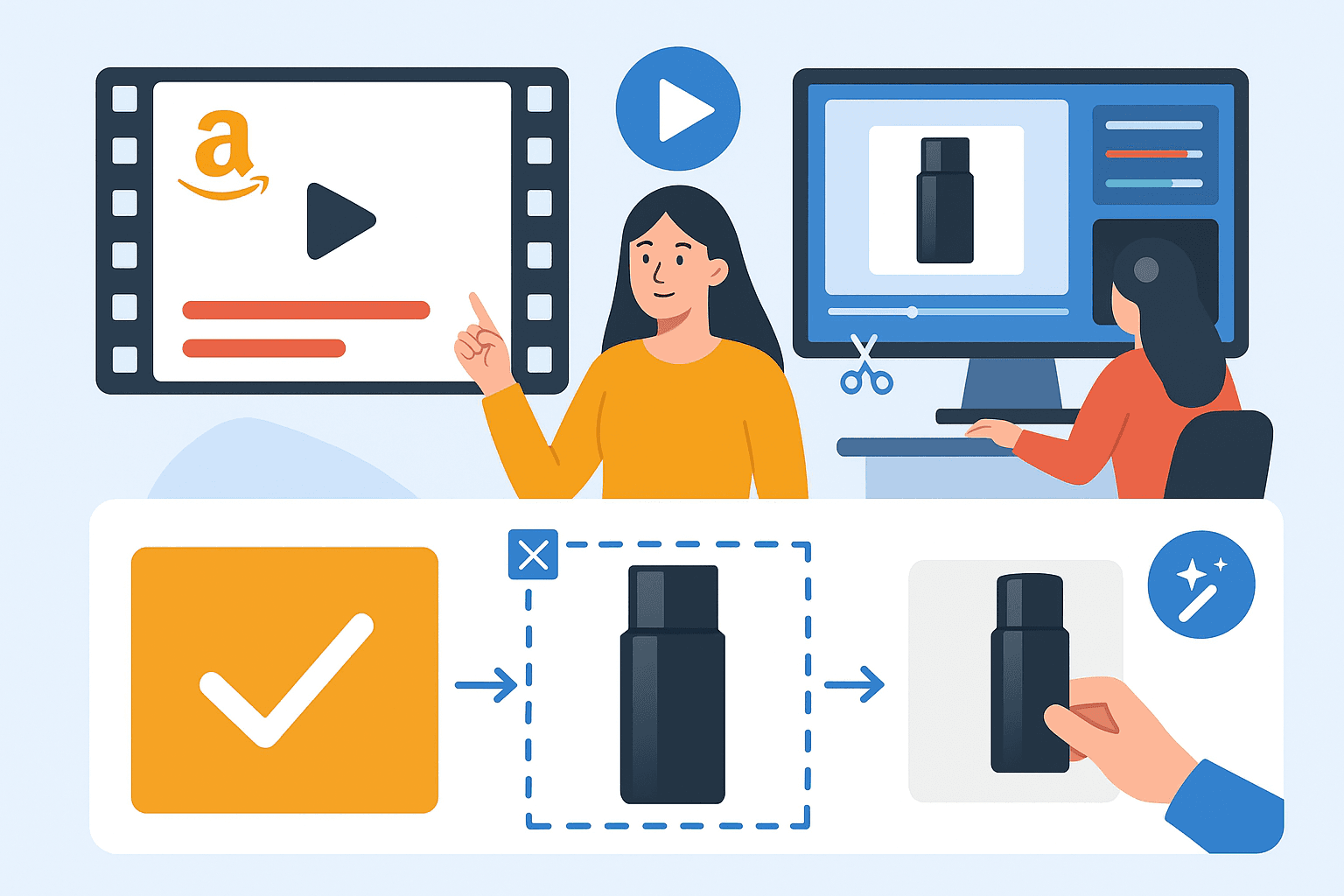
To remove the background from an Amazon product video, start with a source that clearly shows the item, process a representative clip, and inspect the complete demonstration before composing the final background. Then export for the exact Amazon placement you intend to use and check the downloaded file before submission.
The background is a supporting decision. A video that clearly demonstrates a latch, fit, texture, or setup step can be useful even when its original surroundings are simple rather than polished. Replacing those surroundings should make the demonstration easier to understand without changing what the product appears to do.
This guide separates preparation, editing, and publishing checks. It does not promise Amazon approval or a conversion increase, and the illustration above is an editorial concept rather than a screenshot of an approved campaign.
Which Amazon video placement are you preparing?
Identify the destination before setting dimensions or making creative decisions. A product-detail video, a Store asset, and a Sponsored Brands video are different placements with different guidance.
Amazon's product-video guide describes shoppable videos and practical formats such as demonstrations and setup instructions. Amazon Ads maintains separate Sponsored Brands video specifications. Use the relevant current documentation rather than treating one exported file as universally ready.
Record the intended placement, marketplace, product identifier, required orientation, and any applicable submission conditions. If someone else will upload the asset, confirm those details with them before editing. A correct video delivered for the wrong placement still creates rework.
Do not transfer a rule for a primary still image to video without checking. A plain background can be a useful design choice, but a real-use setting may communicate information that a cutout cannot. The requirements of the actual destination should settle the publishing question.
Keep a copy of the brief or the current specification you worked from. Requirements can change, and different teams may refer to different placements when they say Amazon video. A specific brief prevents that ambiguity from reaching the final review.
When does replacing the background help a product video?
It helps when irrelevant surroundings obscure the product, distract from the action, or prevent a consistent presentation across related clips. It is less useful when the surroundings explain scale, installation, or real use.
A handheld product demonstration in a cluttered room may benefit from a quieter backdrop. A series of rotating product views may benefit from consistent framing and colour. A presenter explaining several items may need a unified setting across separately recorded takes.
A wall-mounted fixture, kitchen tool, or storage product may need its environment to show how it works. Removing the counter, wall, or hand can make the demonstration confusing. In those cases, simplify the scene at capture or retain the relevant part of the environment.
Ask what information the viewer gains and loses from the proposed edit. If the answer is only that the image looks more polished, compare that benefit with the risk of making the scene less believable or less informative.
The product-image evaluation guide applies the same principle to stills: give each asset a useful job. A video should answer a product question, not merely repeat the hero image with motion.
What should you record before using a background remover?
Capture the complete action with the product clearly visible and enough space around every moving part. Better source footage reduces ambiguity during removal and gives you more flexibility when composing the final frame.
Plan a short demonstration around one question. Show how the lid opens, how a part connects, or how the item is held. Avoid unnecessary movements that obscure the feature or carry the product outside the frame.
For example, a storage-container demonstration can begin with the closed item, show the latch opening, reveal the interior, and finish with the lid closing again. That short sequence gives the editor identifiable checkpoints. If background removal interrupts the latch or lid at any checkpoint, the result needs correction even if the surrounding frames look clean.
Record a little room before and after the action so the editor can choose a natural beginning and ending. Keep those extra moments in the source rather than trying to recover them from a tightly trimmed export later.
Keep the camera steady and the lighting consistent. A bright reflection crossing a glossy surface or a blurred hand passing over a small part can make the important moment harder to interpret. Review a test take before recording an entire series.
Use the actual product and the correct variant. Check labels, included accessories, and packaging against what the customer will receive. An attractive demonstration of a different size or older version is not an acceptable substitute.
Record clean audio if speech or product sound matters. Background removal concerns the image; it does not guarantee that unclear narration becomes usable. Listen to the source before editing so you can rerecord while the setup is still available.
Amazon's Sponsored Products video guide discusses showing real product use and using clear lighting. Treat that as guidance for the relevant advertising format, while checking the specific requirements of your own destination separately.
How do you process a representative clip?
Test a clip that includes the difficult action, not just an easy stationary opening. The sample should reveal whether the product, hands, accessories, and fine details remain usable throughout movement.
Open the video workflow in BGRemover and upload the chosen source. Confirm the current input conditions, output choices, and credit requirements in the interface. Do not rely on an old article's claims about file limits, free access, or processing speed.
Choose the intended background treatment or an appropriate intermediate output. If you plan to finish the composition in another editor, first confirm that the exported intermediate works there. If you need a direct replacement, review that finished background with the actual product.
After processing, watch the entire sample at normal speed. Pause at turns, occlusions, and interactions. A thin cable or moving tool can disappear briefly even when the majority of the clip looks correct.
Compare the processed sample with the source. Check that the action still communicates the same thing and that no required part has been removed. Processing completion is a technical state, not evidence that the demonstration is accurate.
The online video-removal guide covers the general upload-to-export workflow. For commerce, add product identity and functional-detail checks to that standard review.
Which foreground details need special attention?
Review the parts that explain the product's function or identity. Their importance is not determined by how many pixels they occupy.
A small connector can be the main reason a customer watches the demonstration. A strap can explain how a bag is carried. A transparent lid can show how a container closes. Missing any of these may invalidate the clip even if the main body remains sharply outlined.
Check hands and tools that interact with the product. If a hand disappears during an opening action, the viewer may not understand what caused the movement. If a supporting surface is removed, a product can appear to float or behave unrealistically.
Inspect labels and logos during turns. Compression, blur, and masking can make important markings unreadable. If the label needs to be shown, include a stable close view rather than expecting every moving frame to carry that information.
Be cautious with reflective and transparent materials
Glass and polished surfaces can contain the original surroundings within the product itself. Removing the outer background may leave reflections or transmitted scenery that clash with a new setting.
Do not automatically solve this by changing the product's material appearance. Compare a different source, a more compatible backdrop, or controlled reshooting. Accurate presentation matters more than forcing every item through the same visual treatment.
What background should you add after removal?
Choose a background that supports the demonstration, matches the placement, and keeps the product easy to inspect. A quiet neutral is a useful candidate, but it is not a universal requirement or a guarantee of approval.
Compare the product against light and dark options when its outline is difficult to see. A pale item can vanish against white, while a black item can lose detail against a deep backdrop. Review the whole motion, since the visible surfaces change during a turn.
Keep perspective and grounding plausible. A product resting on a surface should not appear suspended without a reason. If you add a shadow, make sure it fits the composition and does not suggest a different shape or scale.
Avoid decorative motion that competes with the feature being demonstrated. If the product is moving, a still background may already provide enough visual interest. Each additional animation should have a clear communication purpose.
The background-colour guide explains how to compare colour choices while preserving subject clarity. Keep the product's real appearance separate from the campaign's palette preferences.
How should captions and claims be handled?
Use text to clarify the demonstration without covering the product or making claims the footage does not support. Review both the wording and its placement in the final composition.
A short label can identify a part or a step. A caption can preserve essential spoken information when sound is unavailable. Keep that text readable at the size in which customers will actually see the video.
Do not place a large caption over the exact interaction you want viewers to understand. Leave space around hands, controls, and moving components. Check that text remains clear throughout any background change.
Confirm the product claims with the responsible source within your business. Background editing does not validate a claim about performance, compatibility, durability, or included contents. If the footage only shows an action, avoid turning it into a broader unsupported promise.
Follow the current creative guidance for the chosen Amazon placement, including any restrictions relevant to text or claims. A caption acceptable in one channel should not be assumed suitable for every advertising format.
How do you export the final video correctly?
Prepare a finished composition for the intended destination and verify its current technical requirements before exporting. A transparent intermediate used during editing is not automatically the file you should submit.
Check dimensions, orientation, duration, audio, and format against the placement brief. Use the current publishing documentation or uploader requirements for precise limits rather than copying numbers from an unrelated tutorial.
Download and reopen the final file. Watch from beginning to end with audio, then inspect the moments that were difficult during removal. Confirm that the exported version matches the approved edit and has no unintended black frames or missing ending.
Review the thumbnail separately. It should represent the actual product and give a clear preview of the video. An attractive frame with an obscured product or a misleading action is a poor choice even if the video itself is accurate.
If you create several variants, name them by product, placement, orientation, and version. Keep the approved master separate from draft exports so the uploader does not have to guess which file is final.
How should you handle a catalogue of product videos?
Use an inventory and review each output against the corresponding product. A repeated visual style is helpful, but it does not remove the need to inspect different shapes, materials, and actions.
Group clips by similar requirements, approve a representative sample from each group, and track exceptions separately. A solid package, a reflective appliance, and a transparent container can need different treatment even within one campaign.
The bulk video-background workflow covers job tracking and reconciliation. Add the Amazon placement and product identifier to that record so every reviewed output has a clear destination.
Before handoff, count required deliverables against approved files. A processing retry should not be counted as another completed product. Make unresolved clips visible rather than letting a folder of outputs imply that the entire catalogue is ready.
What happens after you submit the video?
Treat submission, review, and published appearance as separate states. A valid local file can still need changes for its intended placement, and an accepted asset should still be checked where it appears.
If Amazon returns feedback, identify the stated issue before editing. Technical format, product content, claims, and placement suitability are different problems. Re-exporting repeatedly will not fix a content issue, and rewriting captions will not fix an unsupported file format.
After publication, check the correct product association, thumbnail, playback, and visible crop. Keep the approved source and final export so future revisions do not require rebuilding the entire project.
Begin with one accurate demonstration in BGRemover, review the product throughout the action, and prepare the output for its exact destination. The objective is a clearer explanation of the item; approval and sales outcomes must be assessed separately.
Frequently asked questions
Do all Amazon product videos need a white background?
Do not assume that a main product-image rule applies to every video. Identify the exact video placement and consult its current Amazon guidance. A real-use setting may be useful for a demonstration.
Can I use the same file for a listing and an ad?
Possibly, but each destination must be checked separately. Placement specifications, creative requirements, text treatment, and eligibility can differ.
What should remain after product-video background removal?
Retain every element needed to explain the item accurately, including relevant hands, accessories, tools, and interaction surfaces. Inspect the complete action, not only the opening frame.
Should the uploaded Amazon video be transparent?
A transparent intermediate is for further editing in a compatible workflow. Prepare a finished composition and verify the current upload requirements of the intended Amazon placement before submitting it.
Does a cleaner background guarantee more sales?
No. It may improve clarity, but any sales effect requires evidence. Product suitability, price, traffic, stock, and other page elements also affect outcomes.
Does a successful export guarantee Amazon approval?
No. Technical playback, accurate content, and Amazon's review are separate checks. Follow the feedback for the specific placement if an asset is rejected.