Video Background Removal and Creative Editing in 2026
Yash Thakker
Author
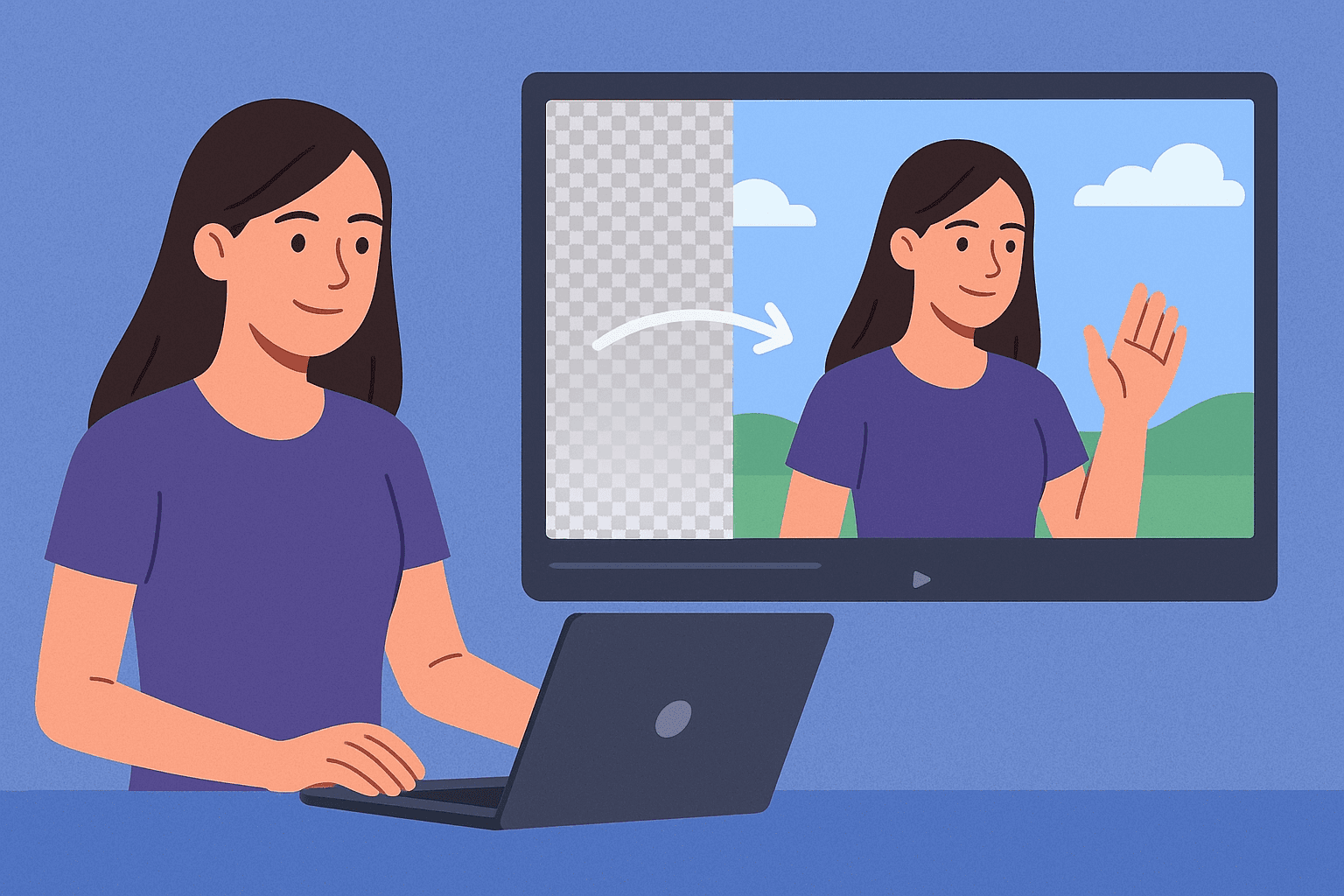
Background removal makes it easier to treat a recorded subject as a reusable part of a composition. A presenter, product, or animated character can appear beside different diagrams, scenes, or messages without recording every layout from scratch. The useful result is creative flexibility, provided the cutout remains stable and the exported file works in the next editing step.
That is a more practical description than promising an instant transformation. A preview can appear quickly while the project still needs edge review, sound editing, background selection, and delivery checks. Processing is one stage in the work, and its value depends on how much useful editing it enables afterward.
This article looks at the workflow change rather than predicting a product roadmap. It separates current upload-based editing from research directions, explains how to build reusable material, and shows where automatic removal helps or creates extra work. The hero is a conceptual illustration of compositing, not a measured performance example.
What changes when the subject becomes a separate asset?
You gain control over the relationship between the subject and the rest of the frame. A presenter can sit beside a demonstration instead of covering it. A product can move between a catalog-style layout and a campaign composition. A mascot can introduce several lessons while the supporting visuals change around it.
This flexibility works best when planned before recording. Leave room for gestures, avoid framing that cuts through essential movement, and choose a perspective that can suit the intended compositions. A tightly cropped face from one shot may not become a convincing full presenter simply because its background is removed.
Think of the cutout as an editing asset with known qualities. It has a particular angle, light, motion, resolution, and duration. Those properties influence where it fits. A standing presenter looking left may work beside a graphic on that side, but not every later layout will make equal sense.
Keep those properties in a brief asset note. Include what the subject is doing, where it faces, whether sound is present, and any limitations around edges or props. A small reusable library becomes easier to use when the files communicate their purpose instead of relying on a creator's memory.
Which creative tasks benefit most from separation?
Tasks that reuse the same meaningful subject across changing supporting material are good candidates. Examples include lesson introductions, feature explanations, product variants, localized text layouts, or event updates. The goal is to avoid rebuilding the subject layer when only the surrounding message changes.
For teaching, a cutout can share the frame with a diagram while leaving the diagram readable. For a small business, one clear product demonstration can be placed in several formats with different surrounding text. For a creator, a recorded introduction can lead into a series of related explanations without visually overwhelming each one.
Not every scene benefits. A craftsperson's workshop may be evidence of the activity, while a dancer's original setting may establish the performance context. Removing the room can discard information that makes the video understandable. Start by identifying what the background contributes before deciding it is clutter.
Our custom background ideas provide examples of purposeful composition. The Navratri video guide offers a more specific case where setting, movement, and cultural context should be considered together rather than reduced to a generic seasonal graphic.
How do you plan a reusable recording?
Plan the range of future uses without making the initial recording unnaturally generic. Record the subject clearly, preserve complete gestures, and choose language that fits the intended series. If every sentence includes a temporary price or date, the clip may become outdated before its visual asset does.
Record modular sections where that suits the message. A short introduction, a feature explanation, and a closing action can be easier to revise than one uninterrupted performance. Keep natural pauses around edits, and ensure each section has enough visual continuity to stand alone. Modularity should support clarity, not make the speaker sound mechanical.
Leave safe framing around hands and props. The new background cannot restore a product that left the camera frame. If multiple destination shapes are planned, test whether the subject fits both wide and narrow compositions. You may need separate takes for different framing rather than forcing one source into every use.
Capture clean sound and save it appropriately. A transparent image layer is only one part of the reusable asset. If the narration contains room noise or is mixed with loud music, later reuse becomes harder. Keep source tracks and practical alignment notes when your setup allows them.
Where does BGRemover.video fit in the process?
BGRemover.video fits at the separation and background-replacement stage for compatible uploaded material. The current video input accepts MP4 and MOV, with replacement-background and transparent WebM workflows available in the application. Account conditions and export choices should be checked in the current interface for the task you are completing.
Start with a representative sample and inspect the actual download in the next editor. If the subject will be reused across several backgrounds, test contrasting light and dark plates as well as the first intended scene. That reveals whether the cutout is broadly useful or only acceptable against one forgiving background.
A reusable workflow can look like this:
- Choose a clear source take and keep an untouched copy.
- Test the difficult movement and essential accessories.
- Create the appropriate replacement or transparent output.
- Import the file into the receiving composition tool.
- Build each layout around the subject's actual framing and movement.
- Export and review each finished destination version.
Do not mistake this role for a complete editing suite or a live camera integration. Sound, timing, captions, complex mask correction, and final publishing may require other tools. Our video editing tools comparison can help frame the broader tool choice around the whole project.
What makes a cutout reusable rather than merely acceptable?
A reusable cutout preserves the subject consistently and carries enough quality for its planned destinations. It should not depend on one background hiding a major defect. Review the whole performance, including turns, hair movement, hand gestures, and interactions with objects. A clean resting frame is only a small part of that assessment.
Inspect the source against the output when something looks wrong. Some defects may already exist in the recording or generated asset. Others can come from separation, conversion, or compositing. Knowing where the issue begins helps you choose a productive fix rather than repeatedly processing the same flawed input.
| Reuse requirement | What to verify | Why it matters later |
|---|---|---|
| Multiple background colors | Edges on light and dark plates | Hidden fringes can become visible |
| Several aspect ratios | Full gestures inside each layout | Crops can remove the important action |
| New narration or language | Timing and editable text layers | Flattened text is harder to replace |
| Future product updates | Accurate retained details | An old feature claim can outlive its usefulness |
| Team handoff | Source, intermediate, and notes | Another editor needs a clear starting point |
An asset can still be useful with documented limitations. For example, a presenter with a difficult translucent sleeve may be appropriate for one light-background lesson series. Label that constraint instead of placing the file in a general library with an implied promise that it works everywhere.
How should you compare speed and cost honestly?
Measure the effort required to reach a usable deliverable. Include preparing the file, uploading, waiting, reviewing, fixing issues, compositing, and exporting. A short processing time is valuable only if the result meets the project's needs without disproportionate cleanup.
If you compare tools, use the same representative source and the same destination requirement. One service might produce a fast flattened preview while another exports a reusable alpha asset. Those are not automatically equivalent outcomes. Record what was tested and avoid turning a small personal trial into a universal performance ranking.
Account for repeated production too. A method that needs more setup but produces consistent weekly recordings can be worthwhile. Another method may be preferable for a single existing clip when a new recording is impossible. The right choice depends on the production pattern, not just the apparent speed of a button.
Our small-business background-remover guide looks at free access and total editing effort in this context. A free allowance can be useful for a sample, but current export conditions and the cost of revisions still matter when planning a reliable workflow.
What can research tell us about future editing?
Research can show new ways to identify subjects, maintain information across frames, or generate changed scenes. It can help explain why editing interfaces may become more interactive. It does not establish that every demonstrated capability is available in a particular consumer product or reliable on every kind of footage.
Meta's SAM 2 research page describes segmentation across images and video. That is relevant to how a user might identify or correct a subject over time. A segmentation mask still needs suitable source material, temporal review, and a practical export workflow before it becomes a finished creative asset.
Thinking Machines' interaction-models research explores responsive multimodal interaction. Its relevance to creative tools is a possible direction for interaction design, not evidence that BGRemover.video has integrated that system. Responsive conversation, subject segmentation, scene generation, and export are separate capabilities.
For a fuller discussion of those boundaries, read our interaction-models article. Keeping research and shipping behavior separate makes future planning more useful: you can explore possibilities while making current production decisions from available controls and verified outputs.
What would a better editing interaction actually help you do?
It would help you express the intended subject, inspect uncertain areas, and correct a result without losing the rest of the work. For example, a creator might identify a microphone that should remain with a presenter, then review whether that choice stays consistent through movement. The value lies in control and feedback, not merely in adding a conversational interface.
A good interaction should also make the output understandable. The creator needs to know what file is being delivered, which background is already baked in, and what another editor must support. Those practical handoffs remain necessary even if the way users give editing instructions becomes more natural.
What should remain an editorial decision?
The purpose of the scene, the accuracy of its claims, and the relationship between the subject and setting should remain deliberate choices. An automatic cutout can identify visible material, but it does not decide whether moving a person into a particular location would mislead the audience.
For product content, preserve the item as customers will receive it. A cleaner background should not remove a real connector, conceal a defect that matters to the listing, or change a material color. For teaching, keep context that helps the learner understand scale, sequence, or cause and effect.
Use background replacement to clarify the story rather than to disguise missing evidence. If a product has not been demonstrated in a setting, a generated scene should not be presented as a recorded test there. An illustrative composition can still be useful when its role is clear.
The same care applies to a creator's own message. Reusing a presenter asset with new surrounding text can change what the audience thinks the presenter is endorsing. Review the complete composition, especially when a teammate updates the copy later. The subject layer and the message around it need to remain consistent.
How do you preserve flexibility through the final handoff?
Save the original recording, the useful intermediate, and the finished export separately. Give them names that identify the subject, version, and intended role. Include source permissions and relevant production notes where the team keeps its asset records. A folder of unexplained downloads undermines the flexibility the workflow was supposed to create.
Test transparency in the receiving application rather than relying on a checkerboard preview. If the next destination does not preserve the chosen format, make an appropriate intermediate or flatten the final composition deliberately. Our transparent video guide explains those checks.
Review each final version in its actual crop and viewing context. Captions, gestures, logos, and platform controls can interact differently across layouts. A reusable subject saves part of the work; it does not remove the need to assess each finished video.
When a separate subject would help your next project, try a representative clip in BGRemover.video and carry the download through a real composition. Keep the workflow that produces useful, revisable material. Creative progress comes from having clearer choices and reliable assets, with enough control to make the final scene serve its audience.
Frequently asked questions
Does background removal transform a video instantly?
Processing time varies, and the full workflow includes preparation, review, compositing, and export. Judge the time to a usable result rather than treating a fast preview as a finished video.
What is the main creative benefit of a transparent subject?
It can be reused in different layouts and backgrounds without extracting it again from a flattened composition. The receiving editor must support the chosen transparent format.
Can one cutout work against every background?
Not necessarily. Edge color, lighting, perspective, shadows, and contrast may suit some scenes better than others. Test each important composition.
Do new segmentation research models prove current product features?
No. Research results describe those systems and conditions. A product's available inputs, controls, output formats, and behavior need separate verification.
Should I save only the finished replacement-background video?
Keep the untouched source and, when useful, a reusable intermediate as well as the final export. This makes revisions possible without repeatedly extracting an already compressed composite.