Unscreen Is Shutting Down — Here's What to Use Instead
Yash Thakker
Author
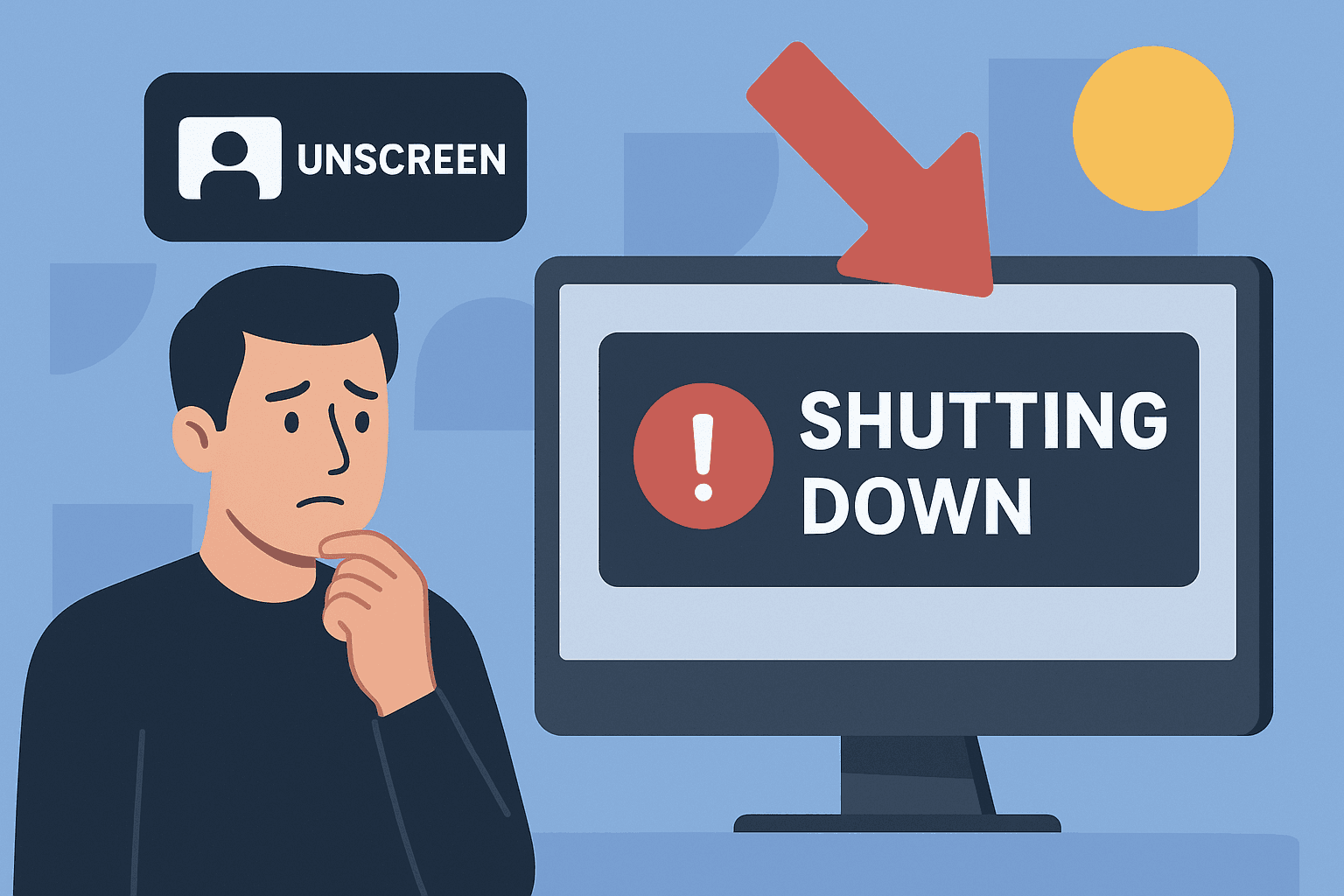
Discover What Happened to Your Favorite Video Background Remover
The news has shocked video creators worldwide: Unscreen, one of the most popular tools to remove bg from videos, is officially shutting down on December 1, 2025. If you've relied on this service for creating professional videos with transparent backgrounds, you're probably wondering why this is happening and what unscreen alternative you should switch to before it's too late.
Find Your Perfect Video Background Remover Now
In this comprehensive guide, we'll uncover the real reasons behind Unscreen's closure, what it means for existing users, and most importantly, introduce you to powerful alternatives that can seamlessly replace Unscreen in your video editing workflow. Whether you need to remove bg free or require advanced features for professional projects, we've got you covered with solutions that will keep your video production running smoothly.
What's Happening With Unscreen?
Unscreen has officially announced its permanent shutdown, scheduled for December 1, 2025, at 9:00 a.m. CET. This popular video background remover, owned by Canva Austria GmbH, stopped accepting new subscriptions on September 29, 2025, signaling the beginning of the end for this once-essential tool in many creators' workflows.
After the shutdown date, all purchased services will cease to function immediately. Users who have videos stored or processed through Unscreen must download their content before the deadline, as all data will become inaccessible. This includes API integrations, plugin functionalities, and any remaining credits or subscription minutes, which will expire without refunds or transfers.
The timing of this announcement has left many video professionals, marketers, and content creators scrambling to find a reliable unscreen alternative that can match the convenience and quality they've come to expect from automated background removal tools.
Why Is Unscreen Really Shutting Down?
While Canva hasn't released an extensive public statement detailing every factor, several key reasons emerge from industry analysis and official communications:
Strategic Product Consolidation
Canva's decision to shut down Unscreen reflects a broader strategic shift toward unified platform offerings. As a parent company managing multiple creative tools, Canva is streamlining its product portfolio to focus resources on core offerings rather than maintaining numerous specialized, single-purpose applications. This consolidation allows them to integrate video background removal capabilities directly into their main platform, eliminating the need for a separate service.
Resource Allocation and Cost Management
Running an AI-powered service to remove background video content requires substantial computational resources, storage infrastructure, and ongoing maintenance. The processing demands for analyzing each frame of video, applying machine learning algorithms, and delivering high-quality results consume significant server capacity and operational expenses. If user growth or revenue generation didn't meet internal projections, maintaining Unscreen as a standalone product became economically unsustainable.
Market Competition and Feature Integration
The landscape for video editing tools has evolved dramatically. What once required specialized software is now available as a built-in feature in mainstream video editors and creative platforms. Major competitors and emerging startups have integrated background removal directly into comprehensive editing suites, reducing the unique value proposition of standalone tools. This market saturation made it challenging for Unscreen to maintain its competitive position.
Redundancy Within Canva's Ecosystem
Canva already offers robust video editing capabilities within its main platform, including various background manipulation features. Continuing to operate Unscreen as a separate entity created internal redundancy—essentially competing with its own product offerings. From a business perspective, consolidating these features into a single, comprehensive creative platform makes more strategic sense than fragmenting the user experience across multiple tools.
What This Means For Current Unscreen Users
If you're currently using Unscreen for your video projects, immediate action is required to avoid workflow disruption:
Immediate Download Required: Any videos you've processed or stored on Unscreen's servers must be downloaded before December 1, 2025. After this date, all content becomes permanently inaccessible with no recovery options. Set calendar reminders and prioritize downloading your video library to prevent irretrievable data loss.
API and Plugin Cessation: All API integrations and plugin functionalities will stop working completely after the shutdown. If you've built automated workflows, batch processing systems, or integrated Unscreen into your production pipeline, you need to migrate to alternative solutions immediately to maintain business continuity.
Credit and Subscription Expiration: Any unused credits, processing minutes, or remaining subscription time will expire worthless. Canva is not offering refunds, transfers, or extensions. If you have a paid plan, maximize your usage before the deadline or accept the loss of prepaid services.
Workflow Migration Necessity: Video creators, marketers, and businesses relying on Unscreen for regular content production must identify and test a free video background remover or premium alternative now. Waiting until the last minute risks production delays, missed deadlines, and potential client dissatisfaction.
The Best Unscreen Alternative: BgRemover.video
When searching for an unscreen alternative that combines power, ease of use, and reliability, BgRemover.video emerges as the superior choice for professional video creators and businesses alike. This comprehensive platform doesn't just replicate Unscreen's functionality—it surpasses it with advanced features, faster processing, and more flexible pricing options.
Why BgRemover.video Stands Out
Advanced AI Technology: BgRemover.video employs cutting-edge artificial intelligence specifically trained on millions of diverse video scenarios. This extensive training enables the platform to handle complex removal tasks that would challenge other tools, including videos with intricate hair details, transparent objects, fast movements, and challenging lighting conditions. The AI continuously improves through machine learning, ensuring consistently superior results.
Lightning-Fast Cloud Processing: Speed matters in professional workflows. BgRemover.video's powerful cloud infrastructure processes videos significantly faster than browser-based competitors, with most standard videos completing within 2-5 minutes regardless of your device capabilities. This efficiency allows you to remove bg from videos quickly, maintaining productivity even with tight deadlines and high-volume projects.
Complete Format Compatibility: Unlike tools that limit format options, BgRemover.video supports every popular video format including MP4, MOV, AVI, WebM, MKV, and more. Upload in any format and export in your preferred codec and container, ensuring seamless integration with your existing workflow and platform requirements.
High-Resolution Support: Professional projects demand professional quality. BgRemover.video maintains video integrity at resolutions up to 4K, preserving every detail, color accuracy, and sharpness throughout the background removal process. Whether creating content for social media, websites, or broadcast, your output meets the highest quality standards.
Intuitive User Experience: The platform's clean, modern interface requires no learning curve. Simply upload your video, let the AI process it automatically, preview the results, and download your transparent background maker output. This simplicity doesn't sacrifice power—advanced users can access manual refinement tools, batch processing capabilities, and customization options when needed.
Transparent Pricing That Makes Sense
BgRemover.video offers flexible pricing that scales with your needs, from occasional users to high-volume production studios. The pay-as-you-go model ensures you only pay for actual usage, while subscription tiers provide cost savings for regular users. Free trials allow you to test the service risk-free before committing, and there are no hidden fees, surprise charges, or complicated credit systems.
Other Viable Alternatives To Consider
While BgRemover.video represents the best overall unscreen alternative, several other options deserve consideration depending on your specific requirements:
Remove.bg Video
Remove.bg, known primarily for image background removal, has expanded into video processing. Their video service applies the same reliable AI technology that made their image tool popular, offering good results for straightforward removal tasks. The familiar interface benefits existing Remove.bg users, though video processing speeds can lag behind specialized competitors, and resolution limitations may restrict professional applications.
Adobe After Effects
For professionals already invested in Adobe's Creative Cloud ecosystem, After Effects provides sophisticated background removal through its Roto Brush 2.0 tool. This AI-powered feature delivers exceptional precision and integrates seamlessly with other Adobe applications. However, the software requires substantial learning investment, powerful hardware, and an ongoing subscription. It's ideal for advanced editors but overkill for simple removal tasks.
CapCut
This free mobile and desktop editor includes background removal features powered by AI, making it accessible to creators working primarily on smartphones and tablets. CapCut's greatest strength is zero cost and mobile optimization, but processing quality and speed trail dedicated background removal services. It works well for casual social media content but may not meet professional standards for commercial projects.
Kapwing
Kapwing offers browser-based video editing with background removal as one feature within a comprehensive toolkit. The collaborative editing capabilities benefit teams, while the generous free tier appeals to budget-conscious creators. Background removal quality is adequate for most uses, though processing times can extend for longer videos, and the free version includes watermarks that require paid removal.
How To Transition From Unscreen Seamlessly
Migrating to a new remove bg video tool doesn't have to disrupt your production schedule. Follow this systematic approach for a smooth transition:
Evaluate Your Specific Needs
Before committing to an unscreen alternative, analyze your typical usage patterns. How many videos do you process monthly? What resolutions do you require? Do you need API integration or batch processing? Are you working individually or collaborating with a team? Understanding these parameters helps you select the solution that best fits your workflow rather than choosing based solely on features you'll never use.
Test Multiple Options
Take advantage of free trials and demo versions to test several alternatives with your actual video content. Upload representative samples that reflect your typical projects—including your most challenging footage—to evaluate each platform's handling of your specific scenarios. Compare processing speeds, output quality, file size management, and user interface intuitiveness before making a final decision.
Plan Your Migration Timeline
Don't wait until Unscreen's shutdown date to switch services. Begin transitioning immediately, running parallel workflows during a testing period. This gradual migration allows you to identify and resolve any issues before you're forced to rely entirely on the new platform. It also provides time to train team members, update documentation, and adjust standard operating procedures without pressure.
Update Your Workflows and Documentation
Document your new process thoroughly, including login credentials, subscription details, processing settings, export specifications, and troubleshooting procedures. If you work with a team, create training materials and conduct sessions to ensure everyone understands the new system. Update any client-facing documentation that references background removal capabilities, and test all integration points in your production pipeline.
The Future Of Video Background Removal Technology
The shutdown of Unscreen represents more than just one service closing—it signals an evolution in how background removal technology is delivered and accessed. The trend toward consolidation suggests that standalone, single-purpose tools are gradually being absorbed into comprehensive creative platforms that offer multiple functionalities within unified ecosystems.
AI technology continues advancing rapidly, with each generation of machine learning models delivering more accurate, faster, and more versatile background removal capabilities. We can expect future tools to handle increasingly complex scenarios automatically, including challenging edge cases like transparent materials, fine hair details, and rapid motion that currently require manual refinement.
The rise of real-time processing also looms on the horizon. As computational power increases and AI algorithms become more efficient, live background removal during video capture becomes feasible, eliminating post-production processing entirely. This technological leap will fundamentally change how content creators approach production workflows.
Additionally, integration with other AI-powered features—automatic color correction, lighting adjustment, object insertion, and style transfer—will transform simple background removal tools into comprehensive video enhancement platforms. The future belongs to solutions that don't just remove bg free but transform raw footage into polished, professional content through intelligent automation.
Making The Right Choice For Your Video Production Needs
Selecting the ideal unscreen alternative ultimately depends on your unique circumstances, budget constraints, technical requirements, and production volume. While multiple options exist, BgRemover.video consistently delivers the optimal combination of quality, speed, ease of use, and value for most users transitioning from Unscreen.
The key is taking action now rather than waiting until the December 1 deadline creates unnecessary pressure and potential disruption to your video production schedule. Test your chosen alternative thoroughly with real projects, migrate your workflows systematically, and ensure your team is comfortable with the new system well before Unscreen goes offline permanently.
Remember, this transition also presents an opportunity to evaluate your entire video production workflow. Perhaps the new free video background remover you select offers additional features that can enhance your content quality or streamline other aspects of your process. Approach this change as a chance to upgrade your capabilities rather than simply replacing a lost tool.
Conclusion
The shutdown of Unscreen on December 1, 2025, marks the end of an era for many video creators who relied on its convenient, AI-powered background removal capabilities. However, this change doesn't mean your video production needs to suffer. Superior alternatives like BgRemover.video offer enhanced functionality, faster processing, and more flexible options that not only replace what you're losing but potentially improve your overall workflow.
The reasons behind Unscreen's closure—strategic consolidation, resource allocation challenges, market competition, and product redundancy—reflect broader trends in the creative technology industry. Rather than viewing this shutdown as a setback, recognize it as an impetus to explore improved solutions that better serve your evolving needs.
Don't delay your migration. Download any content stored on Unscreen immediately, test potential alternatives with your actual video content, and implement your new solution well before the December deadline. With the right transparent background maker tool in place, you'll continue producing professional videos without interruption, potentially with even better results than before.
The future of video background removal is bright, with advancing AI technology, improved processing speeds, and more intuitive interfaces making professional-quality video editing accessible to creators at every level. Embrace this transition as an opportunity to enhance your capabilities and maintain your competitive edge in an increasingly video-driven digital landscape.
Frequently Asked Questions (FAQs)
Q1: What happens to my videos stored on Unscreen after December 1, 2025?
A: All videos stored on Unscreen's servers will become permanently inaccessible after the shutdown date of December 1, 2025, at 9:00 a.m. CET. There is no recovery option, grace period, or backup service. You must download all your processed videos before this deadline to prevent irretrievable data loss. Set multiple reminders and prioritize this task to ensure you don't lose important content.
Q2: Can I get a refund for my unused Unscreen subscription or credits?
A: Unfortunately, Canva has not announced any refund program for unused Unscreen subscriptions, credits, or processing minutes. Any prepaid services will expire worthless after the shutdown. Your best option is to maximize your usage of remaining credits before December 1, 2025, by processing as many videos as possible while the service remains operational.
Q3: Will Canva offer background removal features in their main platform?
A: While Canva already includes some video editing capabilities in their main platform, they haven't made detailed announcements about incorporating all of Unscreen's specific features. The strategic decision to shut down Unscreen suggests they prefer focusing resources on their core product rather than maintaining a separate specialized tool. Check Canva's official updates for information about future feature additions.
Q4: Is there a completely free unscreen alternative available?
A: Several services offer free tiers or trials for video background removal. CapCut provides free mobile-based background removal, though with limitations on quality and processing speed. BgRemover.video offers free trials so you can test the service before committing. However, professional-grade background removal typically requires paid services due to the computational costs of processing video content with AI technology.
Q5: How do I choose between different video background remover tools?
A: Evaluate potential alternatives based on your specific needs: processing volume, required resolution, budget constraints, ease of use, integration requirements, and output quality standards. Test multiple services with your actual video content during free trial periods. Compare processing speeds, accuracy on challenging footage, format compatibility, customer support responsiveness, and pricing models. BgRemover.video typically excels across these criteria for most professional users seeking a reliable unscreen alternative.