Creator shorts
Clean up clips before posting to TikTok, Reels, and Shorts.
Professional video background remover powered by AI. No green screen needed. Remove, replace, or make video backgrounds transparent in seconds—perfect for content creators!
Start Removing Video BackgroundsSay goodbye to green screens and complex editing software. Our AI-powered video background remover automatically detects and removes backgrounds from any video in seconds. No need to click pixels, pick colors, paint masks, or move paths—just upload your video and let our advanced AI do all the work. Perfect for content creators, marketers, educators, and anyone who needs professional video editing without the hassle. Works with real-world footage shot anywhere, anytime.

Unlike traditional video editing that requires expensive green screen setups, studio lighting, and professional equipment, our tool works with videos filmed in any environment. Remove backgrounds from videos shot at home, outdoors, in offices, or anywhere else. The AI intelligently separates your subject from the background, handling complex scenarios like hair details, transparent objects, and motion blur. Save thousands on equipment and studio rentals while achieving professional results.

After removing the original background, transform your video with unlimited creative possibilities. Add solid colors for clean, professional looks. Upload custom images to place your subject in any location—from exotic beaches to modern offices. Or replace with video backgrounds to create dynamic, engaging content. Preview changes in real-time and download when you're satisfied. Perfect for creating branded content, social media videos, product demos, and professional presentations.
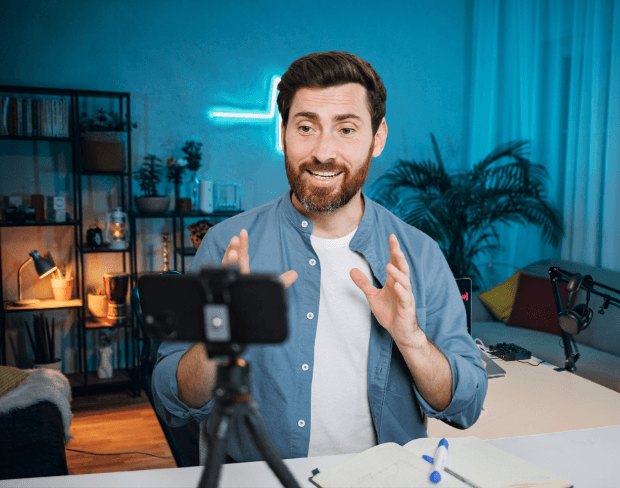
Export your video with a fully transparent background (alpha channel) in formats like MOV and WebM. This allows you to layer your video over any background in professional video editors like Premiere Pro, Final Cut Pro, After Effects, DaVinci Resolve, or iMovie. Create picture-in-picture effects, composite multiple video layers, add your footage to presentations, or integrate into motion graphics projects. The transparent background preserves fine edge details for seamless compositing.

Need to remove backgrounds from multiple videos? Our batch processing feature lets you upload and process dozens of videos simultaneously. Perfect for agencies handling client work, e-commerce businesses with large product catalogs, content creators with video series, or educators preparing course materials. Process up to 2GB files and 4K resolution videos. Automatic processing runs in the cloud, so you can work on other tasks while your videos are being processed. Download all results at once when complete.


The primary video export paths for creators and teams.
Hand off alpha footage to editors and motion pipelines.
Publish a finished clip with a new scene baked in.
Prepare vertical and horizontal clips for social platforms.
The general video page — distinct from talking-head, transparent, or green screen intents.
Clean up clips before posting to TikTok, Reels, and Shorts.
Isolate products and presenters from messy environments.
Turn raw footage into ad-ready assets faster.
Remove distracting rooms from supporting video clips.
The core video workflow: upload footage, AI removes the scene, export transparent or replaced video — no green screen required.
Start with your fileStep 01
Use clips from phone, DSLR, webcam, or screen recordings.
Step 02
Subjects stay sharp while the original scene is stripped out.
Step 03
Download transparent footage or apply a new backdrop before publishing.
Remove backgrounds from real footage instead of building a green screen studio.
Try this workflowThe main video background removal questions.
Yes. This is the core BGRemover video workflow — upload regular footage and AI removes the background.
This page covers the full remove-video workflow. The transparent page focuses specifically on alpha compositing exports.
Upload common formats like MP4 and MOV, then export the cleaned result for your publishing workflow.
Create transparent video backgrounds for overlays, compositing, and motion graphics. AI removes the backdrop and exports alpha-friendly results without a green screen.
Replace video backgrounds with colors, photos, or video backdrops in one browser workflow. Remove the original scene and publish branded content without reshooting.
Remove backgrounds from videos and photos with one AI tool. No manual masking, no green screen, no design experience — just upload and export.
Share your experience with BGRemover and read how other users are removing backgrounds from videos faster.
5.0
Average rating
0
Total reviews
Tell other creators what worked for you.
Showing page 1 of 1 · 0 reviews
Be the first to share your experience.
Start removing video backgrounds in seconds with our AI-powered tool. Free trial available—no credit card required.