Outil d'arrière-plan AI Watermark Remover

Outil d'arrière-plan AI Watermark Remover vous mène de l'import à l'export propre avec moins d'étapes manuelles.

Processed locally in your browser. Files are never uploaded or stored.

Comment Outil d'arrière-plan AI Watermark Remover s'intègre à votre workflow

Workflow navigateur rapide

Comment Outil d'arrière-plan AI Watermark Remover s'intègre à votre workflow

Ce que fait Outil d'arrière-plan AI Watermark Remover

Outil d'arrière-plan AI Watermark Remover offre un workflow direct dans le navigateur pour préparer images, vidéos et assets de campagne plus propres.

Importer un média
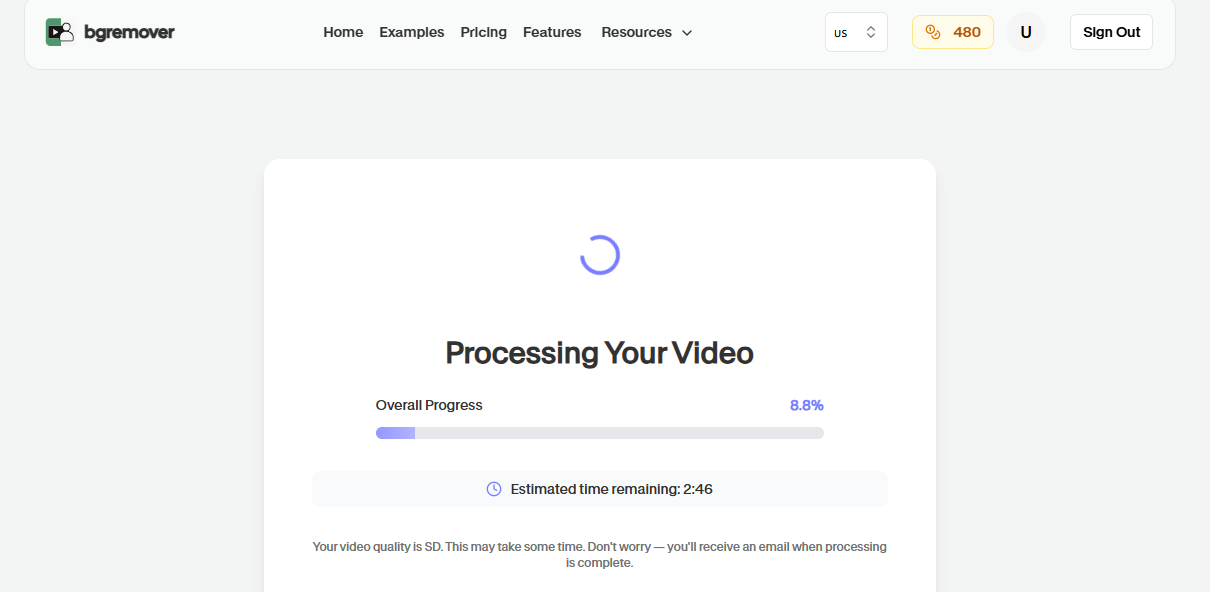
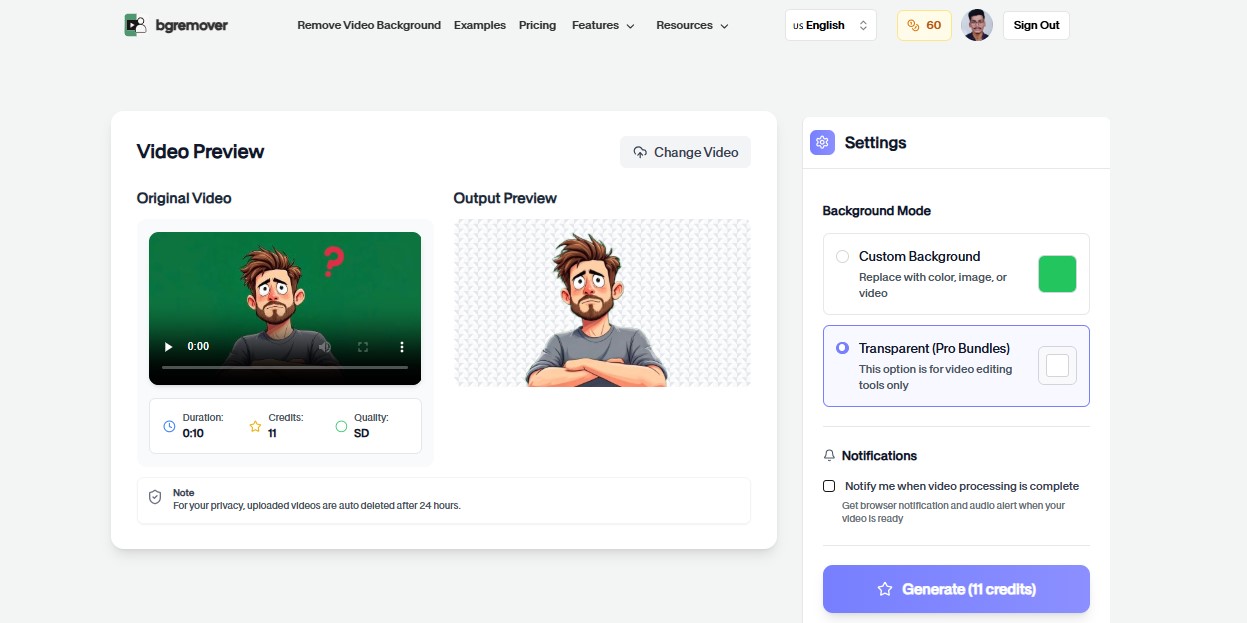
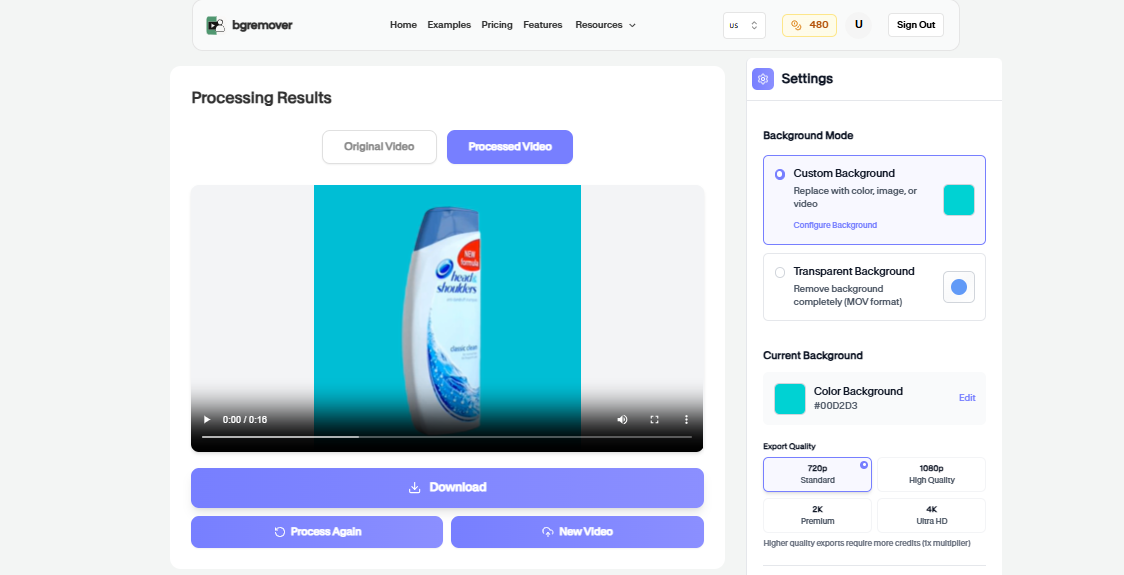
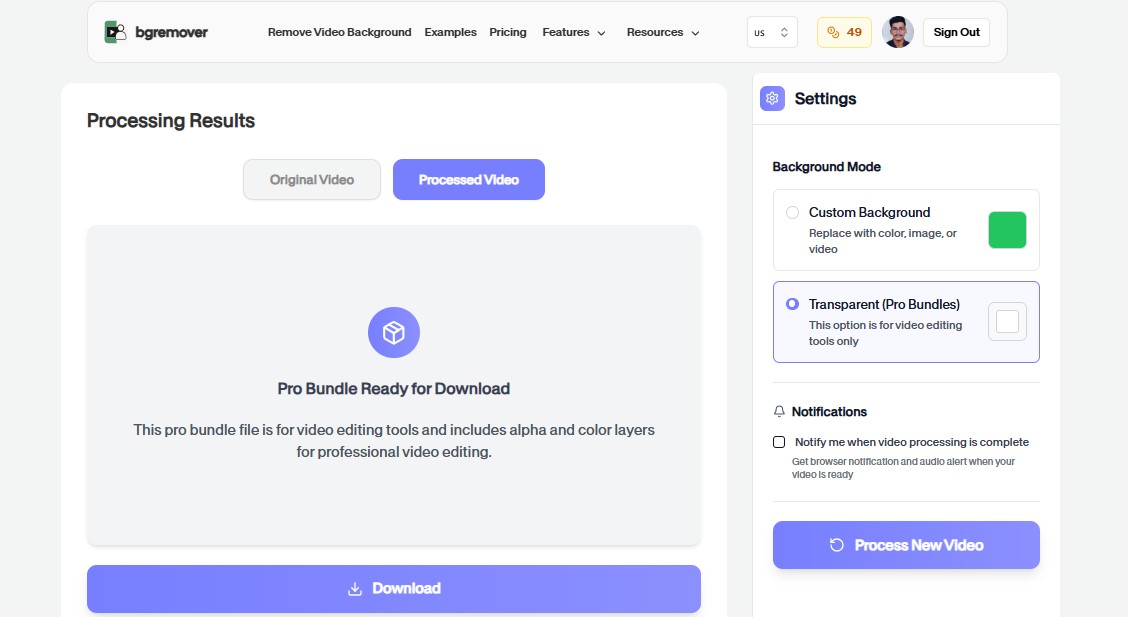
Outil d'arrière-plan AI Watermark Remover Primary tool preview
Outil d'arrière-plan AI Watermark Remover Edited output preview

Fonctions de Outil d'arrière-plan AI Watermark Remover

Traitement assisté par IA

Préparez des médias propres avec moins d'étapes manuelles.

Tous les outils

Workflow navigateur rapide

Aperçu avant export

Vérifiez le résultat avant téléchargement.

Importer un média
Outil d'arrière-plan AI Watermark Remover Export preview

Comment ça marche

Un flux de travail propre sans logiciel

Suivez les étapes, vérifiez le résultat et exportez un fichier prêt à l'emploi.

Importer un média
01

Upload your file

Choose the file you want to clean — Outil d'arrière-plan AI Watermark Remover runs entirely in your browser, so nothing is uploaded to a server.

02

Hidden metadata is scanned and removed

Content credentials, EXIF/XMP data, comments, and other hidden metadata are detected and stripped automatically.

03

Review what was removed

See exactly what was found and cleaned before you download anything.

04

Download the cleaned file

Get a file that looks and works identically, minus the hidden metadata.

Cas d'utilisation

Changez votre arrière-plan en trois étapes simples

Utilisez le changeur d'arrière-plan pour des productions professionnelles.

Outil d'arrière-plan AI Watermark Remover E-commerce preview

E-commerce

Préparez des assets produit plus propres pour boutiques et marketplaces.

Outil d'arrière-plan AI Watermark Remover Réseaux sociaux preview

Réseaux sociaux

Créez des visuels pour posts, pubs, shorts et reels.

Outil d'arrière-plan AI Watermark Remover Marketing preview

Marketing

Construisez des assets de campagne avec un style cohérent.

Outil d'arrière-plan AI Watermark Remover Équipes preview

Équipes

Standardisez les retouches rapides avant validation ou livraison.

FAQ

Questions fréquentes

Réponses claires sur l'importation, les options d'arrière-plan, la qualité et la compatibilité navigateur.

Faut-il un logiciel d'édition ?

Non. L'outil fonctionne dans le navigateur avec import, aperçu, ajustement et export.

Puis-je utiliser le résultat commercialement ?

Oui. Les fichiers exportés peuvent servir aux pages produit, réseaux, publicités et workflows d'équipe.

Cela marche pour images et vidéos ?

La plupart des outils prennent en charge des workflows pratiques image ou vidéo.

Is my file uploaded when I use Outil d'arrière-plan AI Watermark Remover?

No. Processing happens entirely in your browser using JavaScript — your file is never uploaded to a server.

Is this free to use?

Yes, completely free with no signup, no file limits, and no watermark.

Is Outil d'arrière-plan AI Watermark Remover browser based?

Yes. You can start directly from the browser, upload your media, review the output, and export the finished file without installing a desktop editor.

What file types should I upload?

For most background workflows, use common image files such as JPG, PNG, and WebP or common video files such as MP4 and MOV.

Can I review the result before downloading?

Yes. The workflow is built so you can check the result before using the exported file in publishing, review, or handoff.

Fonctions de Outil d'arrière-plan AI Watermark Remover

Conçu pour une édition rapide et de haute qualité

Tout ce qu'il faut pour changer les arrière-plans sans ouvrir un éditeur lourd.

Fast

Outil d'arrière-plan AI Watermark Remover keeps the job focused: upload, choose the output, review the result, and move on without building a full editing timeline.

Browser based

Work directly in the browser for quick product, creator, and marketing edits without installing a heavy desktop editor.

Repeatable

Use the same simple flow again and again for campaign variants, client review files, marketplace assets, and social exports.

Prêt à utiliser Outil d'arrière-plan AI Watermark Remover ?

Importez un fichier et créez un résultat plus propre avec Outil d'arrière-plan AI Watermark Remover.