Come Creatore PNG trasparente si inserisce nel tuo flusso
Cosa fa Creatore PNG trasparente
Creatore PNG trasparente offre un flusso diretto nel browser per preparare immagini, video e asset campagna più puliti.
Creatore PNG trasparente ti porta dal caricamento all'export pulito con meno passaggi manuali.
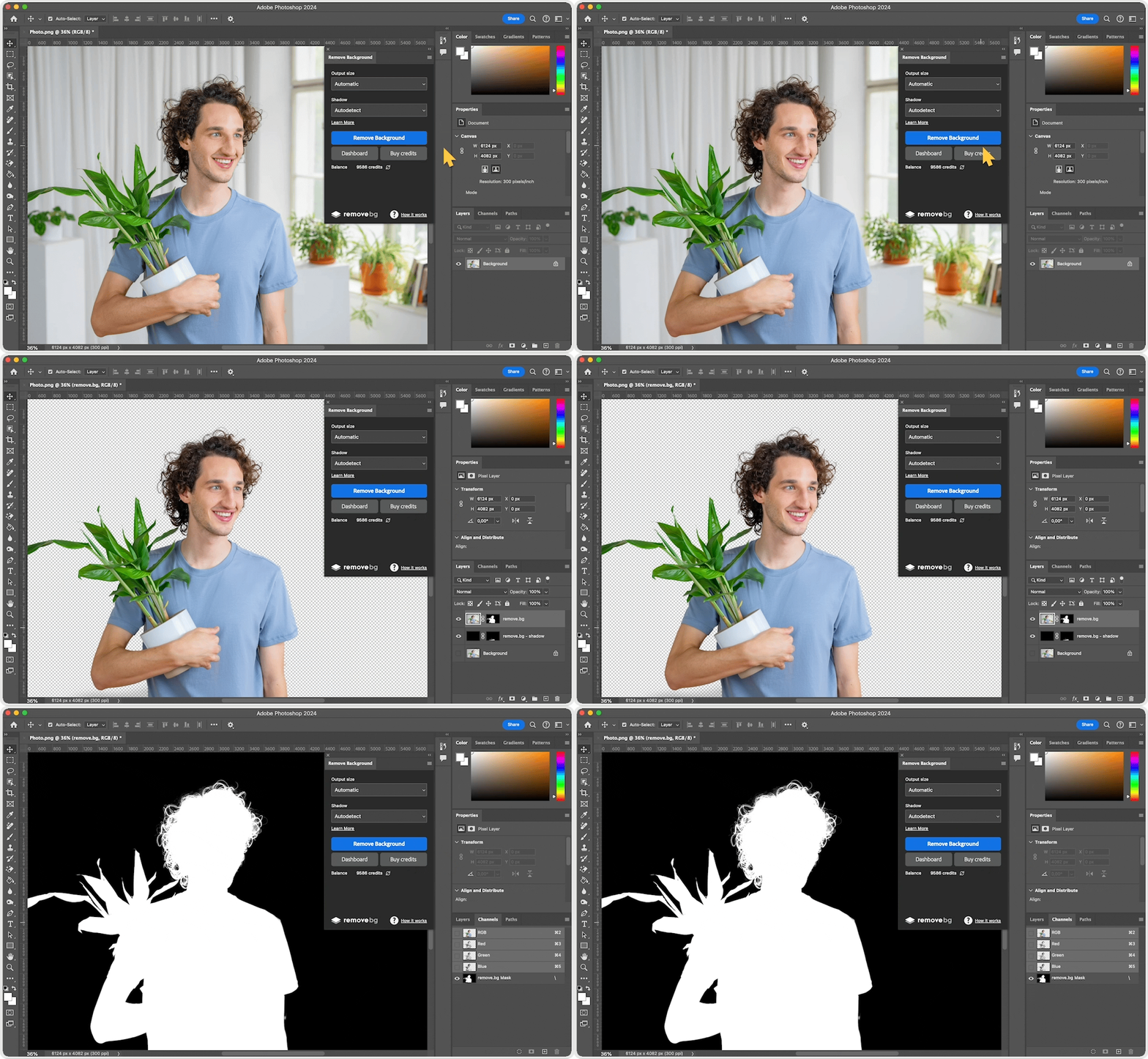
Come Creatore PNG trasparente si inserisce nel tuo flusso
Come Creatore PNG trasparente si inserisce nel tuo flusso
Creatore PNG trasparente offre un flusso diretto nel browser per preparare immagini, video e asset campagna più puliti.
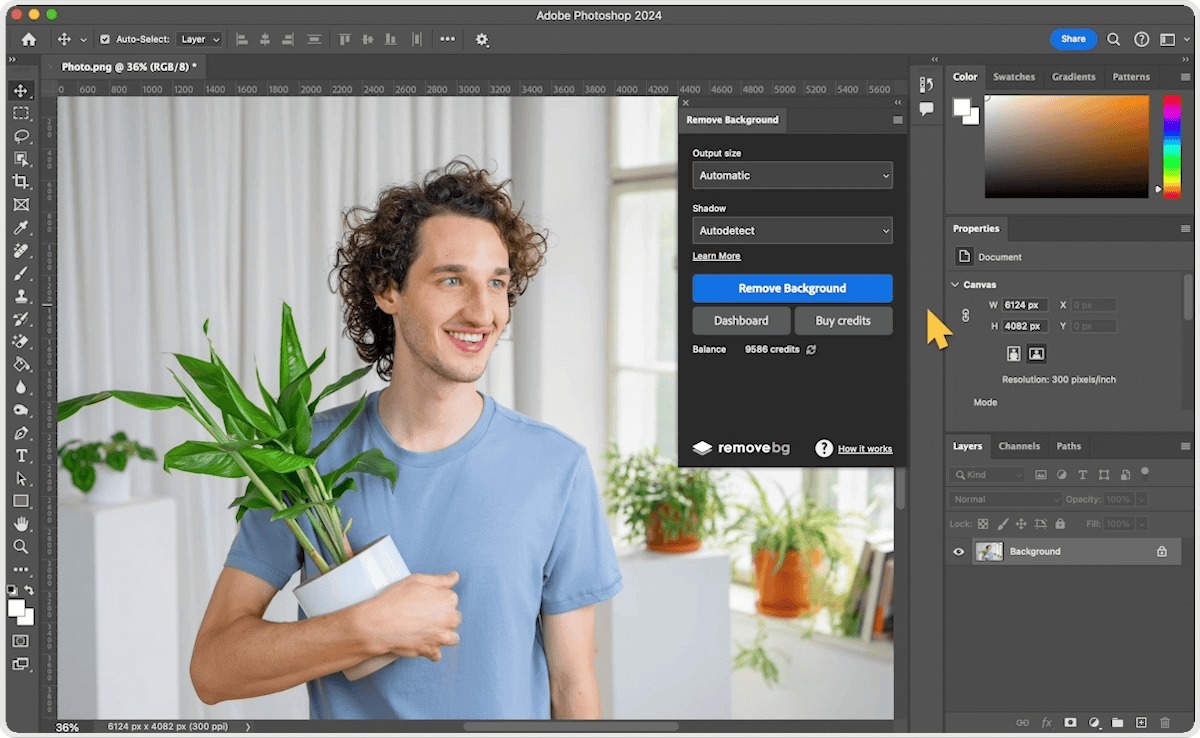
Funzioni di Creatore PNG trasparente
Prepara media puliti con meno passaggi manuali.
Tutti gli strumentiFlusso browser rapido
Controlla il risultato prima di scaricare.

Come funziona
Segui i passaggi, verifica il risultato ed esporta un file pronto all'uso.
Choose an image or video file and start from the focused upload flow instead of a full timeline editor.
The workflow isolates the subject and prepares a clean result you can review before export.
Keep transparency for flexible design work or continue with the background option that fits your asset.
Export the finished file for stores, social media, marketing pages, presentations, or client handoff.
Casi d'uso
Usa il cambia sfondo per produzioni professionali con risultati puliti e pronti.
Prepara asset prodotto più puliti per store e marketplace.
Crea visual per post, annunci, shorts e reels.
Crea asset campagna con trattamento coerente.
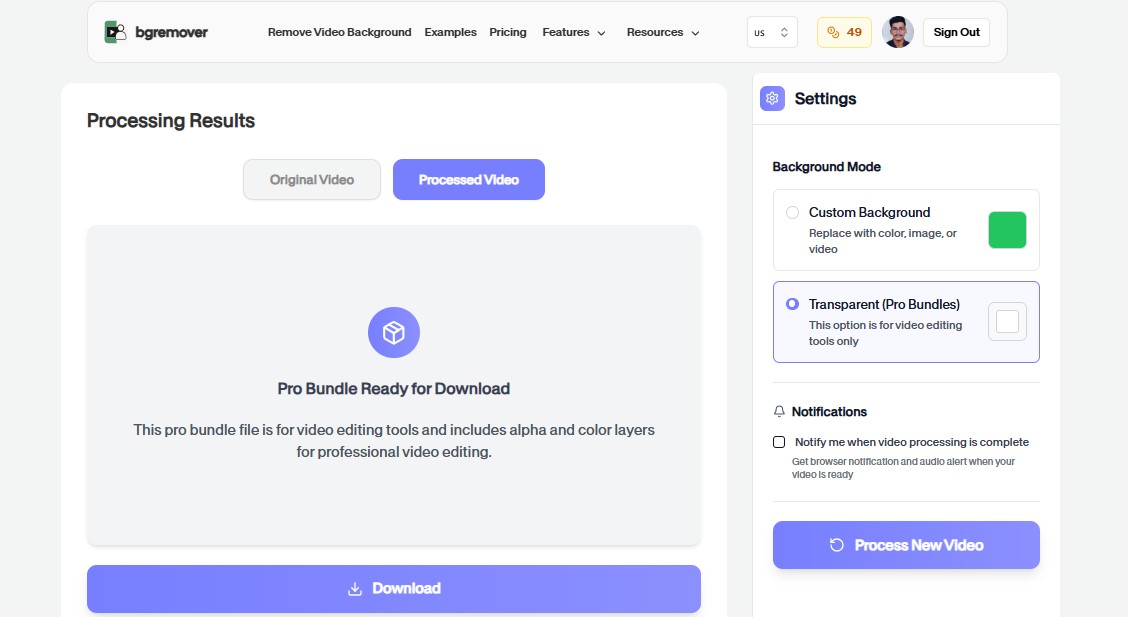
Standardizza modifiche rapide prima di revisione o consegna.
FAQ
Risposte chiare su caricamento, opzioni di sfondo, qualità e compatibilità browser.
No. Lo strumento funziona nel browser con caricamento, anteprima, regolazione ed export.
Sì. Puoi usare i file esportati per prodotti, social, annunci e workflow di team.
La maggior parte degli strumenti supporta workflow pratici per immagini o video.
The upload flow supports practical image and video workflows where background removal or transparent output is needed.
No. The page is designed around a direct upload, review, and export workflow instead of a complex timeline editor.
Yes. You can start directly from the browser, upload your media, review the output, and export the finished file without installing a desktop editor.
For most background workflows, use common image files such as JPG, PNG, and WebP or common video files such as MP4 and MOV.
Yes. The workflow is built so you can check the result before using the exported file in publishing, review, or handoff.
Funzioni di Creatore PNG trasparente
Tutto ciò di cui hai bisogno per cambiare gli sfondi senza aprire un editor pesante.
Creatore PNG trasparente keeps the job focused: upload, choose the output, review the result, and move on without building a full editing timeline.
Work directly in the browser for quick product, creator, and marketing edits without installing a heavy desktop editor.
Use the same simple flow again and again for campaign variants, client review files, marketplace assets, and social exports.
Carica un file e crea un risultato più pulito con Creatore PNG trasparente.