Hoe witte achtergrondtool in je workflow past
Wat witte achtergrondtool doet
witte achtergrondtool biedt een directe browserworkflow voor schonere afbeeldingen, video's en campagne-assets.
witte achtergrondtool brengt je van upload naar nette export met minder handmatige stappen.

Hoe witte achtergrondtool in je workflow past
Hoe witte achtergrondtool in je workflow past
witte achtergrondtool biedt een directe browserworkflow voor schonere afbeeldingen, video's en campagne-assets.
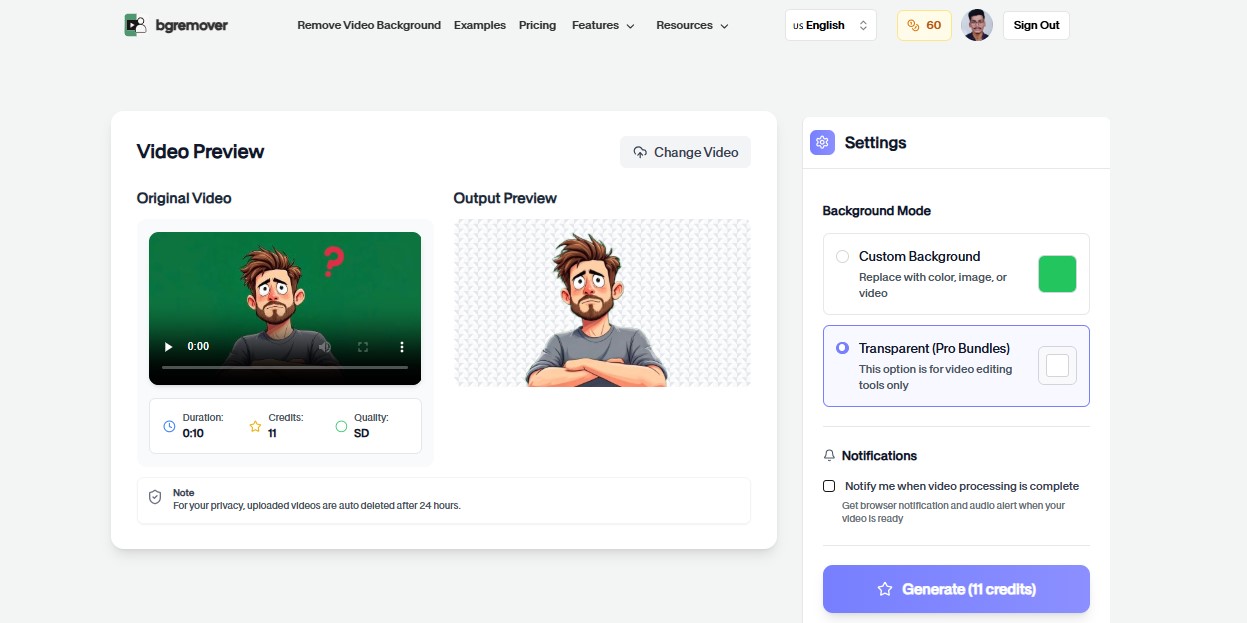
witte achtergrondtool functies
Bereid schone media voor met minder handmatige stappen.
Alle toolsSnelle browserworkflow
Controleer het resultaat voordat je downloadt.
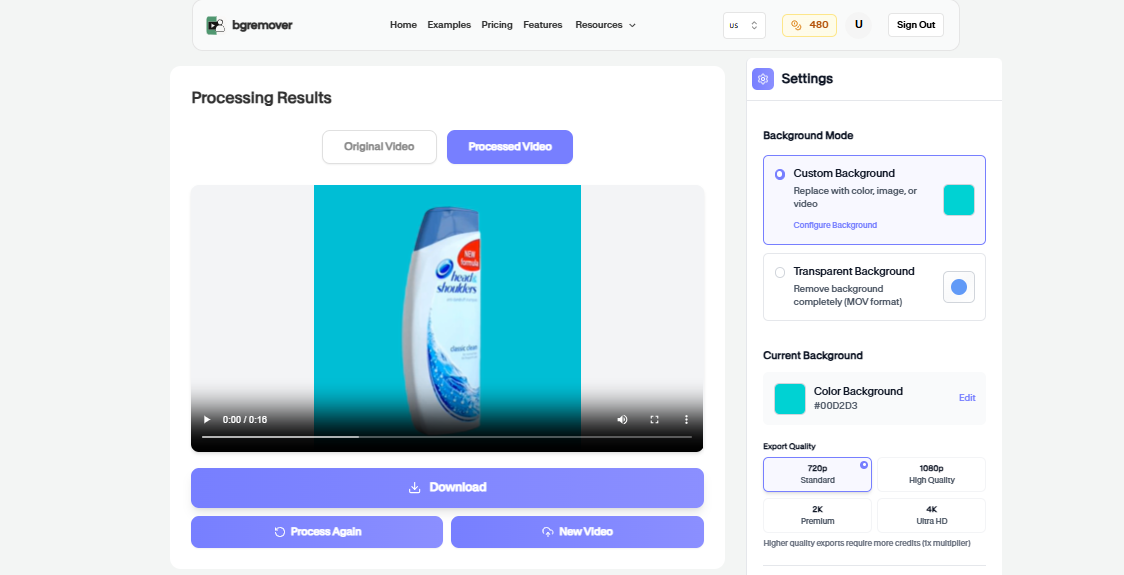
Hoe het werkt
Volg de stappen, controleer het resultaat en exporteer een gebruiksklaar bestand.
Start from the witte achtergrondtool page and choose the media file that needs a clean, consistent background color.
The upload flow opens with the matching background intent already selected so you do not need to hunt for the right option.
Check edges, product details, and the final color treatment before exporting the finished media.
Use the export for product pages, ad creative, thumbnails, social posts, or client review.
Gebruikssituaties
Gebruik de achtergrondwisselaar voor professionele resultaten die direct inzetbaar zijn.
Bereid schonere productassets voor winkels en marketplaces voor.
Maak visuals voor posts, advertenties, shorts en reels.
Bouw campagne-assets met consistente achtergrondbehandeling.
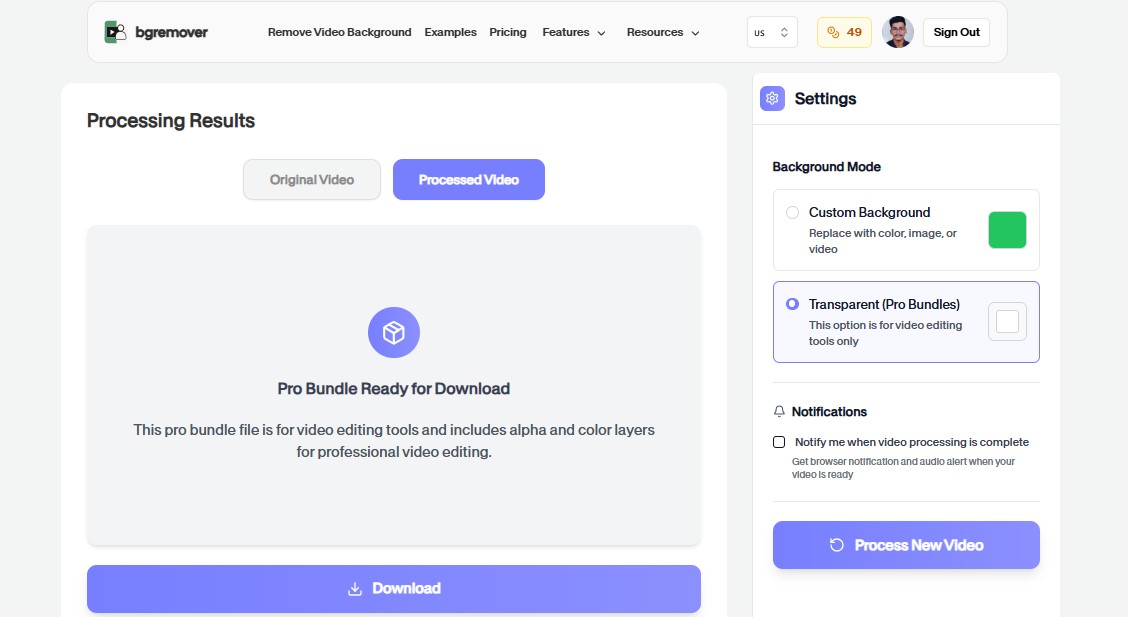
Standaardiseer snelle media-edits voor review of overdracht.
FAQ
Duidelijke antwoorden over uploaden, achtergrondopties, kwaliteit en browsercompatibiliteit.
Nee. De tool draait in de browser met upload, preview, aanpassing en export.
Ja. Geëxporteerde bestanden zijn bruikbaar voor productpagina's, social, advertenties en teamflows.
De meeste tools ondersteunen praktische workflows voor afbeeldingen of video's.
Yes. When you start from this tool page, the upload workflow carries the color intent forward so the matching background option is selected.
Yes. Color background tools are useful for marketplaces, store pages, campaign creatives, thumbnails, and repeated product visuals.
Yes. You can start directly from the browser, upload your media, review the output, and export the finished file without installing a desktop editor.
For most background workflows, use common image files such as JPG, PNG, and WebP or common video files such as MP4 and MOV.
Yes. The workflow is built so you can check the result before using the exported file in publishing, review, or handoff.
witte achtergrondtool functies
Alles wat je nodig hebt om achtergronden te wijzigen zonder een zware editor te openen.
witte achtergrondtool keeps the job focused: upload, choose the output, review the result, and move on without building a full editing timeline.
Work directly in the browser for quick product, creator, and marketing edits without installing a heavy desktop editor.
Use the same simple flow again and again for campaign variants, client review files, marketplace assets, and social exports.
Upload een bestand en maak een schoner resultaat met witte achtergrondtool.