वीडियो वॉटरमार्क ऐडर आपके वर्कफ़्लो में कैसे फिट होता है
वीडियो वॉटरमार्क ऐडर क्या करता है
वीडियो वॉटरमार्क ऐडर क्रिएटर्स को साफ इमेज, वीडियो और कैंपेन एसेट तैयार करने के लिए सीधा ब्राउज़र वर्कफ़्लो देता है।
मीडिया अपलोड करेंवीडियो वॉटरमार्क ऐडर अपलोड से पॉलिश एक्सपोर्ट तक कम मैनुअल काम के साथ मदद करता है।

वीडियो वॉटरमार्क ऐडर आपके वर्कफ़्लो में कैसे फिट होता है
वीडियो वॉटरमार्क ऐडर आपके वर्कफ़्लो में कैसे फिट होता है
वीडियो वॉटरमार्क ऐडर क्रिएटर्स को साफ इमेज, वीडियो और कैंपेन एसेट तैयार करने के लिए सीधा ब्राउज़र वर्कफ़्लो देता है।
मीडिया अपलोड करें
वीडियो वॉटरमार्क ऐडर फीचर्स
कम मैनुअल चरणों के साथ साफ मीडिया तैयार करें।
सभी टूल्सतेज ब्राउज़र वर्कफ़्लो
डाउनलोड से पहले परिणाम देखें।
मीडिया अपलोड करें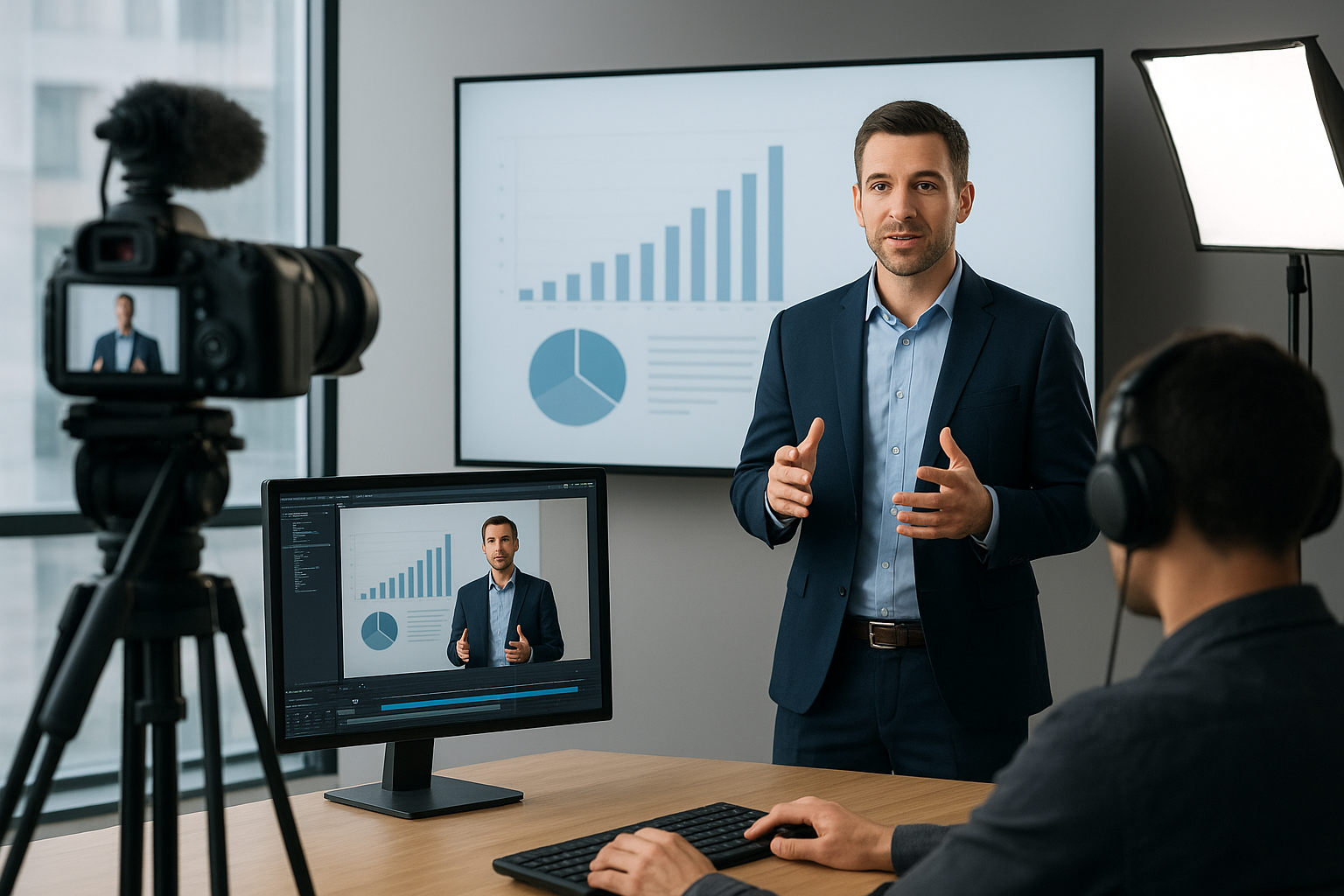
यह कैसे काम करता है
चरण फॉलो करें, आउटपुट देखें और उपयोग के लिए तैयार फ़ाइल एक्सपोर्ट करें।
मीडिया अपलोड करेंStart with the clip that needs a logo, campaign mark, creator tag, or brand-safe overlay.
Choose the image or mark, then place it where it supports the content without blocking important details.
Tune size, opacity, and position so the watermark feels intentional across the full video.
Export the finished version for ads, social channels, client previews, or publishing queues.
उपयोग के मामले
प्रोफेशनल परिणाम के लिए बैकग्राउंड चेंजर का उपयोग करें।
लिस्टिंग और स्टोर पेज के लिए साफ प्रोडक्ट एसेट तैयार करें।
पोस्ट, विज्ञापन, शॉर्ट्स और रील्स के लिए विजुअल बनाएं।
लगातार ब्रांड ट्रीटमेंट के साथ कैंपेन एसेट बनाएं।
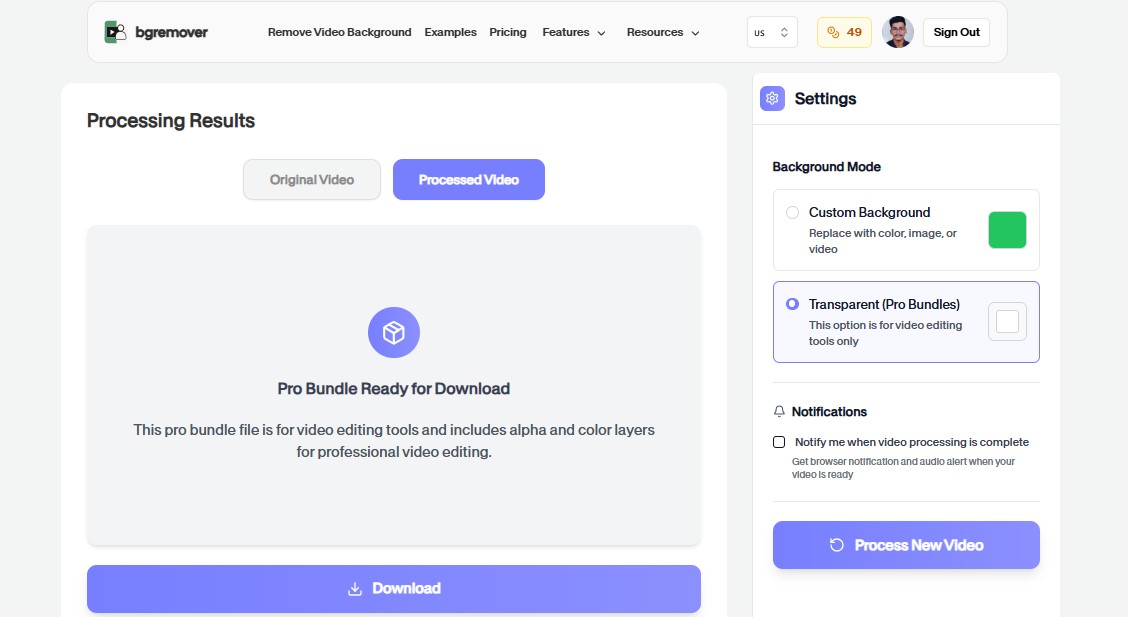
हैंडऑफ़ और समीक्षा से पहले मीडिया एडिट को मानकीकृत करें।
FAQ
अपलोड, बैकग्राउंड विकल्प, गुणवत्ता और ब्राउज़र संगतता के बारे में स्पष्ट उत्तर।
नहीं। टूल ब्राउज़र में चलता है और अपलोड, प्रीव्यू, एडजस्टमेंट और एक्सपोर्ट पर केंद्रित रहता है।
हां। एक्सपोर्टेड फाइलों को प्रोडक्ट पेज, सोशल पोस्ट, विज्ञापन और टीम वर्कफ़्लो में इस्तेमाल कर सकते हैं।
अधिकतर टूल व्यावहारिक इमेज या वीडियो वर्कफ़्लो को सपोर्ट करते हैं।
Yes. It is designed for adding a logo, creator tag, campaign mark, or lightweight brand overlay before publishing or review.
Yes. The workflow is built around practical placement, size, and opacity choices so the watermark supports the content without covering key details.
Yes. You can start directly from the browser, upload your media, review the output, and export the finished file without installing a desktop editor.
For most background workflows, use common image files such as JPG, PNG, and WebP or common video files such as MP4 and MOV.
Yes. The workflow is built so you can check the result before using the exported file in publishing, review, or handoff.
वीडियो वॉटरमार्क ऐडर फीचर्स
भारी एडिटर खोले बिना बैकग्राउंड बदलने के लिए सब कुछ।
वीडियो वॉटरमार्क ऐडर keeps the job focused: upload, choose the output, review the result, and move on without building a full editing timeline.
Work directly in the browser for quick product, creator, and marketing edits without installing a heavy desktop editor.
Use the same simple flow again and again for campaign variants, client review files, marketplace assets, and social exports.
फ़ाइल अपलोड करें और वीडियो वॉटरमार्क ऐडर से साफ परिणाम बनाएं।