特化した編集機能を見るにはカテゴリを選択してください


Preview 1 of 5
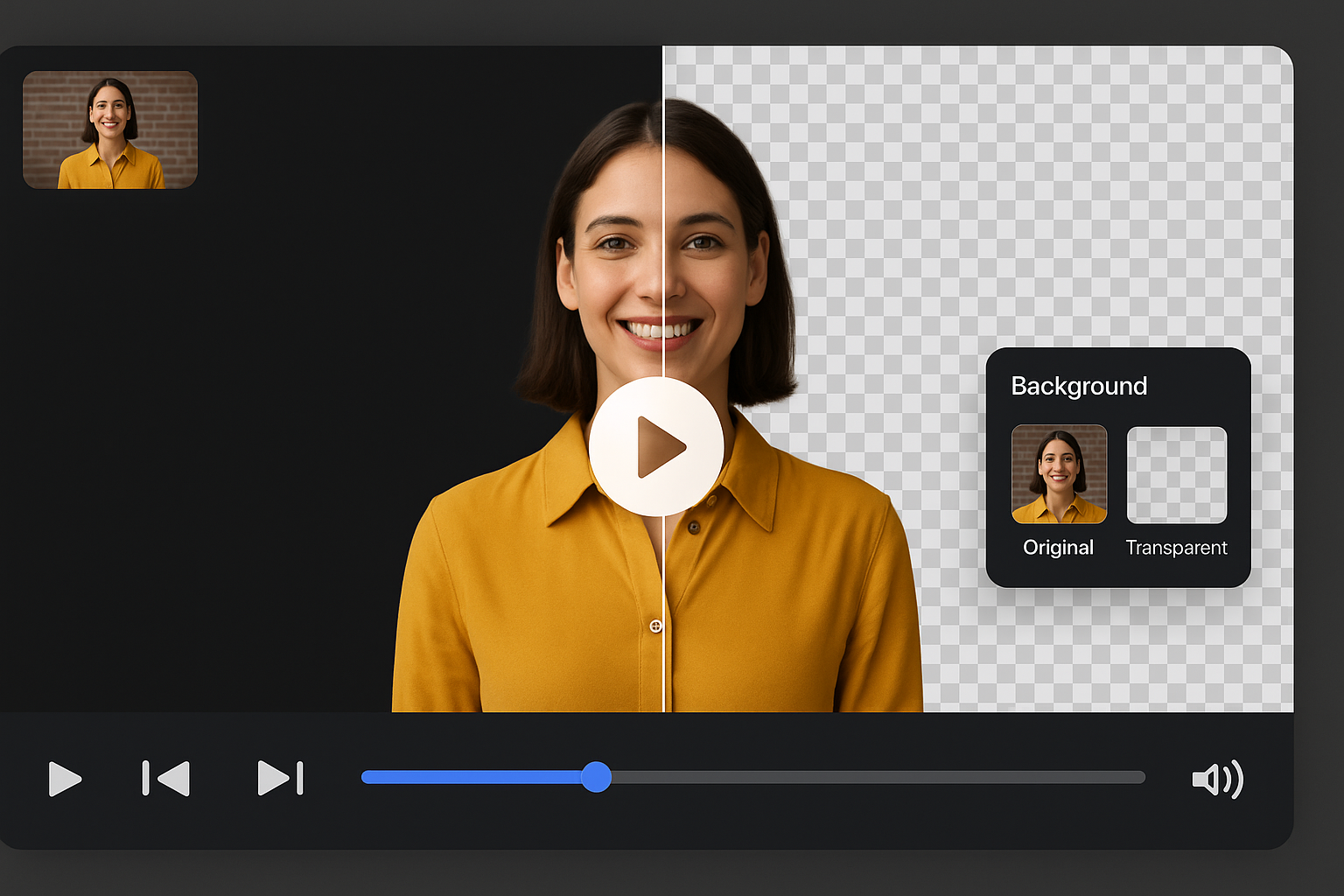
Compare the original frame against a cleaned background, then browse ready-made looks.
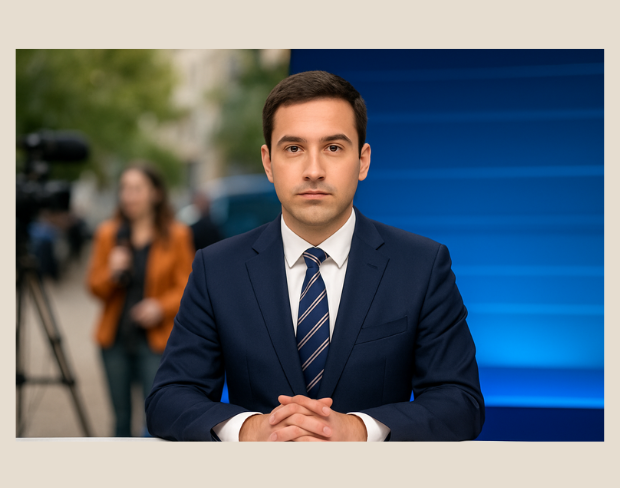
Remove Backgroundグリーンスクリーン不要でどこからでも撮影可能。リアルタイムで背景を変更し、プロの放送品質を即座に実現。

緊急ニュースから日常の放送まで、AIツールで映像を迅速にカット・クリーニング・強化可能。デジタル放送に最適。
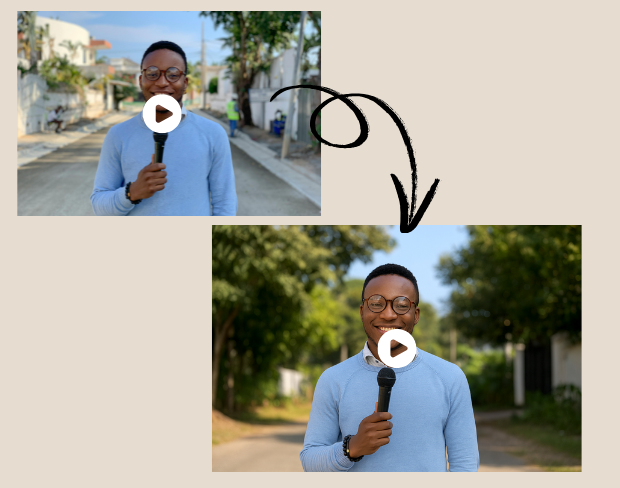
雑然としたスタジオや屋外の映像を一瞬でプロ品質に変換。クリックひとつで完成。

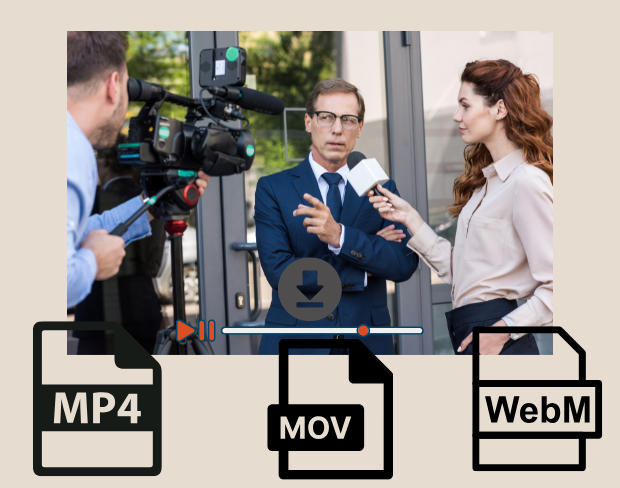
複数の映像クリップを一括処理。インタビューやフィールドレポートの編集に最適。
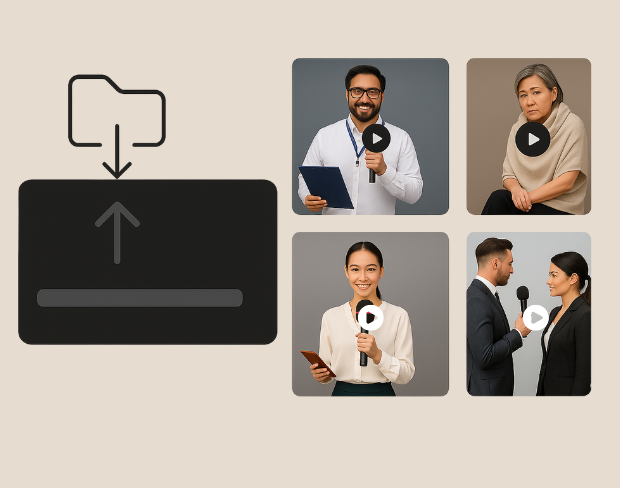
MP4、MOV、WebM形式でエクスポート。テレビ、デジタルニュース、SNS用に最適化。

Clear answers about uploads, exports, video limits, and switching from older background removal tools.
Start removing backgroundAIがビデオを解析し、自動で背景を除去します。
MP4、MOV、M4V形式に対応しています。
はい、ビデオは200MB未満、10分未満である必要があります。
Yes! BGRemover.video is the best Unscreen alternative, especially since Unscreen is shutting down on December 1, 2025. We offer unlimited video length, HD quality, no watermarks, and completely free usage - all features that required paid plans on Unscreen.
Unscreen announced they're shutting down on December 1, 2025 at 9:00 AM CET. Canva decided to discontinue the service to focus on other products. This makes BGRemover.video the perfect replacement with superior features and no shutdown concerns. Try our video background remover for better results.
Absolutely! Unlike Unscreen's free version which limited videos to 5-10 seconds, BGRemover.video has no time restrictions. Process videos of any length completely free - a feature that would have cost money with Unscreen Pro.
Share your experience with BGRemover and read how other users are removing backgrounds from videos faster.
5.0
Average rating
0
Total reviews
Tell other creators what worked for you.
Showing page 1 of 1 · 0 reviews
Be the first to share your experience.