スタイルを選んで最適なビジュアル編集を


Preview 1 of 5
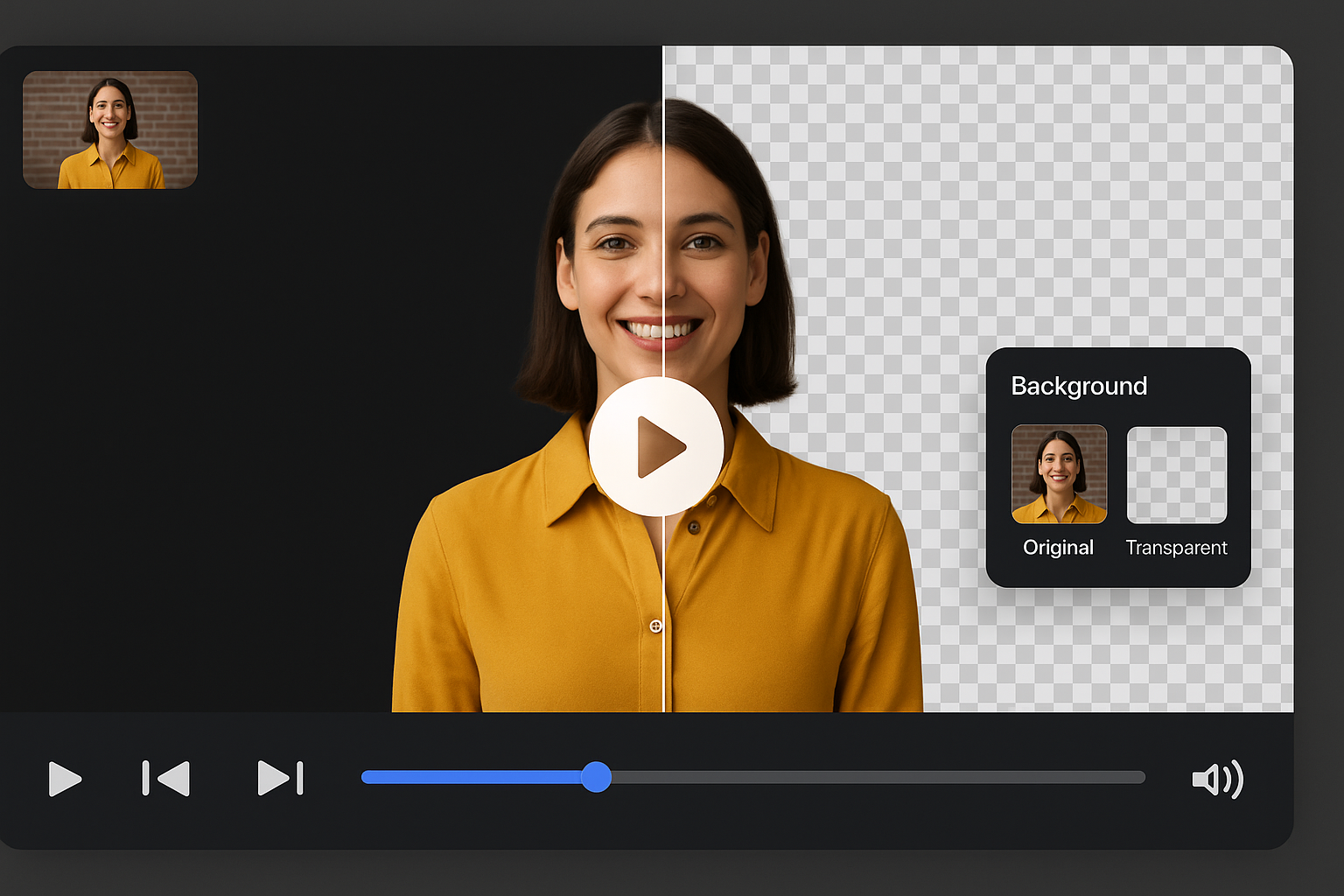
Compare the original frame against a cleaned background, then browse ready-made looks.
Remove Backgroundポッドキャスターやクリエイターは、撮影した映像を即座にクリーンアップできます。AIツールで散らかった背景を除去し、プロ品質に仕上げます。編集時間を削減し、一クリックで公開準備完了。

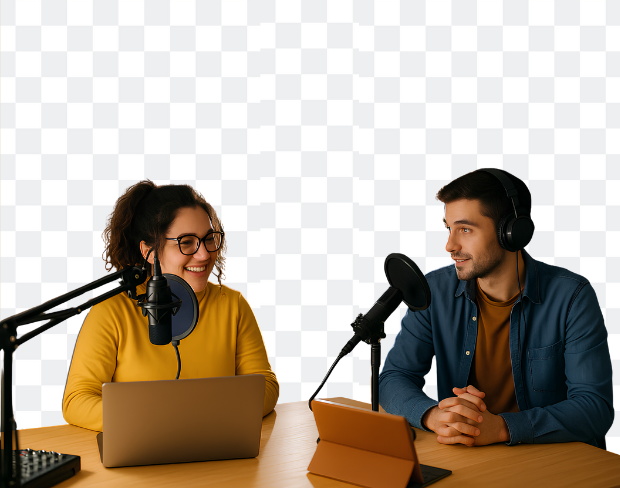
スタジオを使わずにクリーンな映像を制作?背景を透明化したり、ブランドビジュアルを追加してプロ空間を演出。Spotify Video や YouTube のインタビューやディスカッションに最適です。
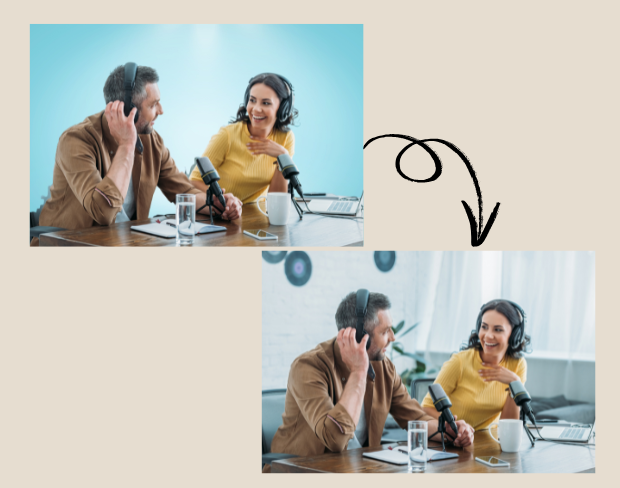
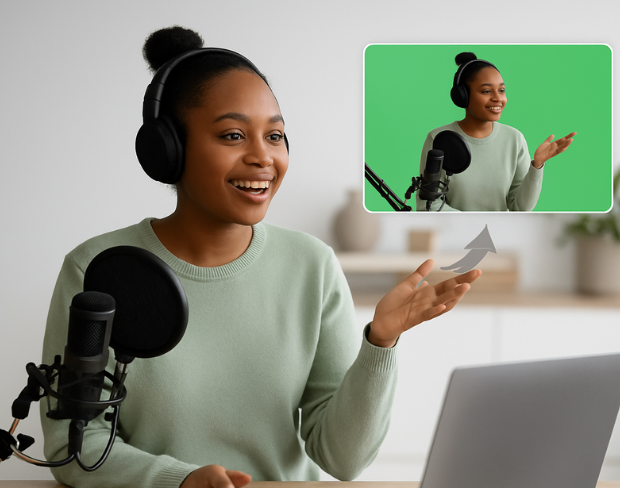
高価なカメラやグリーンスクリーンは不要。Smart Editing 機能でワンクリック背景編集が可能。話に集中しつつ、AIが背景を整えて一貫性のある見た目にします。

全エピソードで同じ背景スタイルを使い、ブランドの一貫性を維持。視覚を素早く切り替えてプロフェッショナルな印象を保ちます。チームや個人のクリエイターに最適。
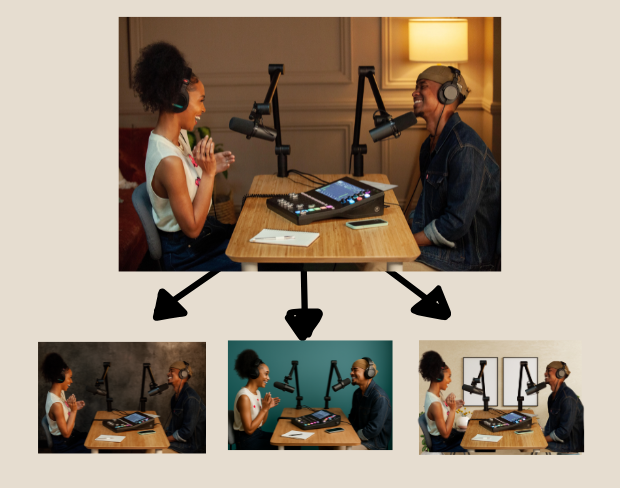
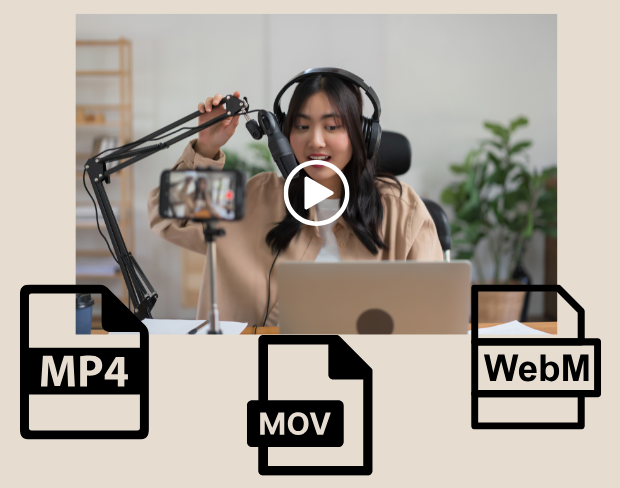
編集後、MP4、MOV、WebM フォーマットでエクスポート。透明背景またはブランドビジュアル付きで、リールやショート動画としても活用OK。YouTube、Instagram、ポッドキャストサイトにも最適。

Clear answers about uploads, exports, video limits, and switching from older background removal tools.
Start removing backgroundAIがビデオを解析し、自動で背景を除去します。
MP4、MOV、M4V形式に対応しています。
はい、ビデオは200MB未満、10分未満である必要があります。
Yes! BGRemover.video is the best Unscreen alternative, especially since Unscreen is shutting down on December 1, 2025. We offer unlimited video length, HD quality, no watermarks, and completely free usage - all features that required paid plans on Unscreen.
Unscreen announced they're shutting down on December 1, 2025 at 9:00 AM CET. Canva decided to discontinue the service to focus on other products. This makes BGRemover.video the perfect replacement with superior features and no shutdown concerns. Try our video background remover for better results.
Absolutely! Unlike Unscreen's free version which limited videos to 5-10 seconds, BGRemover.video has no time restrictions. Process videos of any length completely free - a feature that would have cost money with Unscreen Pro.
Share your experience with BGRemover and read how other users are removing backgrounds from videos faster.
5.0
Average rating
0
Total reviews
Tell other creators what worked for you.
Showing page 1 of 1 · 0 reviews
Be the first to share your experience.