プロ編集者向けAI動画背景リムーバー
手動マスクなしでポストプロダクションを効率化。背景を即座に除去。
Drag and drop your video
or browse to upload.
File must be MP4, MOV, WebM or M4V
By uploading your file, you agree to the BGRemover.video Terms of Use and Privacy Policy

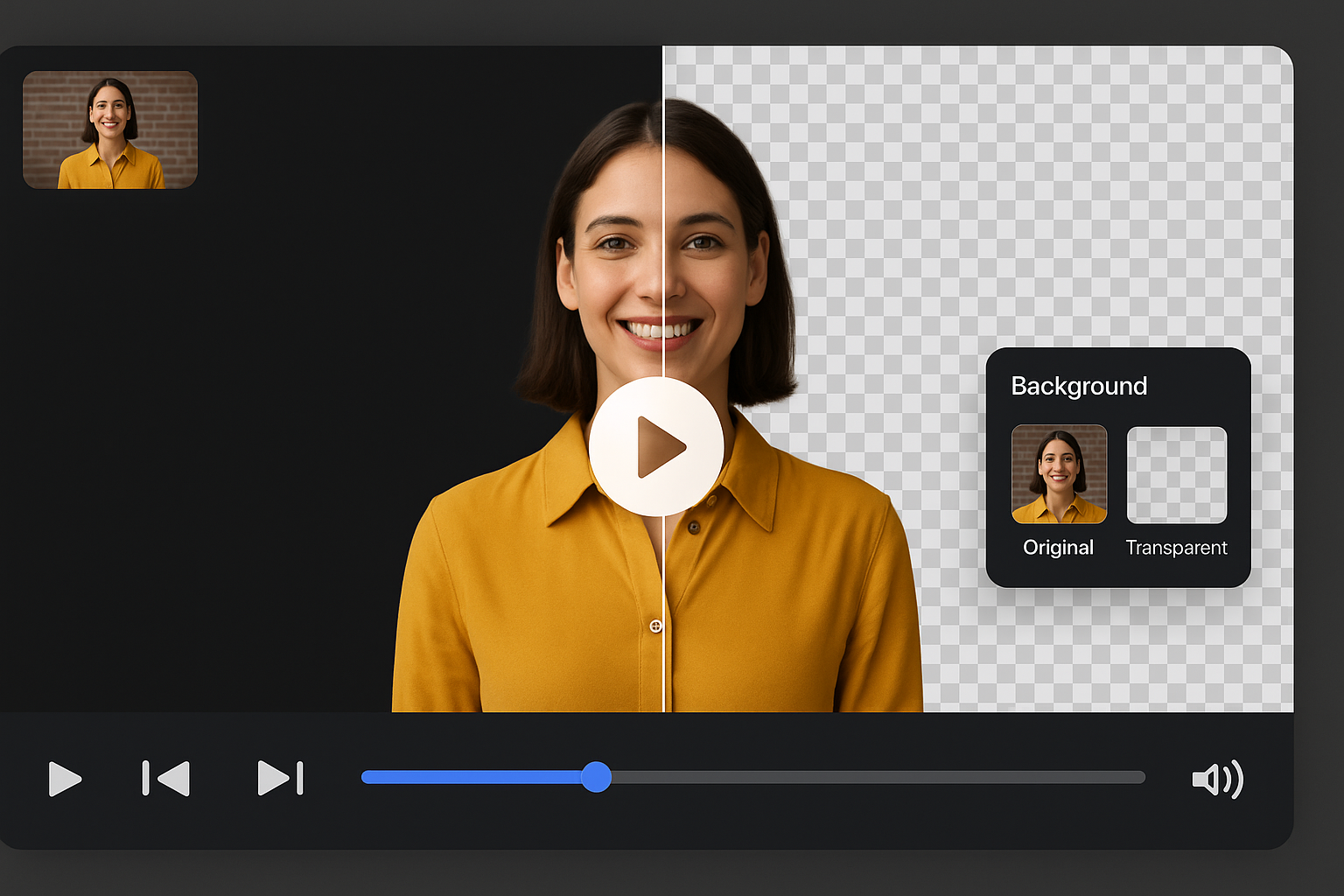
映像から背景を即時除去
プロのコンテンツ制作者や編集者がAIを使ってポストプロダクションを高速化。動画をアップロードすれば背景を自動クリーニング。カラーグレーディングや物語作りに集中できます。
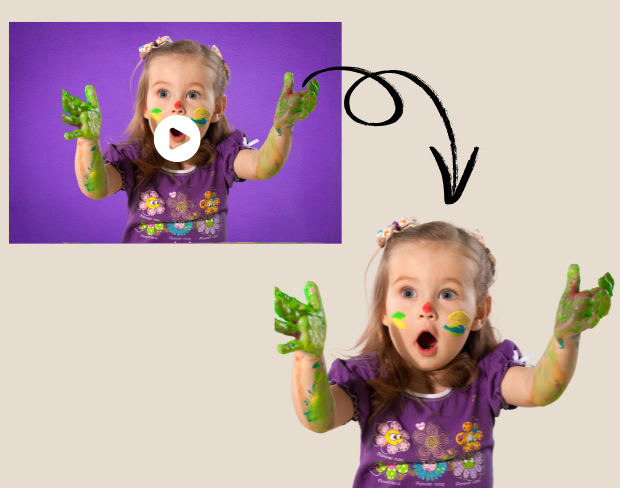
プロジェクトで背景を無料で透明化
背景を透明にする無料ツールで創造性を広げましょう。VFXやインタビューに最適で、AIが被写体を正確に分離します。
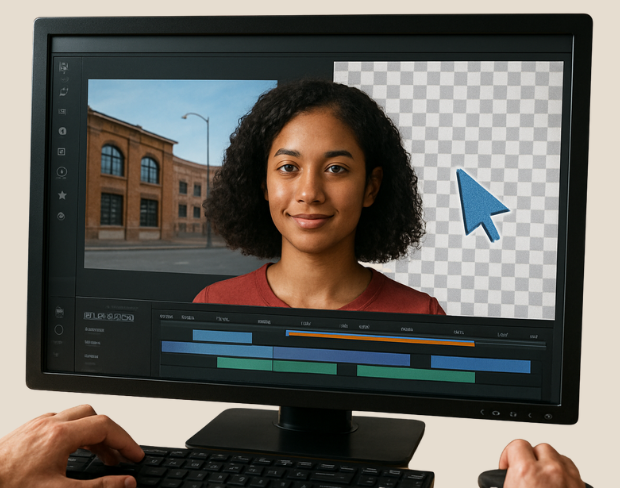
高精度なスマート編集
複雑なキーフレームをスキップ。Smart editingなら背景の削除・変更が一発で可能。広告やSNS用映像編集に最適。
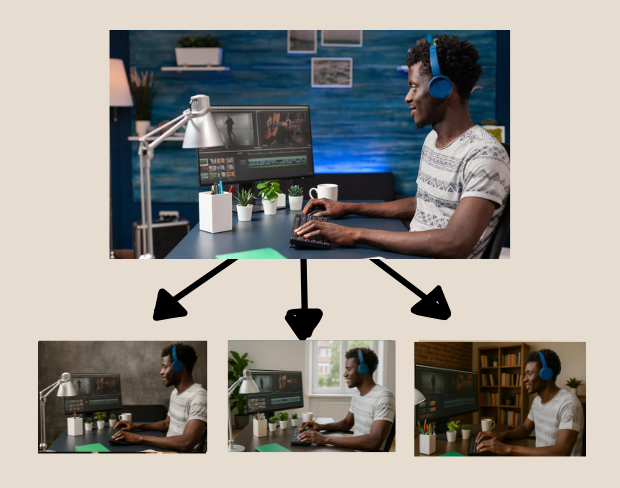
大規模向けの複数クリップ編集
多数のクリップを扱う編集者はAIで一括処理できます。複数クリップに同じ背景変更を適用して時間を節約。
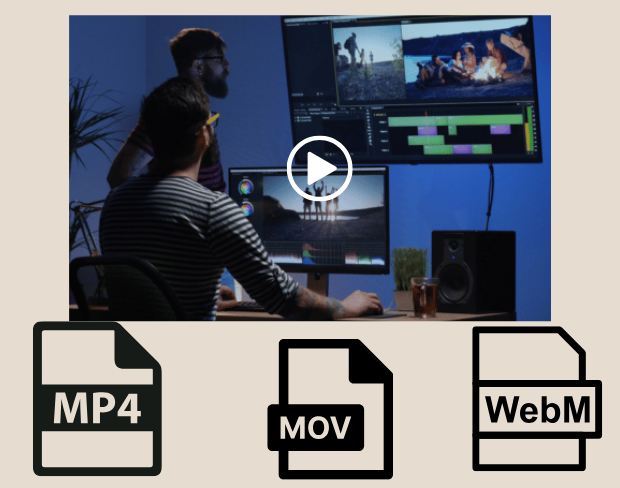
どんな形式でもプラットフォーム対応の動画をエクスポート
編集後、透明背景でMP4、MOV、WebM形式でエクスポート。ソーシャル広告、YouTubeイントロ、ブランドショートに最適。
Community reviews
Real feedback from creators
All reviews (0)
Page 1 of 1
No reviews yet
Be the first to share your experience.