CHRISTMAS SALE30% OFFCode: SANTA30

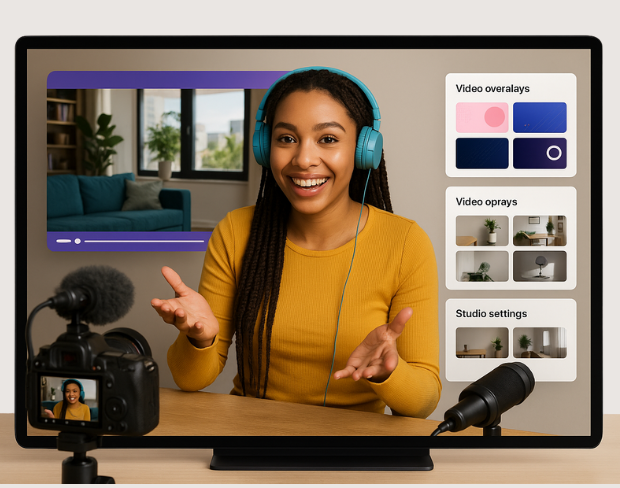
ビデオグラファー向けAI動画編集

強力なAIツールで動画を編集・強化・変換。プロも趣味の方も最適!
今すぐ試す

カテゴリを選択

カテゴリを選択して特別な編集機能を表示

自動サイレンスカット

自動サイレンスカット

動画の無音部分を自動でカットし、スムーズな流れに。

背景ぼかし

被写体に注目を集めるために動画の背景をぼかします。
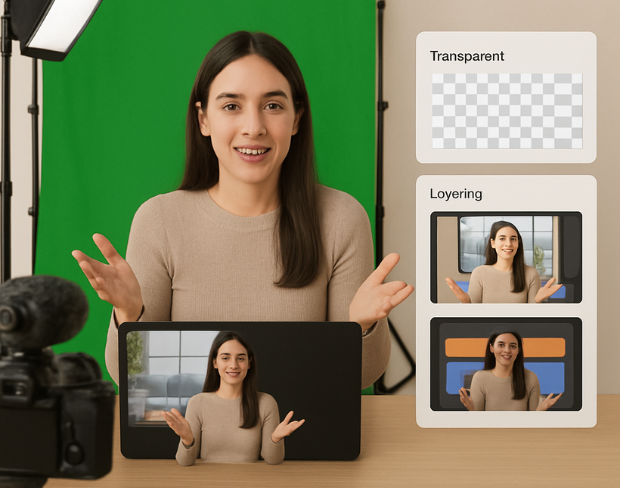
背景ぼかし
カラーグレーディング

カラーグレーディング

ワンクリックでシネマティックなカラーグレーディングを適用。

よくある質問

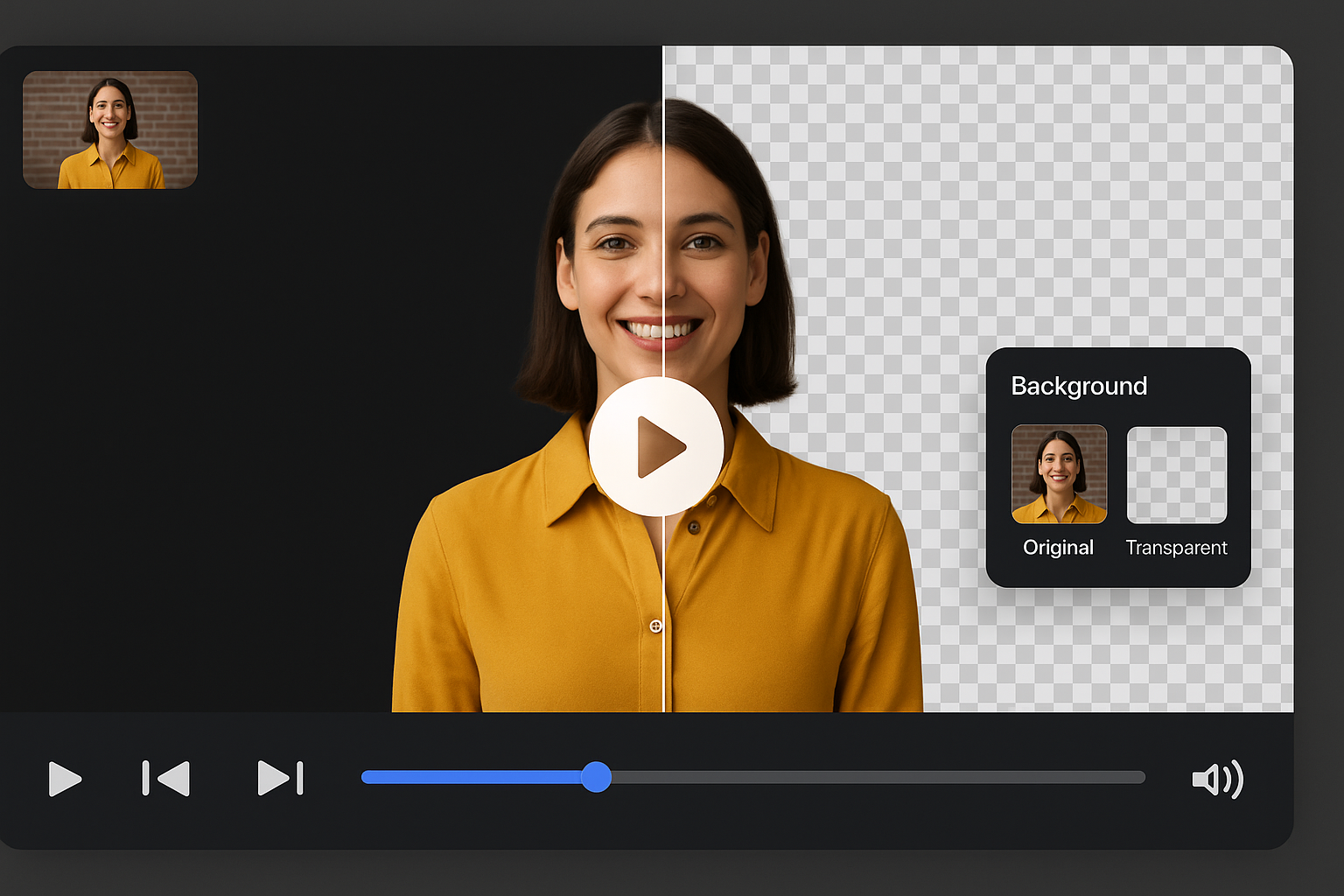
背景除去ツールはどう動作しますか?

AIがビデオを解析し、自動で背景を除去します。

対応ビデオ形式は?

MP4、MOV、M4V形式に対応しています。

ファイルサイズ制限はありますか?

はい、ビデオは200MB未満、10分未満である必要があります。

Is BGRemover.video a good alternative to Unscreen?

Yes! BGRemover.video is the best Unscreen alternative, especially since Unscreen is shutting down on December 1, 2025. We offer unlimited video length, HD quality, no watermarks, and completely free usage - all features that required paid plans on Unscreen.

Why is Unscreen shutting down?

Unscreen announced they're shutting down on December 1, 2025 at 9:00 AM CET. Canva decided to discontinue the service to focus on other products. This makes BGRemover.video the perfect replacement with superior features and no shutdown concerns. Try our video background remover for better results.

Can I process videos longer than Unscreen's 5-10 second limit?

Absolutely! Unlike Unscreen's free version which limited videos to 5-10 seconds, BGRemover.video has no time restrictions. Process videos of any length completely free - a feature that would have cost money with Unscreen Pro.

動画を編集する

無料のAI搭載エディターで動画を変身させましょう。