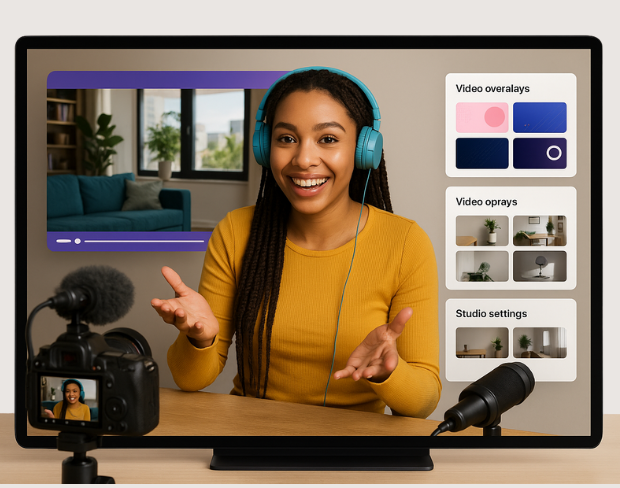
Bewerk, verbeter en transformeer je video’s met krachtige AI-tools. Perfect voor professionals en hobbyisten!
Probeer het nuSelecteer een categorie om gespecialiseerde bewerkingsfuncties te zien
Preview 1 of 0
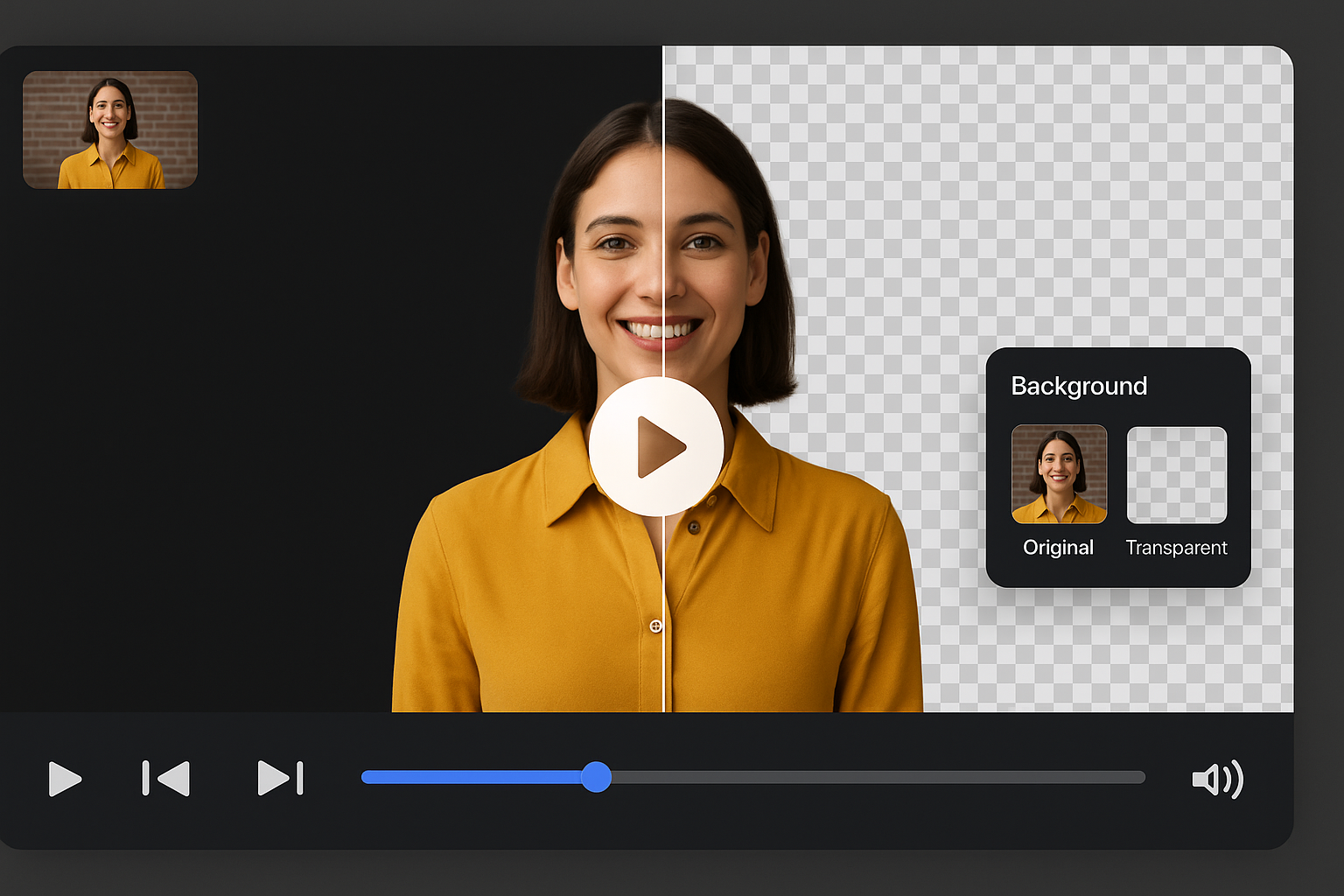
Compare the original frame against a cleaned background, then browse ready-made looks.
Remove BackgroundVerwijder automatisch stille gedeelten uit je video’s voor een vloeiender geheel.

Vervagen van videobackgrounds om de aandacht op je onderwerp te vestigen.
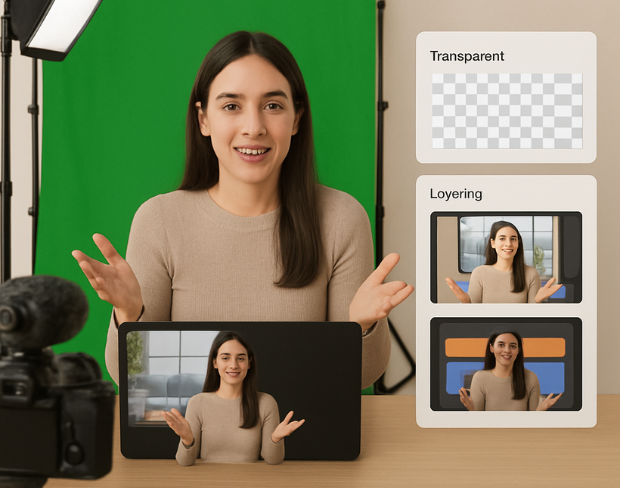
Breng met één klik een filmische kleurcorrectie aan.

Clear answers about uploads, exports, video limits, and switching from older background removal tools.
Start removing backgroundOnze AI analyseert je video en verwijdert automatisch de achtergrond.
We ondersteunen MP4, MOV en M4V formaten.
Ja, video's moeten kleiner zijn dan 200MB en 2 minuten.
Yes! BGRemover.video is the best Unscreen alternative, especially since Unscreen is shutting down on December 1, 2025. We offer unlimited video length, HD quality, no watermarks, and completely free usage - all features that required paid plans on Unscreen.
Unscreen announced they're shutting down on December 1, 2025 at 9:00 AM CET. Canva decided to discontinue the service to focus on other products. This makes BGRemover.video the perfect replacement with superior features and no shutdown concerns. Try our video background remover for better results.
Absolutely! Unlike Unscreen's free version which limited videos to 5-10 seconds, BGRemover.video has no time restrictions. Process videos of any length completely free - a feature that would have cost money with Unscreen Pro.
Share your experience with BGRemover and read how other users are removing backgrounds from videos faster.
5.0
Average rating
0
Total reviews
Tell other creators what worked for you.
Showing page 1 of 1 · 0 reviews
Be the first to share your experience.
Transformeer je video’s met onze gratis AI-editor.
Probeer het nu