Creator videos and shorts
Prepare clean visuals that can move into ads, listings, shorts, presentations, or client deliverables.
Showcase your vehicles with stunning, professional photos. Remove backgrounds, enhance images, and attract more buyers!
Try it nowAuto remove backgrounds from your car videos in seconds without green screens or complex editing. Get smooth, professional-quality background removal to help your car demos stand out.
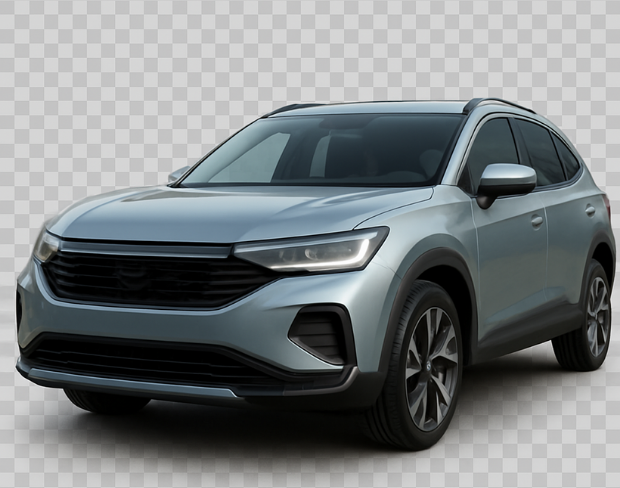
Easily replace busy scenes with custom images, videos, or transparent backgrounds to boost professional look and buyer engagement across listings and social media.
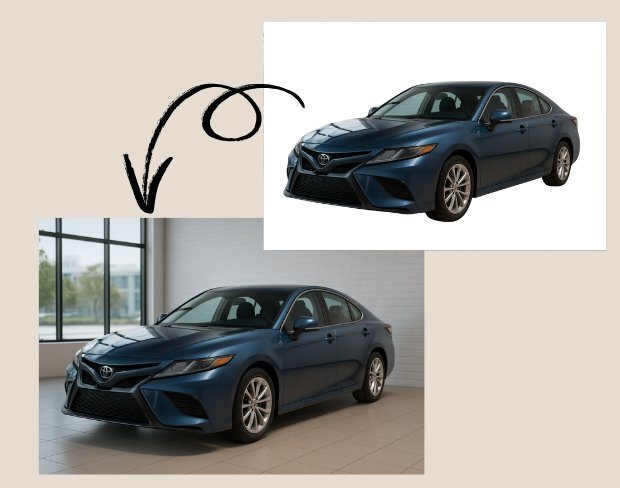
Remove backgrounds from car videos with pixel-perfect accuracy. Detects fine details like car edges and reflections for smooth, flawless cuts — no manual editing needed.
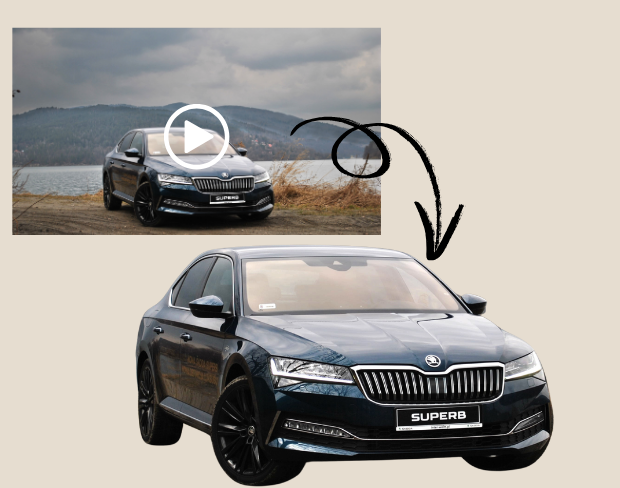
Upload and process multiple car videos at once for consistent HD background removal — perfect for busy dealerships managing large video inventories.
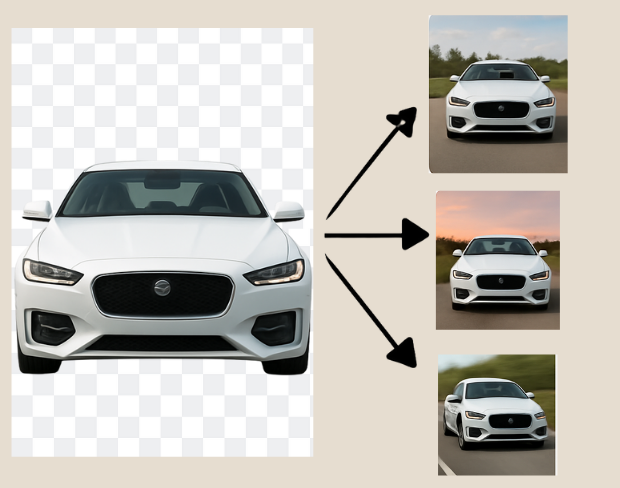
Export HD videos in MP4, MOV, WebM and more, with support for transparent backgrounds — optimized for YouTube, TikTok, Instagram, and dealership websites.
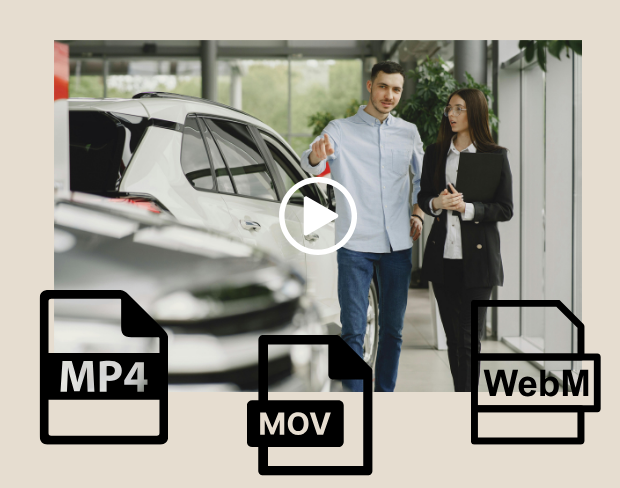

Use ai video background remover for car dealerships for transparent assets, replaced backgrounds, and visual systems that stay consistent across campaigns.
Prepare footage for overlays, shorts, ads, presentations, and composited scenes.
Use solid colors, branded looks, neutral backdrops, or campaign-specific visuals without a full editor.
AI handles hair, clothing, movement, and object contours so exports stay polished across common creator workflows.
BGRemover is useful anywhere you need a clean subject, a transparent asset, or a consistent background without opening a full editing suite.
Prepare clean visuals that can move into ads, listings, shorts, presentations, or client deliverables.
Prepare clean visuals that can move into ads, listings, shorts, presentations, or client deliverables.
Prepare clean visuals that can move into ads, listings, shorts, presentations, or client deliverables.
Prepare clean visuals that can move into ads, listings, shorts, presentations, or client deliverables.
Showcase your vehicles with stunning, professional photos. Remove backgrounds, enhance images, and attract more buyers! works as a focused background-removal workflow, so you can move from raw media to usable assets without a complex editing timeline.
Start with your fileStep 01
Add an MP4 or MOV clip from your device. No green screen or studio setup is required.
Step 02
Frames are analyzed automatically so people, products, and foreground motion stay separated from the scene.
Step 03
Export with a transparent background or place the clip on a color, branded scene, or clean visual backdrop.
BGRemover focuses on the background-removal job instead of asking you to build masks, timelines, layers, and export presets from scratch.
Try the workflowClear answers about uploads, exports, video limits, and switching from older background removal tools.
Start removing backgroundOur AI analyzes your video and automatically removes the background.
We support MP4, MOV, and M4V formats.
Yes, videos must be under 200MB and 5 minutes long.
Yes! BGRemover.video is the best Unscreen alternative, especially since Unscreen is shutting down on December 1, 2025. We offer unlimited video length, HD quality, no watermarks, and completely free usage - all features that required paid plans on Unscreen.
Unscreen announced they're shutting down on December 1, 2025 at 9:00 AM CET. Canva decided to discontinue the service to focus on other products. This makes BGRemover.video the perfect replacement with superior features and no shutdown concerns. Try our video background remover for better results.
Absolutely! Unlike Unscreen's free version which limited videos to 5-10 seconds, BGRemover.video has no time restrictions. Process videos of any length completely free - a feature that would have cost money with Unscreen Pro.
Share your experience with BGRemover and read how other users are removing backgrounds from videos faster.
5.0
Average rating
0
Total reviews
Tell other creators what worked for you.
Showing page 1 of 1 · 0 reviews
Be the first to share your experience.
Professional AI background removal for content creators. Remove, replace, or make backgrounds transparent instantly—no design skills needed!
Professional bulk AI background removal for high-volume projects. Process dozens or hundreds of images and videos simultaneously—perfect for agencies, teams, and large-scale content creation!
Create stunning real estate videos with background removal, green screen, and smart editing—no pro skills needed!
Create eye-catching videos for YouTube, streaming, and social media by removing or customizing your video backgrounds with AI.
Enhance your car listings with our free AI video background remover.