01
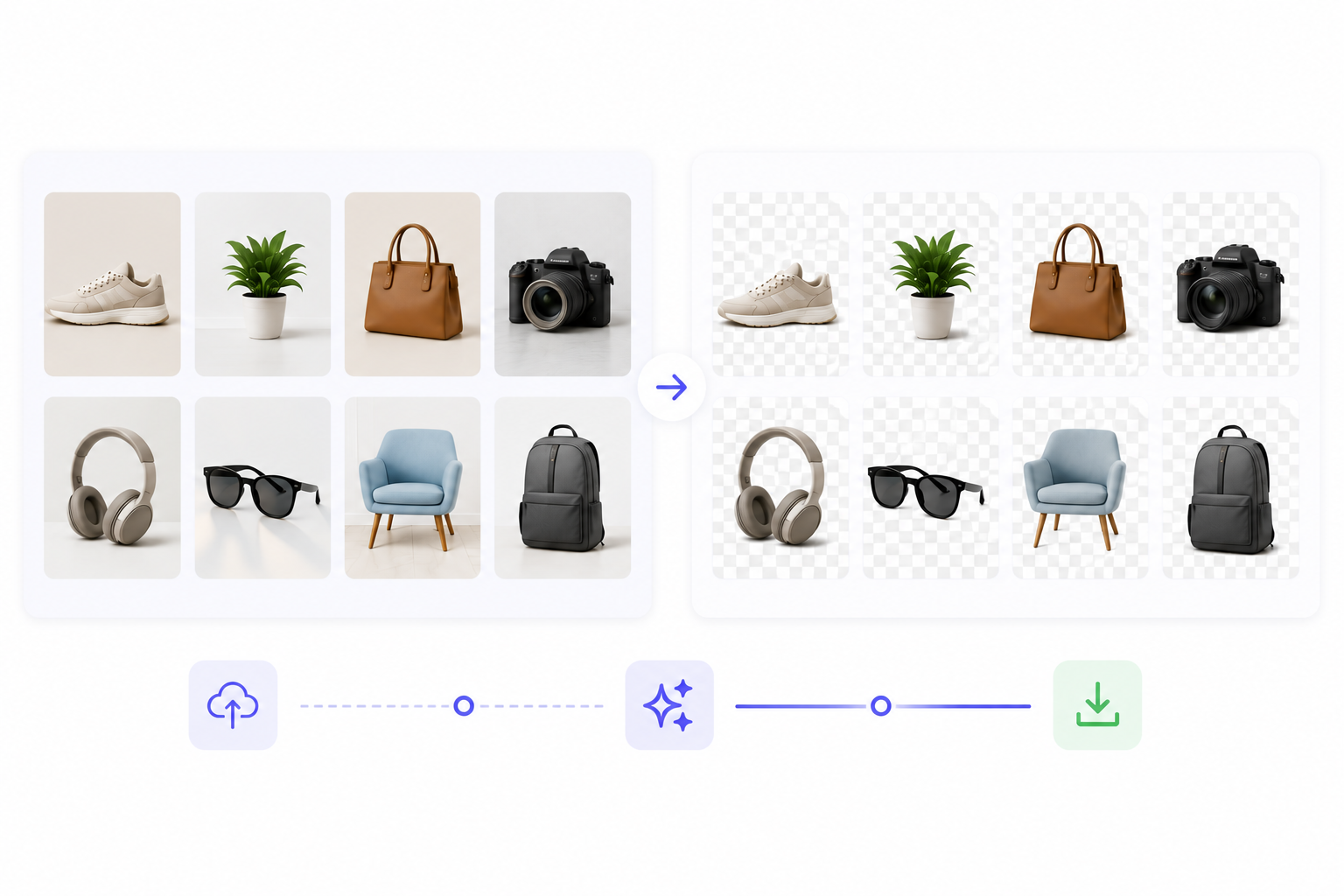
Upload a batch
Add multiple product photos, clips, or campaign assets at once.
Professional bulk AI background removal for high-volume projects. Process dozens or hundreds of images and videos simultaneously—perfect for agencies, teams, and large-scale content creation!
File must be an image or video
By uploading your file, you agree to the BGRemover.video Terms of Use and Privacy Policy
Stop editing images one by one. Our bulk upload feature lets you drag and drop dozens or even hundreds of files simultaneously. Whether you're preparing product photos, marketing materials, or content assets, you can remove background in bulk with just a few clicks. The AI processes each file automatically, delivering consistent, professional results across your entire batch, saving you hours of repetitive work.
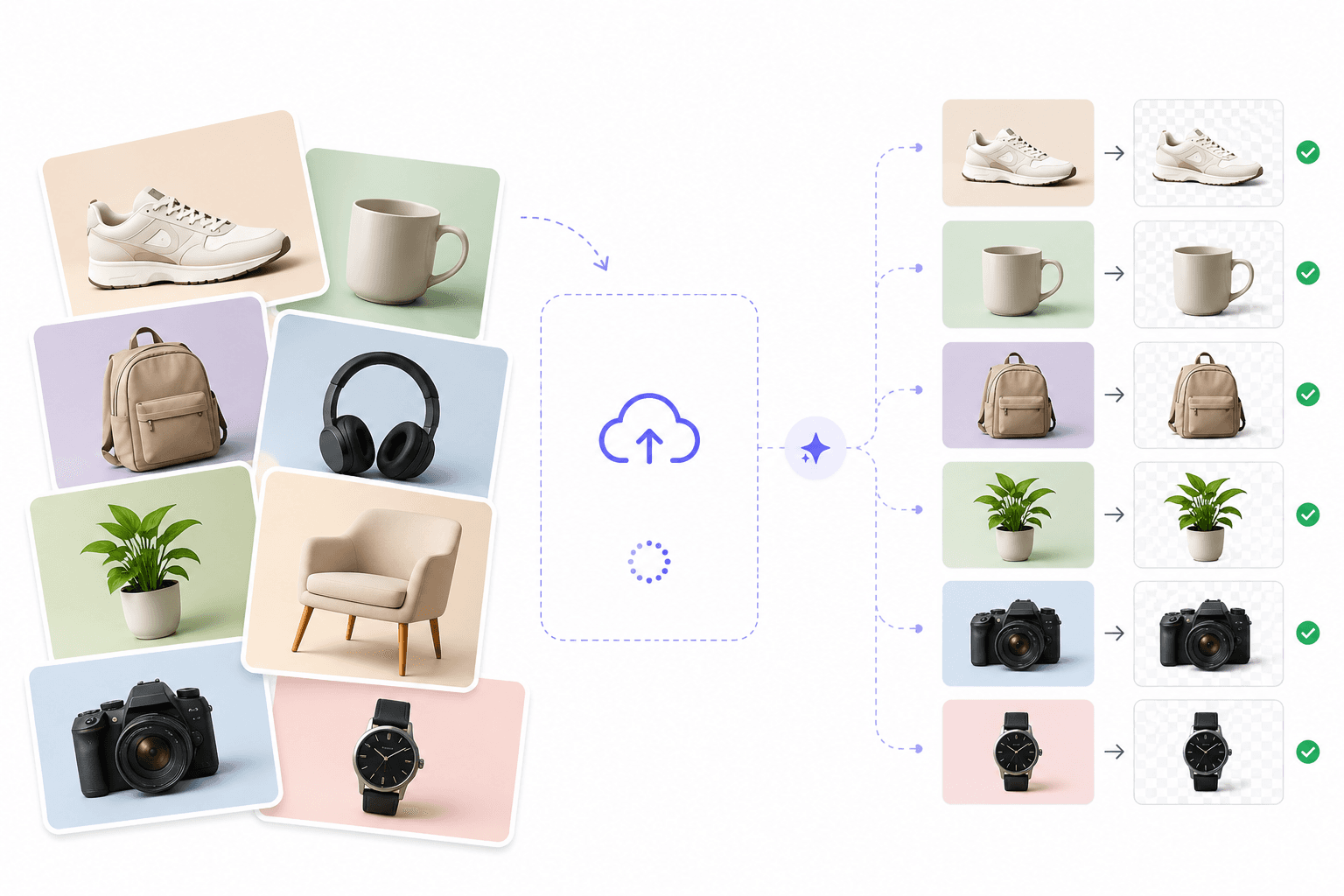
Time is money, especially when you're managing large projects. Our advanced bulk processing system handles high-volume workloads efficiently, processing multiple images and videos simultaneously. Upload your entire folder, select your preferred output settings, and let the AI work its magic. Perfect for catalog updates, seasonal campaigns, or any project requiring consistent background removal across many files.
Get started without breaking the budget. Our bulk background remover free tier allows you to process multiple files at no cost, making professional editing accessible to startups, freelancers, and small businesses. As your needs grow, scale up to handle even larger batches with premium features. No credit card required to start removing backgrounds from your image collections today.
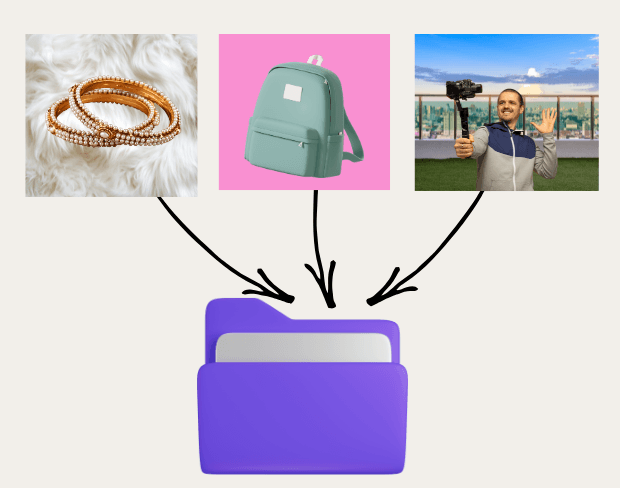
Maintain visual consistency across your entire project. The bulk image background remover uses intelligent AI to recognize subjects and remove backgrounds uniformly, ensuring every file in your batch matches your quality standards. Whether you're working with product shots, headshots, or creative assets, achieve professional results across hundreds of files without manual adjustments or quality variations.
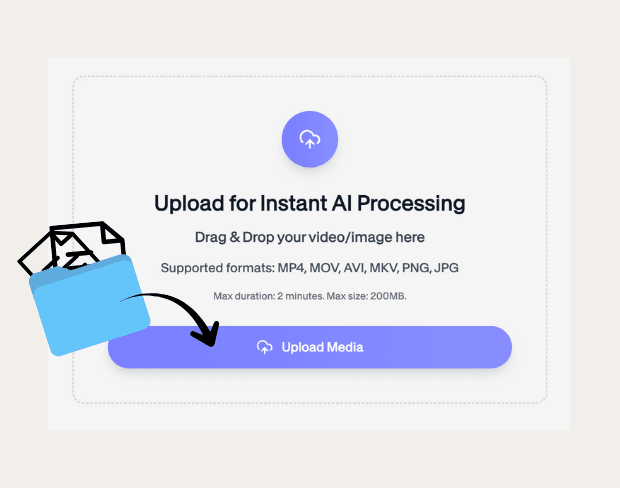
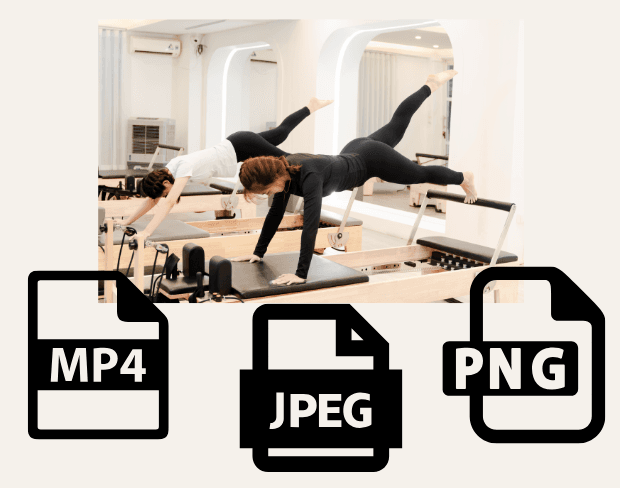
Scale your workflow effortlessly. Our platform supports multiple uploads of various file formats, JPEG, PNG, MP4, and more. Designed for agencies, production houses, and large teams, this tool handles complex projects with ease. Process entire campaigns, update thousands of SKU images, or prepare multimedia content libraries in a fraction of the time traditional editing would take. Your complete solution for high-volume background remover bulk operations.
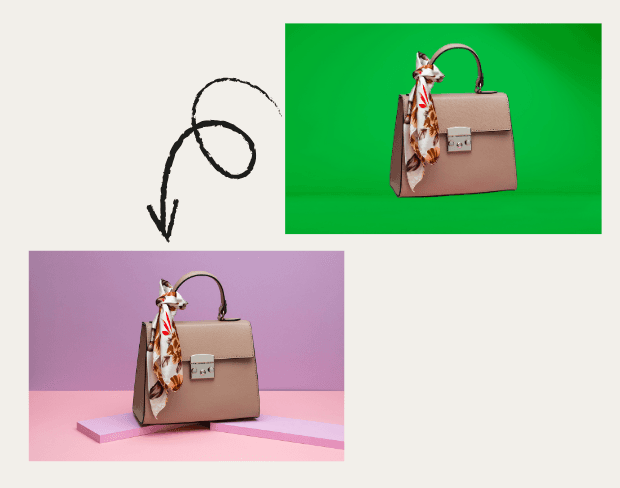

Volume-first exports for teams managing large media sets.
Process dozens of SKU photos with the same workflow.
Remove backgrounds across ad variants and creator uploads.
Return consistent cutouts without rebuilding edits one by one.
How It Works
Catalog and campaign work rarely stops at one file. Queue multiple images or videos and apply the same removal logic across the set.
Add multiple product photos, clips, or campaign assets at once.
Each file gets the same background removal treatment for visual consistency.
Export cleaned assets ready for listings, ads, or client delivery.
FAQ
Batch uploads, consistency, and catalog workflows.
Yes. Bulk background remover is designed for multi-file uploads and repeated cleanup workflows.
Yes. Queue the media types your production run requires and process them in one batch flow.
Use bulk when you are cleaning catalogs, campaign folders, or any set with more than a handful of assets.
Turn product photos into clean white-background or transparent PNG listings in seconds. Built for Amazon, Shopify, marketplaces, and catalog teams.
Professional AI background removal for content creators. Remove, replace, or make backgrounds transparent instantly—no design skills needed!
Create clean, professional product videos in seconds — no green screen or editing skills required.
Share your experience with BGRemover and read how other users are removing backgrounds from videos faster.
5.0
Average rating
0
Total reviews
Tell other creators what worked for you.
Showing page 1 of 1 · 0 reviews
Be the first to share your experience.
Process multiple files instantly with our free bulk background remover. Upload dozens of images and videos for consistent, professional results.
Upload Multiple Files Now