AI Video Background Remover for E-commerce Sellers
Create clean, professional product videos in seconds — no green screen or editing skills required.
Drag and drop your video
or browse to upload.
File must be MP4, MOV, WebM or M4V
By uploading your file, you agree to the BGRemover.video Terms of Use and Privacy Policy

Remove Backgrounds from Product Videos in Seconds
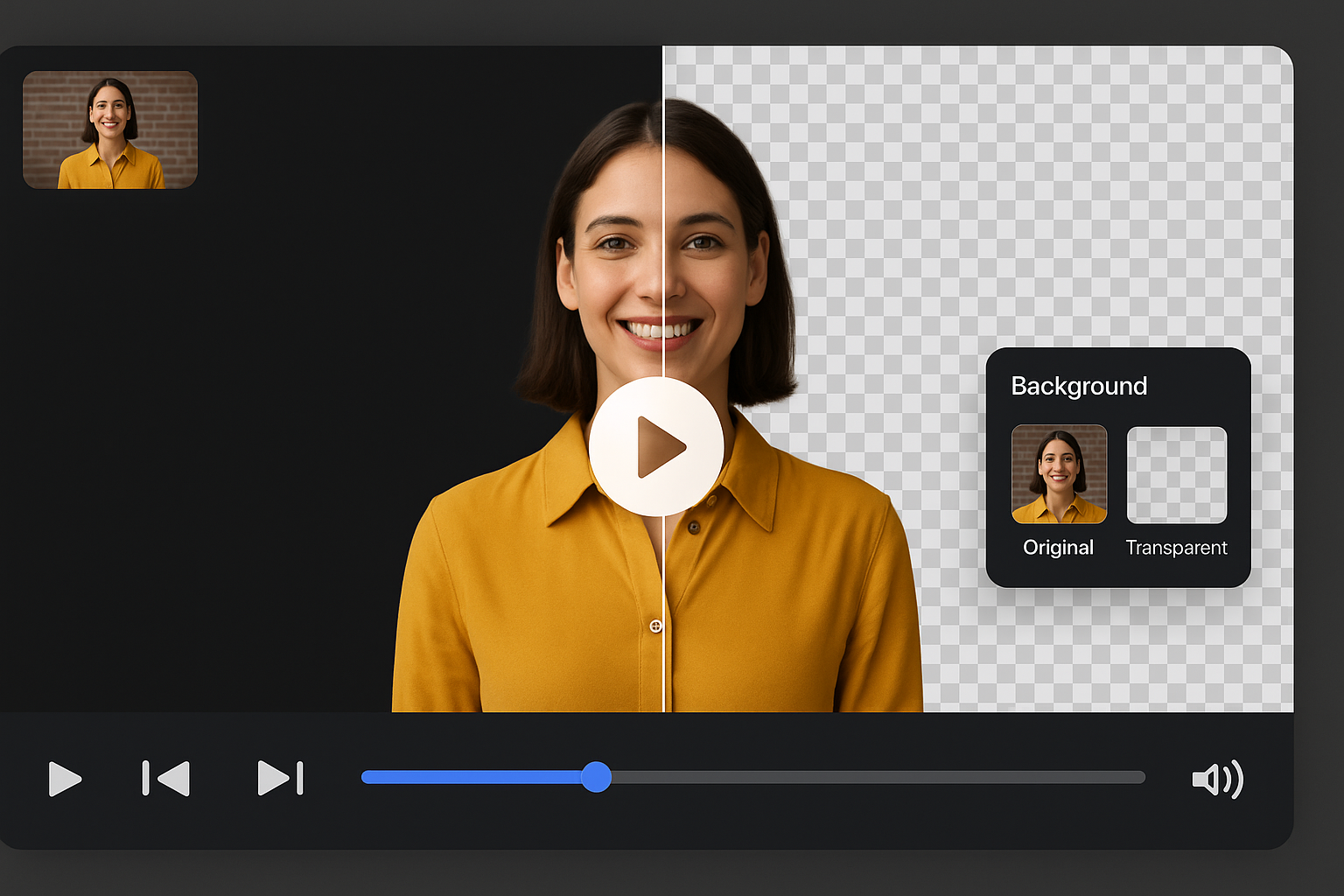
E-commerce sellers can now remove cluttered video scenes with our AI tool to remove background. This auto background remover helps create clean, professional videos that highlight your products better. It’s perfect for product pages, social media ads, and marketplace listings, improving engagement and click-through rates fast.
Create Studio-Quality Videos Without a Studio
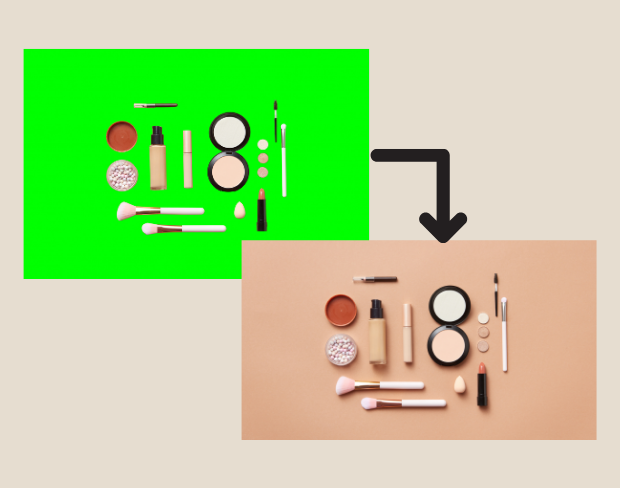
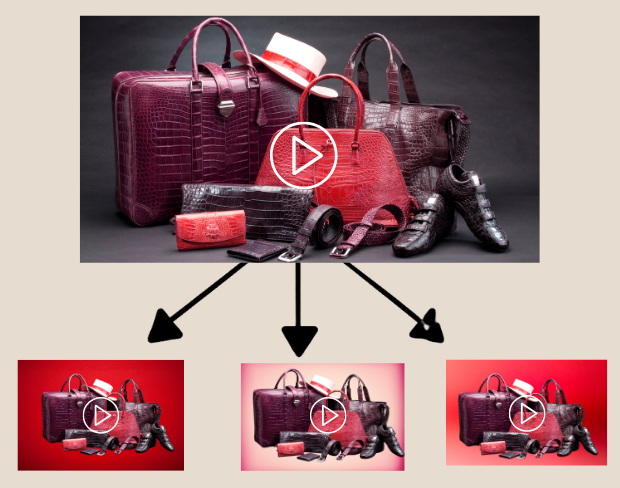
No green screen or editing skills required. Use our video background remover to replace distracting environments with neutral or branded backdrops. With remove background AI, sellers can produce high-quality promotional videos from any location, saving on production costs while creating visually consistent content across all platforms.
Batch Remove Backgrounds for Multiple Product Videos
Need to process dozens of videos? Our tool supports batch uploads to remove background HD quality from multiple clips at once. Ideal for sellers with large inventories, it’s the fastest way to prep product videos for seasonal sales, platform ads, or catalog updates — with consistent, professional results using smart AI editing tools.
Make Background Transparent Free for Versatile Use
Sellers can make background transparent free to create flexible product videos for different e-commerce platforms. Use transparent background videos for animated product explainers, reels, or custom overlays. With this background eraser, your product remains the focus while branding stays clean, modern, and visually appealing.
Export Ready-to-Post Videos in Multiple Formats
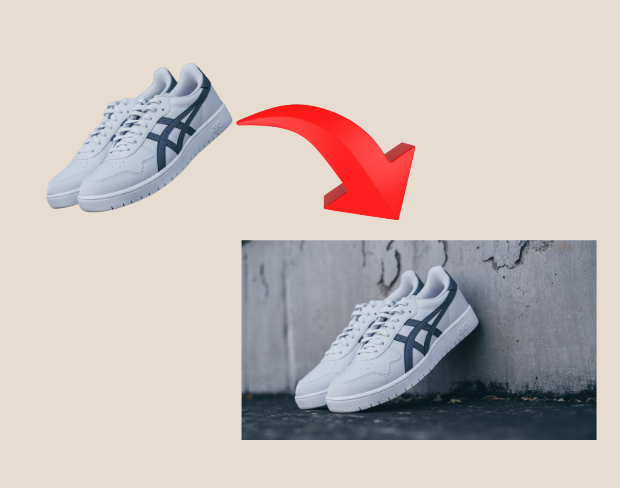
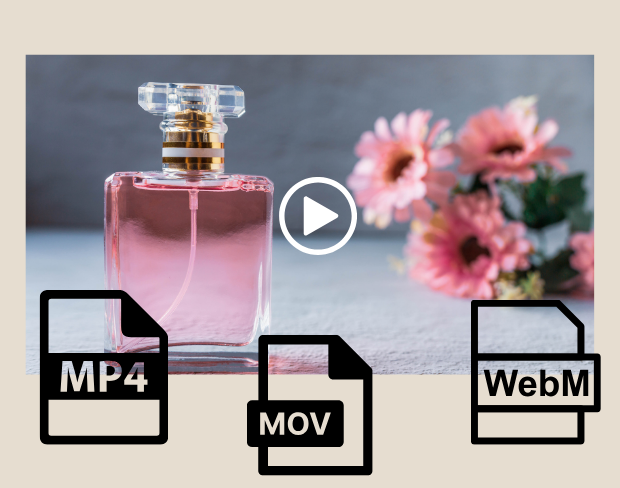
After editing, export your product videos in MP4, MOV, or WebM with the background removed. Our AI video background remover ensures sharp, HD-ready content perfect for Amazon, Instagram, YouTube, or your Shopify store. Flexible format options and clear background output mean your e-commerce content is always platform-ready.
Real feedback from creators
All reviews (0)
Page 1 of 1
No reviews yet
Be the first to share your experience.
Edit Product Videos Now
Remove video backgrounds, add transparency, and export in HD — all with a few clicks.
Try it free