AI Video Background Remover for Content Creators

Create eye-catching videos for YouTube, streaming, and social media by removing or customizing your video backgrounds with AI.
Try it now
Feature

🎬 Remove Video Backgrounds Instantly

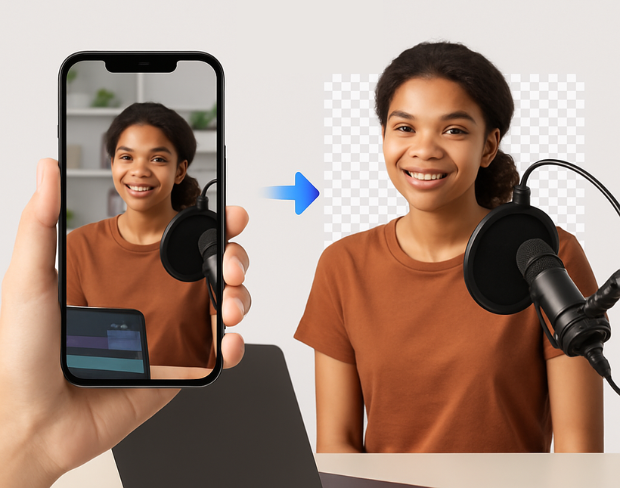
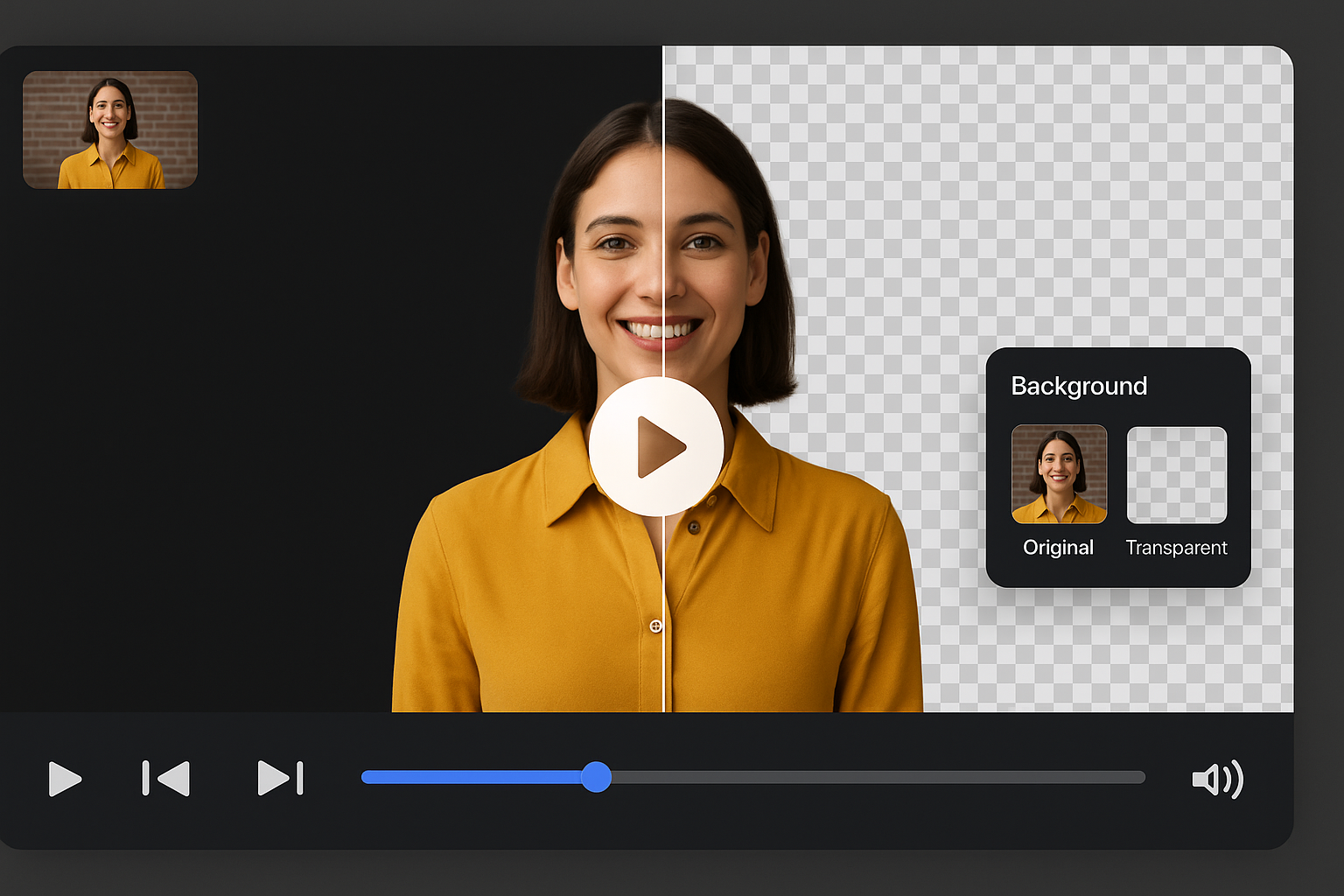
No green screen? No problem. Our AI-powered background remover helps any content creator remove video backgrounds in seconds freeing up your creativity for what really matters: creating. Whether you're a digital creator or just starting out, enjoy make background transparent free without any editing hassle.

🎬 Remove Video Backgrounds Instantly
Feature

Smart Editing Tools for Creative Control

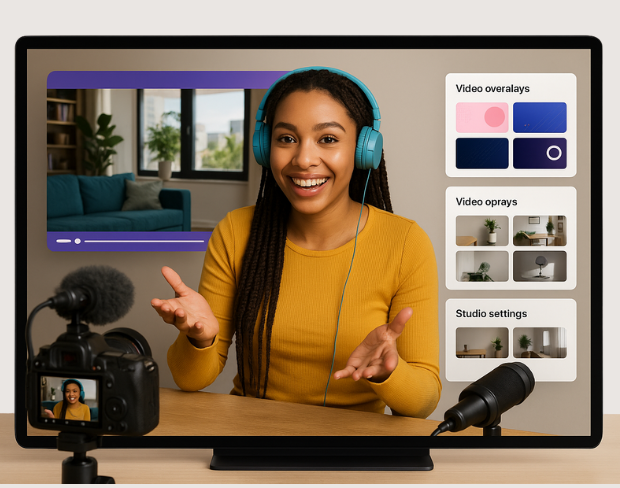
Elevate your content with smart editing for videos. Add virtual backgrounds, brand-themed overlays, or studio-like settings in a click. Designed for digital content creators, these tools help you transform raw footage into engaging videos that reflect your style and vision perfect for YouTube, Reels, and Shorts.

  Smart Editing Tools for Creative Control
Feature

🧩 Customize with Style and Precision

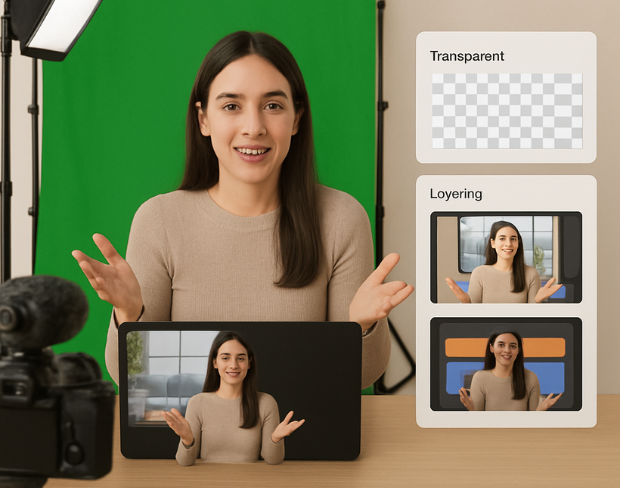
Turn simple clips into standout content. Use our green screen video editor to create clean, scroll-stopping videos. Whether you're a social media content creator or creating promotional content, this tool helps you match your visuals with your brand effortlessly using transparent background options and easy layering.

🧩 Customize with Style and Precision
Feature

🔥 Perfect for Reels, Shorts & Social Posts

Create high-impact premium videos with zero noise and full focus. Our gif background remover ensures even short-form clips look studio-made. Ideal for content production, this feature empowers creators to deliver polished, professional videos with minimal effort.

🔥 Perfect for Reels, Shorts & Social Posts
Feature

Boost Your Creativity On the Go

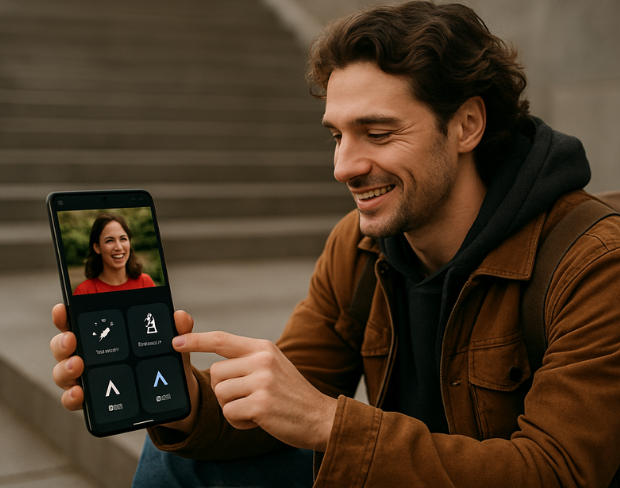
Built for creative minds, this tool blends simplicity with power. From mobile clips to high-res edits, produce top-tier content fast. As a content creator, you’ll love how easy it is to edit anywhere fueling your journey in online content creation with powerful, AI-driven content editing software.

  Boost Your Creativity On the Go
AI Video Background Remover for Content Creators preview
Clean export
Outputs

Export for the places your media actually goes

Use ai video background remover for content creators for transparent assets, replaced backgrounds, and visual systems that stay consistent across campaigns.

Transparent video output

Prepare footage for overlays, shorts, ads, presentations, and composited scenes.

Replace the background

Use solid colors, branded looks, neutral backdrops, or campaign-specific visuals without a full editor.

Keep subject edges natural

AI handles hair, clothing, movement, and object contours so exports stay polished across common creator workflows.

No watermarksFast video background removalEnhance video quality and creativity
Use cases

Built for repeatable background removal work

BGRemover is useful anywhere you need a clean subject, a transparent asset, or a consistent background without opening a full editing suite.

Creator videos and shorts

Prepare clean visuals that can move into ads, listings, shorts, presentations, or client deliverables.

Marketing ads and launch assets

Prepare clean visuals that can move into ads, listings, shorts, presentations, or client deliverables.

Course and presentation clips

Prepare clean visuals that can move into ads, listings, shorts, presentations, or client deliverables.

Clean client-ready exports

Prepare clean visuals that can move into ads, listings, shorts, presentations, or client deliverables.

Workflow

From upload to finished background in three steps

Create eye-catching videos for YouTube, streaming, and social media by removing or customizing your video backgrounds with AI. works as a focused background-removal workflow, so you can move from raw media to usable assets without a complex editing timeline.

Start with your file

Step 01

Upload your video

Add an MP4 or MOV clip from your device. No green screen or studio setup is required.

Step 02

AI removes the background

Frames are analyzed automatically so people, products, and foreground motion stay separated from the scene.

Step 03

Download or replace

Export with a transparent background or place the clip on a color, branded scene, or clean visual backdrop.

Why it is faster

Less setup than manual editing tools

BGRemover focuses on the background-removal job instead of asking you to build masks, timelines, layers, and export presets from scratch.

Try the workflow
Task
BGRemover
Manual path
Setup
Upload media in the browser
Shoot on green screen or build masks
Editing
AI separates the subject automatically
Manual masking, rotoscoping, or repeated cleanup
Output
Transparent or replaced-background export
Export settings depend on editor setup
Best fit
Fast creator, ecommerce, and marketing workflows
Specialist editing sessions with more setup time
FAQ

Frequently Asked Questions

Clear answers about uploads, exports, video limits, and switching from older background removal tools.

Start removing background

Our AI analyzes your video and automatically removes the background.

We support MP4, MOV, and M4V formats.

Yes, videos must be under 200MB and 5 minutes long.

Yes! BGRemover.video is the best Unscreen alternative, especially since Unscreen is shutting down on December 1, 2025. We offer unlimited video length, HD quality, no watermarks, and completely free usage - all features that required paid plans on Unscreen.

Unscreen announced they're shutting down on December 1, 2025 at 9:00 AM CET. Canva decided to discontinue the service to focus on other products. This makes BGRemover.video the perfect replacement with superior features and no shutdown concerns. Try our video background remover for better results.

Absolutely! Unlike Unscreen's free version which limited videos to 5-10 seconds, BGRemover.video has no time restrictions. Process videos of any length completely free - a feature that would have cost money with Unscreen Pro.

Community reviews

Real feedback from creators

Share your experience with BGRemover and read how other users are removing backgrounds from videos faster.

5.0

Average rating

Verified

0

Total reviews

Write a review

Tell other creators what worked for you.

5 stars

All reviews

Showing page 1 of 1 · 0 reviews

No reviews yet

Be the first to share your experience.

Explore more

More BGRemover workflows

Open uploader

Start Creating Videos

Boost your content creation workflow with our free AI video background remover.

AI Video Background Remover for Content Creators | BGRemover.video