Creator publishing
Clean up talking-head clips and thumbnail photos in the same session.
एक AI टूल से वीडियो और फोटो से बैकग्राउंड हटाएं।

File must be an image or video
By uploading your file, you agree to the BGRemover.video Terms of Use and Privacy Policy

BGRemover analyzes each frame or photo to find people, products, logos, and props. AI separates the subject from the background so you skip tedious manual selection in traditional editors.
Use the same workflow for MP4 clips, talking-head recordings, product photos, and social graphics. Switch between video and image uploads without changing tools or learning new software.
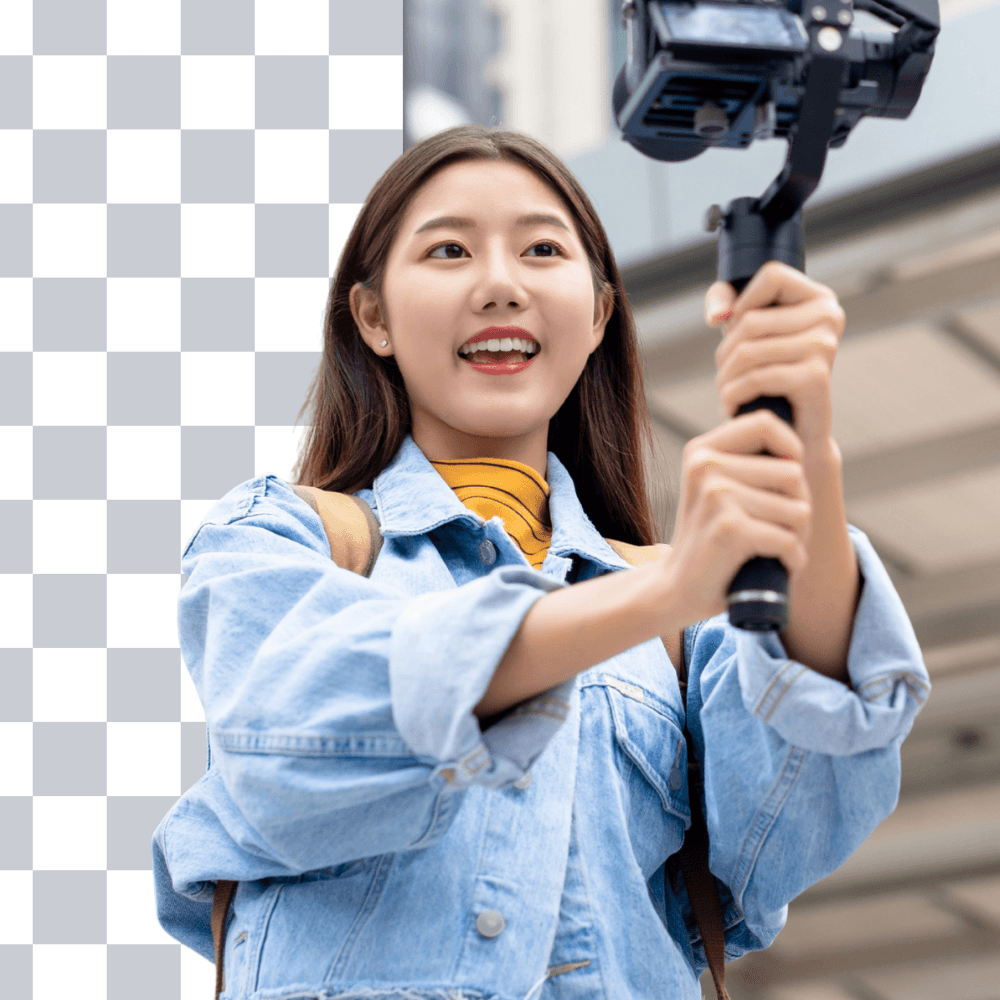

Export with a transparent background for compositing or swap in solid colors, photos, and video backdrops. Perfect for ecommerce listings, course videos, ads, and short-form content.
Creators, agencies, and merchants use AI background removal to publish faster. Process clips in the browser, preview results, and download share-ready files without installing desktop software.


Use the same AI engine for cutouts, replacements, and campaign-ready exports.
Create compositing-ready assets for ads, thumbnails, and editors.
Apply colors or scenes that match campaign creative without reshooting.
Move between product photos and short clips in one production flow.
One feature page for the core AI capability behind BGRemover.
Clean up talking-head clips and thumbnail photos in the same session.
Process product images and short product demos with consistent cutouts.
Turn rough footage into ad-ready assets without a full post team.
Handle client uploads faster when backgrounds must be removed at scale.
How It Works
Stop switching between photo and video tools. Upload either format, let AI detect the subject, and export a background-free asset from the same interface.
Upload MP4/MOV clips or PNG/JPG product and portrait files in one place.
People, products, logos, and foreground objects are isolated automatically.
Download transparent media or swap in a new backdrop before publishing.
See why teams default to AI for repetitive background removal work.
Try this workflowFAQ
Answers about automatic detection, formats, and export options.
Yes. Upload either format and AI detects the subject before you export a transparent or replaced background.
No. AI background removal works on everyday footage and photos shot without studio setup.
This page covers the full AI engine across both media types. Use the image or video feature pages when you want a narrower workflow.
AI द्वारा संचालित प्रोफेशनल वीडियो बैकग्राउंड रिमूवर। ग्रीन स्क्रीन की जरूरत नहीं। सेकंडों में वीडियो बैकग्राउंड हटाएं, बदलें, या ट्रांसपैरेंट बनाएं—कंटेंट क्रिएटर्स के लिए परफेक्ट!
कंटेंट क्रिएटर्स के लिए प्रोफेशनल AI बैकग्राउंड रिमूवल। तुरंत बैकग्राउंड हटाएं, बदलें, या ट्रांसपैरेंट बनाएं—कोई डिज़ाइन स्किल नहीं चाहिए!
ओवरले और कंपोज़िटिंग के लिए ट्रांसपैरेंट वीडियो बनाएं।
Page 1 of 1
Be the first to share your experience.
Upload a video or image and let AI remove the background automatically.
Upload Media