YouTube and course production
Remove green without maintaining complex editor templates.
手動クロマキー不要。AIがあらゆる動画からグリーンスクリーン背景を瞬時に削除し、髪、エッジ、細部を保持します。
File must be MP4, MOV, WebM or M4V
By uploading your file, you agree to the BGRemover.video Terms of Use and Privacy Policy

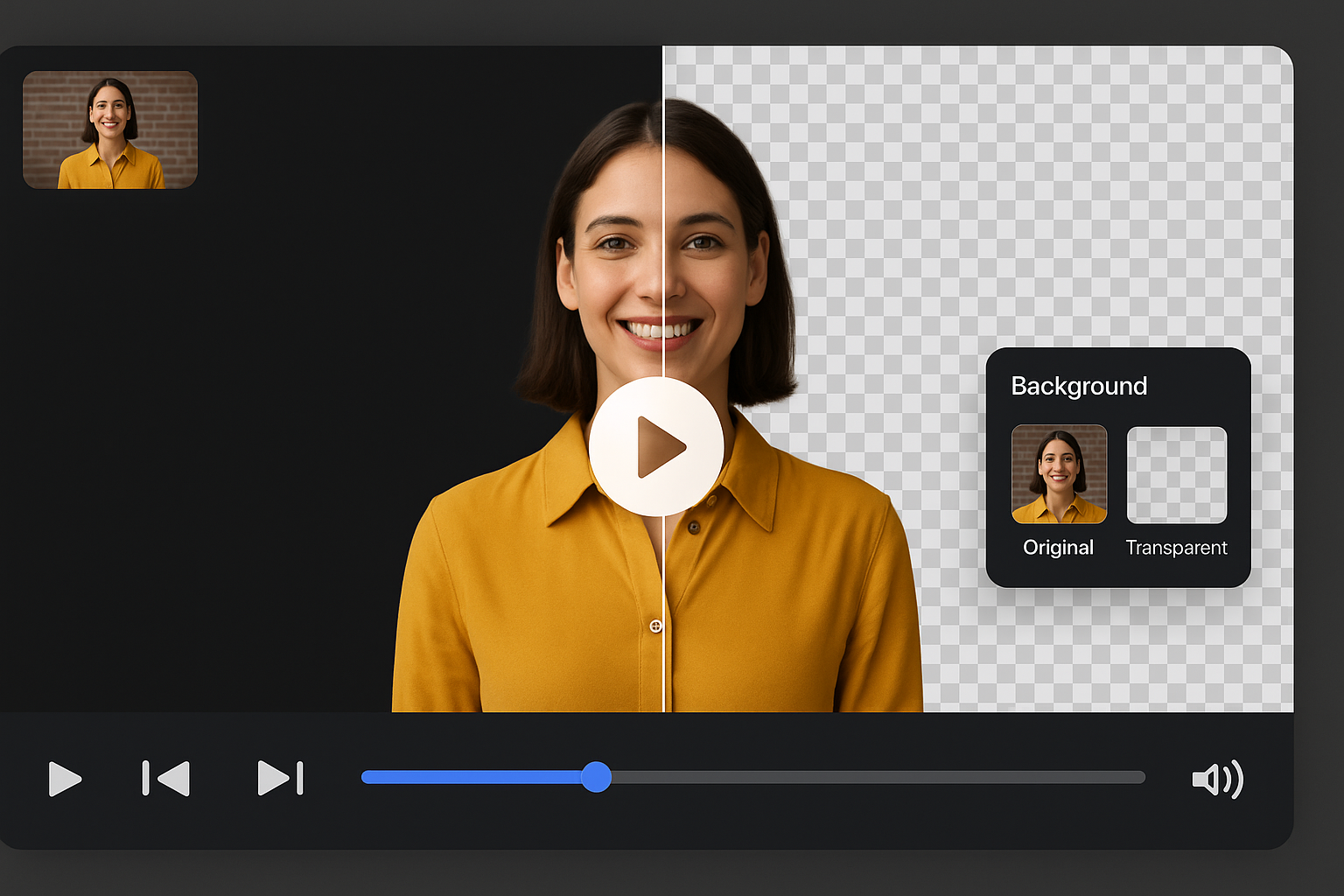
手動クロマキーや色調整なしでグリーンスクリーン背景を削除。AIが自動的にグリーンを検出・削除し、髪の毛のエッジや透明なオブジェクトなどの被写体の詳細を保持します。スタジオ品質でもホーム録画でも、照明が不均一でも布がしわくちゃでも動作します。技術的な複雑さなしに専門的な結果を求めるコンテンツクリエイター、ストリーマー、ビデオエディターに最適です。
従来のクロマキーは、髪や細部の周りのグリーンスピルとエッジフリンジに苦労します。当社のAIはこれらの課題を自動的に処理し、手動クリーンアップなしでクリーンなエッジを提供します。面倒な編集作業の時間を節約しながら、自然な見た目の結果を実現します。AIは照明の変化や被写体の動きに適応し、動画全体でエッジをシャープに保ちます。

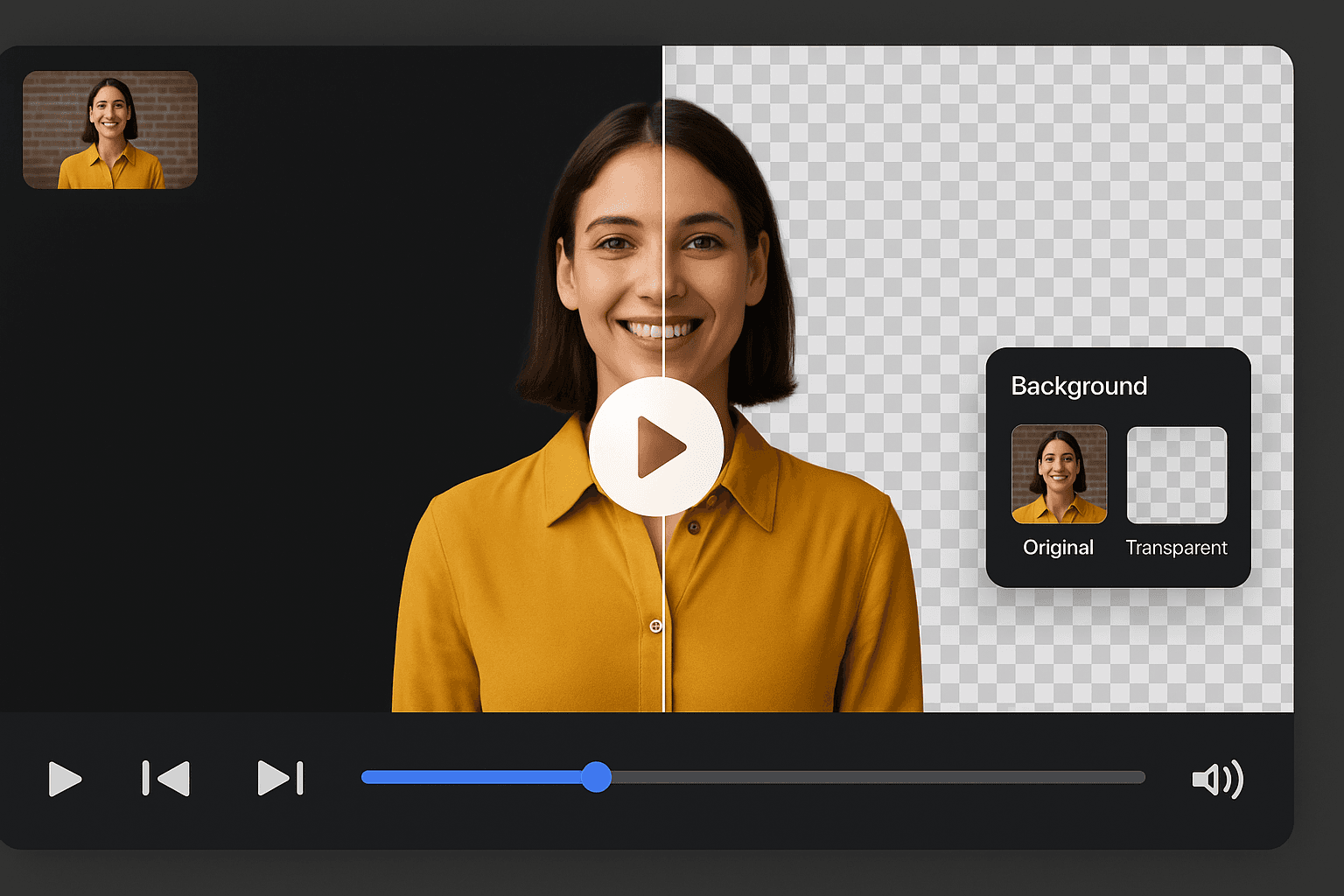
プロのスタジオ照明でもしわくちゃのホームグリーンスクリーンでも、当社のツールは通常クロマキーを壊す照明の不整合、影、生地の問題を処理します。映像をアップロードすれば、セットアップの品質に関係なくAIがグリーン背景を削除します。専門的な結果を得るために高価な機器や完璧な条件は必要ありません。
透明な背景でMOVまたはPNGシーケンスとして動画をエクスポートしてコンポジットするか、カスタム背景を追加してMP4としてエクスポートします。YouTubeイントロ、TikTokコンテンツ、Instagram Reels、Twitchオーバーレイ、プロの動画プロジェクトに最適です。Premiere Pro、Final Cut、DaVinci Resolveを含むすべての主要な編集ソフトウェアと互換性があります。


Built for users comparing chroma key workflows, not just searching remover tools.
Send clean subjects to After Effects, Resolve, or motion pipelines.
Publish quickly when compositing is not required.
Prepare intros, tutorials, and shorts after green removal.
Emphasizes workflow replacement for traditional chroma key, not only creator fixes.
Remove green without maintaining complex editor templates.
Clean up green wall recordings from office studios.
Deliver pre-keyed subjects to motion teams faster.
Turn streamed green screen content into edited clips.
How It Works
Green screen removal should not require timeline layers, spill masks, and export presets. Upload footage and let AI remove the green as a complete online workflow.
Accepts creator, classroom, and studio clips with green backdrops.
Edge cleanup and spill handling happen automatically across frames.
Go transparent for compositing or replace with a new background for direct publishing.
Compare a browser-first removal workflow with traditional keying stacks.
Try this workflowFAQ
Chroma key alternatives, exports, and editor handoff.
Yes. It removes green screen backgrounds online without manual keyframing or spill cleanup.
Removal focuses on replacing a full chroma key workflow. Remover matches shorter high-intent searches for deleting green backdrops.
Yes. Use transparent export when handing footage to another editor or compositing tool.
Page 1 of 1
Be the first to share your experience.