Streamers and creators
Salvage green screen recordings when key settings were off.
手動クロマキーなしでグリーンスクリーン背景を削除。
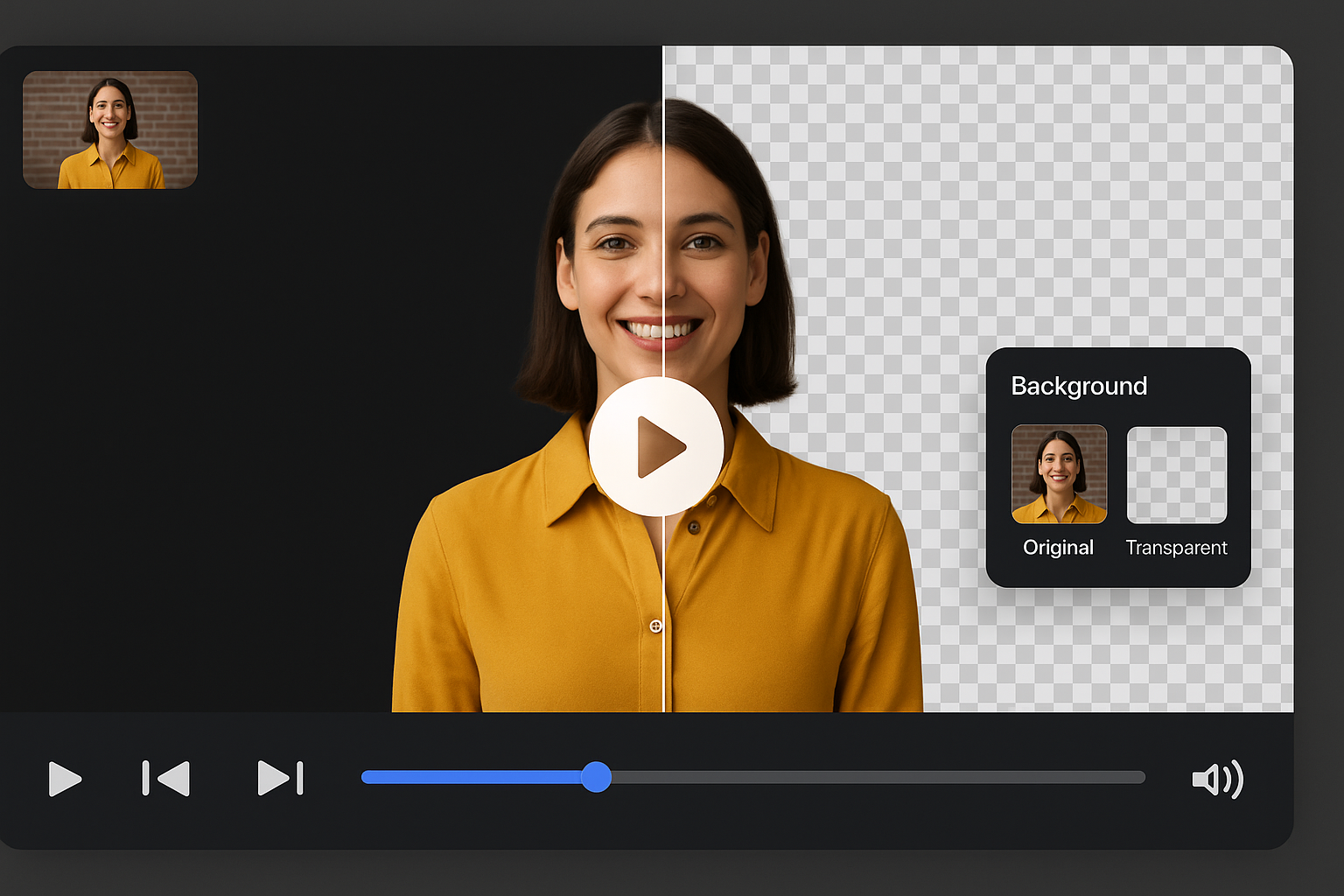
File must be MP4, MOV, WebM or M4V
By uploading your file, you agree to the BGRemover.video Terms of Use and Privacy Policy

Skip manual color picking and spill cleanup. Upload green screen footage and AI removes the backdrop while keeping subjects sharp — even with uneven lighting or wrinkled fabric.
Traditional green screen tools struggle with fringing and color spill. BGRemover tracks movement frame by frame so presenters, products, and props stay cleanly separated from the green backdrop.

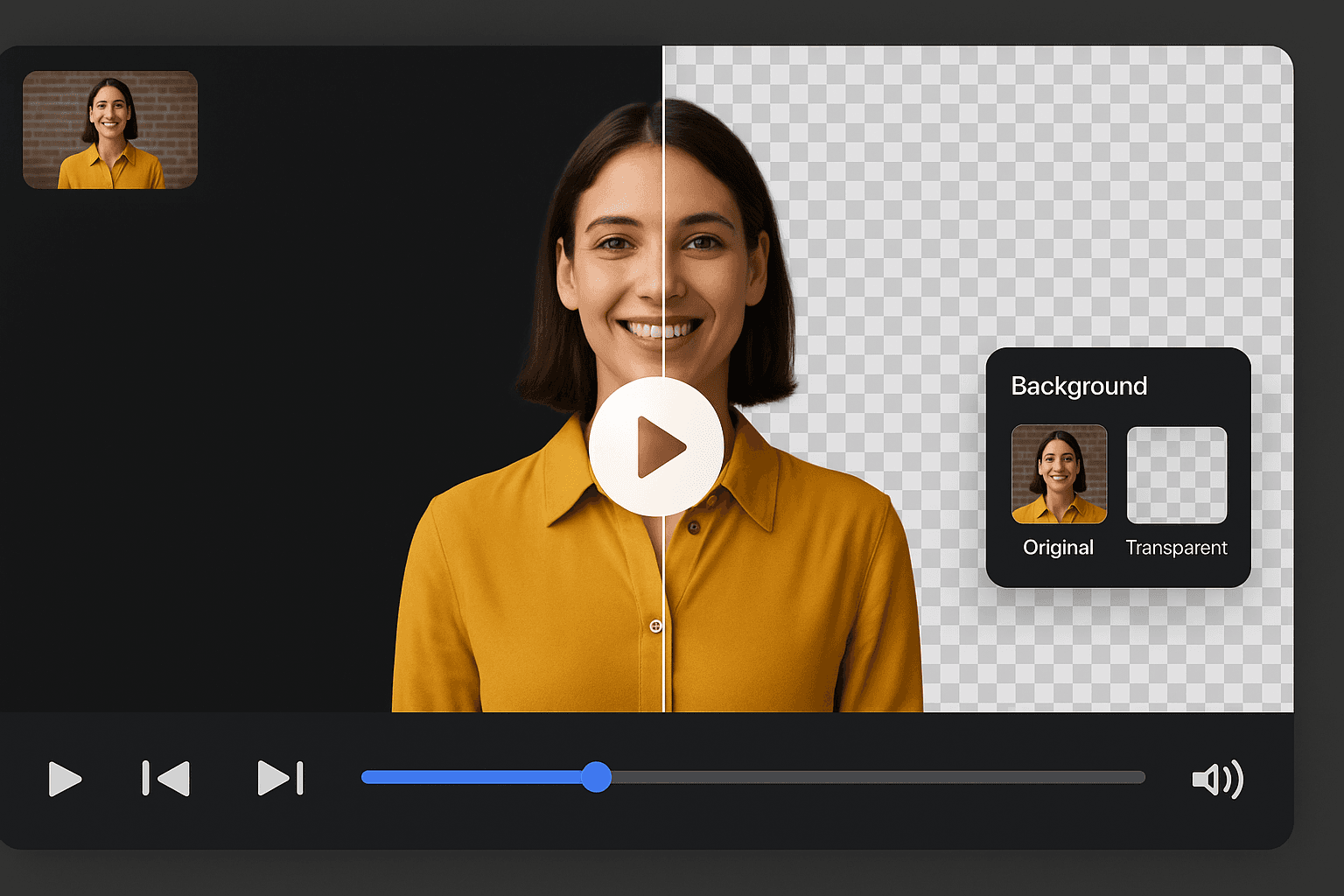
You do not need broadcast lighting or a perfect cyclorama. The green screen remover handles shadows, folds, and inconsistent exposure common in creator and classroom recordings.
Download transparent video or swap in a branded background before export. Compatible with Premiere Pro, Final Cut, DaVinci Resolve, CapCut, and browser-first publishing workflows.
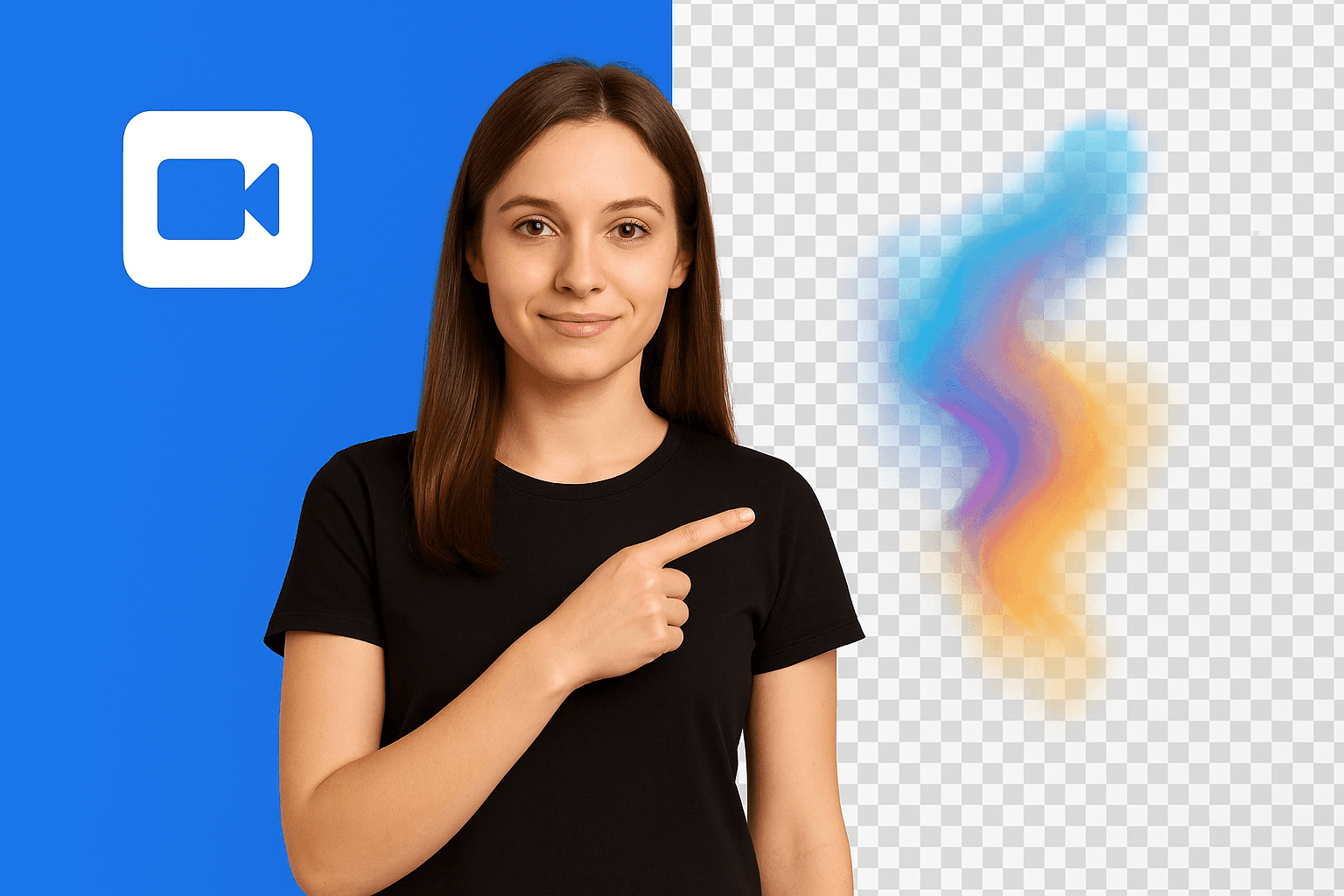
Focused on deleting green backdrops from creator and streamer footage.
Hand keyed footage to editors without manual spill cleanup.
Replace green with branded scenes for intros and clips.
Fix green screen takes for TikTok, Reels, and YouTube edits.
Different intent from users comparing chroma key alternatives.
Salvage green screen recordings when key settings were off.
Pre-clean green footage before compositing in Premiere or Resolve.
Remove green from spokesperson videos without reshooting.
Fix classroom green wall recordings for online modules.
How It Works
If your search starts with green screen remover, you want the backdrop gone fast — not a lecture on chroma key settings. Upload and let AI handle the green.
Use studio, streaming, or home green setups — wrinkled fabric included.
The tool targets green spill and edge fringing common in keyed footage.
Download transparent output or drop in a new scene for publishing.
Skip sliders, spill suppression, and mask touch-ups when AI can do the first pass.
Try this workflowFAQ
Questions about removing green backdrops online.
Both pages help you delete green backgrounds. This page matches remover-style searches; the removal page focuses on chroma key alternatives and export workflows.
Yes. AI is built to handle uneven green, shadows, and fabric wrinkles better than manual key presets.
Only if you want advanced compositing. BGRemover handles the green screen removal step online.
Page 1 of 1
Be the first to share your experience.
Upload footage and let AI remove the green backdrop in minutes.
Upload Video