AI Background Changer

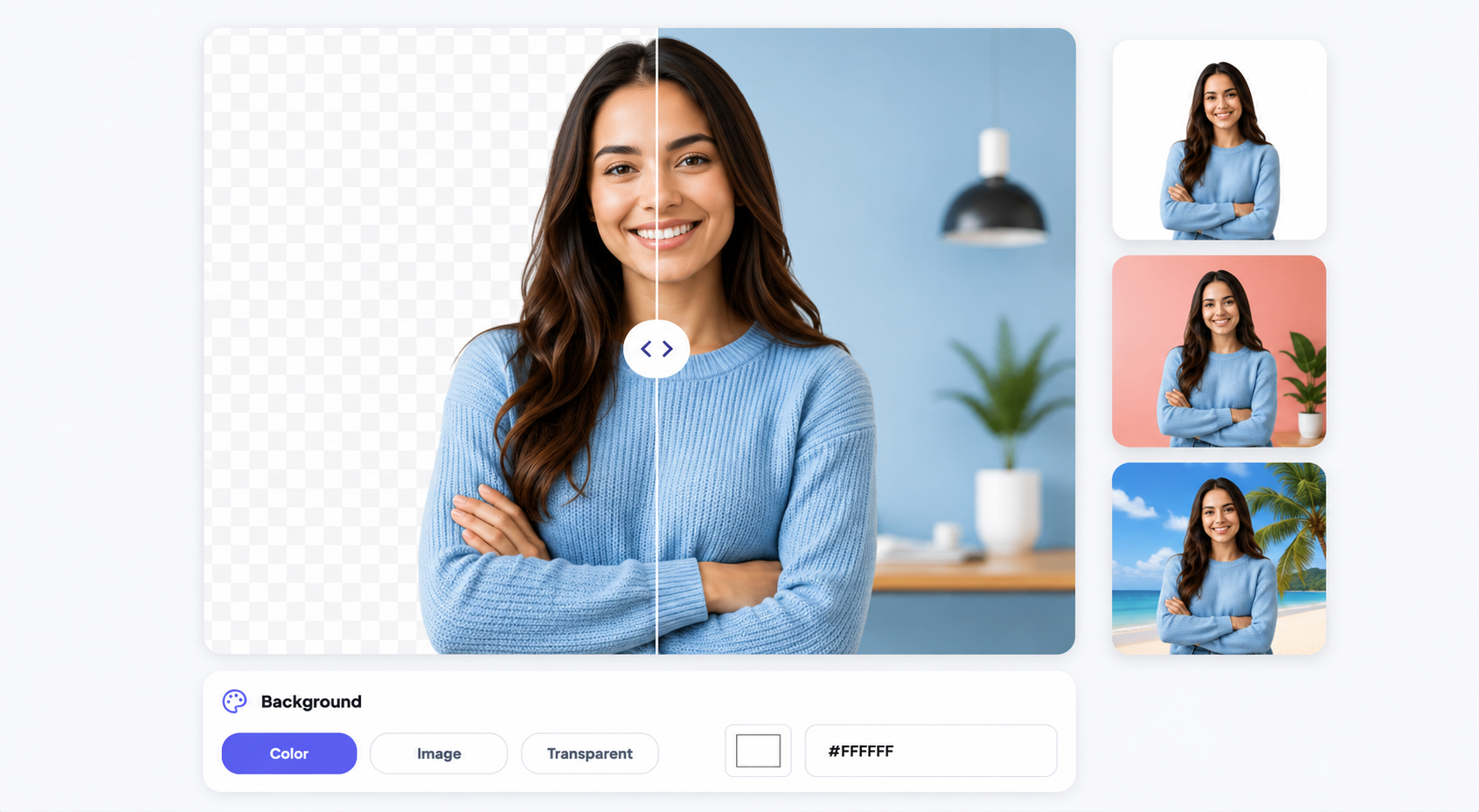
Replace your photo background with a solid color, transparent background, custom image, or AI-generated scene.

or, All tools

How Background Changer fits your workflow

Fast browser workflow

How Background Changer fits your workflow

Change Photo Backgrounds Instantly with AI

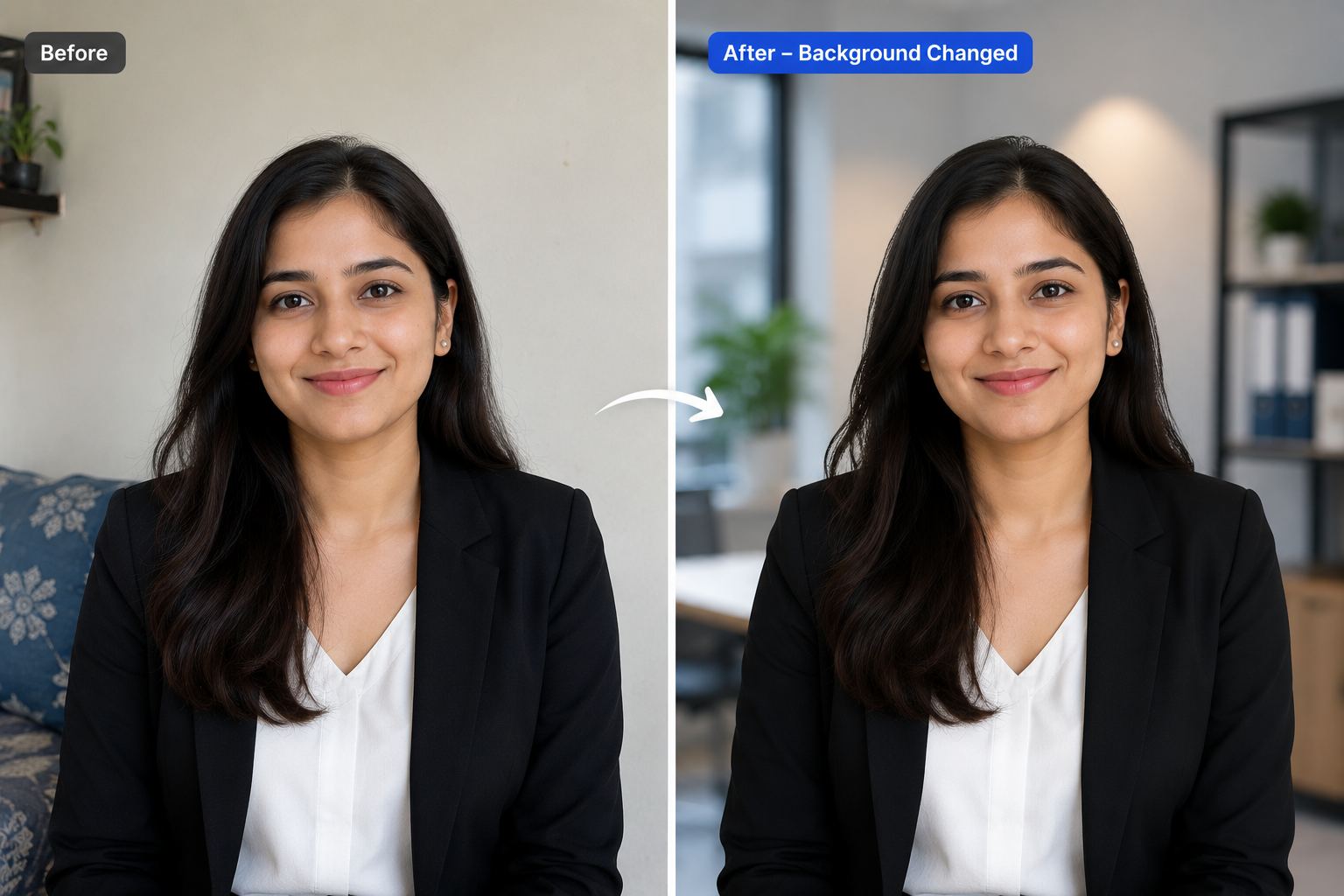
Need a clean white background for product photos? Want a professional office backdrop for your profile picture? Or simply replace a distracting background with something more creative? Bgremover AI Background Changer detects your subject automatically and lets you swap backgrounds in just a few clicks. Upload your image, choose a new background, and download a high-quality result in seconds.
Background Changer Primary tool preview
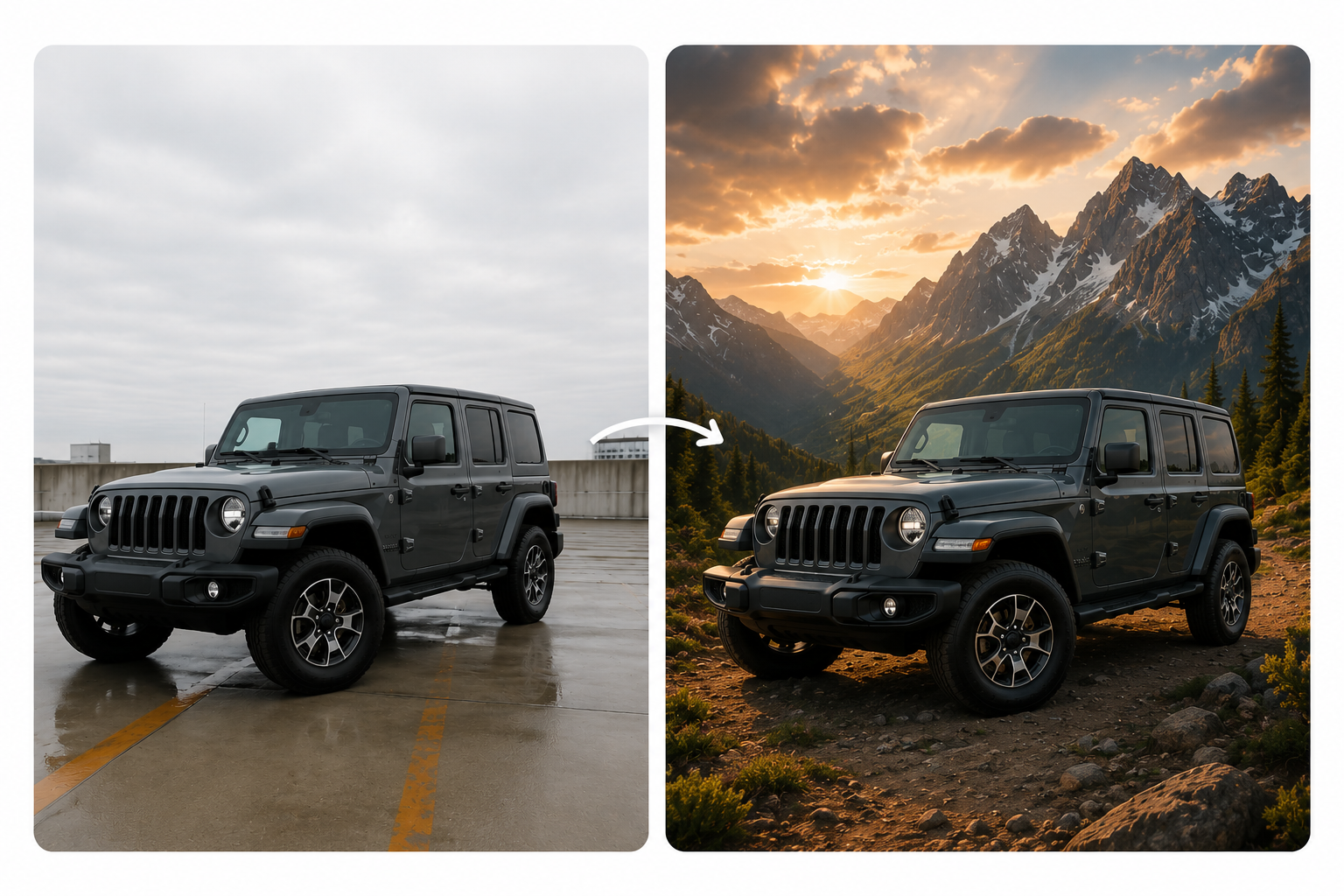
Background Changer Edited output preview

Background Changer features

Accurate Subject Detection

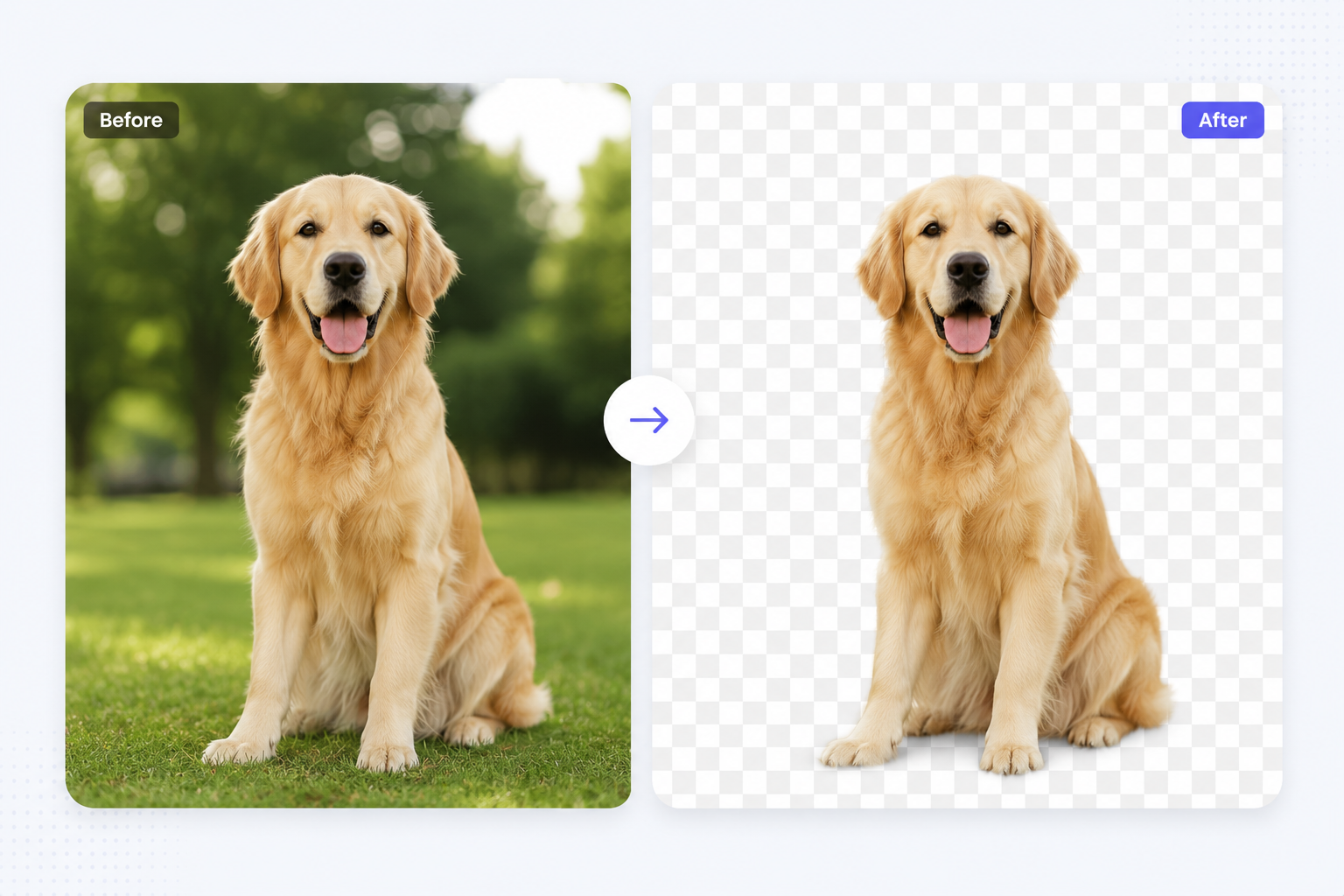
Our AI accurately separates people, pets, products, vehicles, and other objects from the background while preserving fine details like hair, fur, transparent objects, and soft edges. The result is a clean, professional-looking cutout with minimal touch-ups.

All tools

Fast browser workflow

Improve Engagement with Built-In Templates

Create eye-catching visuals in minutes using professionally designed templates. Customize backgrounds, colors, and layouts to produce consistent, high-quality content for social media, marketing campaigns, promotions, and online stores without starting from scratch.

Background Changer Export preview

How It Works

A clean workflow, no software needed

Follow the steps, review the output, and export a file that is ready for use.

01

Upload your image

Select the photo whose background you want to change.

02

AI removes the background

Our AI automatically removes the existing background.

03

Choose a new background

Pick a solid color, transparent background, custom image, or AI-generated scene—then download your edited photo.

Use cases

Change Your Background in Three Simple Steps

Use Background Changer for practical production jobs where the result needs to look professional.

Background Changer Online Tutors preview

Online Tutors

Replace distracting backgrounds with clean classrooms, study spaces, or branded visuals.

Background Changer HR Teams preview

HR Teams

Create consistent employee photos with a uniform office or studio background.

Background Changer Product Photography preview

Product Photography

Create clean white backgrounds for Amazon, Shopify, Etsy, and online stores.

Background Changer Professional Headshots preview

Professional Headshots

Replace distracting backgrounds with office, studio, or corporate settings.

Background Changer Social Media Content preview

Social Media Content

Create eye-catching profile pictures, Instagram posts, YouTube thumbnails, and LinkedIn photos.

Background Changer Marketing & Advertising preview

Marketing & Advertising

Design banners, promotional graphics, advertisements, and digital campaigns.

Background Changer Creative Projects preview

Creative Projects

Experiment with colorful backgrounds, landscapes, AI-generated scenes, or seasonal themes.

FAQ

Frequently asked questions

Clear answers about uploading, background options, quality, and browser compatibility.

Do I need desktop editing software?

No. The tool runs in your browser and keeps the workflow focused on upload, preview, adjustment, and export.

Can I use the result commercially?

Yes. You can use exported files for product pages, social posts, ads, decks, and internal production workflows.

Will this work for images and videos?

Most tools support practical image or video workflows. The upload step guides you based on the file type and tool you choose.

Does Background Changer open the image background option?

Yes. When you upload from the Background Changer tool page, the workflow opens the background settings with the image option ready to use.

Can I upload my own background image?

Yes. The workflow is designed for replacing the original background with a custom image background for product, creator, or marketing assets.

Is Background Changer browser based?

Yes. You can start directly from the browser, upload your media, review the output, and export the finished file without installing a desktop editor.

What file types should I upload?

For most background workflows, use common image files such as JPG, PNG, and WebP or common video files such as MP4 and MOV.

Can I review the result before downloading?

Yes. The workflow is built so you can check the result before using the exported file in publishing, review, or handoff.

Background Changer features

Designed for Fast, High-Quality Editing

Everything you need to replace backgrounds without opening a heavy editor.

AI-Powered

Advanced AI delivers clean subject separation and realistic background replacement.

Beginner Friendly

No editing experience required — upload and get a result in seconds.

Browser Based

Works online without downloading any software.

Ready to use Background Changer?

Upload a file and create a cleaner result with Background Changer in a focused BGRemover.video workflow.

All tools