Background Remover for images and videos

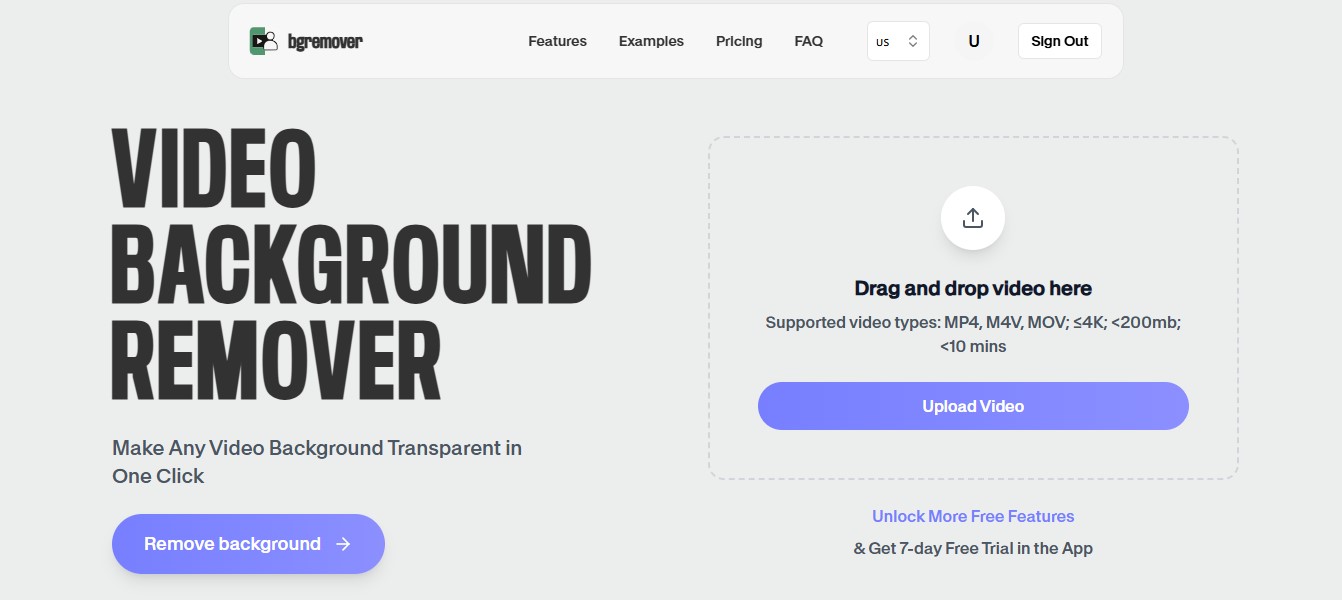
Remove backgrounds from photos and videos automatically with AI. Create transparent PNG images and transparent videos in minutes—right from your browser. No green screen or editing software required.

or, All tools

How Background Remover fits your workflow

Remove Backgrounds in Three Simple Steps

How Background Remover fits your workflow

Remove Backgrounds Without Slowing Down Your Workflow

Whether you're preparing product photos, editing marketing content, creating transparent assets, or producing videos for social media, removing backgrounds shouldn't be the part that takes the most time. BgRemover uses AI to isolate your subject automatically, helping you turn busy, distracting visuals into clean, professional assets in just a few clicks. Upload an image or video, let the AI do the heavy lifting, and download a result that's ready to use wherever your work takes you.

Background Remover for Images & Videos Primary tool preview
Background Remover for Images & Videos Edited output preview

Background Remover features

Built for More Than Simple Background Removal

Background removal is often just the first step. That's why BgRemover creates clean cutouts that are ready for transparent exports, new backgrounds, marketing designs, presentations, online stores, video production, and countless other creative workflows. Instead of spending time refining selections manually, you can move straight to creating.

All tools

Remove Backgrounds in Three Simple Steps

Consistent Results Across Images and Videos

From portraits and product photos to pets, vehicles, logos, and moving subjects, our AI is designed to handle a wide variety of content while preserving natural edges and important details. Whether you're editing one file or dozens, you get reliable results that help keep your projects looking polished and professional.

Background Remover for Images & Videos Export preview

How It Works

A clean workflow, no software needed

Follow the steps, review the output, and export a file that is ready for use.

01

Step 1

Upload your image or video.

02

Step 2

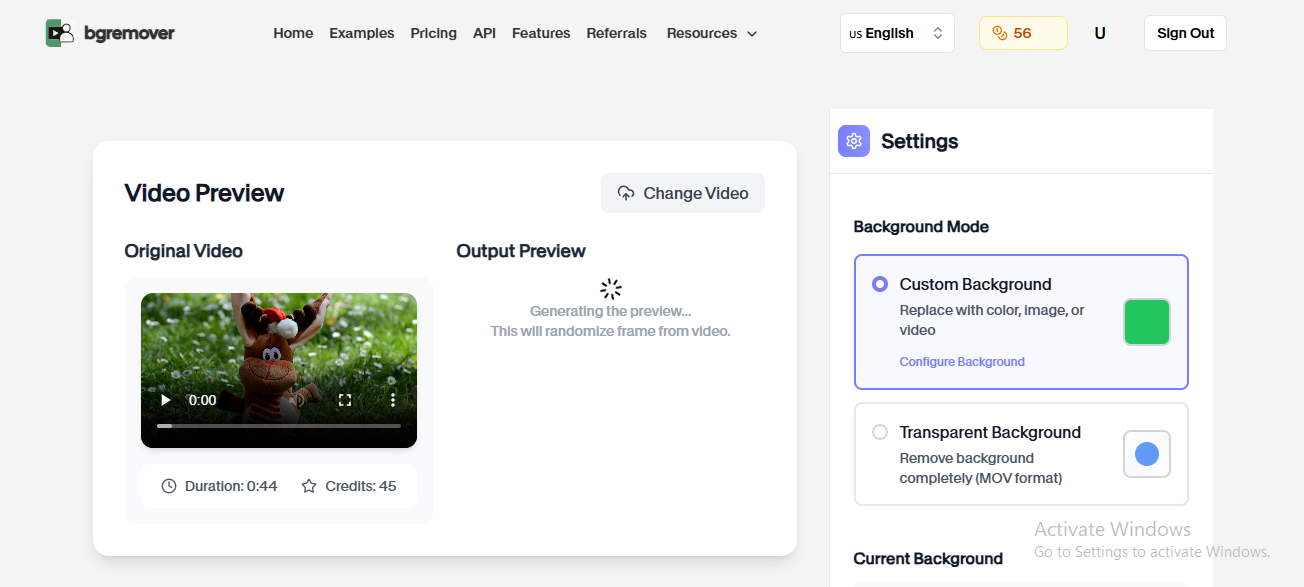
Our AI automatically detects your subject and removes the background.

03

Step 3

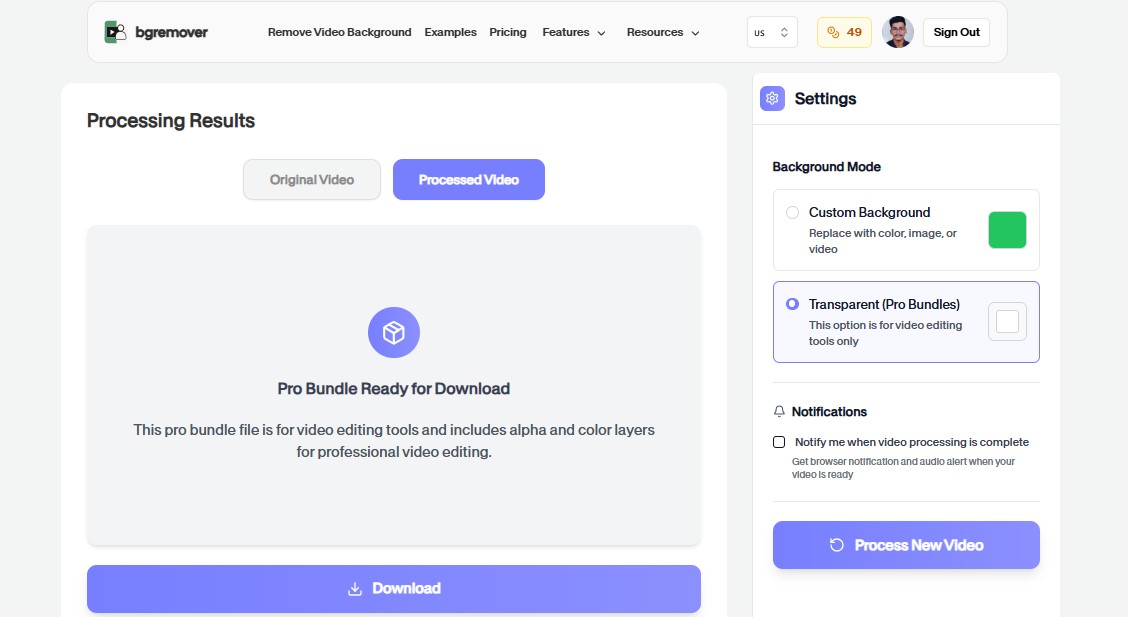
Download your transparent PNG image or transparent video, ready for editing, sharing, or publishing.

Popular Use Cases

Change Your Background in Three Simple Steps

Use Background Changer for practical production jobs where the result needs to look professional.

Background Remover for Images & Videos eCommerce Product Photography preview

eCommerce Product Photography

Remove distracting backgrounds from product photos to create clean, professional listings for Amazon, Shopify, Etsy, and other online stores.

Background Remover for Images & Videos Content Creators preview

Content Creators

Create transparent images and videos for YouTube, Instagram, TikTok, and other social media platforms.

Background Remover for Images & Videos Marketing & Advertising preview

Marketing & Advertising

Produce high-quality marketing assets, promotional videos, advertisements, banners, and digital campaigns with clean backgrounds.

Background Remover for Images & Videos Professional Headshots preview

Professional Headshots

Replace distracting backgrounds with transparent or clean studio-style results for resumes, LinkedIn, company profiles, and business websites.

Background Remover for Images & Videos Video Editors preview

Video Editors

Generate transparent videos for overlays, motion graphics, presentations, product demos, explainers, and post-production workflows.

Background Remover for Images & Videos Online Educators preview

Online Educators

Create engaging educational content by removing backgrounds from lesson images and instructional videos.

Background Remover for Images & Videos Designers & Agencies preview

Designers & Agencies

Speed up creative workflows by generating transparent assets for branding, websites, presentations, and graphic design projects.

FAQ

Frequently asked questions

Clear answers about uploading, background options, quality, and browser compatibility.

Is the Background Remover free?

Yes. You can start removing backgrounds from images and videos for free. Premium plans may unlock higher-quality exports, longer videos, and additional features.

Can I remove backgrounds from both images and videos?

Yes. BgRemover supports AI background removal for both photos and videos.

Can I download transparent PNG images?

Yes. Images can be exported as transparent PNG files.

Can I create transparent videos?

Yes. Videos can be exported with transparent backgrounds, making them ideal for overlays, compositing, and professional editing workflows.

Does the AI preserve image and video quality?

Yes. Our AI is designed to maintain high visual quality while producing clean, natural-looking results.

Does it work on mobile devices?

Yes. BgRemover works directly in your browser on desktops, tablets, and smartphones.

What file formats are supported?

You can upload common image formats such as JPG, PNG, WebP, and HEIC, as well as popular video formats including MP4, MOV, and WebM.

Do I need Photoshop or a green screen?

No. BgRemover removes backgrounds automatically using AI, so you don't need Photoshop, After Effects, or a green screen.

Background Remover features

Fast, Accurate, and Built for Images & Videos

Everything you need to replace backgrounds without opening a heavy editor.

Fast

Background Remover for Images & Videos keeps the job focused: upload, choose the output, review the result, and move on without building a full editing timeline.

Browser based

Work directly in the browser for quick product, creator, and marketing edits without installing a heavy desktop editor.

Repeatable

Use the same simple flow again and again for campaign variants, client review files, marketplace assets, and social exports.

Ready to use Background Remover?

Upload a file and create a cleaner result with Background Remover in a focused BGRemover.video workflow.

All tools