Transparent Video Checker for images and videos

Instantly check whether your images and videos contain a transparent background. Verify your files before downloading, editing, publishing, or sharing—all from your browser.

or, All tools

How Transparent Video Checker fits your workflow

Check Transparency in Three Simple Steps

How Transparent Video Checker fits your workflow

Verify Transparency in Images and Videos with Confidence

Not sure if your file has a transparent background? Before using it in a website, presentation, design, or video project, it's important to confirm that transparency has been preserved correctly. Transparent Video Checker quickly detects transparency in your images and videos, making it easy to confirm your files are ready for editing, overlays, compositing, or publishing. Simply upload your file and get an instant verification—no software installation or manual inspection required.

Upload Image or Video
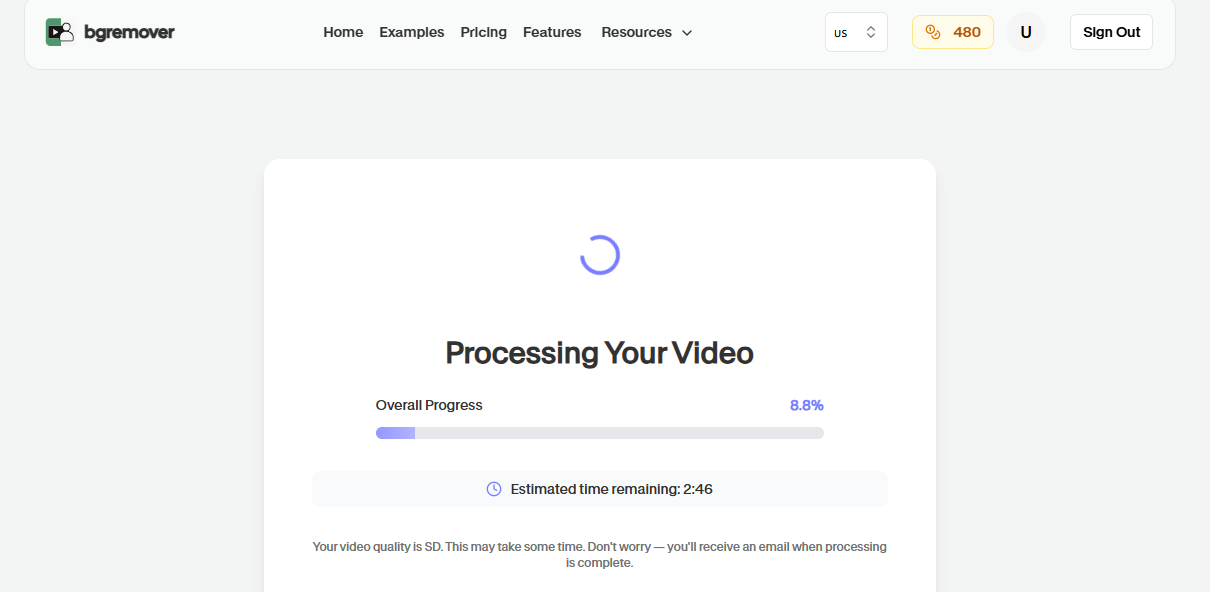
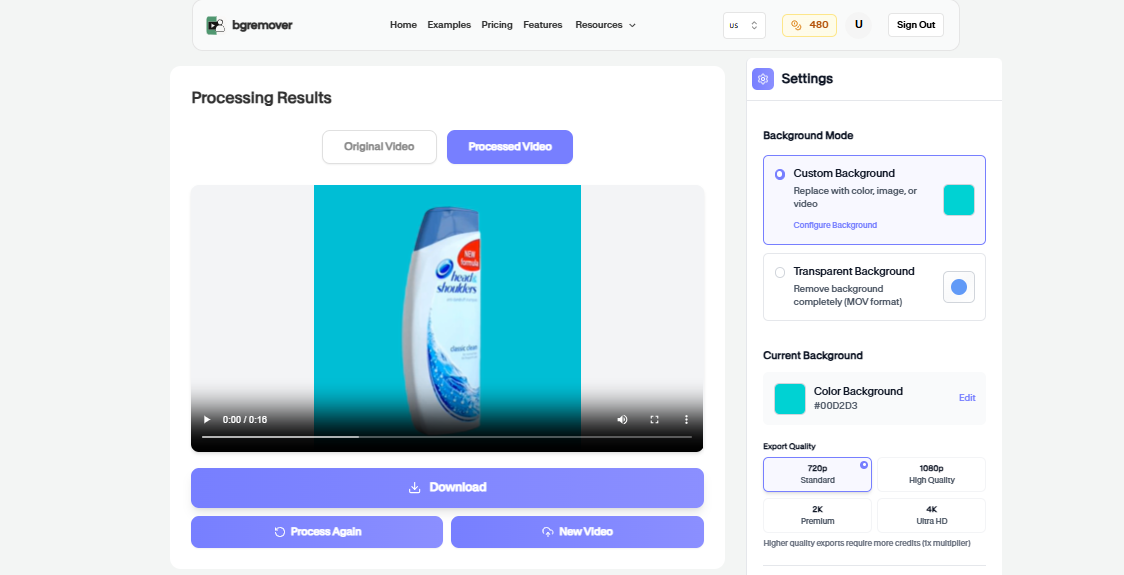
Transparent Video Checker Primary tool preview
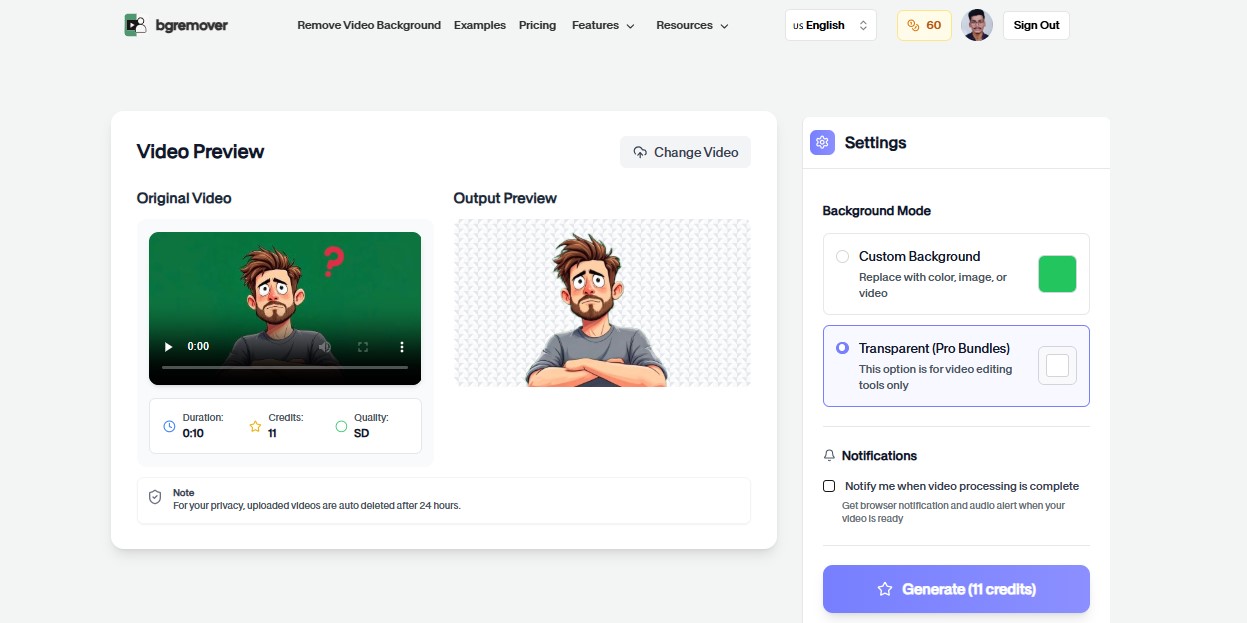
Transparent Video Checker Edited output preview

Transparent Video Checker features

Instantly Detect Transparent Backgrounds

Our AI analyzes your uploaded image or video to determine whether it contains a true transparent background. Instead of guessing or opening complex editing software, you can verify your files in seconds and move forward with confidence.

All tools

Check Transparency in Three Simple Steps

Prevent Export and Workflow Issues

Transparency is essential for overlays, graphics, logos, product assets, and visual effects. Checking your files before publishing helps avoid unwanted backgrounds, failed exports, and unnecessary rework, keeping your creative workflow smooth and efficient.

Upload Image or Video
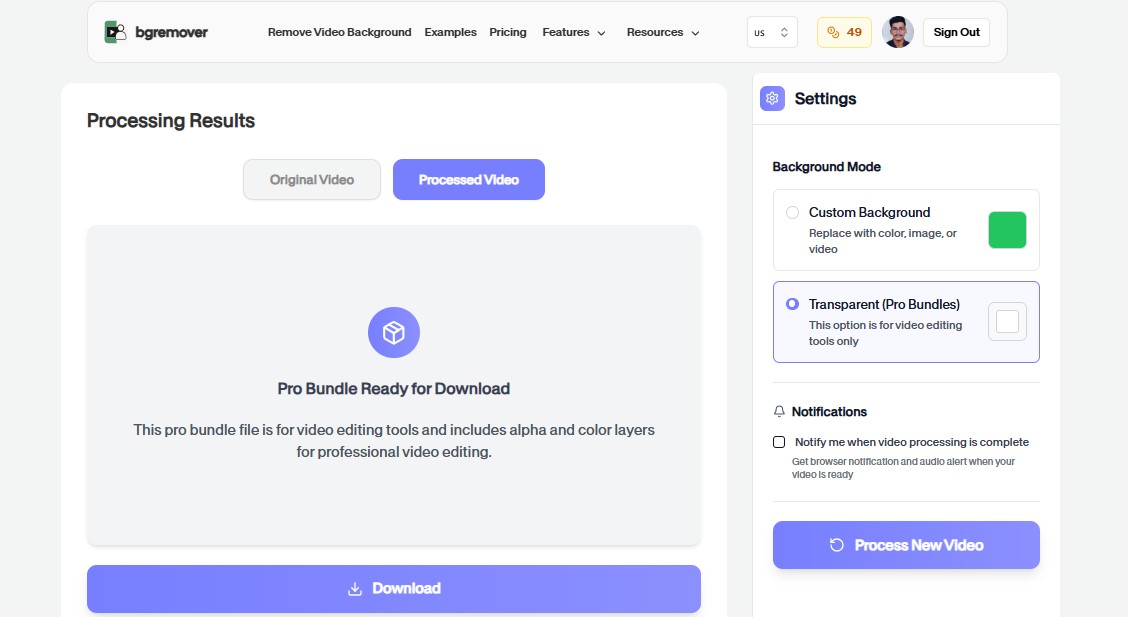
Transparent Video Checker Export preview

How It Works

A clean workflow, no software needed

Follow the steps, review the output, and export a file that is ready for use.

Upload Image or Video
01

Step 1

Upload your image or video.

02

Step 2

Our AI analyzes the file and detects whether it contains a transparent background.

03

Step 3

Review the results and confidently use your verified asset for editing, publishing, or production.

Popular Use Cases

Change Your Background in Three Simple Steps

Use Background Changer for practical production jobs where the result needs to look professional.

Transparent Video Checker Video Editors preview

Video Editors

Verify transparent videos before adding overlays, motion graphics, intros, lower thirds, and visual effects.

Transparent Video Checker Graphic Designers preview

Graphic Designers

Confirm transparent PNG assets before using them in branding, presentations, advertisements, or print designs.

Transparent Video Checker Content Creators preview

Content Creators

Check transparent assets before uploading YouTube videos, Instagram posts, TikTok content, and thumbnails.

Transparent Video Checker Marketing Teams preview

Marketing Teams

Ensure logos, promotional graphics, and campaign assets retain transparency across websites and advertisements.

Transparent Video Checker Web Developers preview

Web Developers

Verify transparent images and videos before adding them to websites, apps, landing pages, and user interfaces.

Transparent Video Checker Creative Agencies preview

Creative Agencies

Validate client assets before production to reduce revisions and maintain a consistent creative workflow.

FAQ

Frequently asked questions

Clear answers about uploading, background options, quality, and browser compatibility.

What does Transparent Video Checker do?

It analyzes your uploaded image or video and checks whether it contains a transparent background.

Can I check both images and videos?

Yes. The tool supports transparency detection for both image and video files.

Why should I verify transparency?

Verifying transparency helps ensure your assets are ready for overlays, websites, presentations, branding, video editing, and other creative workflows without unexpected backgrounds.

Does this tool modify my files?

No. Transparent Video Checker only analyzes your files and reports whether transparency is present. Your original files remain unchanged.

Does it work on mobile devices?

Yes. You can use Transparent Video Checker on desktops, tablets, and smartphones directly from your web browser.

What file formats are supported?

You can upload common image formats such as JPG, PNG, WebP, and HEIC, along with popular video formats including MP4, MOV, and WebM.

Do I need to install any software?

No. Everything runs securely online in your browser, so there's nothing to download or install.

Why use Transparent Video Checker before publishing?

It helps confirm whether a transparent video actually contains alpha information before you send it into a design, ad, or editing workflow.

Transparent Video Checker features

A Faster Way to Verify Transparent Assets

Everything you need to replace backgrounds without opening a heavy editor.

Fast

Transparent Video Checker keeps the job focused: upload, choose the output, review the result, and move on without building a full editing timeline.

Browser based

Work directly in the browser for quick product, creator, and marketing edits without installing a heavy desktop editor.

Repeatable

Use the same simple flow again and again for campaign variants, client review files, marketplace assets, and social exports.

Ready to use Transparent Video Checker?

Upload a file and create a cleaner result with Transparent Video Checker in a focused BGRemover.video workflow.