White Background Tool for images and videos

White Background Tool helps you move from upload to polished export with a focused AI-assisted workflow and fewer manual editing steps.

or, All tools

How White Background Tool fits your workflow

Fast browser workflow

How White Background Tool fits your workflow

What White Background Tool does

White Background Tool gives creators a direct browser workflow for preparing cleaner images, videos, and campaign assets. Upload a file, review the result, adjust the output, and keep the rest of your production moving.
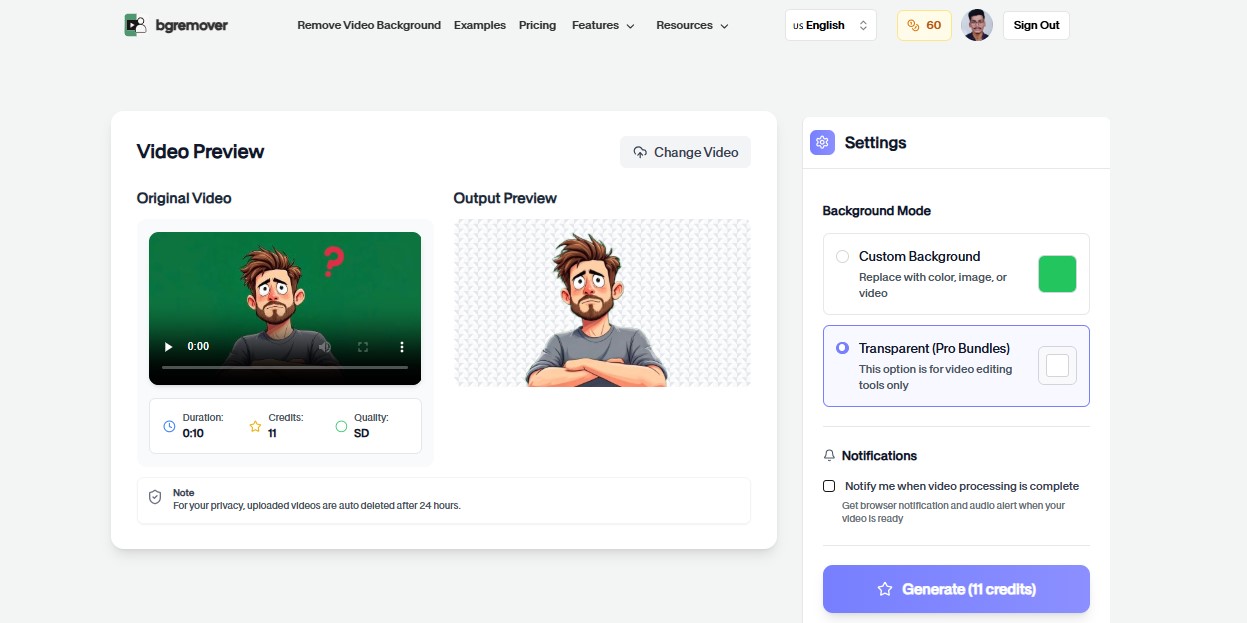
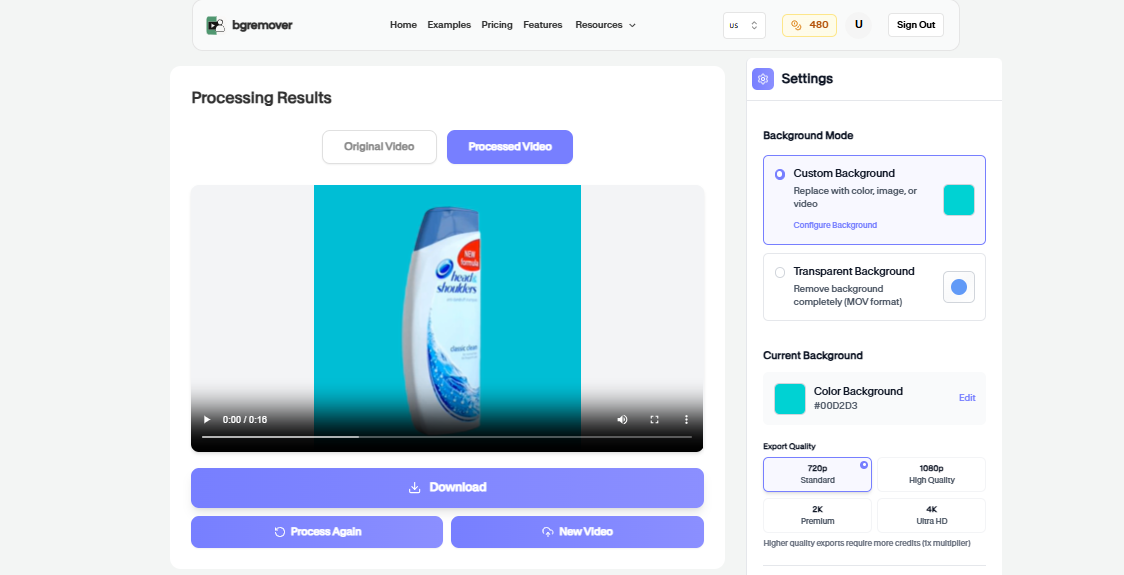
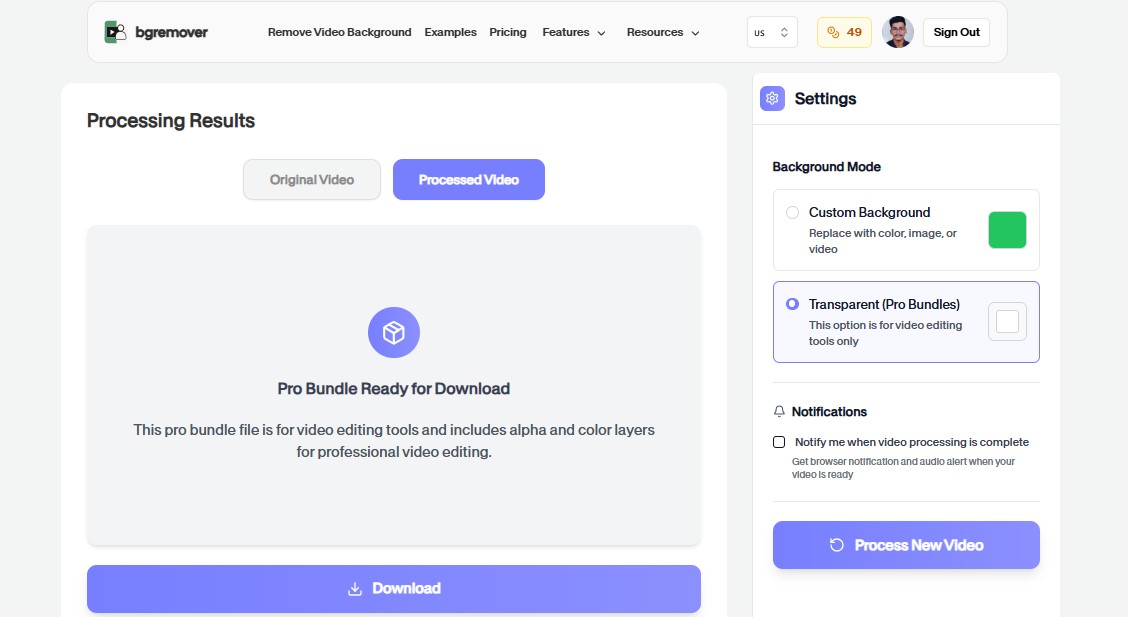
White Background Tool Primary tool preview
White Background Tool Edited output preview

White Background Tool features

Color-ready background

Apply a consistent white background treatment after removing or isolating the original scene.

All tools

Fast browser workflow

Brand-safe output

Create files that look consistent across product pages, social posts, ads, and sales decks.

White Background Tool Export preview

How It Works

A clean workflow, no software needed

Follow the steps, review the output, and export a file that is ready for use.

01

Upload your image or video

Start from the White Background Tool page and choose the media file that needs a clean, consistent background color.

02

Keep the selected color

The upload flow opens with the matching background intent already selected so you do not need to hunt for the right option.

03

Review the subject cutout

Check edges, product details, and the final color treatment before exporting the finished media.

04

Download the color-ready result

Use the export for product pages, ad creative, thumbnails, social posts, or client review.

Use cases

Change Your Background in Three Simple Steps

Use Background Changer for practical production jobs where the result needs to look professional.

White Background Tool Product listings preview

Product listings

Create consistent product visuals for stores and marketplaces.

White Background Tool Social campaigns preview

Social campaigns

Match backgrounds across posts, ads, thumbnails, and short-form video.

White Background Tool Brand systems preview

Brand systems

Keep a recognizable color treatment across recurring media work.

White Background Tool Client review preview

Client review

Prepare polished background variants before final handoff.

FAQ

Frequently asked questions

Clear answers about uploading, background options, quality, and browser compatibility.

Can I use White Background Tool for product media?

Yes. It is useful for product photos, marketplace visuals, ads, and social content where a consistent background helps the subject stand out.

Do I need a green screen?

No. Use the browser workflow to prepare a cleaner subject and apply the background treatment without filming against a green screen.

Do I need desktop editing software?

No. The tool runs in your browser and keeps the workflow focused on upload, preview, adjustment, and export.

Will White Background Tool preselect the right background color?

Yes. When you start from this tool page, the upload workflow carries the color intent forward so the matching background option is selected.

Can I use this for product listings?

Yes. Color background tools are useful for marketplaces, store pages, campaign creatives, thumbnails, and repeated product visuals.

Is White Background Tool browser based?

Yes. You can start directly from the browser, upload your media, review the output, and export the finished file without installing a desktop editor.

What file types should I upload?

For most background workflows, use common image files such as JPG, PNG, and WebP or common video files such as MP4 and MOV.

Can I review the result before downloading?

Yes. The workflow is built so you can check the result before using the exported file in publishing, review, or handoff.

White Background Tool features

Designed for Fast, High-Quality Editing

Everything you need to replace backgrounds without opening a heavy editor.

Fast

White Background Tool keeps the job focused: upload, choose the output, review the result, and move on without building a full editing timeline.

Browser based

Work directly in the browser for quick product, creator, and marketing edits without installing a heavy desktop editor.

Repeatable

Use the same simple flow again and again for campaign variants, client review files, marketplace assets, and social exports.

Ready to use White Background Tool?

Upload a file and create a cleaner result with White Background Tool in a focused BGRemover.video workflow.

All tools