播客视频背景移除 AI 工具
轻松清理你的播客视频,打造专业视觉 — 无需使用录音室。
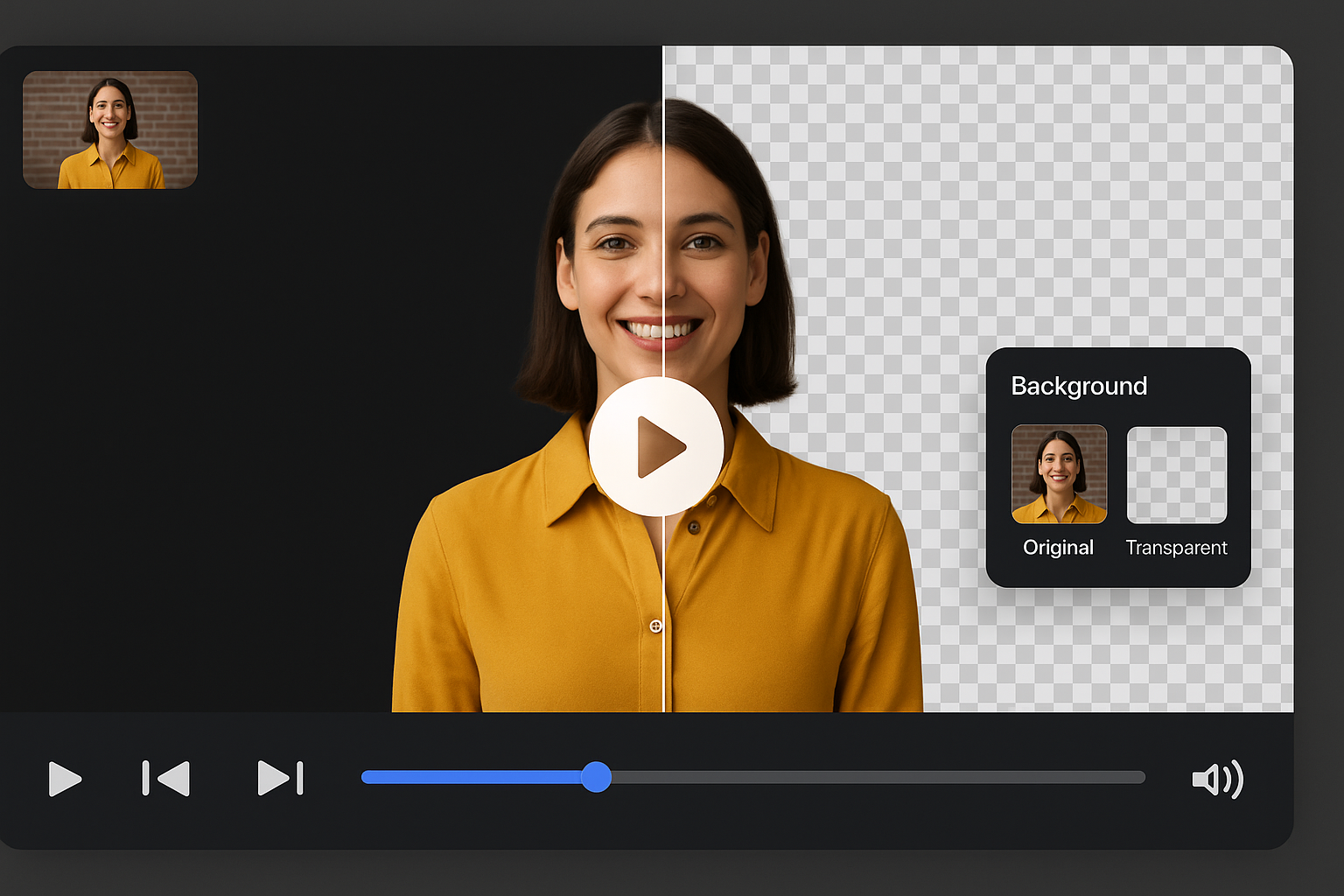
Drag and drop your video
or browse to upload.
File must be MP4, MOV, WebM or M4V
By uploading your file, you agree to the BGRemover.video Terms of Use and Privacy Policy

自动移除视频播客中的干扰元素
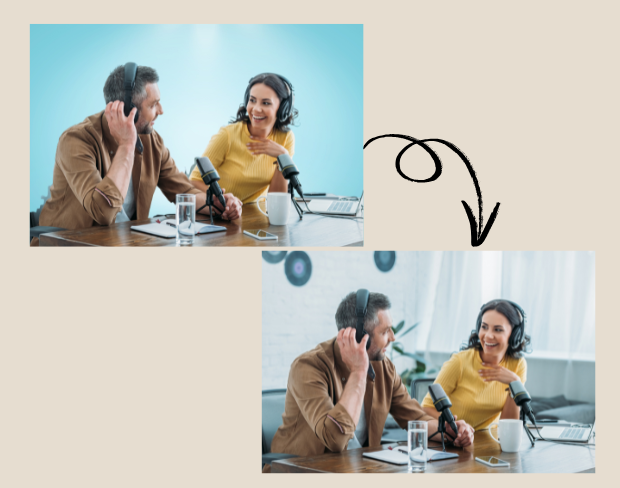
播客主播和内容创作者可立即清理录制的视频。使用 AI 工具移除杂乱或分心的布景,让你的播客看起来专业 — 即使你在家或路上也能达到工作室效果。节省编辑时间,一键准备上线。
免费设置透明背景,营造工作室风格内容
想要干净、现代的播客视觉而无需录音室?设为透明背景或添加清爽的自定义画面,模拟专业空间。适用于 Spotify 视频或 YouTube 上发布的访谈或讨论内容,即使是小创作者也能用最少资源竞争专业质感。
无需额外设备的一键智能编辑
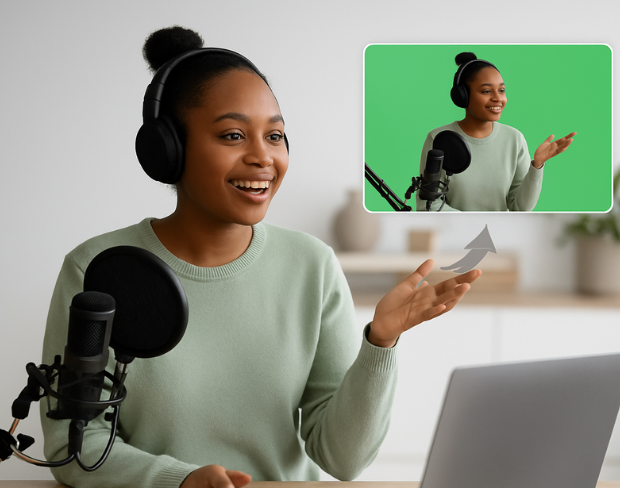
无需昂贵摄像机或绿幕。智能编辑工具让播客和社媒创作者一键编辑背景场景。你专注对话,AI 处理背景,自动化还原整洁视觉。
每集保持品牌一致性
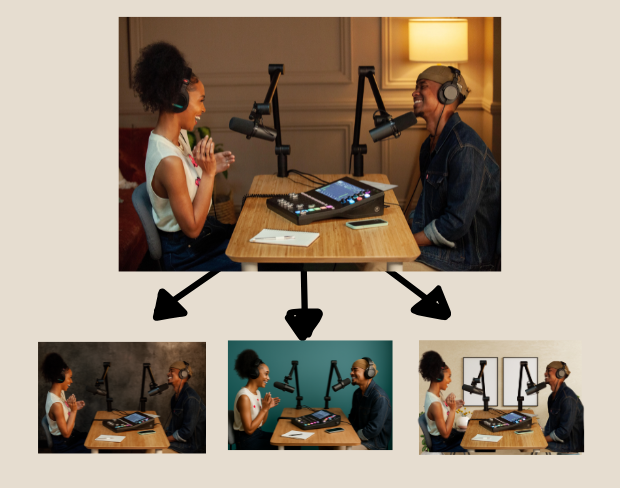
在所有播客集中使用一种背景风格,确保品牌视觉统一。使用背景替换功能快速更换视觉,保持品牌精致专业 — 适合多节目团队或独立创作者。
导出任意格式的平台准备视频
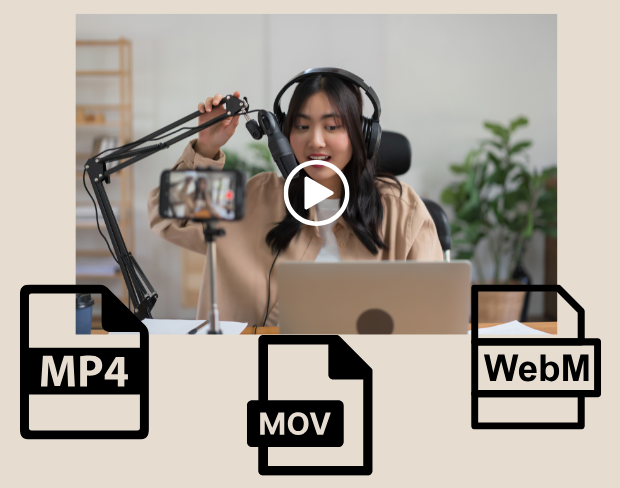
编辑完成后,将播客导出为 MP4、MOV 或 WebM — 可使用透明背景或品牌视觉。适合将长视频拆分为 reels、shorts 或预告片,并优化至 YouTube、Instagram 或播客平台。
Community reviews
Real feedback from creators
All reviews (0)
Page 1 of 1
No reviews yet
Be the first to share your experience.