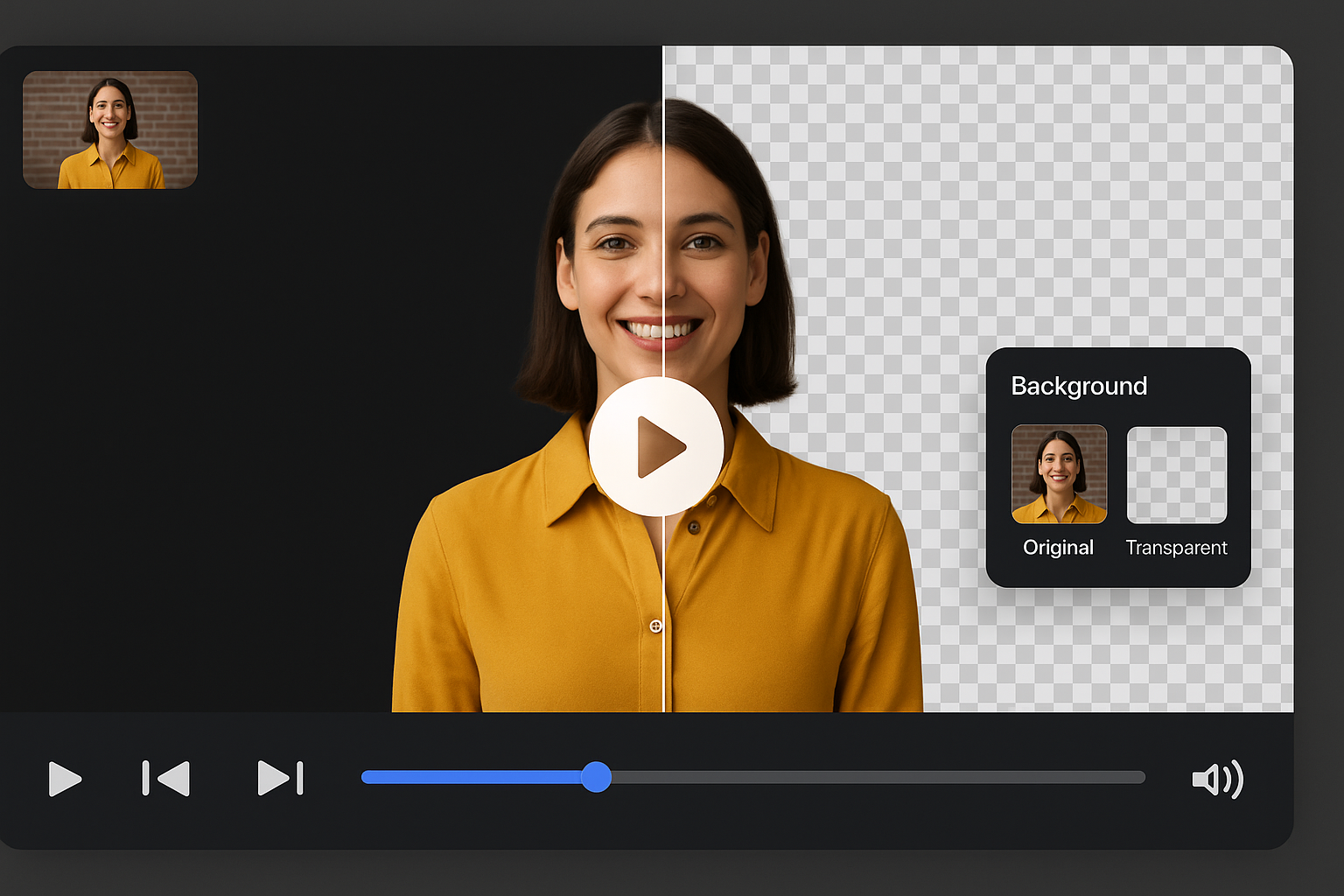
为专业编辑者打造的 AI 视频背景移除工具
无需手动遮罩,即刻加速后期制作,背景自动去除。
Drag and drop your video
or browse to upload.
File must be MP4, MOV, WebM or M4V
By uploading your file, you agree to the BGRemover.video Terms of Use and Privacy Policy

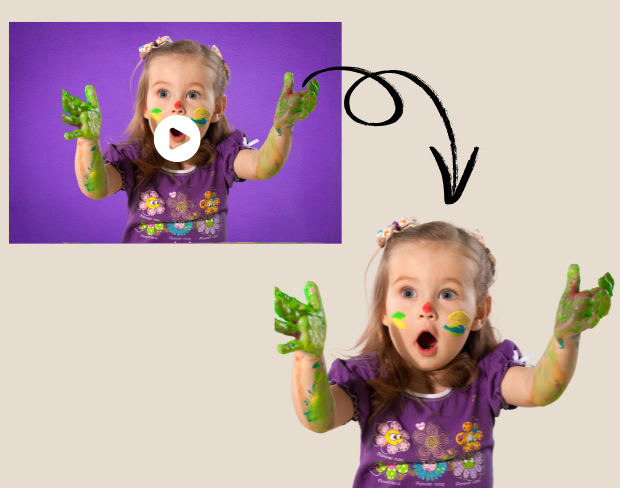
瞬间移除画面背景
专业内容创作者和编辑可使用 AI 自动背景移除工具加快后期,上传视频即可清理场景。让编辑专注于调色、叙事与最终润色。
免费让背景在视频项目中透明
使用背景透明工具为编辑工作流程添加创意自由。无论制作 VFX 还是干净剪影,AI 可精准抠像。按项目风格应用品牌、电影级或中性视觉。
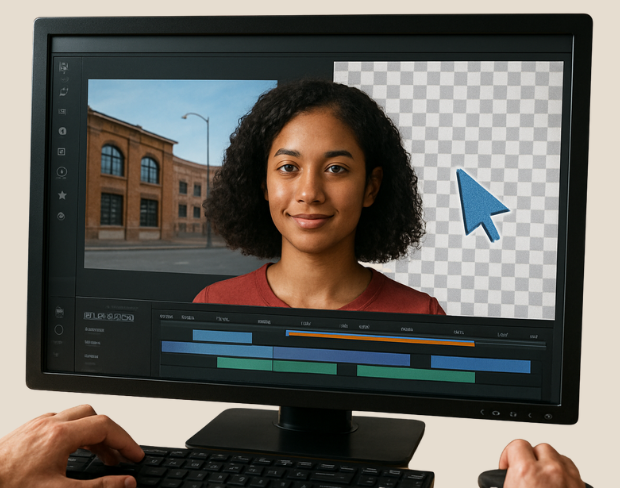
高精度智能编辑
无需复杂关键帧。使用 Smart Editing 一键修改或删除背景。适用于广告、预告片和社交宣传,无需绿幕。
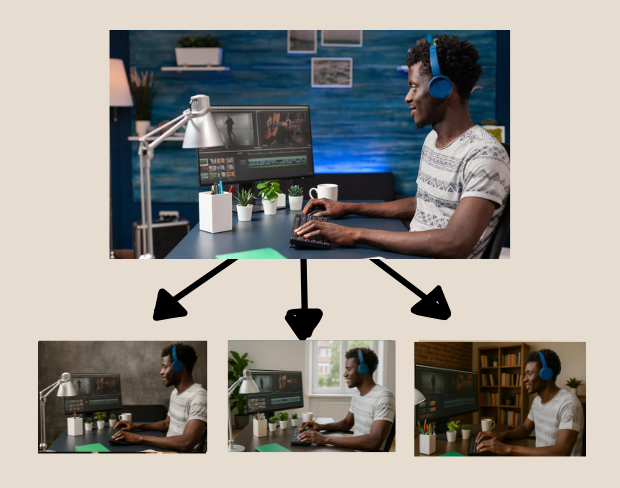
批量处理多片段,适用于大规模项目
处理高量内容的编辑人员可使用 AI 批量处理多个片段,一致性修改背景节省大笔时间。适合个人创作者或团队。
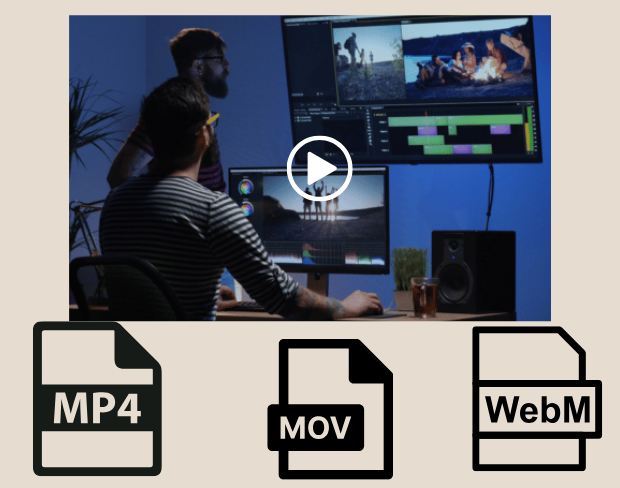
导出干净、平台就绪的视频,支持多种格式
编辑完成后,将视频以 MP4、MOV 或 WebM 格式导出,支持透明背景或品牌视觉。特别适合社交广告、YouTube 片头或品牌短片。
Community reviews
Real feedback from creators
All reviews (0)
Page 1 of 1
No reviews yet
Be the first to share your experience.