01
Upload MP4 or MOV
Add presenter clips, product demos, or motion footage shot on location.
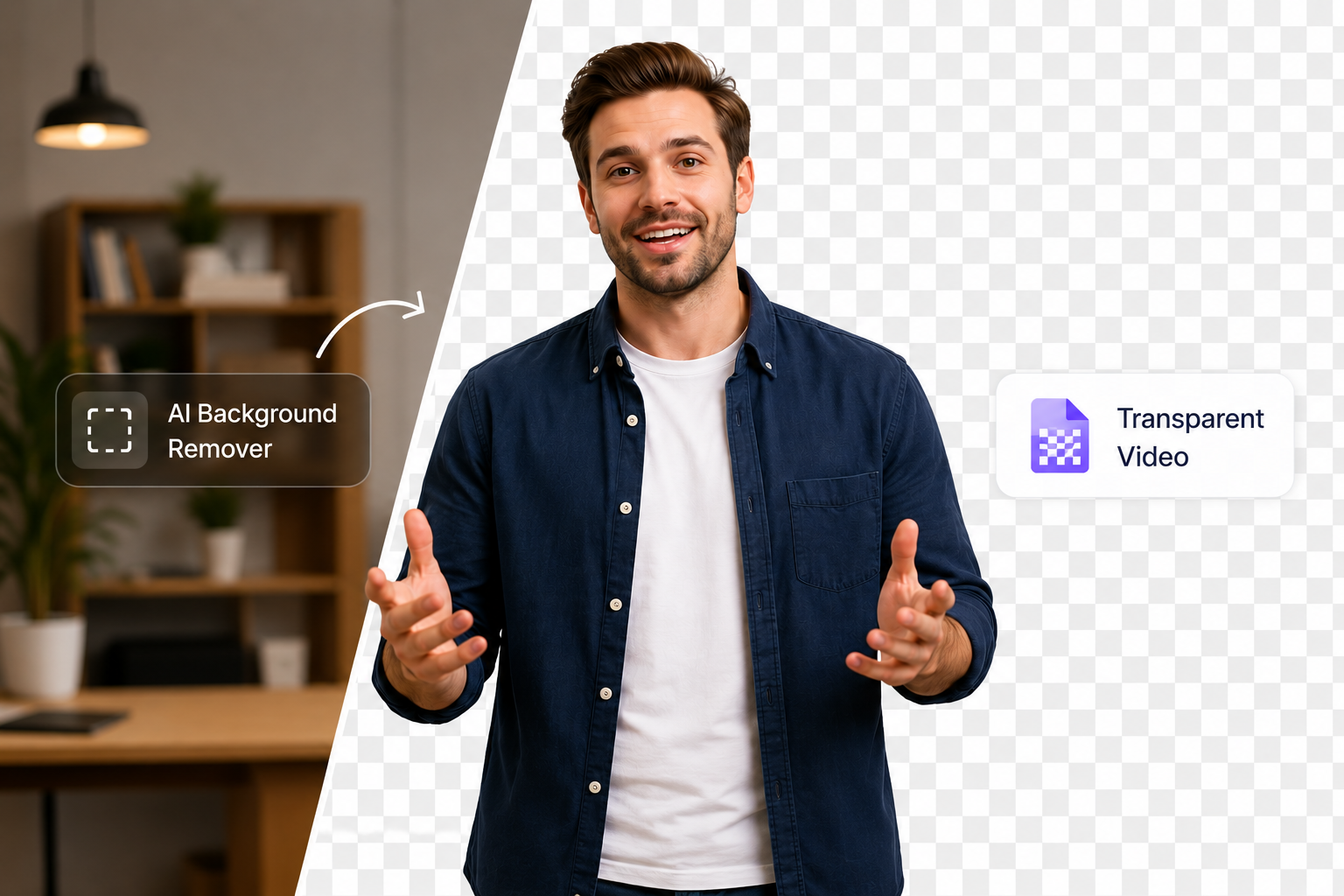
为合成与动效创建透明背景视频。
File must be MP4, MOV, WebM or M4V
By uploading your file, you agree to the BGRemover.video Terms of Use and Privacy Policy
Upload MP4, MOV, or WebM footage and AI isolates the subject from the scene. Download a transparent background video ready for Premiere, After Effects, CapCut, or web players that support alpha channels.
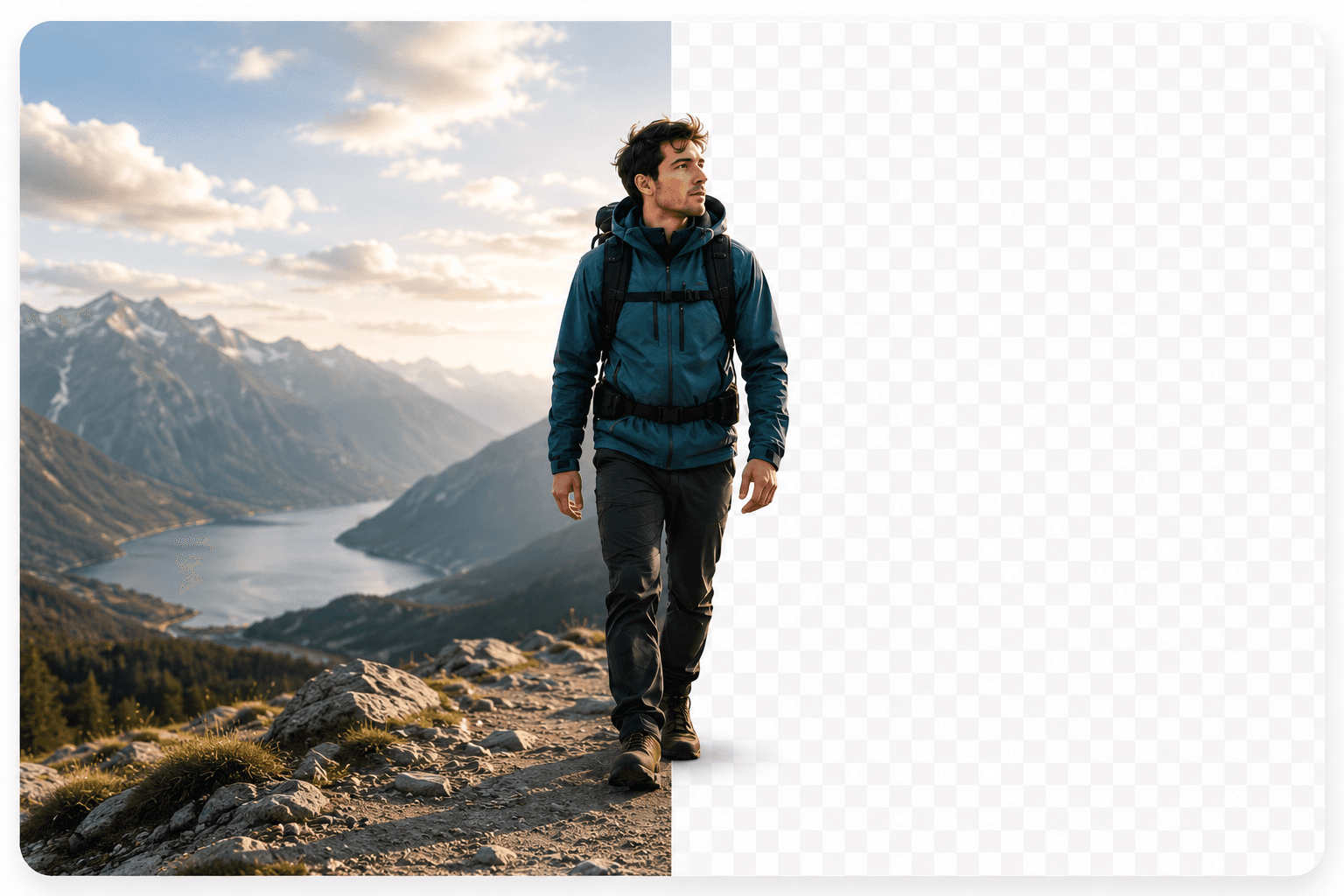
Traditional transparent video workflows depend on studio green screens. BGRemover works on real-world footage shot in offices, homes, and outdoor locations while preserving hair, glass, and fine edges.

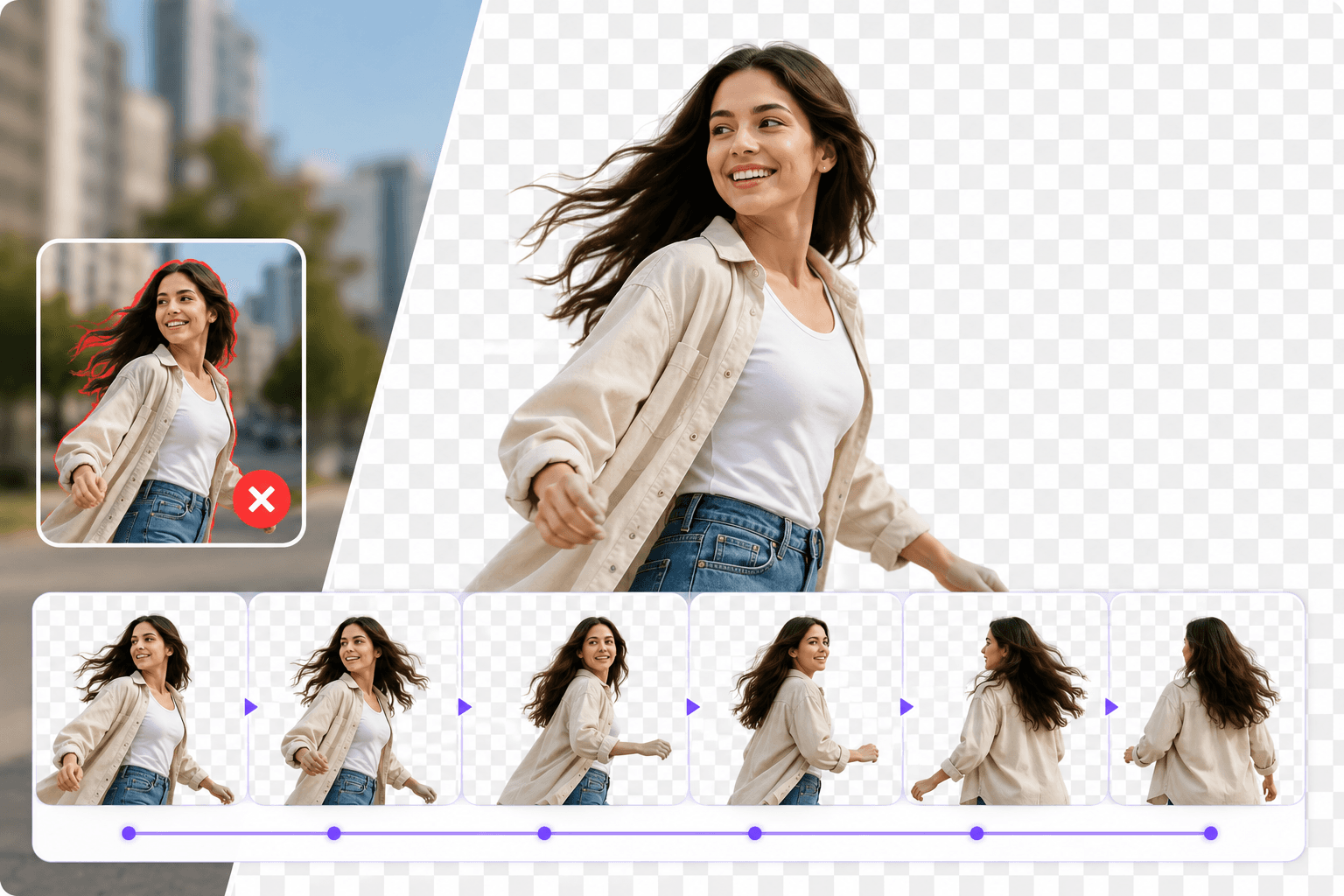
AI tracks subjects frame by frame so transparency stays consistent when people move, cameras pan, or lighting shifts. Avoid flickering masks common in manual rotoscoping workflows.
Use transparent exports for lower-thirds, product demos, UGC ads, explainers, and multi-layer edits. Combine your subject with any background in post without reshooting.


Outputs designed for editors who need alpha — not just a blurred backdrop.
Layer subjects over lower-thirds, UI captures, b-roll, and motion graphics.
Move footage into Premiere, After Effects, DaVinci, or CapCut with a clean cutout.
Prepare transparent clips for intros, stickers, and reusable creator assets.
How It Works
Transparent video is essential for overlays and compositing, but manual frame work is slow. AI removes the scene and keeps alpha-friendly edges on moving subjects.
Add presenter clips, product demos, or motion footage shot on location.
Foreground subjects stay intact while the original background is removed frame by frame.
Download transparent output for editors, motion tools, and platform uploads that support alpha.
FAQ
Questions about alpha exports, formats, and editor compatibility.
Yes. Upload your clip and AI removes the original scene so you can export a transparent-background video for compositing.
No for the removal step. BGRemover handles cutout online; you can finish compositing in any editor you prefer.
No. Transparency leaves the background empty for later layering. Changing the background bakes a new scene into the export.
Page 1 of 1
Be the first to share your experience.
Upload a clip and export a transparent background video with AI.
Upload Video