Sales and demo videos
Hide messy offices and replace with branded scenes.
将视频背景替换为颜色、图片或视频。
File must be MP4, MOV, WebM or M4V
By uploading your file, you agree to the BGRemover.video Terms of Use and Privacy Policy

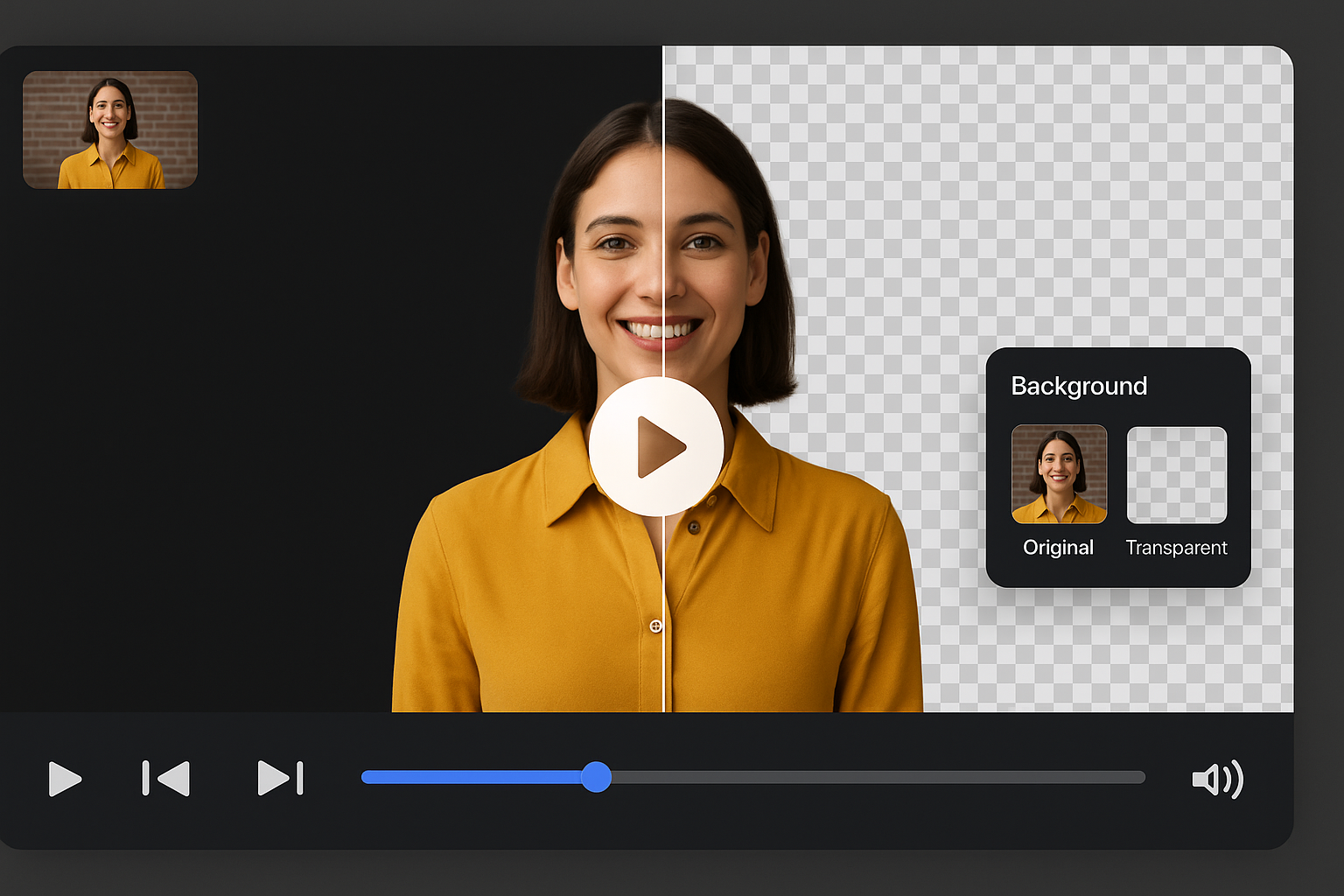
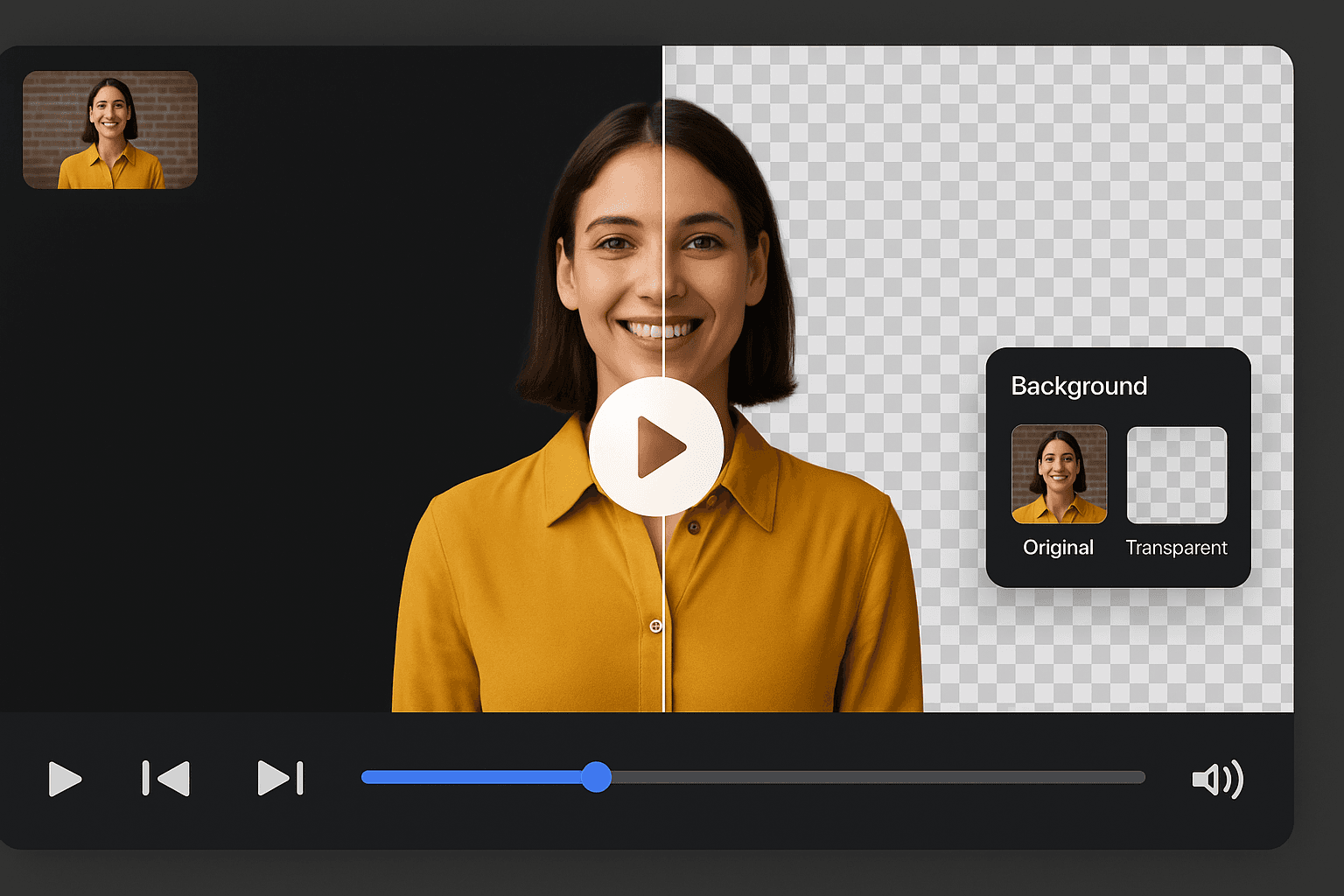
Remove the original backdrop and insert a solid color, branded image, or motion background. Ideal for sales videos, tutorials, testimonials, and social clips that need a consistent look.
BGRemover first isolates the subject with AI, then lets you pick a new background without opening a separate editor. Preview changes before export so you ship the right version on the first try.

Match company colors, campaign creative, or seasonal themes across dozens of clips. Agencies and in-house teams use background replacement to unify UGC, webinar recordings, and founder updates.
Change backgrounds on footage shot in offices, stores, and homes. AI handles uneven lighting and movement so you are not locked into studio-only production.
Built for marketers who need a new scene, not just a cutout file.
Apply consistent hues across founder updates, ads, and sales videos.
Place speakers in studio, office, or campaign environments using still scenes.
Export a finished clip when you do not need a transparent intermediate.
Ideal when the subject performance is usable but the environment is not.
Hide messy offices and replace with branded scenes.
Make instructor footage look consistent across modules.
Test multiple backdrops from one creator upload.
Standardize executive messages recorded from home setups.
How It Works
When the take is good but the room is not, swap the scene instead of scheduling another shoot. AI removes the original backdrop so you can insert brand colors, photos, or b-roll.
Use office, home, or event footage — no green screen required.
AI isolates the subject so the old background can be replaced cleanly.
Choose a color, image, or video background that matches the campaign.
Changing the background is often faster than organizing another recording session.
Try this workflowFAQ
How replacement differs from transparency and green screen workflows.
Yes. AI removes the original scene from regular footage so you can insert a new background online.
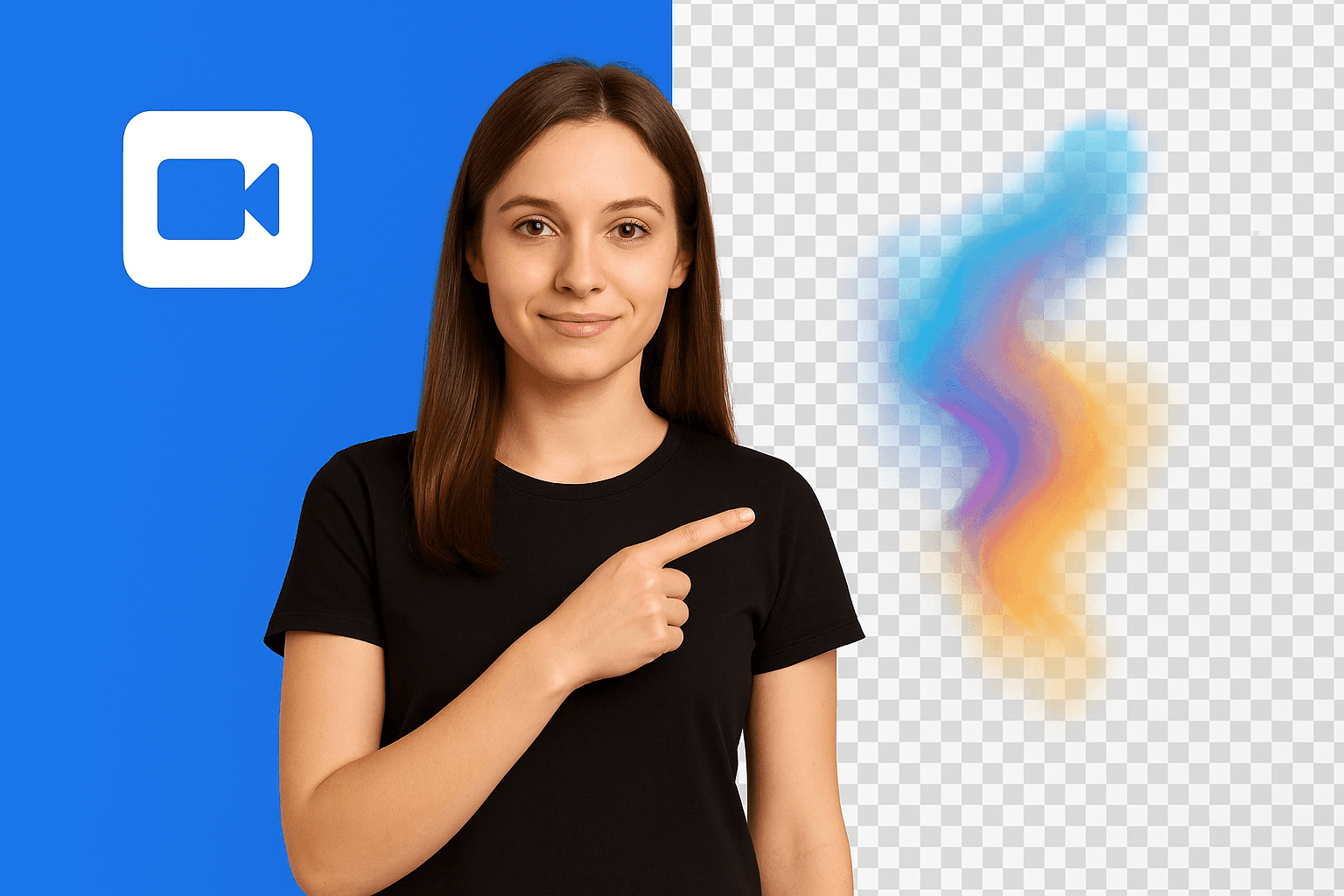
Yes. Changing the background exports a finished scene. Transparent video leaves the backdrop empty for compositing.
Yes. Replace the removed scene with brand colors, custom images, or campaign creative.
Page 1 of 1
Be the first to share your experience.
Upload a clip, remove the scene, and replace it with a new backdrop.
Upload Video