Best Unscreen Alternatives for Video Background Removal
Yash Thakker
Author
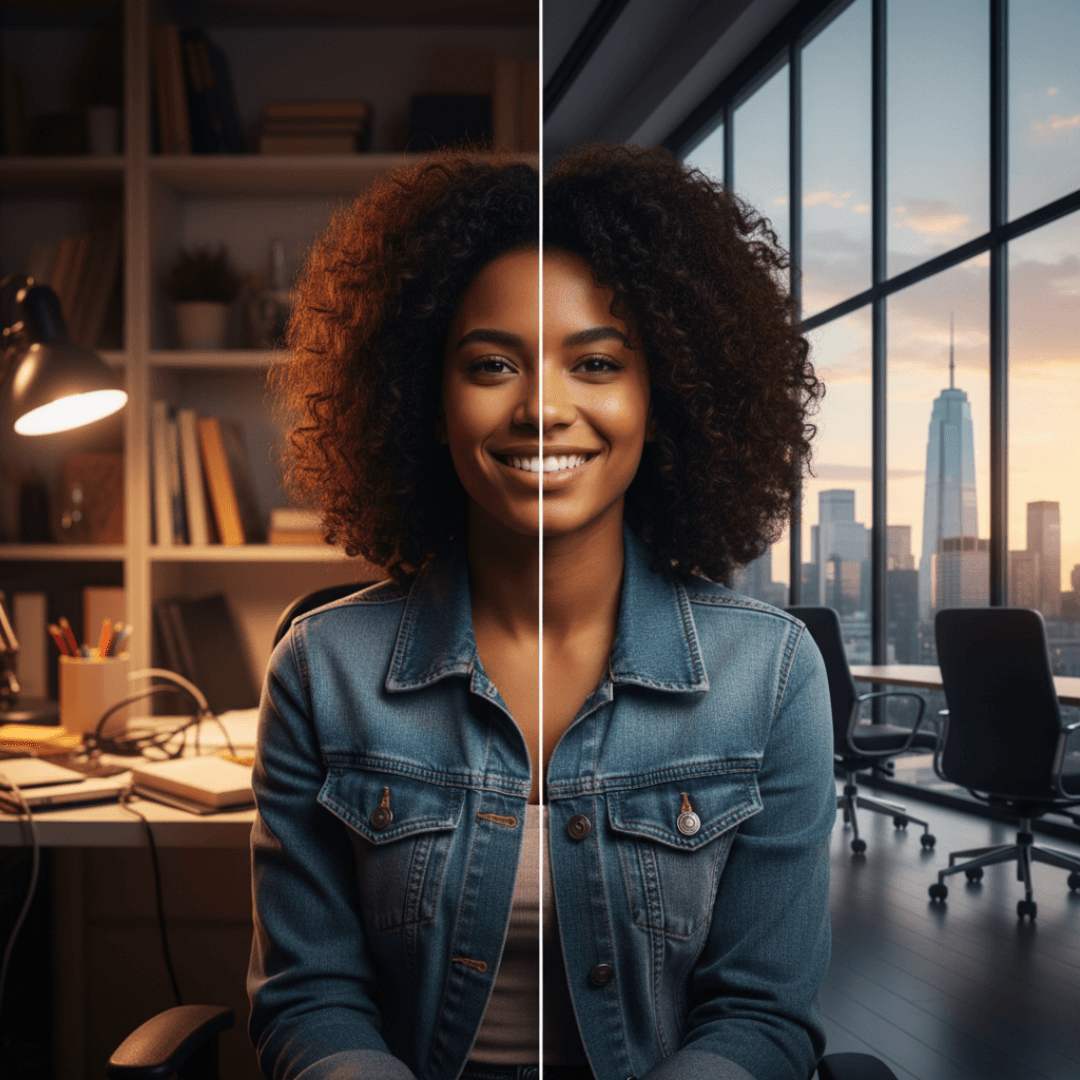
Discover the top alternatives before Unscreen shuts down permanently
The countdown has begun. Unscreen, the pioneering AI video background remover that revolutionized how millions of creators produce professional content, is shutting down on December 1, 2025. If you've relied on this service to remove bg free from your videos, you need to act now—not just to download your content, but to find a superior replacement that will keep your video production running smoothly.
The good news? Several exceptional alternatives have emerged that don't just match Unscreen's capabilities—they surpass them. In this comprehensive guide, we'll explore the 5 best AI video bg remover tools that offer faster processing, better quality, more features, and flexible pricing options that will transform how you create transparent background videos.
Whether you're a content creator, marketing professional, e-commerce business owner, or video editor, this guide will help you find the perfect bg remover solution before Unscreen disappears forever.
What is Unscreen? The Pioneer of AI Video Background Removal
Unscreen revolutionized video editing by making it possible to remove bg free from videos without physical green screens or complex software. This AI-powered bg remover became the go-to solution for millions of creators worldwide—from YouTubers to marketing agencies—who needed professional background removal that was fast, accurate, and accessible.
The platform's premise was simple yet powerful: upload your video, let the AI process it, and download your footage with a perfectly removed background. No special equipment, no technical expertise, and no expensive software required. This democratization of video editing technology empowered creators everywhere to produce studio-quality content from anywhere.
Unscreen's Powerful Capabilities That Made It Industry-Leading
Unscreen set the standard for free video background remover tools with several standout features:
Automatic AI-Powered Detection: Sophisticated artificial intelligence automatically detected and separated subjects from backgrounds without manual input, analyzing each frame with remarkable accuracy.
No Green Screen Required: The most revolutionary feature was eliminating the need for physical green screen backgrounds. Creators could shoot anywhere and still achieve professional background removal.
High-Quality Output: The platform maintained impressive video quality while preserving resolution, frame rate, and fine details like hair strands and fabric textures.
Flexible Background Options: Beyond simple removal, Unscreen offered the ability to make background transparent, replace backgrounds with images or videos, or add solid colors.
User-Friendly Interface: The straightforward workflow made powerful AI technology accessible to everyone—upload, process, preview, adjust, and download.
Breaking News: Unscreen is Shutting Down December 1, 2025
The video creation community was shocked when Canva Austria GmbH announced the permanent shutdown of Unscreen. The platform will officially cease operations on December 1, 2025, at 9:00 a.m. CET, marking the end of an era for this beloved bg remover service.
What This Means for Users
- No Refunds: Unused subscription time, processing credits, and prepaid services will expire without refunds
- Data Deletion: All videos, accounts, and project data will be permanently deleted
- API Shutdown: All integrations will stop working immediately after the deadline
- Immediate Action Required: Users must download all content before December 1, 2025
Why is Unscreen Closing?
Strategic Consolidation: Canva is streamlining its product portfolio to focus on core offerings rather than maintaining specialized standalone tools.
Operational Costs: Running an AI-powered video service requires substantial computational resources that became economically unsustainable.
Market Competition: The landscape has evolved with dozens of alternatives offering similar capabilities, reducing Unscreen's unique value.
Platform Redundancy: Canva already includes video editing in its main platform, making Unscreen redundant within their ecosystem.
Top 5 AI Video Background Removers That Outperform Unscreen
1. BgRemover.video – The Ultimate Unscreen Alternative
BgRemover.video is the definitive choice for anyone seeking the perfect Unscreen replacement. This platform doesn't just match Unscreen's capabilities—it significantly exceeds them with more advanced AI, faster processing, superior edge quality, and greater creative flexibility.
Why BgRemover.video is the #1 Choice
Next-Generation AI Technology: Cutting-edge artificial intelligence trained on millions of video scenarios handles complex removal tasks including intricate hair details, flowing fabrics, transparent objects, and fast-moving subjects with exceptional accuracy.
Blazing-Fast Cloud Processing: Powerful cloud infrastructure processes videos 40-60% faster than comparable services. Most standard videos complete within 2-5 minutes regardless of your device capabilities.
Comprehensive Format Support: Works with virtually any video format (MP4, MOV, AVI, WebM, MKV) and exports with transparent backgrounds, custom images, or video replacements. Supports resolutions from SD up to 4K.
Batch Processing: Upload and process multiple videos simultaneously—perfect for agencies and high-volume creators who need to handle numerous projects efficiently.
Advanced Editing Tools: Fine-tune edge quality with precision controls, adjust feathering, apply color correction, and use manual refinement tools for challenging areas—all built into the platform.
Flexible Background Options: Export with transparent backgrounds, custom image backgrounds, or video backgrounds. One tool serves multiple creative purposes.
API Access: Integrate background removal directly into your applications with comprehensive API documentation and webhook notifications.
Pricing That Makes Sense
- Free Trial: Test full features before committing
- Pay-Per-Video: Ideal for occasional users
- Monthly Subscriptions: Significant savings for regular creators
- Annual Plans: Maximum savings with yearly commitment
- Enterprise Solutions: Custom packages with API access and priority support
Why BgRemover.video Surpasses Unscreen
- 15-20% better edge quality with challenging subjects
- 40-60% faster processing times
- More format options and export flexibility
- Advanced editing tools eliminate need for separate software
- Better pricing flexibility for all user types
- Ongoing development with continuous improvements
- Responsive customer support
Best For: Content creators, marketing agencies, e-commerce businesses, educators, corporate teams, and freelance video editors who need reliable, high-quality background removal.
2. Runway ML – The AI Creative Powerhouse
Runway ML is a comprehensive AI-powered creative suite offering extensive capabilities beyond basic background removal. Perfect for creators who want multiple AI tools in a unified workspace.
Key Features
Real-Time Processing: Preview background removal as you adjust settings with immediate visual feedback for rapid iteration.
Comprehensive AI Toolkit: Includes green screen replacement, object removal, style transfer, color correction, motion tracking, and text-to-image generation.
Collaborative Editing: Multiple team members can work simultaneously with integrated commenting, version control, and role-based permissions.
Professional Quality: Supports up to 4K resolution with broadcast-quality output and extensive export format options.
Pricing
- Free tier with limited processing minutes
- Standard, Pro, and Unlimited plans
- Enterprise solutions with custom features
Best For: Creators seeking a comprehensive free online video editor with integrated AI capabilities and teams needing collaborative features.
3. Kapwing – Browser-Based Simplicity
Kapwing offers completely browser-based editing requiring zero software installation—perfect for quick edits and teams using various devices.
Key Features
Zero Installation: Access all features directly through any web browser on any device, ensuring consistent functionality across platforms.
Intuitive Workflow: Simple drag-and-drop interface with one-click background removal makes editing accessible to beginners.
Integrated Editing Suite: Includes trimming, text overlays, audio editing, filters, transitions, and resizing—all in one platform.
Platform Templates: Extensive library optimized for Instagram, TikTok, YouTube, LinkedIn, and other social platforms.
Direct Publishing: Export and publish directly to social media without downloading and re-uploading.
Pricing
- Free tier with watermark
- Pro plan removes watermarks
- Business plan adds team features
Best For: Social media managers, small teams, and anyone needing quick edits without software installation.
4. CapCut – Mobile-First Power
CapCut brings professional-grade background removal to mobile devices, making it the premier choice for mobile-first creators.
Key Features
Completely Free: Comprehensive background removal without subscriptions, watermarks, or usage limits—exceptional value for all creators.
Mobile-Optimized: Interface leverages touch gestures and mobile workflows, perfect for editing during commutes or while traveling.
Intelligent Auto-Detection: AI automatically identifies subjects and backgrounds with minimal user input across diverse filming scenarios.
Extensive Effects Library: Thousands of effects, filters, transitions, and trending templates constantly updated with current trends.
Direct Platform Integration: Export and publish directly to TikTok, Instagram, YouTube, and Facebook with automatic optimization.
Pricing
- Completely free with all features
- Optional premium effects available
Best For: Mobile-first creators, TikTok influencers, Instagram producers, and budget-conscious users seeking professional features.
5. Adobe Premiere Pro with Roto Brush 2 – Professional Precision
Adobe Premiere Pro's Roto Brush 2 represents the industry standard for professional editors requiring absolute precision and broadcast-quality results.
Key Features
Frame-by-Frame Control: Manual refinement of any frame ensures perfect edge detection in challenging scenarios with partial occlusions or complex movements.
Advanced Edge Refinement: Preserves fine details like individual hair strands, wispy fabrics, and transparent materials with sophisticated algorithms.
Professional Workflow Integration: Combines background removal with comprehensive editing, color grading, audio editing, and motion graphics in one application.
GPU Acceleration: Leverages graphics cards for dramatically faster processing and real-time preview capabilities with high-resolution footage.
Industry-Standard Formats: Handles virtually any video format, codec, or technical specification used in professional production.
Pricing
- Single app or Creative Cloud All Apps subscription
- Educational discounts available
- Enterprise licensing options
Best For: Professional video editors, production companies, commercial agencies, and creators requiring broadcast-quality output with comprehensive post-production capabilities.
How to Choose the Right Background Remover
Consider these essential factors when selecting your bg remover:
Volume: Occasional users benefit from pay-per-use or free tools; high-volume creators need unlimited subscriptions.
Quality: Test tools with your most challenging footage to verify edge quality meets your professional standards.
Skill Level: Beginners need intuitive interfaces; experienced editors may prefer advanced manual controls.
Workflow: Consider mobile vs. desktop needs, collaboration requirements, and API integration needs.
Budget: Calculate cost-per-video across platforms to identify the most economical option for your usage.
Best Practices for Professional Results
Record Quality Footage: Use high resolution, good lighting, and stable camera work for optimal input quality.
Optimize Lighting: Use three-point lighting to create subject separation with even illumination across subjects.
Maximize Contrast: Strong visual contrast between subjects and backgrounds helps AI distinguish foreground from background.
Review Carefully: Always inspect processed videos frame-by-frame, especially around complex areas like hair and edges.
Making the Switch: Your Action Plan
- Download from Unscreen Now: Get all content before December 1, 2025—everything becomes permanently inaccessible
- Define Requirements: List essential features, budget, volume, and quality standards
- Test Alternatives: Try free trials from BgRemover.video and other top candidates with your actual footage
- Run Parallel Workflows: Test new tools while maintaining existing processes
- Train Your Team: Create documentation and conduct training sessions
- Update Documentation: Revise all materials and standard operating procedures
Conclusion
The shutdown of Unscreen on December 1, 2025, isn't just the end of one service—it's an opportunity to discover superior tools that enhance your video production capabilities. BgRemover.video stands as the definitive replacement, delivering exceptional AI accuracy, lightning-fast processing, comprehensive features, and flexible pricing for everyone from individual creators to professional agencies.
Whether you choose BgRemover.video for its superior capabilities, Runway ML for comprehensive AI tools, Kapwing for browser-based convenience, CapCut for mobile-first creation, or Adobe Premiere Pro for professional precision, excellent alternatives exist to meet your specific needs.
Don't wait until the deadline creates unnecessary stress. Start testing alternatives today, migrate your workflows systematically, and ensure smooth video production continues. The free video background remover options available today offer better quality, faster processing, and more features than ever before. Embrace this transition and discover how these powerful tools can elevate your content creation to new levels.
Frequently Asked Questions (FAQs)
What is the best alternative to Unscreen?
BgRemover.video is the best overall Unscreen alternative, offering superior AI accuracy, faster processing, and flexible pricing. For mobile users, CapCut provides completely free professional features. For comprehensive creative suites, Runway ML delivers extensive AI tools.
How can I remove bg free without losing quality?
Use CapCut (completely free with no watermarks), BgRemover.video's free trial, or Kapwing's free tier. Start with high-quality source footage shot in good lighting with strong subject-background contrast to maintain professional results.
What should I do before Unscreen shuts down?
Immediately download all videos and content from Unscreen before December 1, 2025—everything becomes permanently inaccessible after shutdown. Test alternatives like BgRemover.video with free trials and implement your replacement tool well before the deadline.
Can I make background transparent on mobile devices?
Yes, CapCut offers professional-grade background removal completely free on smartphones and tablets. The app uses advanced AI to automatically detect subjects and make background transparent with excellent quality.
Which free online video editor has the best background removal?
Kapwing and Runway ML offer excellent free online video editor capabilities with integrated background removal. Kapwing emphasizes simplicity and speed, while Runway ML provides more advanced AI features and professional controls.
Do I need green screen backgrounds for professional removal?
No, modern AI-powered tools like BgRemover.video eliminate the need for physical green screen backgrounds. However, good lighting and visual contrast still improve results significantly.
How long does video background removal take?
BgRemover.video typically processes 5-10 minute videos at 1080p within 2-5 minutes using cloud infrastructure. Processing time varies by video length, resolution, and platform used.
Can free video background removers match professional quality?
CapCut offers completely free professional-quality results for many use cases. However, paid platforms like BgRemover.video typically provide better edge refinement, faster processing, and more advanced features for commercial work.
Which background remover works best for e-commerce?
BgRemover.video excels for e-commerce with batch processing, consistent quality, clean transparent outputs, and API access for automated workflows. Perfect for product listings, advertisements, and marketing materials.
Are AI background removers accurate enough for professional use?
Modern AI bg remover tools like BgRemover.video and Adobe Premiere Pro achieve professional-grade accuracy suitable for broadcast and commercial work when used correctly with quality source footage.