01
Pick your tool and upload
Choose the AI generator your file came from, then drop it into the upload box.
Pick the AI tool your file came from — or just pick any tile, hover shows the upload button, and the cleanup runs the same way no matter which one you choose.
Drop a file, or click to browse
PNG, JPEG, SVG — max 25MB
Processed locally in your browser. Files are never uploaded or stored.
ChatGPT, Gemini, Claude, Midjourney, Sora, Stable Diffusion, Leonardo, Ideogram, and Adobe Firefly all attach some combination of C2PA content-credential manifests and standard EXIF/XMP metadata to what they generate. Instead of hunting for a tool per platform, upload the file here and it's analyzed the same way no matter where it came from.
Try Now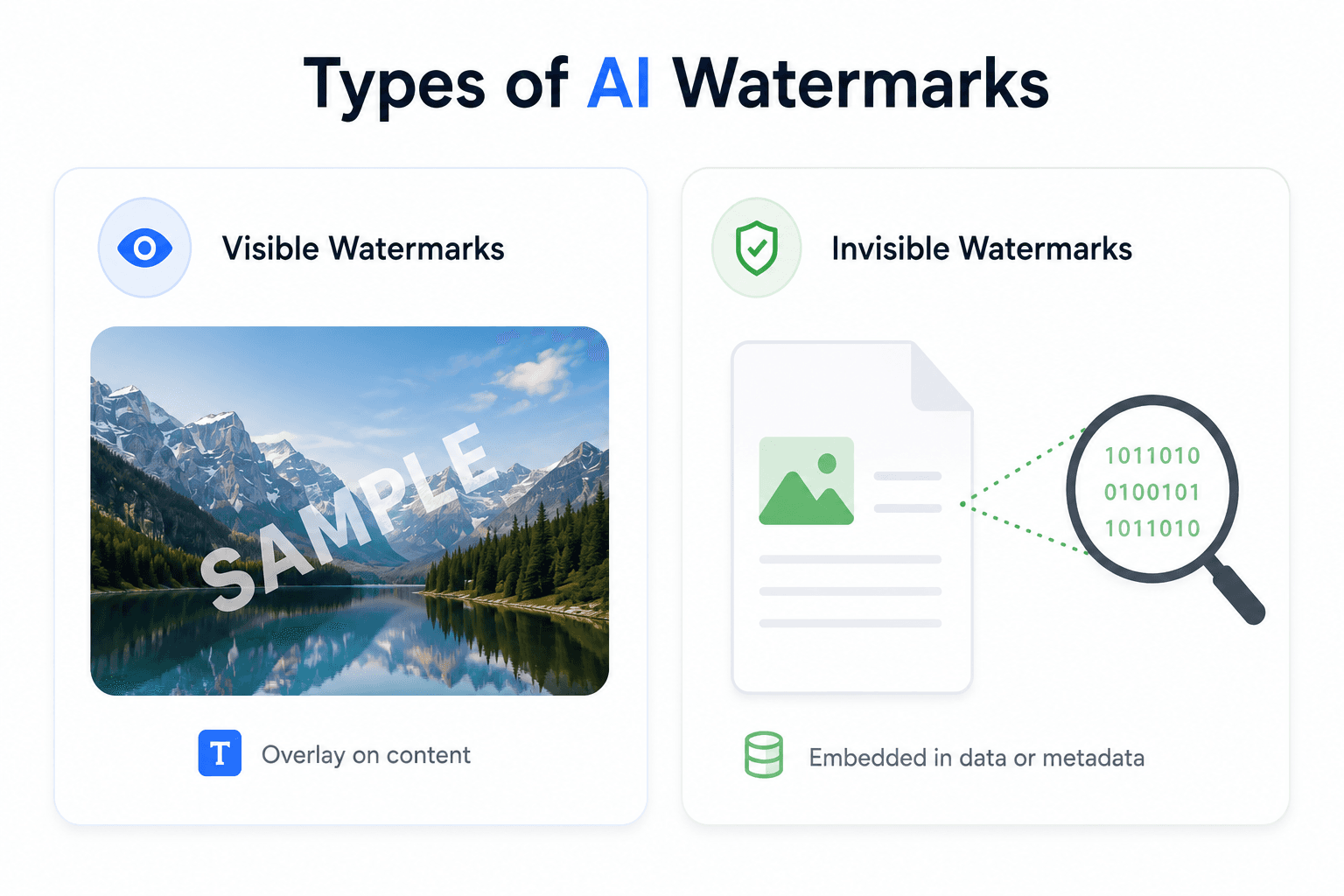
This tool strips detectable, removable signals: C2PA "Content Credentials" manifests, EXIF/XMP metadata, and embedded document properties. It does not and cannot remove watermarking that's baked into the pixels or token choices themselves, like Google's SynthID — that's part of the content, not a metadata tag sitting next to it.
Try Now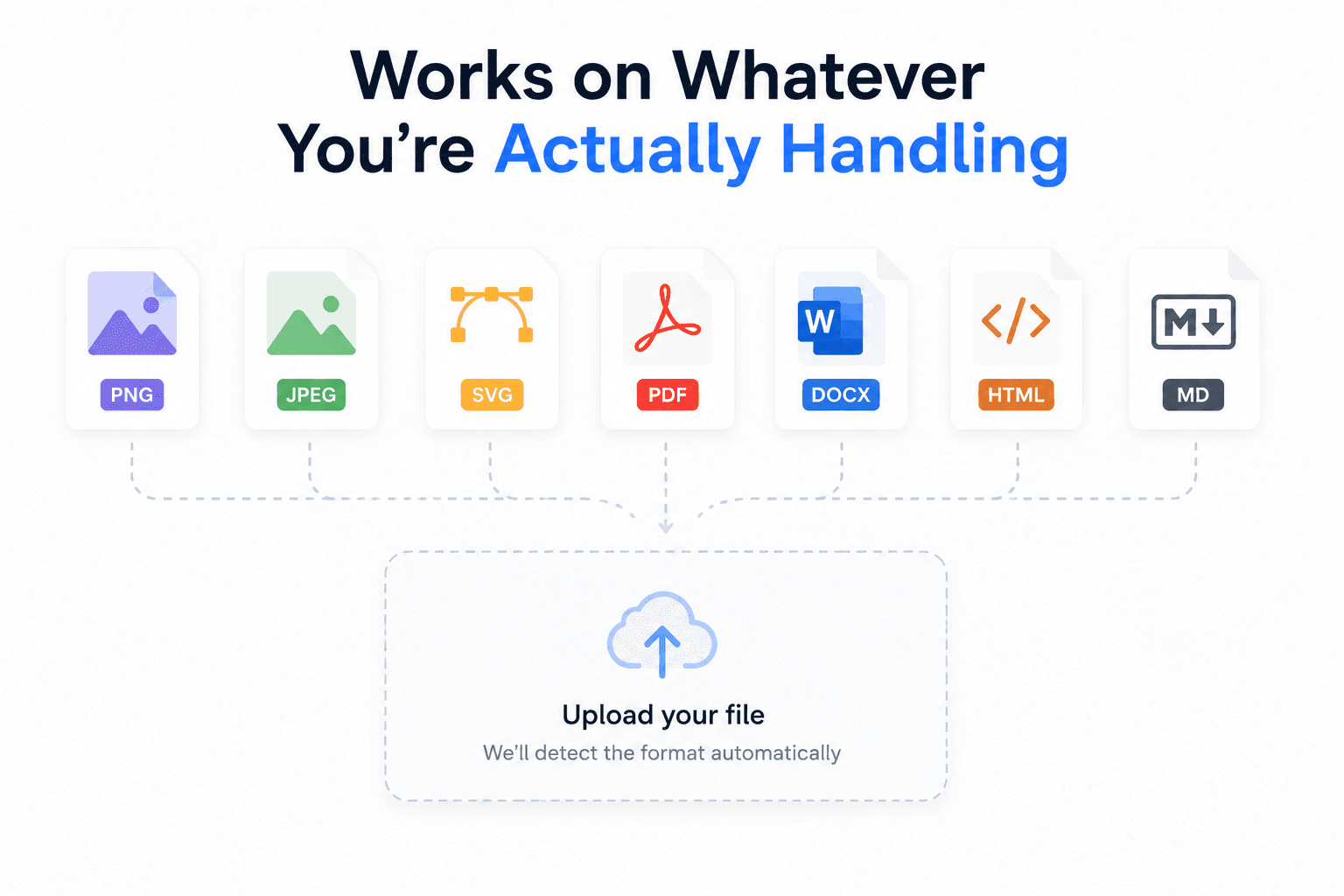
Upload PNG, JPEG, SVG, PDF, DOCX, ODT, HTML, or Markdown files, regardless of which AI tool produced them. Supported formats: PNG · JPEG · SVG · PDF · DOCX · ODT · HTML · Markdown
Try Now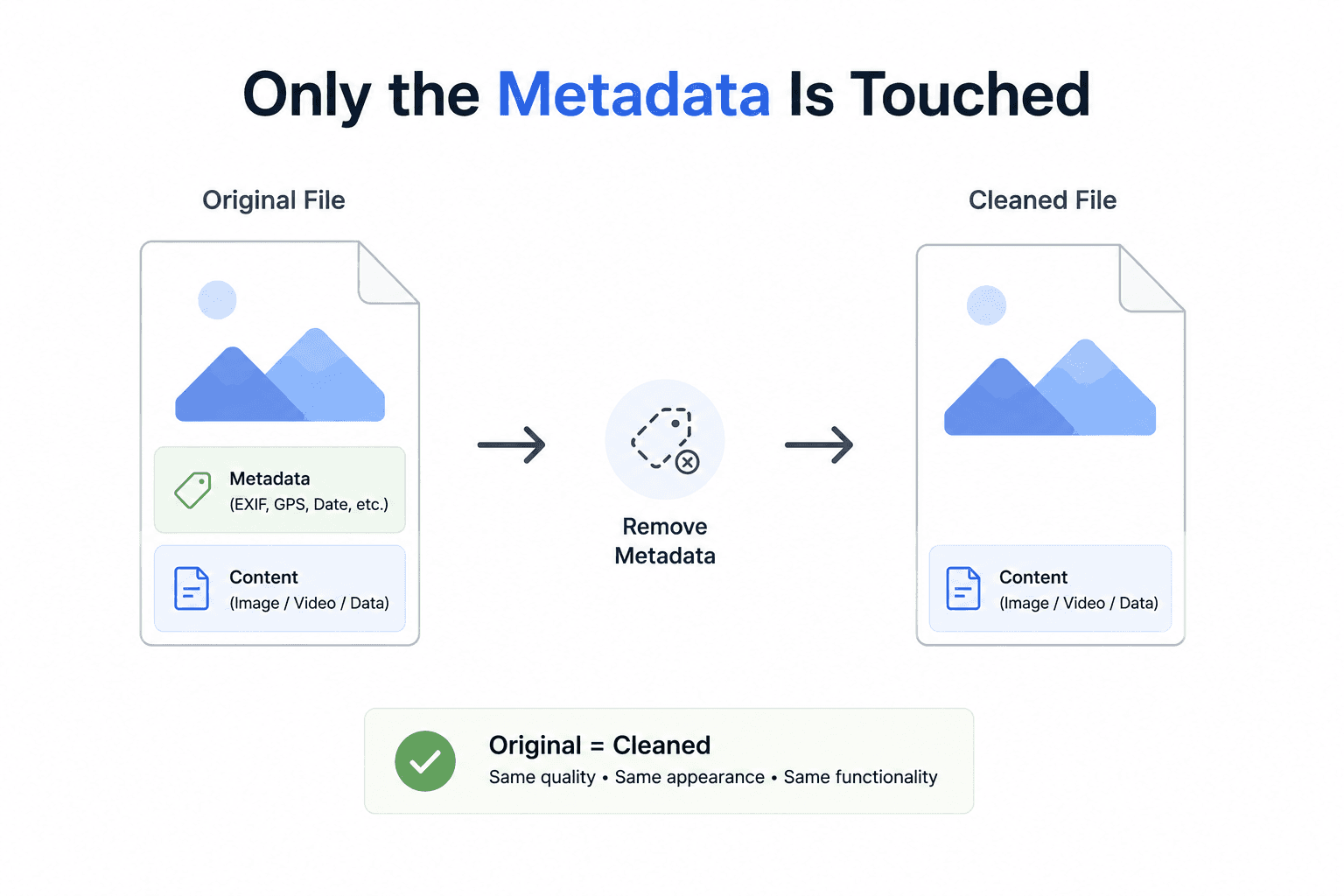
Upload your file, let the tool scan it for known watermark and metadata signals, review exactly what it found, and export the cleaned version. Everything runs locally in your browser — files are never uploaded to a server.
Try Now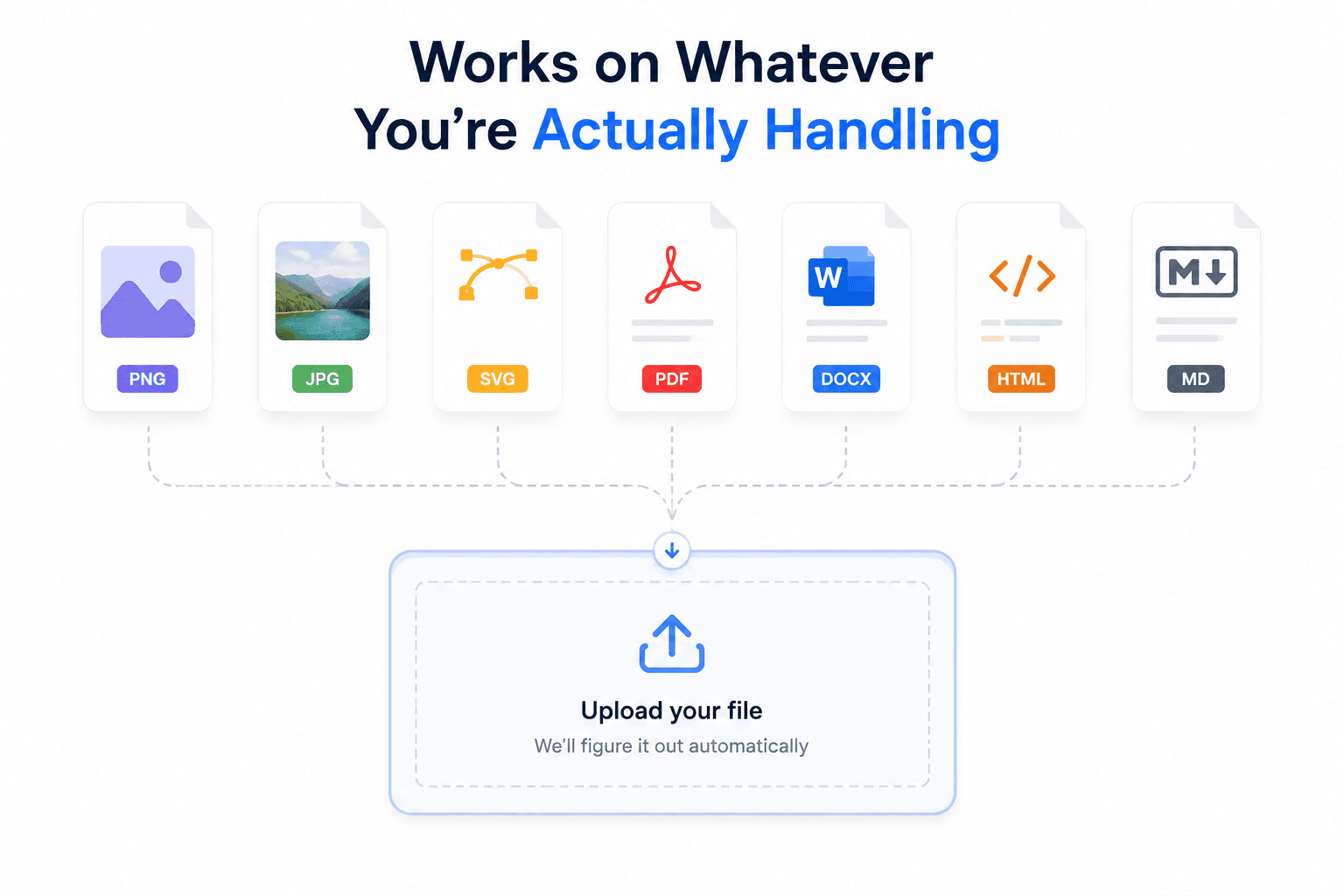
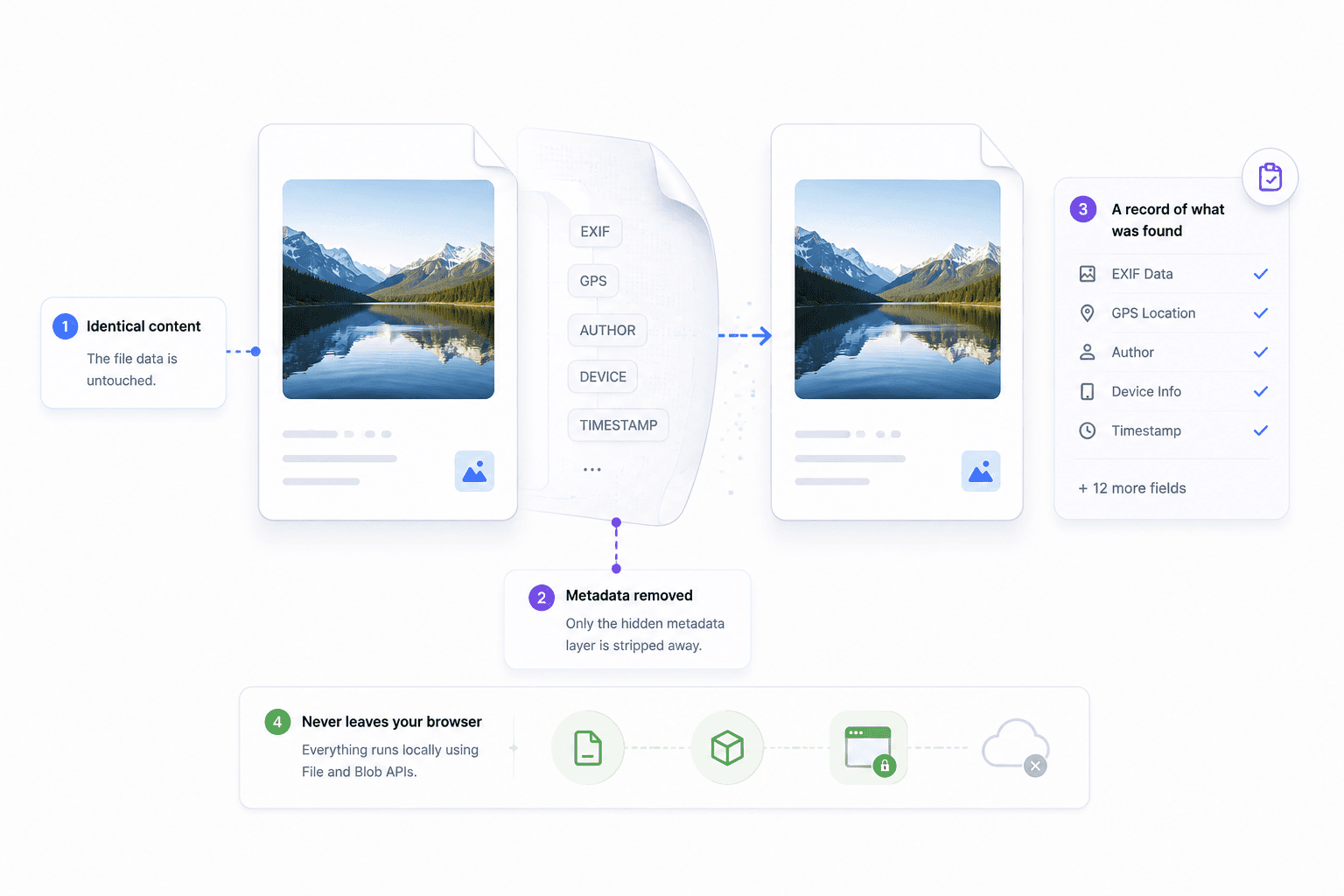
Whichever AI tool produced your file, the export keeps the visual content identical and only touches the metadata layer.
Nothing about how the file looks or renders changes.
Detected C2PA content-credential blocks are stripped.
EXIF, XMP, and document properties are cleaned out.
You see exactly what was found and removed before you export.
Workflow
The same flow works whether your file came from ChatGPT, Gemini, Midjourney, or anything else.
Try it nowChoose the AI generator your file came from, then drop it into the upload box.
See any C2PA manifest details and metadata fields before you decide to remove them.
Export a version with the detected watermark and metadata signals stripped out.
FAQ
Common questions about removing AI watermarks across different generators.
It works on any file in a supported format (PNG, JPEG, SVG, PDF, DOCX, ODT, HTML, Markdown), regardless of which AI tool produced it. What gets found depends on what that tool actually embeds — some rely on removable metadata, others on signals baked into the content itself.
No. Watermarks like Google's SynthID are embedded directly into the pixels or token choices, not stored as separate metadata. No tool can remove that without altering the content. This tool only removes removable metadata and C2PA manifests.
No. Processing happens entirely in your browser — files are never sent to a server.
Picking a tool just tailors the guidance you see. The underlying scan is identical, since it's checking the file itself for known signal types rather than trusting a label.