01
Upload your file
A Kling-generated image or video — or anything else with a watermark you want gone.
Remove the Kling watermark — or any other logo/text watermark — from images and videos by brushing or box-selecting over it, entirely in your browser. No model download, no upload.
Drop an image, or click to browse
PNG, JPEG, WebP — max 25MB
Processed locally in your browser. Files are never uploaded or stored.
Kling's watermark — like Doubao's, Qwen's, or most others — isn't a simple flat overlay the way Gemini's sparkle logo is, so there's no exact formula to reverse it. Instead, you brush or box-select the watermark yourself, and a local inpainting algorithm reconstructs that region from its surroundings. Because you're doing the pointing, this works on any static watermark, not just Kling's.
Try Now
This uses a fast, classical inpainting algorithm — a distance-transform fill that grows inward from the edge of your selection — instead of a downloaded AI model. It runs in well under a second for a typical selection, with nothing to fetch and no GPU required.
Try Now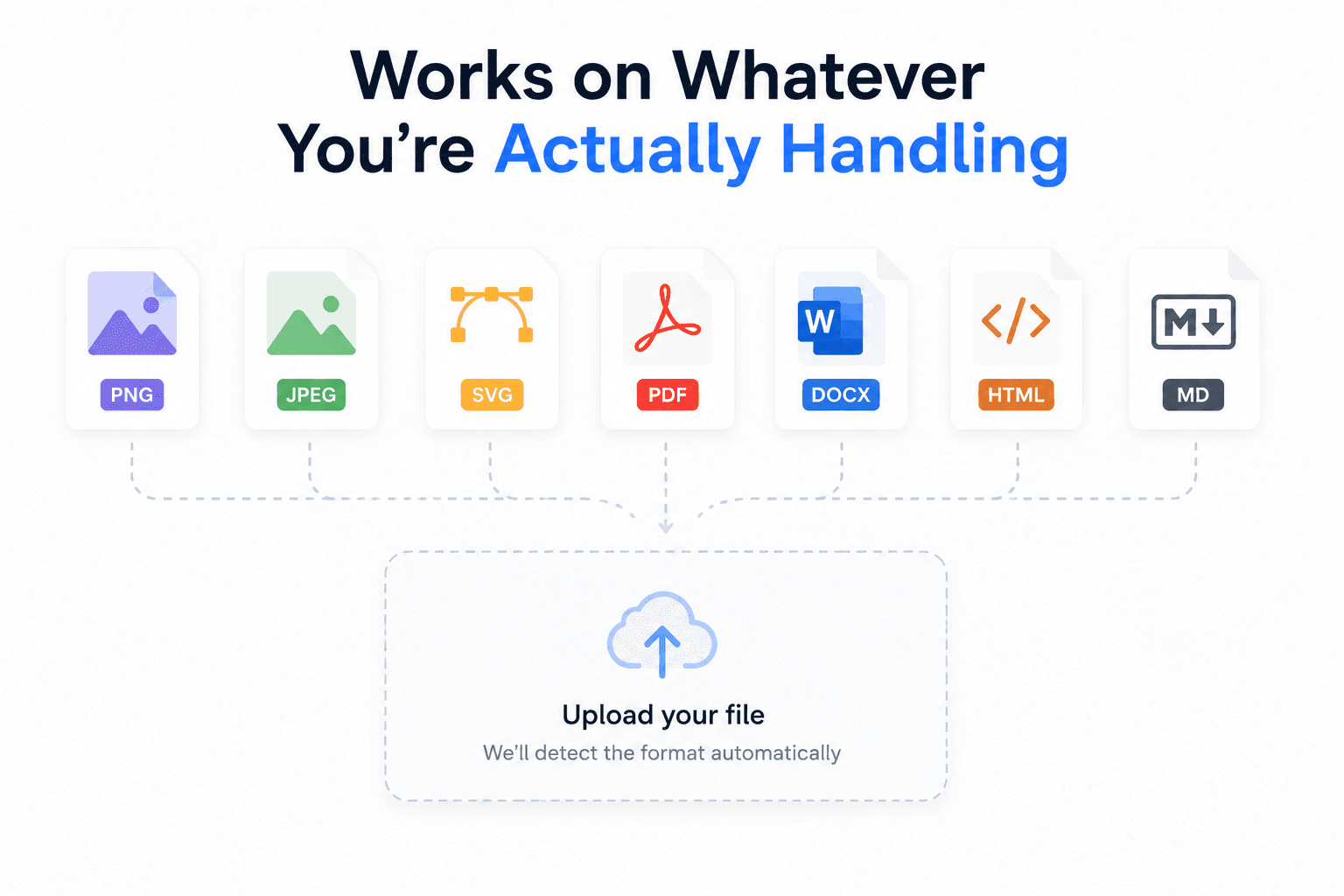
For images, mask once and remove. For video, mask the watermark on the first frame — that mask is reused for every later frame, so this works best when the watermark stays in the same spot for the whole clip.
Try Now
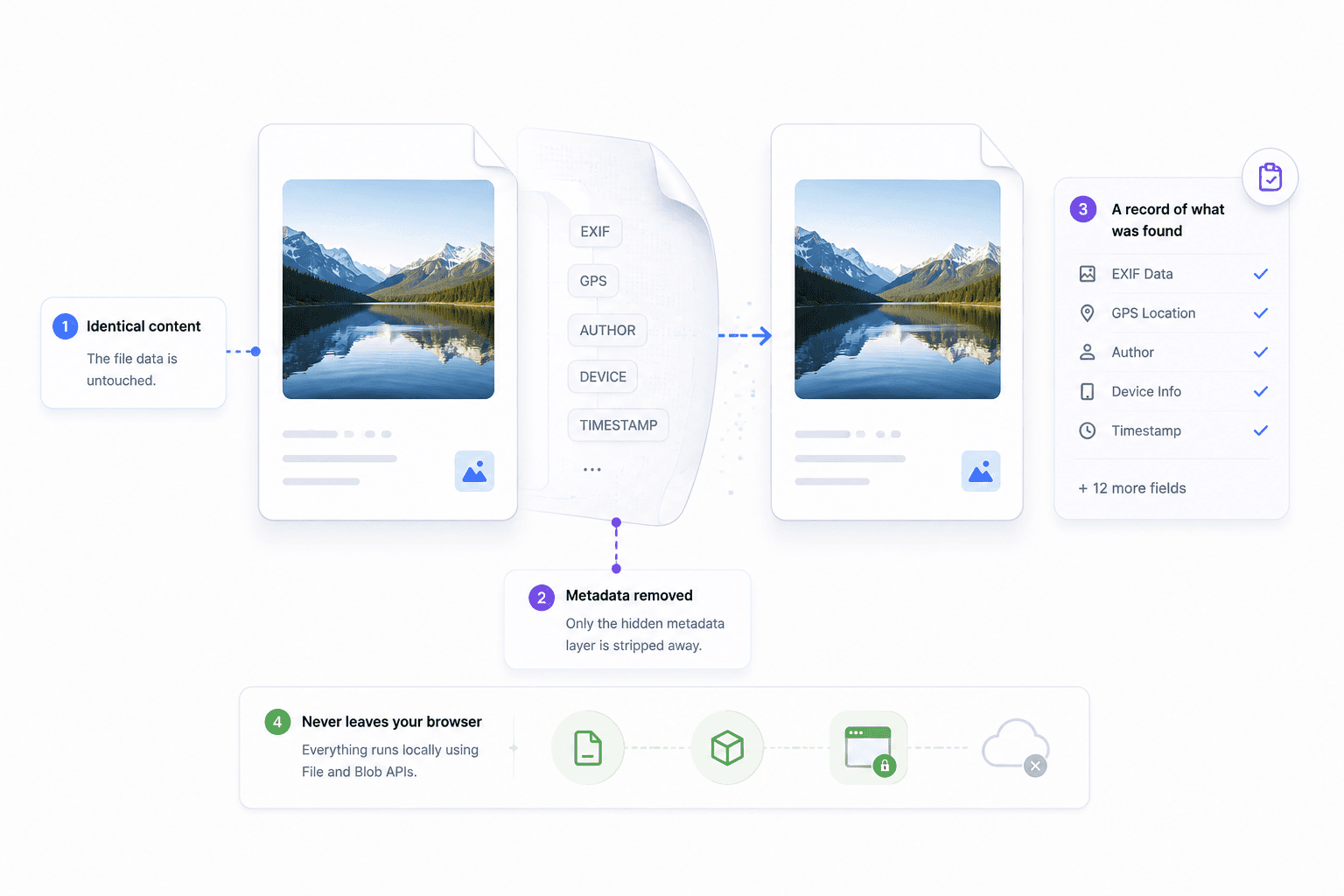
The masked area is reconstructed from its surrounding pixels; everything outside your selection is untouched.
Brush or box-select exactly where the watermark is — no reliance on automatic per-platform detection that might miss it.
Since you point to the watermark yourself, this isn't limited to Kling — it works on Doubao, Qwen, Jimeng, Tencent Yuanbao, Baidu, or anything else with a static mark.
Canvas, MediaRecorder, and Blob APIs handle everything locally — nothing about your file touches a server.
How It Works
No account, no server upload — everything happens on your device.
Remove watermark nowA Kling-generated image or video — or anything else with a watermark you want gone.
Mark the watermark region on the image, or on the video's first frame.
A local inpainting algorithm fills the masked region using its surrounding pixels — for video, frame by frame in real time.
Compare against the original before downloading.
Download the cleaned image (PNG) or video (WebM).
FAQ
How this tool differs from the exact math used on the Gemini page, and what to expect.
Yes — and on any other static logo or text watermark, since you brush or box-select it yourself rather than relying on automatic per-platform detection. That also means it works on Doubao, Qwen, Jimeng, Tencent Yuanbao, Baidu, or anything else with a fixed watermark.
No. Gemini's tool reverses a known, flat semi-transparent overlay with exact math. Kling's (and most other platforms') watermarks aren't a simple flat overlay, so this tool instead reconstructs the region you select using local inpainting — a plausible fill, not an exact recovery.
No. This tool paints over a visible region you select — it cannot detect or remove an invisible, pixel-embedded signal, which isn't a masked region at all.
Video processing works by playing the clip in real time while continuously repainting and screen-recording the output canvas — it isn't a faster offline decode/encode pipeline, so a 1-minute video takes about 1 minute to process.
The mask is drawn once, on the video's first frame, and reused unchanged for every later frame. This only works cleanly for watermarks that stay in the same spot, size, and shape for the whole clip.
MediaRecorder (the browser API used to capture the processed frames) outputs WebM. If you need MP4, re-encode the download with a separate tool.
No. Everything — masking, inpainting, and recording — runs in your browser using the Canvas, MediaRecorder, and Blob APIs.
Yes, completely free with no signup and no file limits.
Free, private, and instant — your file never leaves your browser.
Remove watermark now