CHRISTMAS SALE30% OFFCode: SANTA30

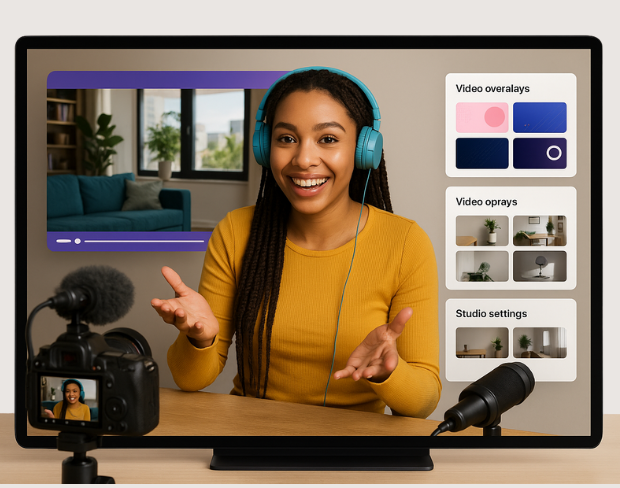
AI Video Editing for Videographers

Edit, enhance, and transform your videos with powerful AI tools. Perfect for professionals and hobbyists alike!
Try it now
Auto-Cut Silences

Auto-Cut Silences

Automatically remove silent sections from your videos for a smoother flow.

Background Blur

Blur video backgrounds to focus attention on your subject.
Background Blur
Color Grading

Color Grading

Apply cinematic color grading with a single click.

Frequently Asked Questions

How does the background remover work?

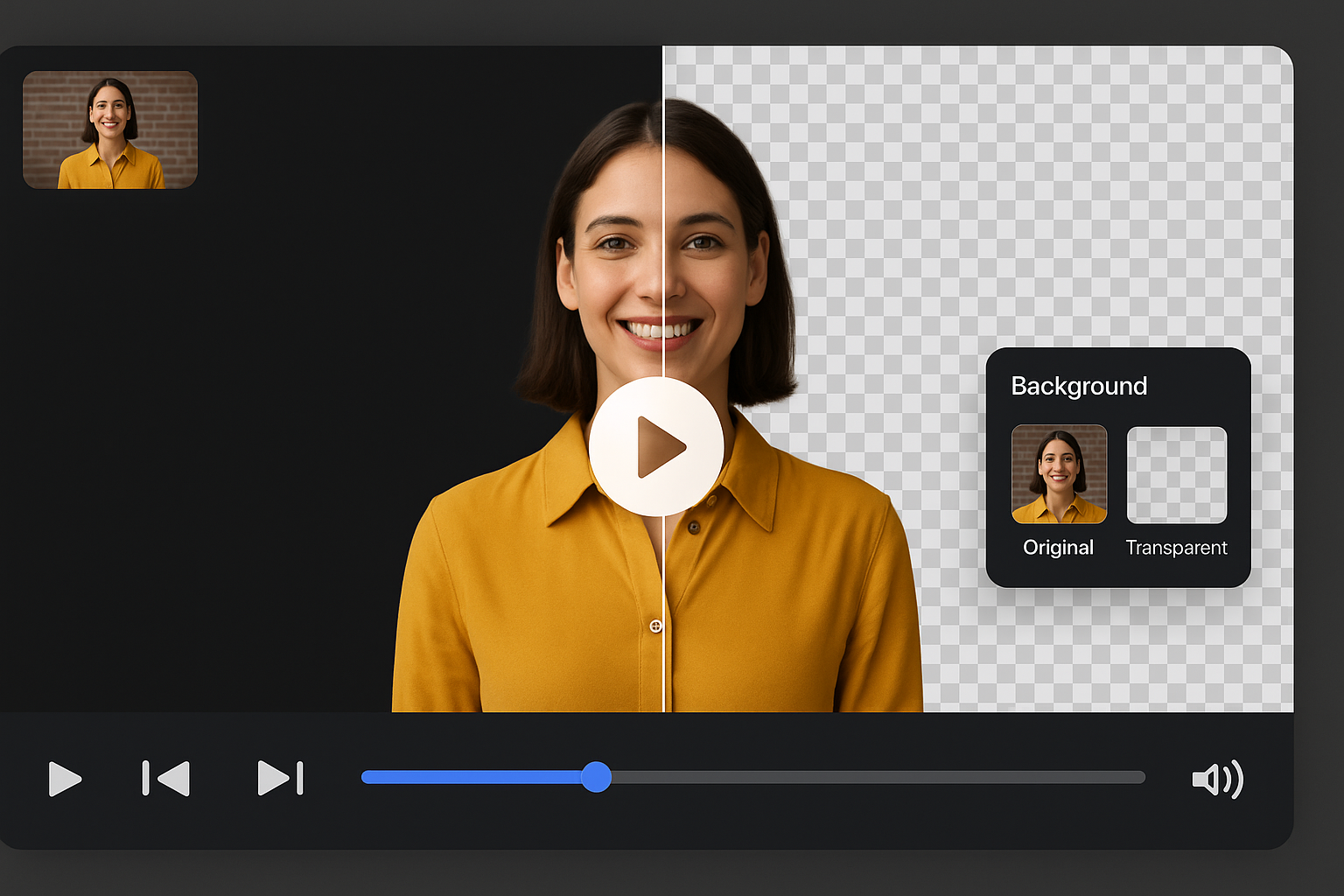
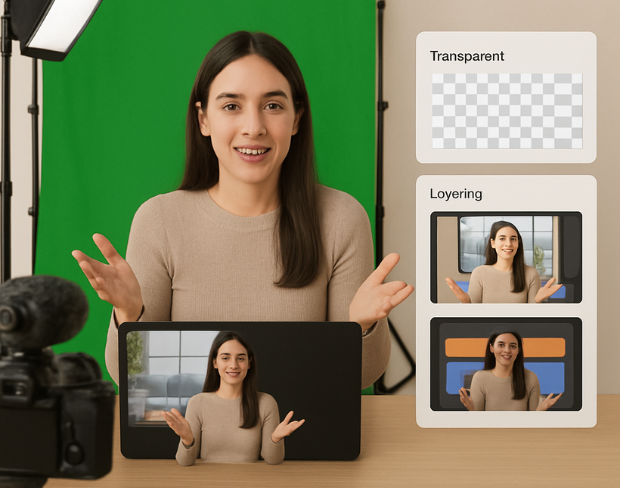
Our AI analyzes your video and automatically removes the background.

What video formats are supported?

We support MP4, MOV, and M4V formats.

Is there a file size limit?

Yes, videos must be under 200MB and 2 minutes long.

Is BGRemover.video a good alternative to Unscreen?

Yes! BGRemover.video is the best Unscreen alternative, especially since Unscreen is shutting down on December 1, 2025. We offer unlimited video length, HD quality, no watermarks, and completely free usage - all features that required paid plans on Unscreen.

Why is Unscreen shutting down?

Unscreen announced they're shutting down on December 1, 2025 at 9:00 AM CET. Canva decided to discontinue the service to focus on other products. This makes BGRemover.video the perfect replacement with superior features and no shutdown concerns. Try our video background remover for better results.

Can I process videos longer than Unscreen's 5-10 second limit?

Absolutely! Unlike Unscreen's free version which limited videos to 5-10 seconds, BGRemover.video has no time restrictions. Process videos of any length completely free - a feature that would have cost money with Unscreen Pro.

Edit Your Videos

Transform your videos with our free AI-powered editor.