01
Upload the logo source
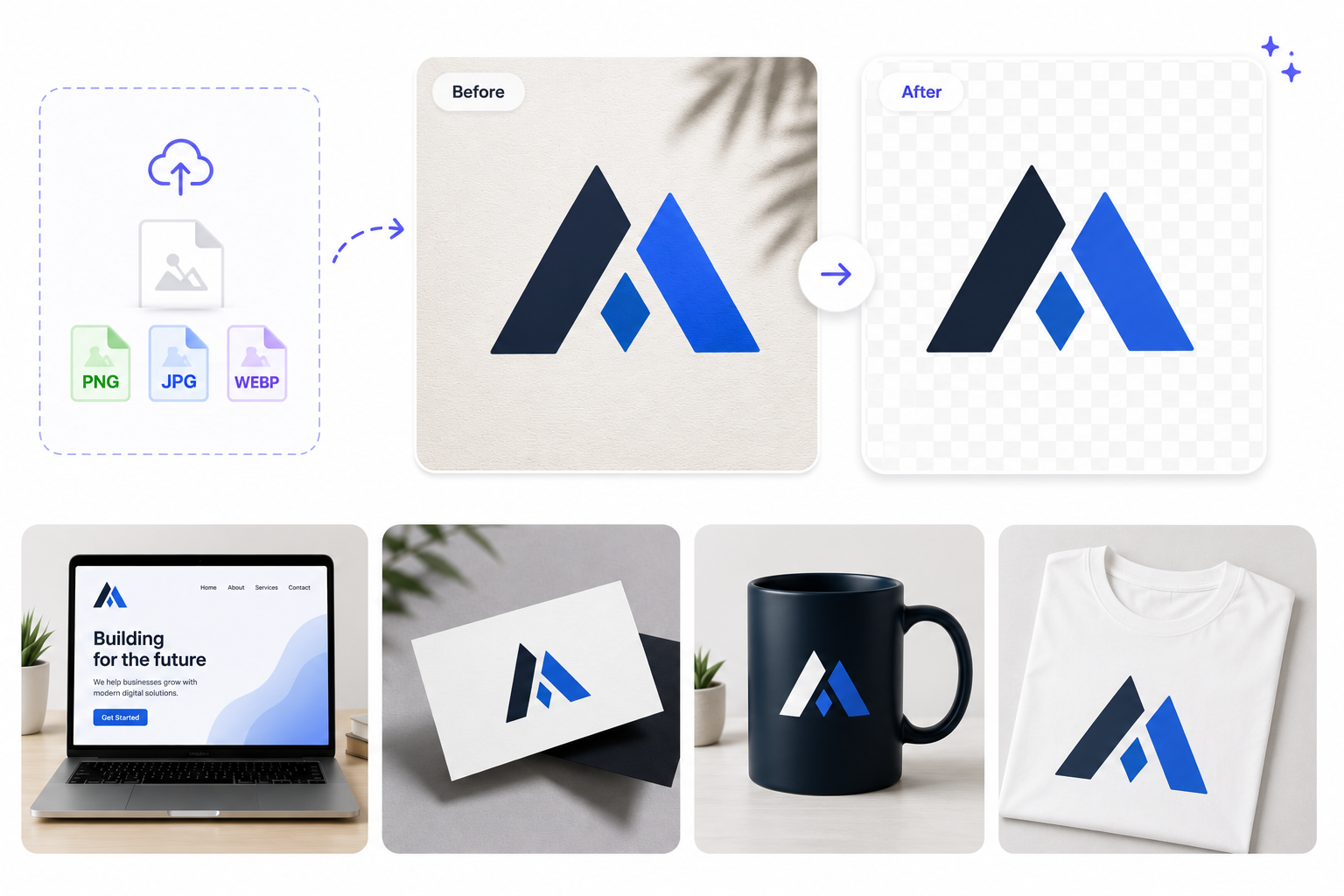
Add a PNG, JPG, WebP, or scanned logo image. Works on wordmarks pulled from PDFs, pitch decks, or photographed signage.
Remove backgrounds from logo files in seconds. Export clean transparent PNG logos for websites, pitch decks, merch, and brand kits — no Photoshop required.
File must be JPEG, JPG, PNG or WebP
By uploading your file, you agree to the BGRemover.video Terms of Use and Privacy Policy
Upload PNG, JPG, or WebP logo files and let AI isolate the mark from busy or colored backgrounds. BGRemover keeps edges sharp on typography, icons, and wordmarks so your brand assets look professional on any surface.
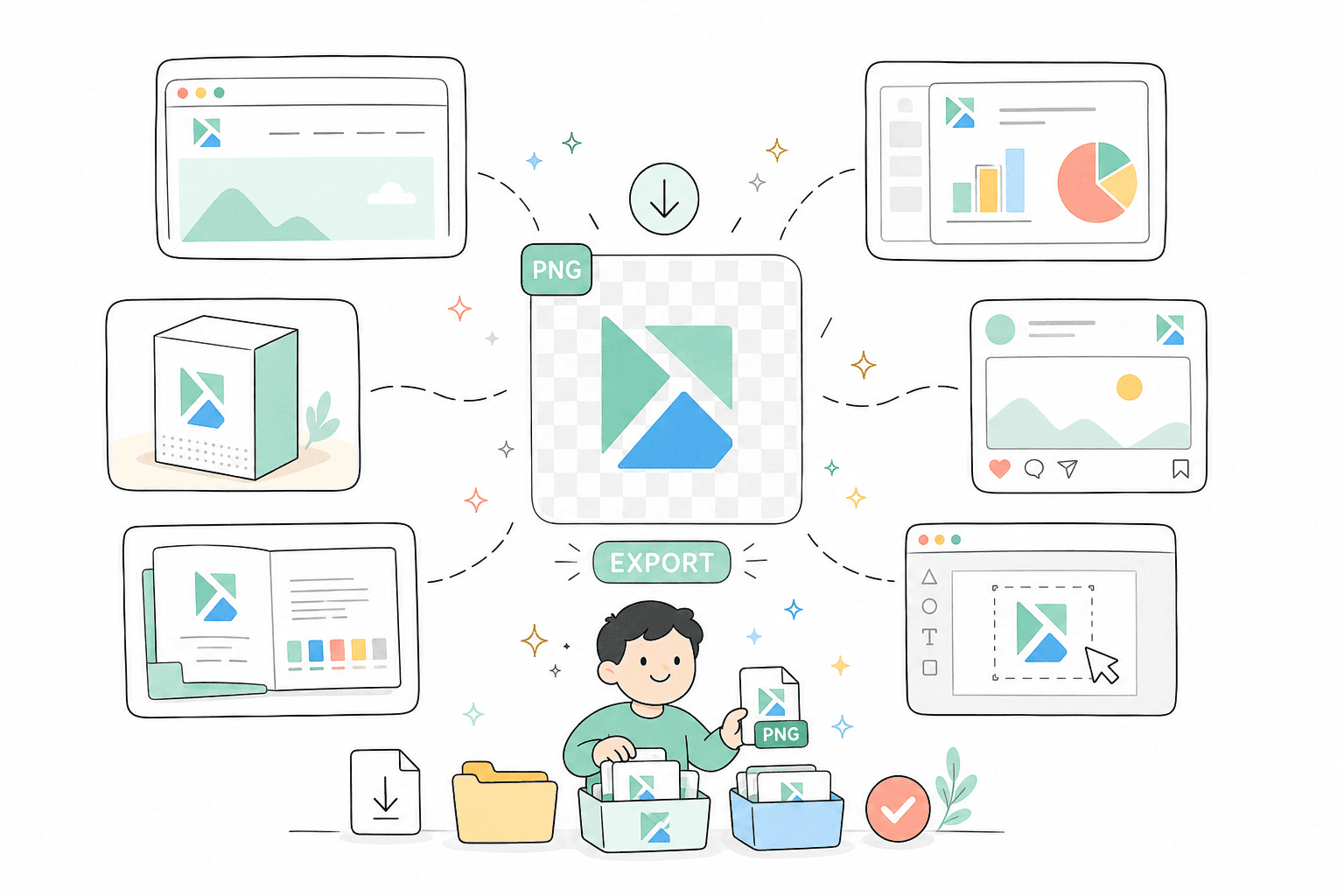
Download logos with transparent backgrounds for websites, slide decks, social templates, and packaging mockups. No manual pen tool work — just upload, review, and export a clean PNG ready for Figma, Canva, or your CMS.
Have a logo on paper, a photo of signage, or a screenshot from a PDF? AI separates the mark from the backdrop so you can rebuild brand assets without requesting source files from a designer.
Prepare partner logos, sponsor marks, and sub-brand assets for landing pages, event graphics, and sales collateral. Process multiple logo files quickly when campaigns need consistent transparent assets.


Every output is tuned for brand workflows rather than generic photo cutouts.
Place logos on dark headers, gradient hero sections, and event creative without white boxes around the mark.
Standardize third-party logos for landing pages, conference pages, and sales one-pagers.
Rescue low-quality logo captures when the original vector file is missing or delayed.
How It Works
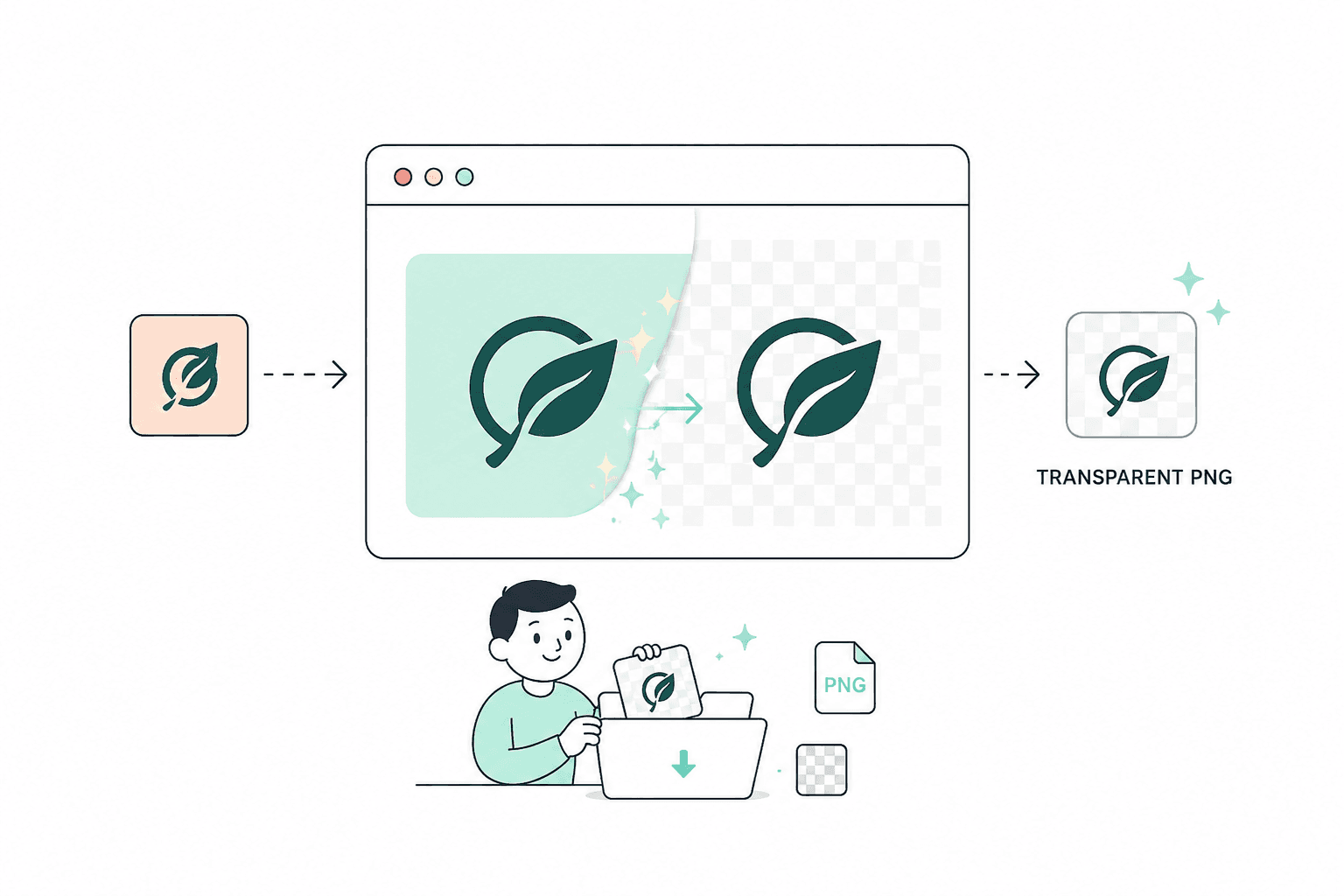
Logo cleanup should not require pen tools or vector tracing. Upload a mark, review the cutout, and export a PNG your team can drop into decks, sites, and partner pages.
Add a PNG, JPG, WebP, or scanned logo image. Works on wordmarks pulled from PDFs, pitch decks, or photographed signage.
Typography, icon shapes, and taglines are separated from colored or photographic backdrops without manual masking.
Download a logo file ready for CMS uploads, sponsorship pages, merch mockups, and design libraries.
FAQ
Common questions about transparent logo exports and file quality.
Yes. Upload JPG, PNG, or WebP logo files. Export a transparent PNG when you need a clean mark for web or presentation use.
AI is tuned for brand marks and keeps typography readable, though extremely low-resolution sources may still need a higher-quality original.
Yes. Many teams use BGRemover to prepare sponsor and partner marks for landing pages, events, and sales decks.
Professional AI background removal for content creators. Remove, replace, or make backgrounds transparent instantly—no design skills needed!
Turn product photos into clean white-background or transparent PNG listings in seconds. Built for Amazon, Shopify, marketplaces, and catalog teams.
Remove backgrounds from videos and photos with one AI tool. No manual masking, no green screen, no design experience — just upload and export.
Page 1 of 1
Be the first to share your experience.