Online courses
Clean up instructor footage for LMS uploads.
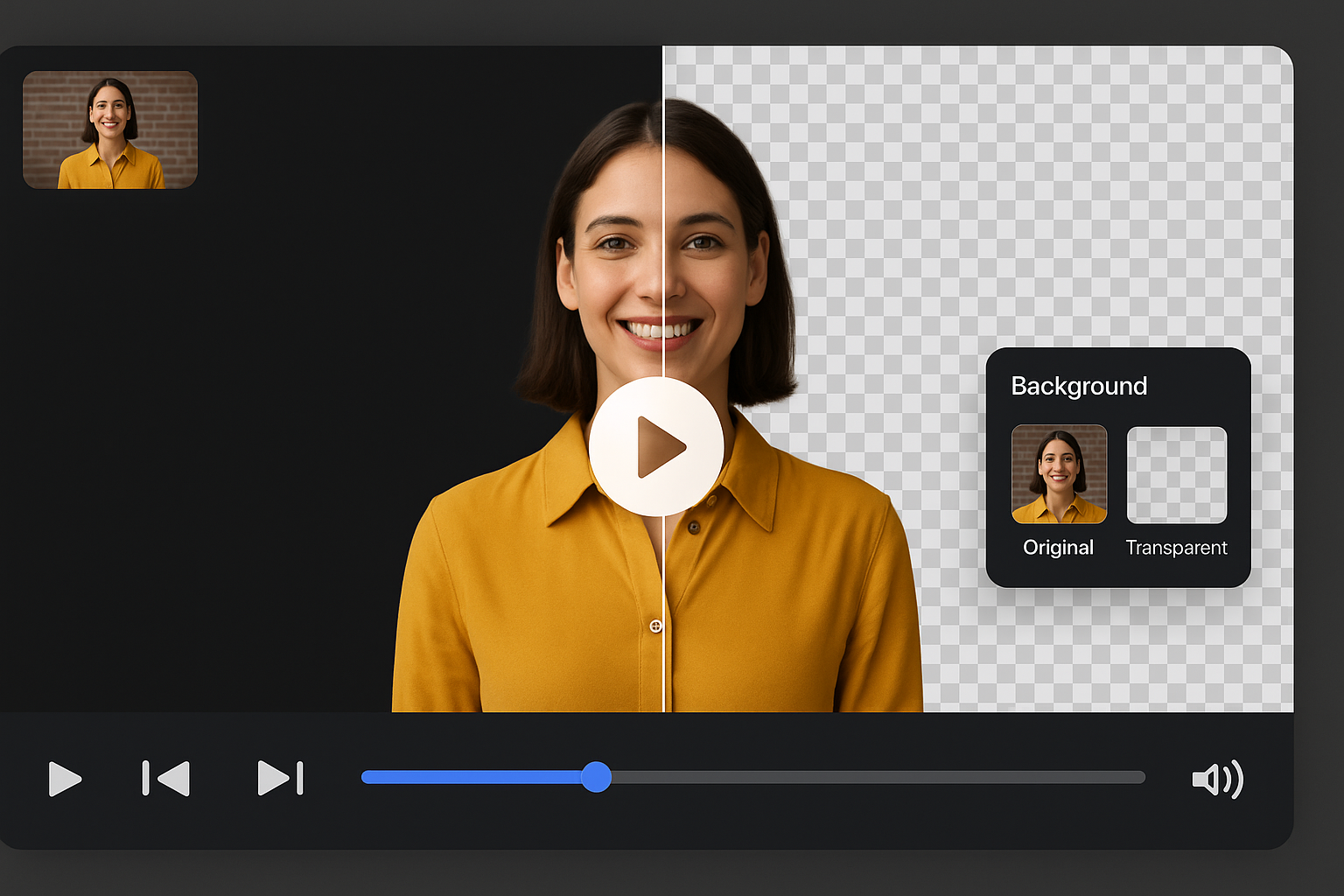
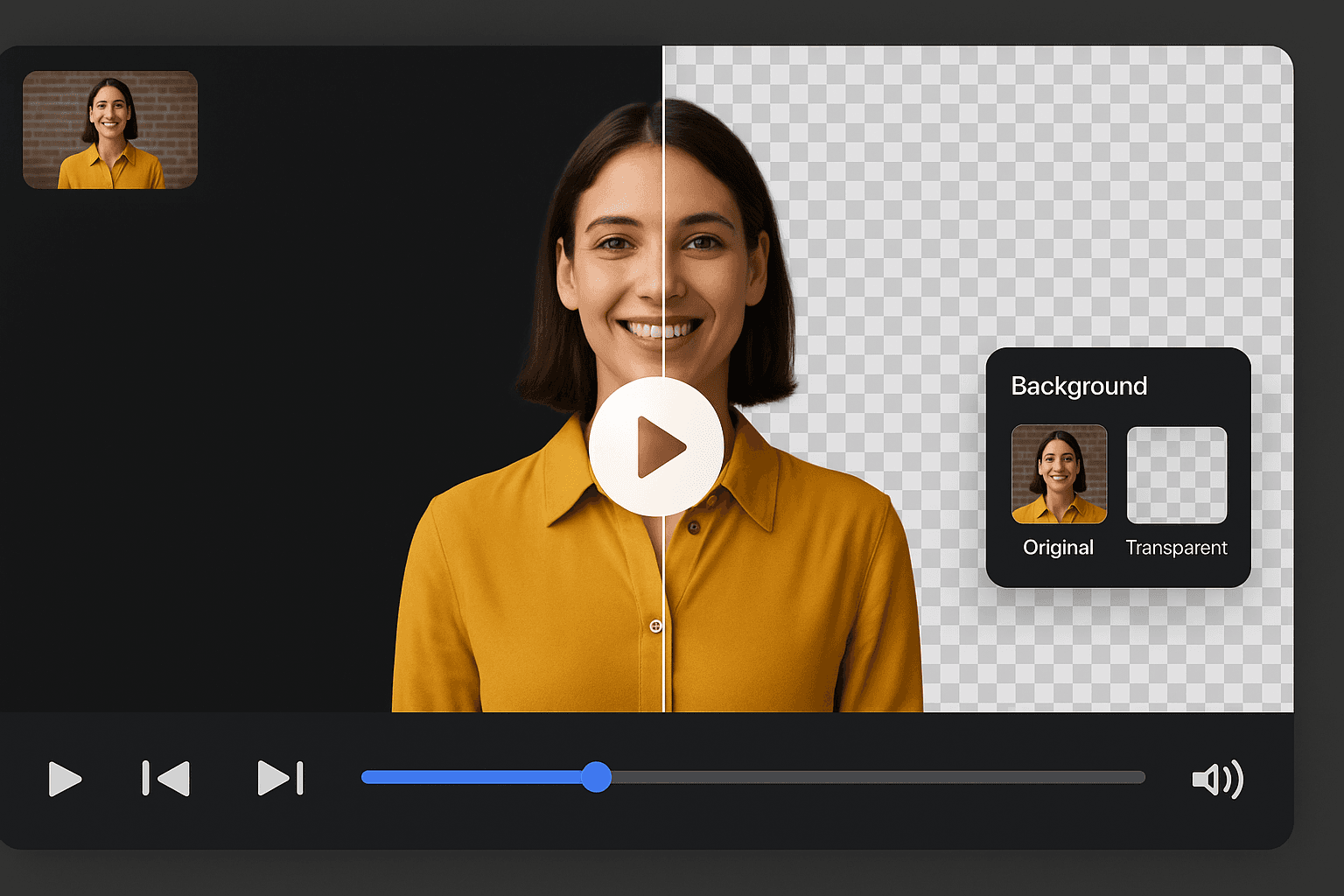
Remove and replace backgrounds on presenter clips, webinars, sales videos, and course recordings. AI keeps cutouts stable while speakers move and gesture.
File must be MP4, MOV, WebM or M4V
By uploading your file, you agree to the BGRemover.video Terms of Use and Privacy Policy

Talking-head videos need stable masks while faces move, hands gesture, and cameras shift slightly. BGRemover tracks the presenter across frames so backgrounds stay clean from intro to outro.
Turn messy rooms into branded colors, blur-style scenes, or custom images without rebuilding your set. Ideal for founders, coaches, educators, and sales teams recording in real offices.

Publish LMS lessons, onboarding modules, demo videos, and LinkedIn updates with a consistent look. Swap backgrounds to match campaign creative without reshooting every take.
No timeline skills required. Upload a talking-head clip, preview the cutout, choose a new background, and export a share-ready file for YouTube, Vimeo, or your learning platform.

Optimized for speech-driven clips rather than action footage.
Make instructor videos look consistent across modules.
Hide home offices and replace with brand-safe scenes.
Turn long recordings into polished short clips.
Purpose-built for speaker-led content rather than general video cleanup.
Clean up instructor footage for LMS uploads.
Keep leadership messages visually on-brand.
Reduce background noise in user interview clips.
Standardize HR and enablement recordings from distributed teams.
How It Works
Talking-head clips fail when the room distracts from the speaker. Remove or replace the background while keeping face and gesture movement stable.
Use webcam, office, studio, or teleprompter recordings.
Face and upper-body motion stay attached to the cutout across the clip.
Apply neutral, branded, or minimal backdrops suited to courses and sales videos.
Presenter footage needs stable face tracking, not just a one-frame cutout.
Try this workflowFAQ
Presenter footage, webinars, and course publishing.
Yes. Upload webcam or screen-camera clips and replace distracting rooms with cleaner backdrops.
This page focuses on presenter-led clips where face stability and speech-driven motion matter most.
Yes. Many educators use BGRemover to make instructor footage consistent before uploading to an LMS.
Replace video backgrounds with colors, photos, or video backdrops in one browser workflow. Remove the original scene and publish branded content without reshooting.
Create transparent video backgrounds for overlays, compositing, and motion graphics. AI removes the backdrop and exports alpha-friendly results without a green screen.
Create distraction-free, professional course videos in minutes — no editing experience needed.
Page 1 of 1
Be the first to share your experience.
Upload a presenter clip and replace the background in minutes.
Upload Video