“This background removal tool is incredible! I can create professional-looking videos in minutes. The AI technology is so accurate, and it saves me hours of editing time.”
SJ
Sarah Johnson
Content Creator · YouTube
一键移除并替换您的视频背景。在线视频背景更换应用程式。
or drop a file anywhere on this page
MP4, MOV, JPG, PNG, WEBP · Up to 200MB · 5 min max
No file? Try one of these
By uploading, you agree to our Terms of Service and Privacy Policy
See how BGRemover adapts the background for each category.

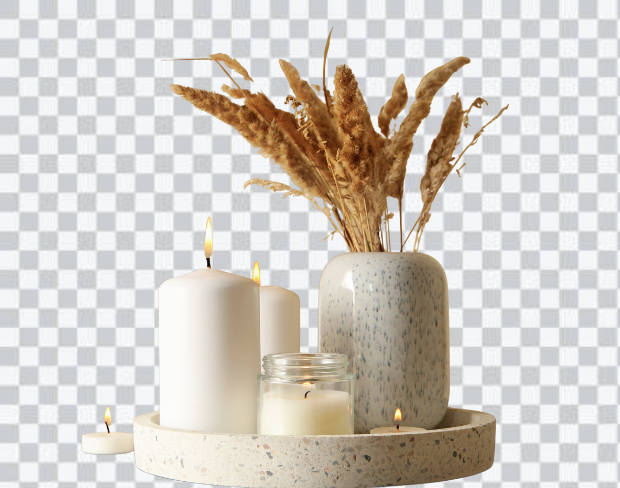
Preview 1 of 5
上传您的视频
Supports MP4 & MOV up to 200MB. Drag & drop or click to browse from your device.
我们的AI会移除背景
Our AI model precisely detects every edge — no green screen or manual masking needed.
下载您的新视频
Export as transparent WebM or MP4 with a custom background. No watermark, ever.
您在寻找移除背景的应用程式吗?这个免费视频编辑器让您可以用其他图片、视频或颜色替换原始背景或绿幕。您可以一键选择透明或纯色背景。AI背景移除工具简单、快速且有趣!
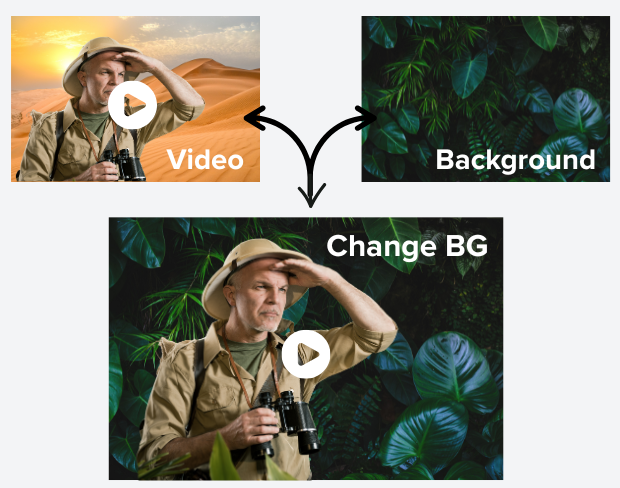
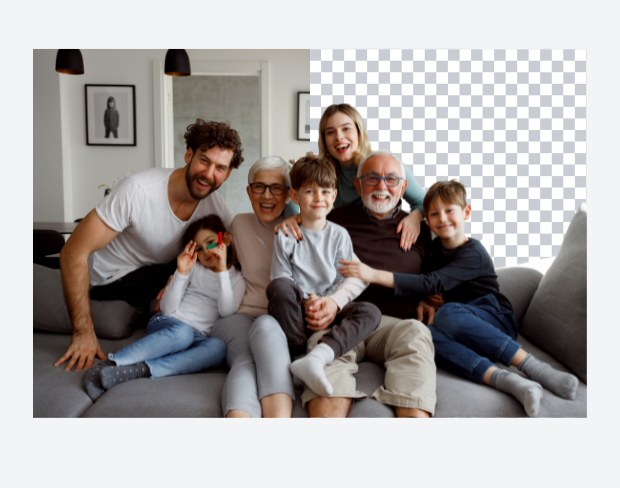
我们先进的AI技术能自动精准地检测并移除您视频中的背景。无需手动编辑或复杂软件——只需上传视频,见证神奇效果。非常适合内容创作者、营销人员和想要专业视频的任何人。
通过用精彩图片、动态视频或纯色替换背景,改变您的视频。无论您想置身热带海滩、现代办公室,还是为内容创建纯白背景,我们的工具都能轻松实现。上传您自己的背景或从我们的精选中选择。
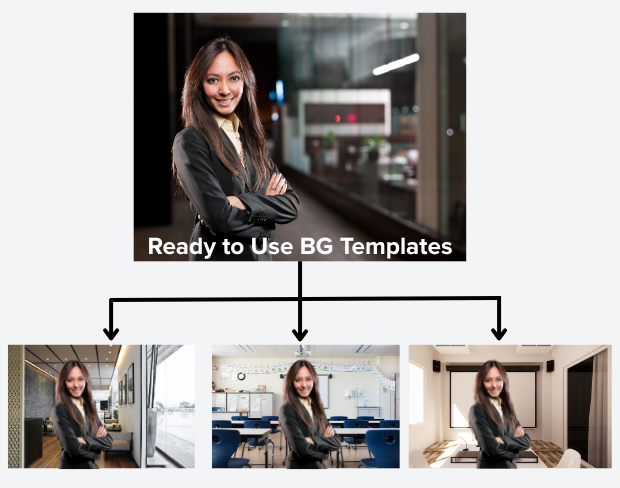
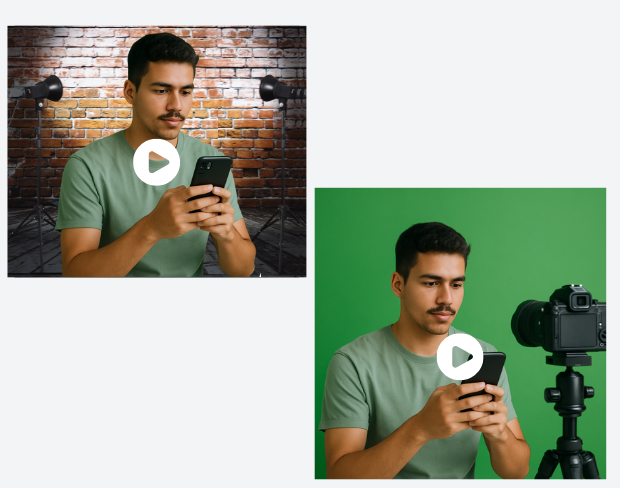
没有绿幕?没问题!我们的AI可以移除任何背景,非常适合无需昂贵设备即可制作专业视频。适合远程办公、在线演示、社交媒体内容和视频会议。随时随地制作工作室级视频。
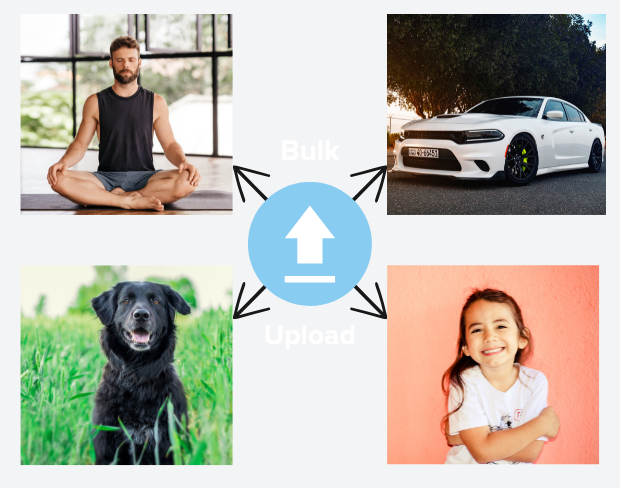
一次处理多个视频,节省时间。批量处理功能让您可以上传多个视频并同时移除所有背景。非常适合内容创作者和拥有大量视频库的企业。
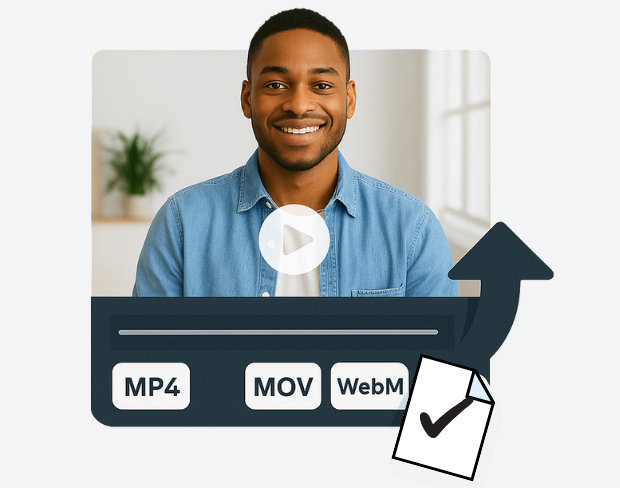
以多种格式(包括MP4、MOV、WebM)导出视频,并可自定义质量设置。在完美移除背景的同时保持原始视频质量。我们的工具保留视频细节,确保所有设备流畅播放。
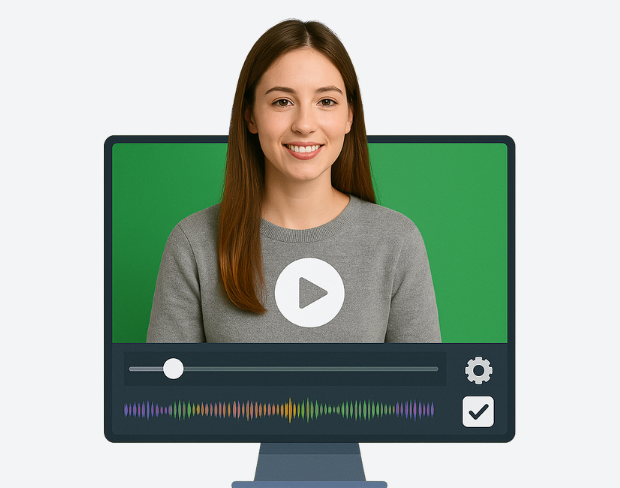
通过实时预览功能立即查看移除背景的效果。随时调整,微调设置,在最终导出前完善您的视频。直观界面让编辑变得自然轻松,即使是初学者也能轻松上手。
See how BGRemover reimagines any scene with a brand-new background.

Original

Transparent background

New background


Endless possibilities
* All plans include a free trial.
Perfect for quick background removals





Best for content creators & small teams
For high-volume projects & agencies
Exactly the credits you need, nothing more
50 credits
~0 min of video or 50 images
“This background removal tool is incredible! I can create professional-looking videos in minutes. The AI technology is so accurate, and it saves me hours of editing time.”
Sarah Johnson
Content Creator · YouTube
“As an online instructor, this tool has revolutionized how I create educational content. Clean, professional backgrounds help my students focus on the lesson content.”
David Park
Educator · Online Learning Platform
“We use it across every client shoot now. Consistent quality, fast exports, and it handles fine details like hair and motion blur really well.”
Priya Nair
Video Producer · Studio Nine
“This background removal tool is incredible! I can create professional-looking videos in minutes. The AI technology is so accurate, and it saves me hours of editing time.”
Sarah Johnson
Content Creator · YouTube
“As an online instructor, this tool has revolutionized how I create educational content. Clean, professional backgrounds help my students focus on the lesson content.”
David Park
Educator · Online Learning Platform
“We use it across every client shoot now. Consistent quality, fast exports, and it handles fine details like hair and motion blur really well.”
Priya Nair
Video Producer · Studio Nine
“Our team uses this for all our product videos. The quality is amazing and the ease of use is unmatched. We've increased our video production by 300% since using this tool.”
Michael Chen
Marketing Director · TechStart Inc.
“I've tried many background removal tools, but this one is by far the best. The precision is incredible, and it works perfectly even with complex hair and clothing details.”
Lisa Thompson
Freelance Video Editor · Independent
“Green screen without a green screen. I film anywhere and drop in a studio background afterward it looks completely natural.”
Alex Turner
YouTuber · Independent
“Our team uses this for all our product videos. The quality is amazing and the ease of use is unmatched. We've increased our video production by 300% since using this tool.”
Michael Chen
Marketing Director · TechStart Inc.
“I've tried many background removal tools, but this one is by far the best. The precision is incredible, and it works perfectly even with complex hair and clothing details.”
Lisa Thompson
Freelance Video Editor · Independent
“Green screen without a green screen. I film anywhere and drop in a studio background afterward it looks completely natural.”
Alex Turner
YouTuber · Independent
“Perfect for creating engaging social media content. The background removal is seamless, and I love how I can add custom backgrounds to match our brand aesthetic.”
Emma Rodriguez
Social Media Manager · Digital Agency
“Swapping backgrounds used to take me an hour in a desktop editor. Now I upload, pick a scene, and it's done in minutes with better edges.”
James Wilson
UGC Creator · Freelance
“Our product videos finally look consistent across every platform. Clean backgrounds, zero manual masking, huge time saver for the team.”
Olivia Brooks
Brand Manager · RetailCo
“Perfect for creating engaging social media content. The background removal is seamless, and I love how I can add custom backgrounds to match our brand aesthetic.”
Emma Rodriguez
Social Media Manager · Digital Agency
“Swapping backgrounds used to take me an hour in a desktop editor. Now I upload, pick a scene, and it's done in minutes with better edges.”
James Wilson
UGC Creator · Freelance
“Our product videos finally look consistent across every platform. Clean backgrounds, zero manual masking, huge time saver for the team.”
Olivia Brooks
Brand Manager · RetailCo
我们的AI会分析您的视频并自动移除背景。
我们支持MP4、MOV和M4V格式。
有,视频需小于200MB且时长小于10分钟。
Yes! BGRemover.video is the best Unscreen alternative, especially since Unscreen is shutting down on December 1, 2025. We offer unlimited video length, HD quality, no watermarks, and completely free usage - all features that required paid plans on Unscreen.
Unscreen announced they're shutting down on December 1, 2025 at 9:00 AM CET. Canva decided to discontinue the service to focus on other products. This makes BGRemover.video the perfect replacement with superior features and no shutdown concerns. Try our video background remover for better results.
Absolutely! Unlike Unscreen's free version which limited videos to 5-10 seconds, BGRemover.video has no time restrictions. Process videos of any length completely free - a feature that would have cost money with Unscreen Pro.
Page 1 of 1
Be the first to share your experience.