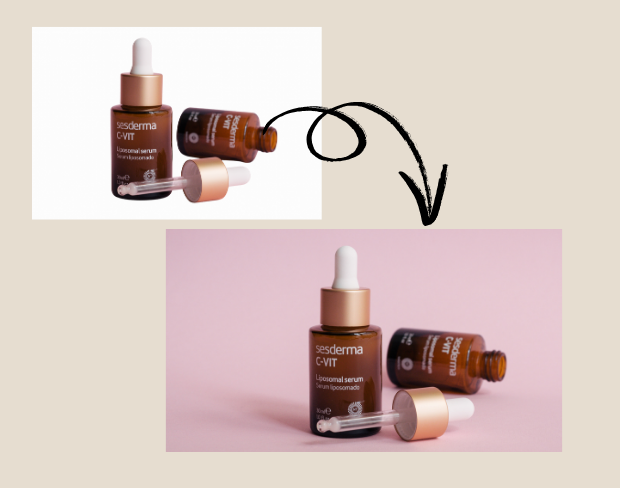
Catalog cleanup at scale
Prepare clean visuals that can move into ads, listings, shorts, presentations, or client deliverables.
Create clean, professional product videos in seconds — no green screen or editing skills required.
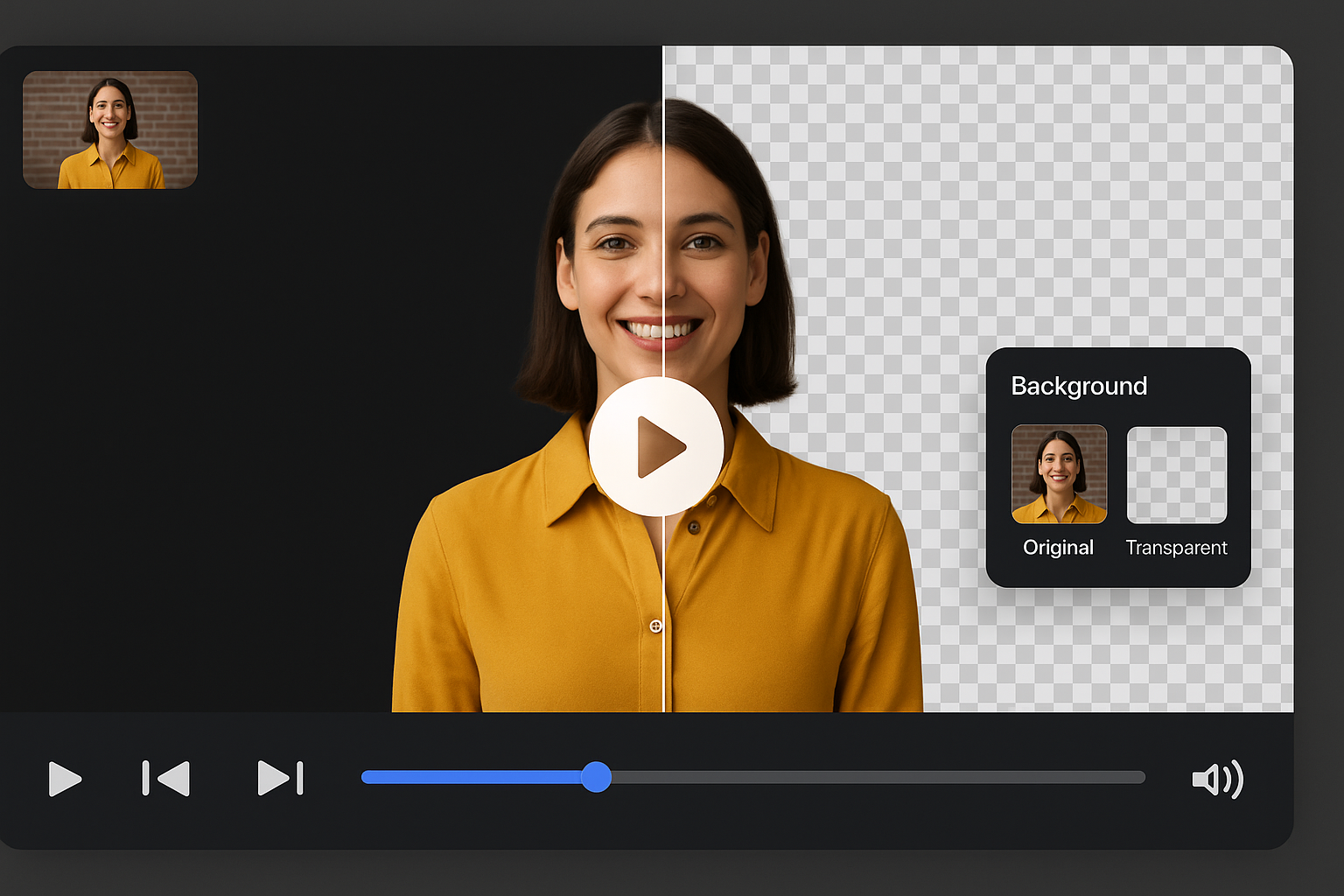
Try it freeE-commerce sellers can now remove cluttered video scenes with our AI tool to remove background. This auto background remover helps create clean, professional videos that highlight your products better. It’s perfect for product pages, social media ads, and marketplace listings, improving engagement and click-through rates fast.

No green screen or editing skills required. Use our video background remover to replace distracting environments with neutral or branded backdrops. With remove background AI, sellers can produce high-quality promotional videos from any location, saving on production costs while creating visually consistent content across all platforms.
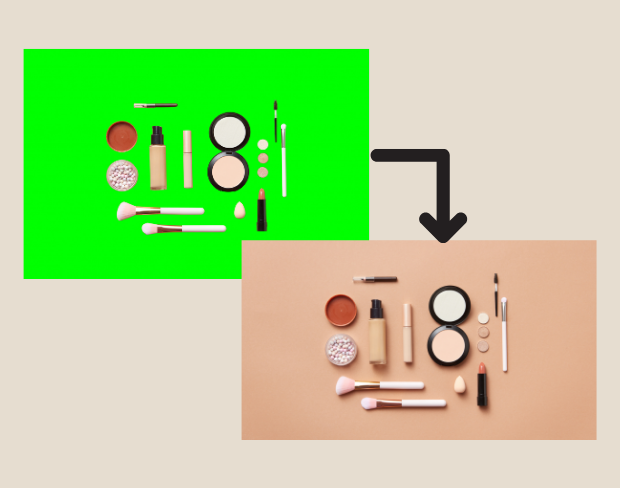
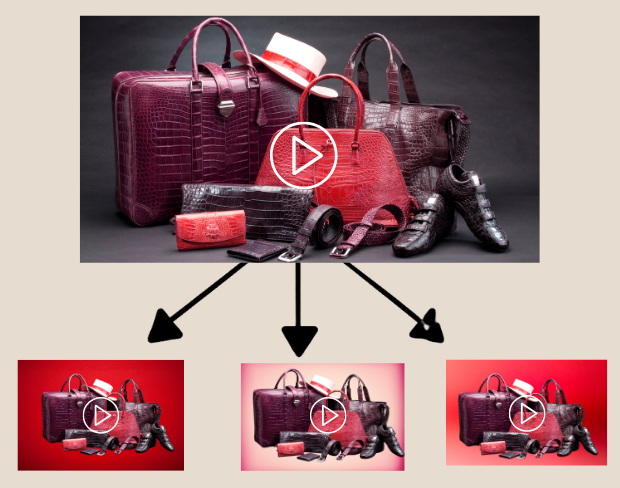
Need to process dozens of videos? Our tool supports batch uploads to remove background HD quality from multiple clips at once. Ideal for sellers with large inventories, it’s the fastest way to prep product videos for seasonal sales, platform ads, or catalog updates — with consistent, professional results using smart AI editing tools.

Sellers can make background transparent free to create flexible product videos for different e-commerce platforms. Use transparent background videos for animated product explainers, reels, or custom overlays. With this background eraser, your product remains the focus while branding stays clean, modern, and visually appealing.
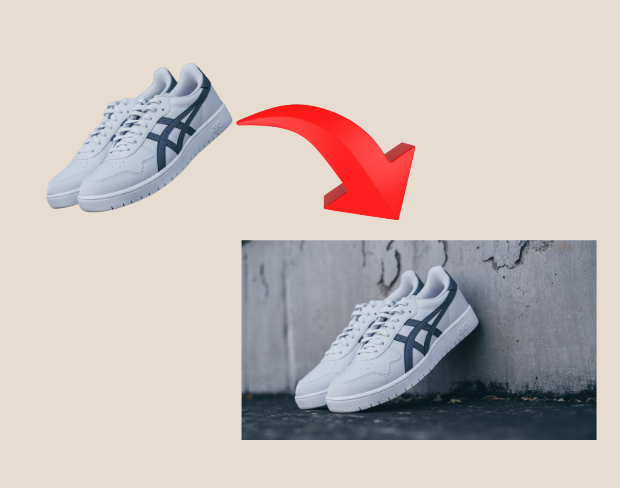
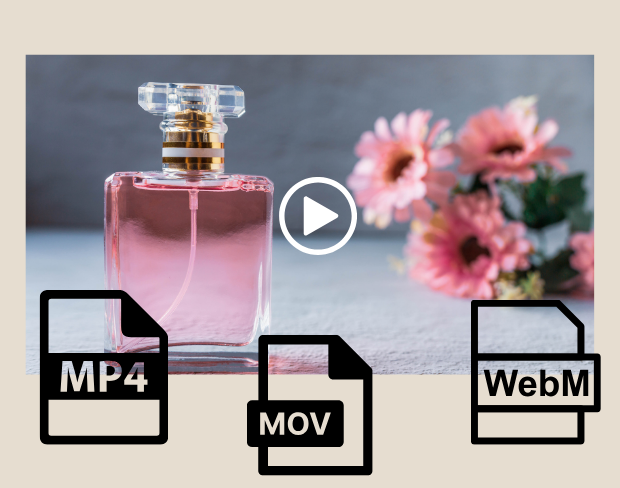
After editing, export your product videos in MP4, MOV, or WebM with the background removed. Our AI video background remover ensures sharp, HD-ready content perfect for Amazon, Instagram, YouTube, or your Shopify store. Flexible format options and clear background output mean your e-commerce content is always platform-ready.


Use ai video background remover for e-commerce sellers for transparent assets, replaced backgrounds, and visual systems that stay consistent across campaigns.
Prepare footage for overlays, shorts, ads, presentations, and composited scenes.
Use solid colors, branded looks, neutral backdrops, or campaign-specific visuals without a full editor.
AI handles hair, clothing, movement, and object contours so exports stay polished across common creator workflows.
BGRemover is useful anywhere you need a clean subject, a transparent asset, or a consistent background without opening a full editing suite.
Prepare clean visuals that can move into ads, listings, shorts, presentations, or client deliverables.
Create clean, professional product videos in seconds — no green screen or editing skills required. works as a focused background-removal workflow, so you can move from raw media to usable assets without a complex editing timeline.
Start with your fileStep 01
Add an MP4 or MOV clip from your device. No green screen or studio setup is required.
Step 02
Frames are analyzed automatically so people, products, and foreground motion stay separated from the scene.
Step 03
Export with a transparent background or place the clip on a color, branded scene, or clean visual backdrop.
BGRemover focuses on the background-removal job instead of asking you to build masks, timelines, layers, and export presets from scratch.
Try the workflowClear answers about uploads, exports, video limits, and switching from older background removal tools.
Start removing background我们的AI会分析您的视频并自动移除背景。
我们支持MP4、MOV和M4V格式。
有,视频需小于200MB且时长小于10分钟。
Yes! BGRemover.video is the best Unscreen alternative, especially since Unscreen is shutting down on December 1, 2025. We offer unlimited video length, HD quality, no watermarks, and completely free usage - all features that required paid plans on Unscreen.
Unscreen announced they're shutting down on December 1, 2025 at 9:00 AM CET. Canva decided to discontinue the service to focus on other products. This makes BGRemover.video the perfect replacement with superior features and no shutdown concerns. Try our video background remover for better results.
Absolutely! Unlike Unscreen's free version which limited videos to 5-10 seconds, BGRemover.video has no time restrictions. Process videos of any length completely free - a feature that would have cost money with Unscreen Pro.
Share your experience with BGRemover and read how other users are removing backgrounds from videos faster.
5.0
Average rating
0
Total reviews
Tell other creators what worked for you.
Showing page 1 of 1 · 0 reviews
Be the first to share your experience.
Remove video backgrounds, add transparency, and export in HD — all with a few clicks.