Creator videos and shorts
Prepare clean visuals that can move into ads, listings, shorts, presentations, or client deliverables.
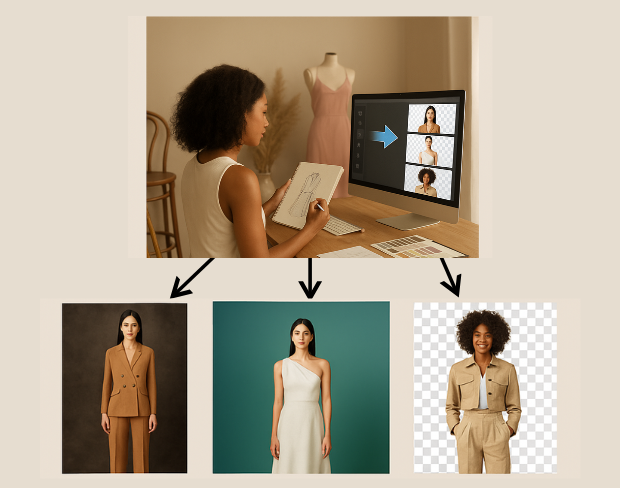
设计师和内容创作者可以即时清理走秀、幕后或系列视频。AI自动背景移除让你的服装更出众,视觉更纯净。

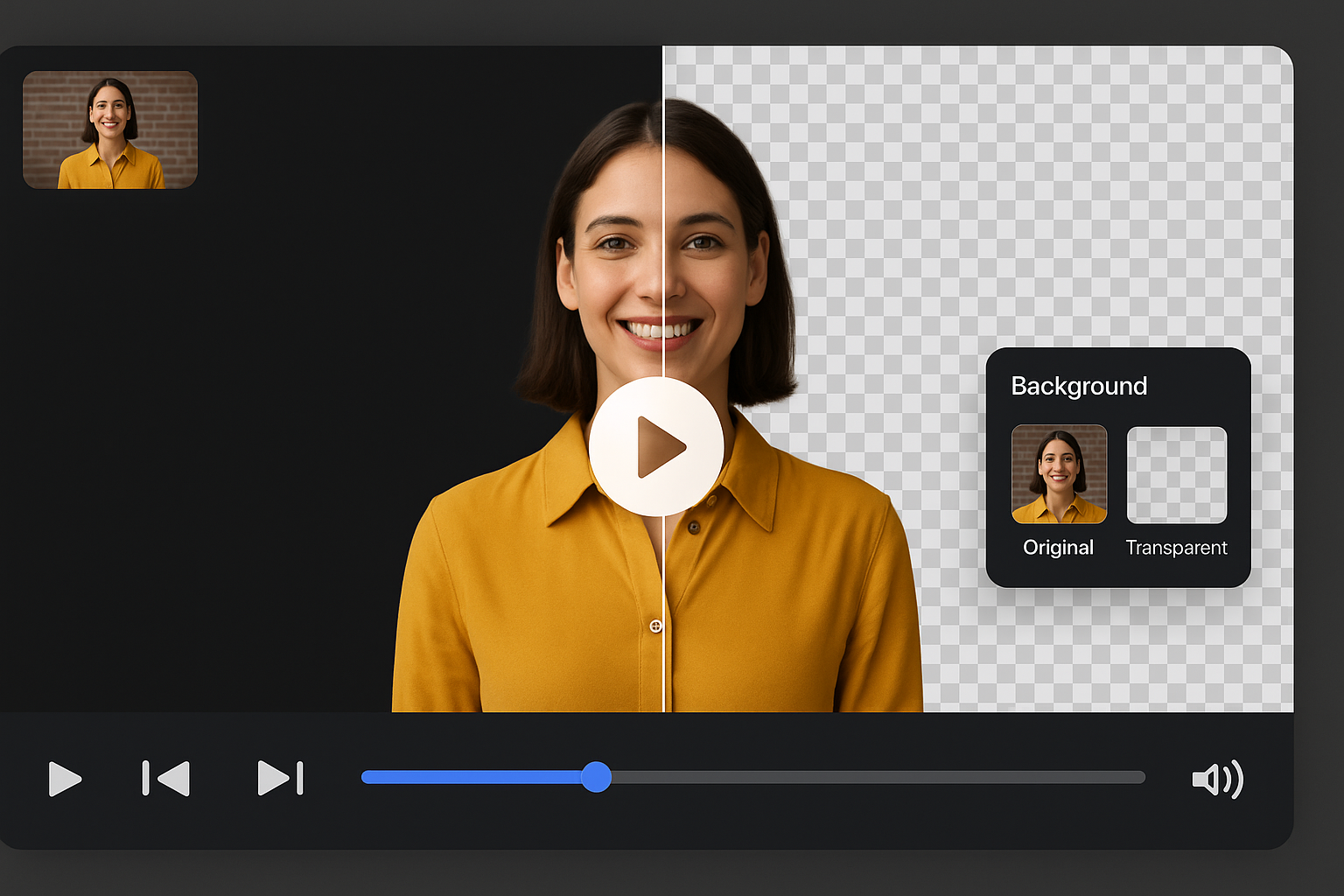
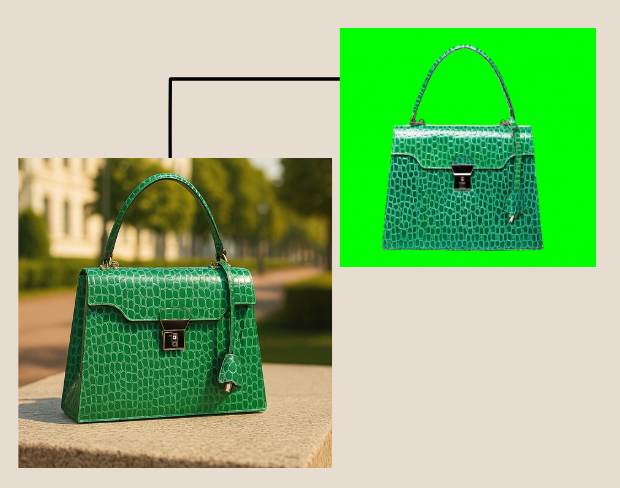
让背景透明,聚焦服装本身。不论是短视频、解说片还是展示片,都能突出材质和色彩。
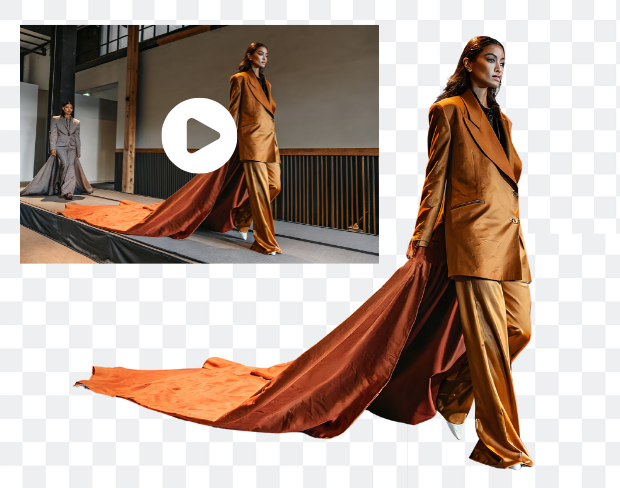
无需复杂工具,即可实现专业剪辑。智能编辑可瞬时更换或擦除背景,打造高质感视觉。

处理整套系列视频,同时保持品牌统一性,速度快且高效,非常适合数字 lookbook 和宣传素材。
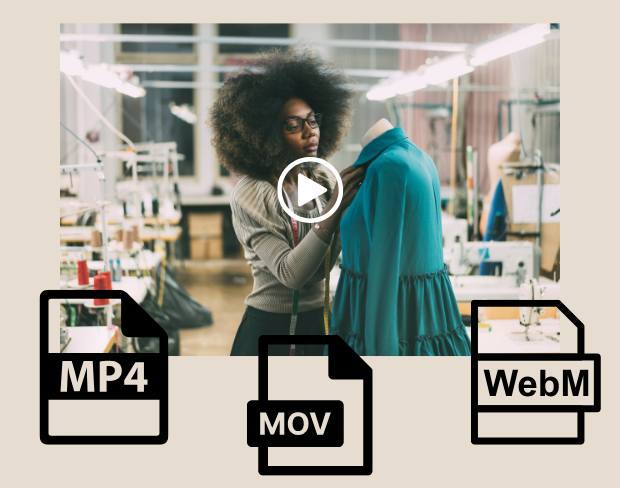
背景移除后可导出为 MP4、MOV、WebM 等格式。无论是透明背景还是样式背景,均适用于 Instagram、品牌网站或作品集。


Use 时尚内容创作者专用 ai 视频背景移除 for transparent assets, replaced backgrounds, and visual systems that stay consistent across campaigns.
Prepare footage for overlays, shorts, ads, presentations, and composited scenes.
Use solid colors, branded looks, neutral backdrops, or campaign-specific visuals without a full editor.
AI handles hair, clothing, movement, and object contours so exports stay polished across common creator workflows.
BGRemover is useful anywhere you need a clean subject, a transparent asset, or a consistent background without opening a full editing suite.
Prepare clean visuals that can move into ads, listings, shorts, presentations, or client deliverables.
无需绿幕或剪辑技能,几秒内制作专业的时尚视频。 works as a focused background-removal workflow, so you can move from raw media to usable assets without a complex editing timeline.
Start with your fileStep 01
Add an MP4 or MOV clip from your device. No green screen or studio setup is required.
Step 02
Frames are analyzed automatically so people, products, and foreground motion stay separated from the scene.
Step 03
Export with a transparent background or place the clip on a color, branded scene, or clean visual backdrop.
BGRemover focuses on the background-removal job instead of asking you to build masks, timelines, layers, and export presets from scratch.
Try the workflowClear answers about uploads, exports, video limits, and switching from older background removal tools.
Start removing background我们的AI会分析您的视频并自动移除背景。
我们支持MP4、MOV和M4V格式。
有,视频需小于200MB且时长小于10分钟。
Yes! BGRemover.video is the best Unscreen alternative, especially since Unscreen is shutting down on December 1, 2025. We offer unlimited video length, HD quality, no watermarks, and completely free usage - all features that required paid plans on Unscreen.
Unscreen announced they're shutting down on December 1, 2025 at 9:00 AM CET. Canva decided to discontinue the service to focus on other products. This makes BGRemover.video the perfect replacement with superior features and no shutdown concerns. Try our video background remover for better results.
Absolutely! Unlike Unscreen's free version which limited videos to 5-10 seconds, BGRemover.video has no time restrictions. Process videos of any length completely free - a feature that would have cost money with Unscreen Pro.
Share your experience with BGRemover and read how other users are removing backgrounds from videos faster.
5.0
Average rating
0
Total reviews
Tell other creators what worked for you.
Showing page 1 of 1 · 0 reviews
Be the first to share your experience.
轻松移除背景、设置透明效果,并导出高质感视频。