让你的 Vlog 脱颖而出,靠 AI 就够了

智能视频编辑工具,轻松优化你的 Vlog 内容,无需经验。
免费试用
Feature

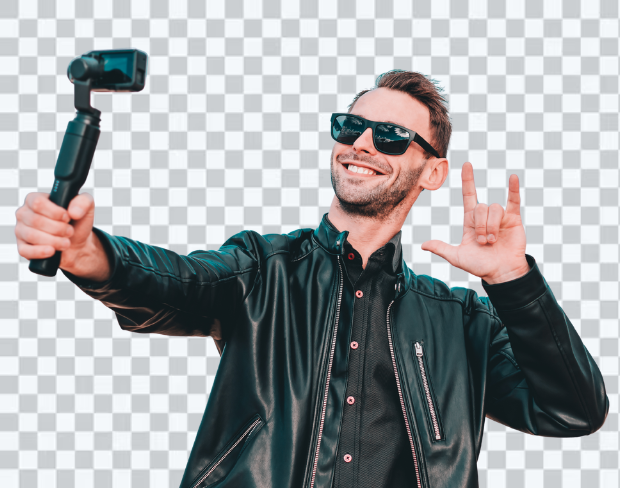
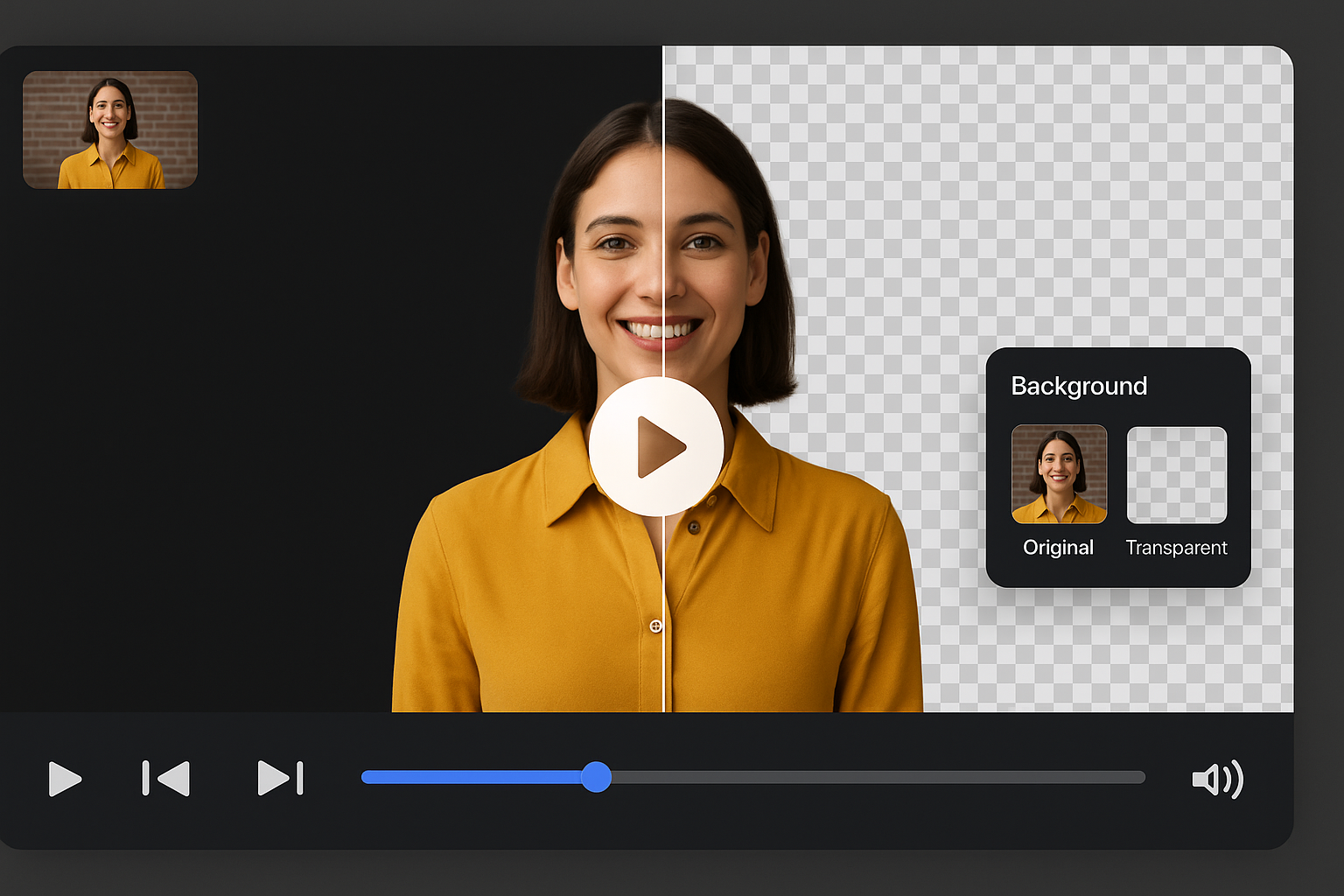
AI 背景移除,一键清理杂乱画面

只需一键即可移除 Vlog 中混乱或干扰的背景,无需绿幕。AI 自动检测并去除背景,可自定义或使用透明背景。非常适合旅行、日常或生活类 Vlog。

AI 背景移除,一键清理杂乱画面
Feature

新手友好的 Vlog 编辑器,搭载智能工具

无需学习复杂软件,我们的拖拽式视频编辑器适合任何水平的创作者。快速去背景、添加叠加图层、实时调整视觉效果,轻松实现专业级效果。
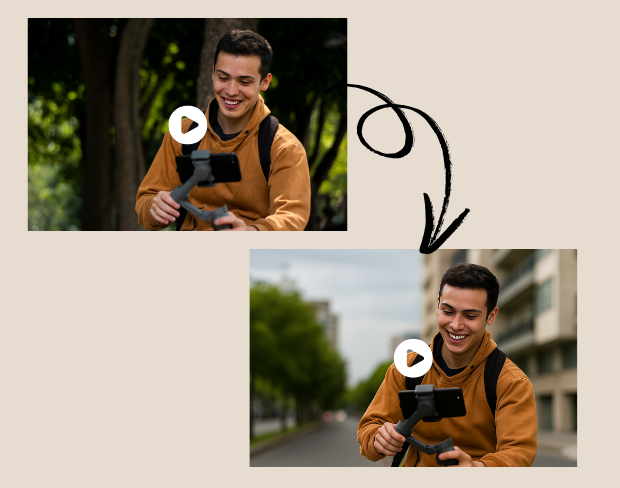
新手友好的 Vlog 编辑器,搭载智能工具
Feature

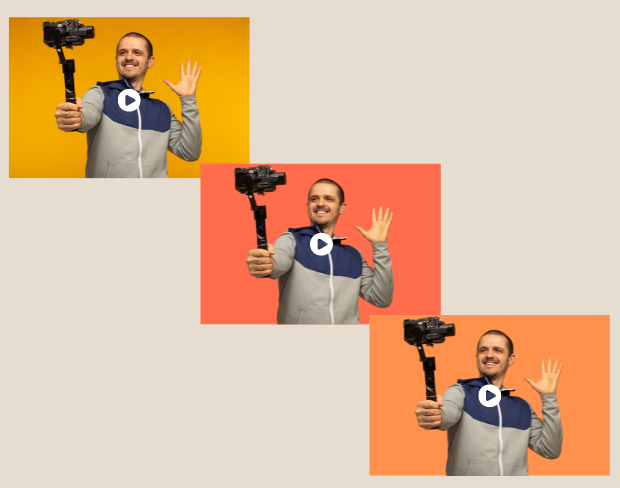
匹配各种风格的虚拟背景

厌倦了总是在同一个地方拍摄?挑选几十种虚拟背景或上传自己的背景。不管是居家分享、教程还是开箱,几秒钟就能营造出合适氛围。

匹配各种风格的虚拟背景
Feature

适合系列 Vlog 和旧内容的批量编辑

需要处理多个剪辑或旧视频?使用批量背景移除功能同时处理多个视频,节省大量剪辑时间,适合创作者批量产出或复用旧素材。
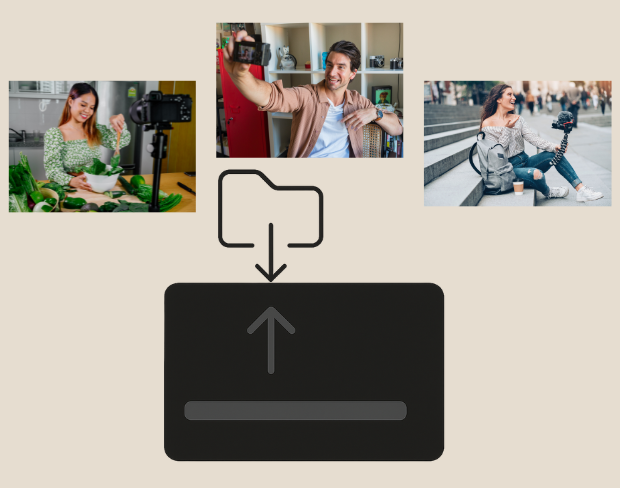
适合系列 Vlog 和旧内容的批量编辑
Feature

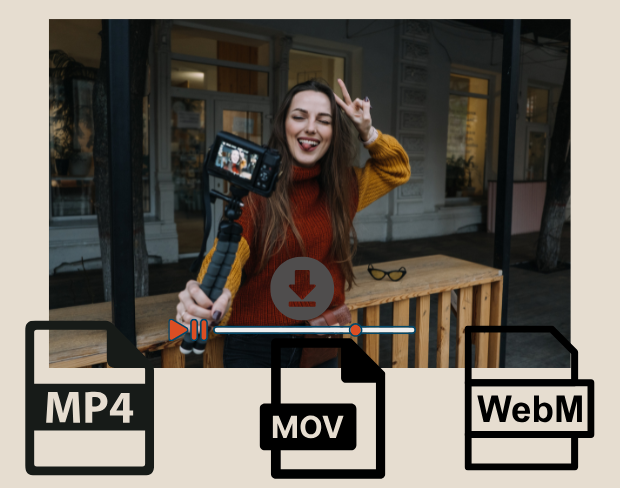
导出适配 YouTube、TikTok 和 Instagram 的格式

支持导出 MP4、MOV、WebM 高质量格式,适配各大社媒平台。透明背景或风格化背景,轻松打造高吸引力内容。文件压缩优化,上传快速,画质清晰。

导出适配 YouTube、TikTok 和 Instagram 的格式
让你的 Vlog 脱颖而出,靠 AI 就够了 preview
Clean export
Outputs

Export for the places your media actually goes

Use 让你的 vlog 脱颖而出,靠 ai 就够了 for transparent assets, replaced backgrounds, and visual systems that stay consistent across campaigns.

Transparent video output

Prepare footage for overlays, shorts, ads, presentations, and composited scenes.

Replace the background

Use solid colors, branded looks, neutral backdrops, or campaign-specific visuals without a full editor.

Keep subject edges natural

AI handles hair, clothing, movement, and object contours so exports stay polished across common creator workflows.

一键去除 Vlog 背景无需绿幕也能打造虚拟场景支持批量处理多个 Vlog 视频
Use cases

Built for repeatable background removal work

BGRemover is useful anywhere you need a clean subject, a transparent asset, or a consistent background without opening a full editing suite.

Creator videos and shorts

Prepare clean visuals that can move into ads, listings, shorts, presentations, or client deliverables.

Marketing ads and launch assets

Prepare clean visuals that can move into ads, listings, shorts, presentations, or client deliverables.

Course and presentation clips

Prepare clean visuals that can move into ads, listings, shorts, presentations, or client deliverables.

Clean client-ready exports

Prepare clean visuals that can move into ads, listings, shorts, presentations, or client deliverables.

Workflow

From upload to finished background in three steps

智能视频编辑工具,轻松优化你的 Vlog 内容,无需经验。 works as a focused background-removal workflow, so you can move from raw media to usable assets without a complex editing timeline.

Start with your file

Step 01

Upload your video

Add an MP4 or MOV clip from your device. No green screen or studio setup is required.

Step 02

AI removes the background

Frames are analyzed automatically so people, products, and foreground motion stay separated from the scene.

Step 03

Download or replace

Export with a transparent background or place the clip on a color, branded scene, or clean visual backdrop.

Why it is faster

Less setup than manual editing tools

BGRemover focuses on the background-removal job instead of asking you to build masks, timelines, layers, and export presets from scratch.

Try the workflow
Task
BGRemover
Manual path
Setup
Upload media in the browser
Shoot on green screen or build masks
Editing
AI separates the subject automatically
Manual masking, rotoscoping, or repeated cleanup
Output
Transparent or replaced-background export
Export settings depend on editor setup
Best fit
Fast creator, ecommerce, and marketing workflows
Specialist editing sessions with more setup time
FAQ

常见问题

Clear answers about uploads, exports, video limits, and switching from older background removal tools.

Start removing background

我们的AI会分析您的视频并自动移除背景。

我们支持MP4、MOV和M4V格式。

有,视频需小于200MB且时长小于10分钟。

Yes! BGRemover.video is the best Unscreen alternative, especially since Unscreen is shutting down on December 1, 2025. We offer unlimited video length, HD quality, no watermarks, and completely free usage - all features that required paid plans on Unscreen.

Unscreen announced they're shutting down on December 1, 2025 at 9:00 AM CET. Canva decided to discontinue the service to focus on other products. This makes BGRemover.video the perfect replacement with superior features and no shutdown concerns. Try our video background remover for better results.

Absolutely! Unlike Unscreen's free version which limited videos to 5-10 seconds, BGRemover.video has no time restrictions. Process videos of any length completely free - a feature that would have cost money with Unscreen Pro.

Community reviews

Real feedback from creators

Share your experience with BGRemover and read how other users are removing backgrounds from videos faster.

5.0

Average rating

Verified

0

Total reviews

Write a review

Tell other creators what worked for you.

5 stars

All reviews

Showing page 1 of 1 · 0 reviews

No reviews yet

Be the first to share your experience.

Explore more

More BGRemover workflows

Open uploader

立即用 AI 开始编辑你的 Vlog

免费试用我们的工具,轻松制作专业级 Vlog 内容。

Vlog 视频 AI 背景移除工具 | BGRemover.video